How to Check an Apple Gift Card Balance
Go to Apple's gift card balance website.. Sign in with your Apple ID.. Enter the PIN associated with the gift card.
Steps
1
Go to Apple's gift card balance website.
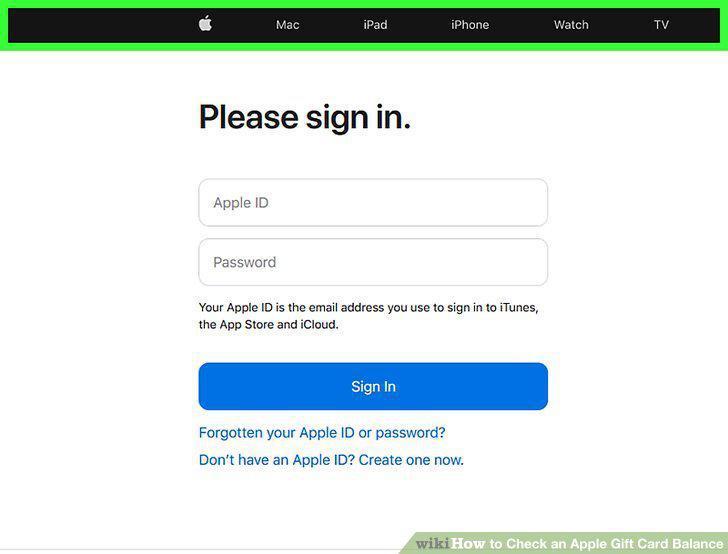
Go to Apple's gift card balance website.
2
Sign in with your Apple ID.
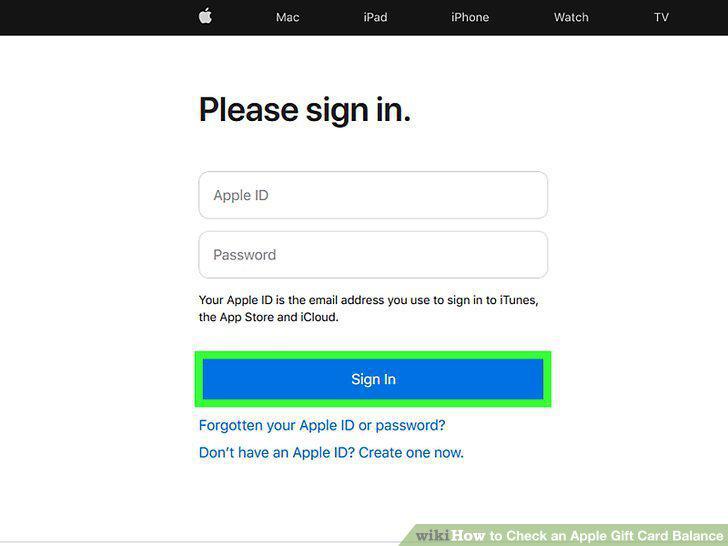
Sign in with your Apple ID.
3
Enter the PIN associated with the gift card.
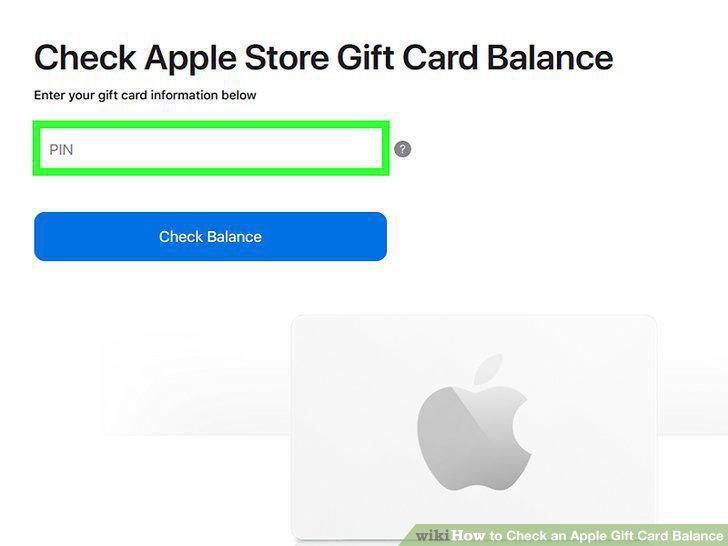
Enter the PIN associated with the gift card.
4
Click Check Balance.
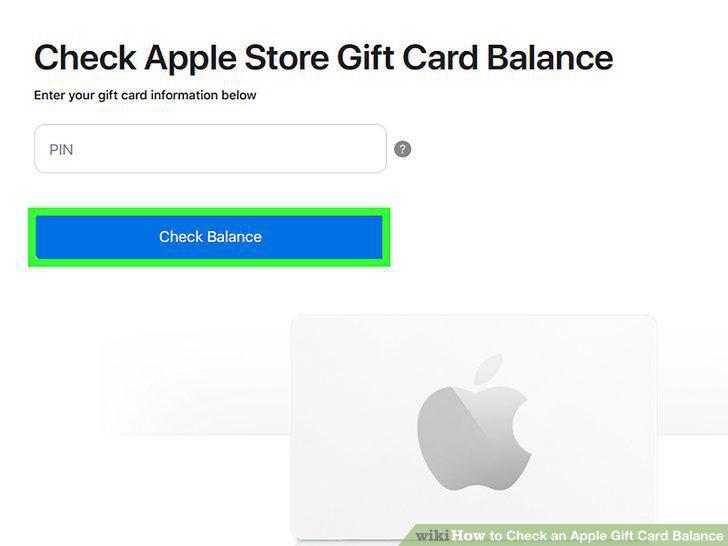
Click Check Balance.
Comments (0)
No comments yet. Be the first to share your thoughts!