How to Add Exercise on a Fitbit
Open the Fitbit app on your mobile device.. Tap the Today tab with the multi-dot icon.. Tap the plus (+) icon on the "Exercise" tile.
Steps
1
Open the Fitbit app on your mobile device.
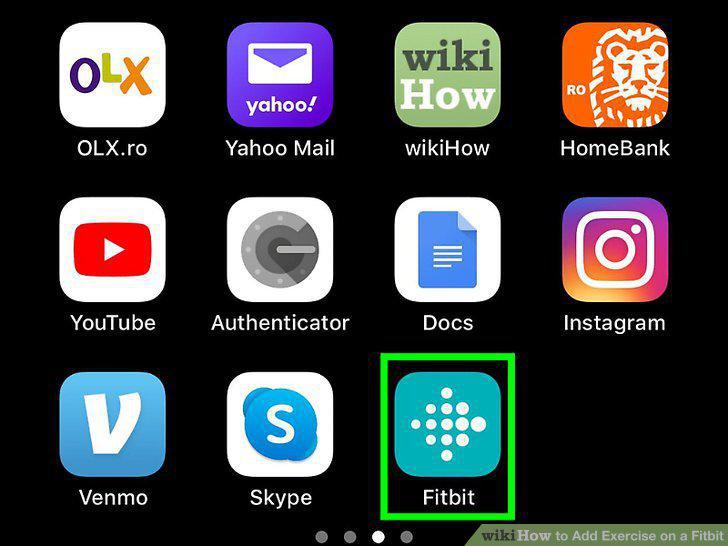
Open the Fitbit app on your mobile device.
2
Tap the Today tab with the multi-dot icon.
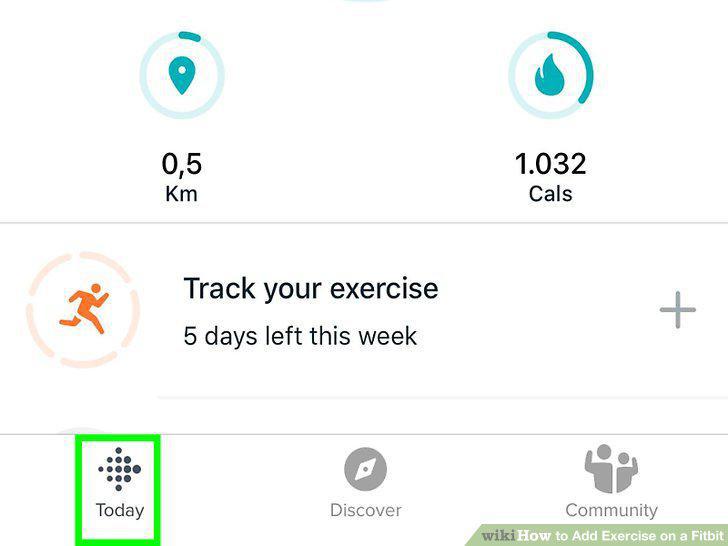
Tap the Today tab with the multi-dot icon.
3
Tap the plus (+) icon on the "Exercise" tile.
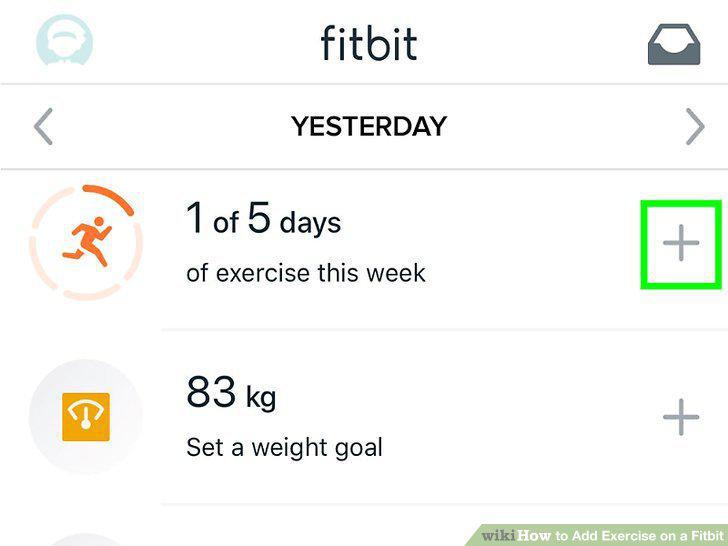
Tap the plus (+) icon on the "Exercise" tile.
4
Tap Log Previous.
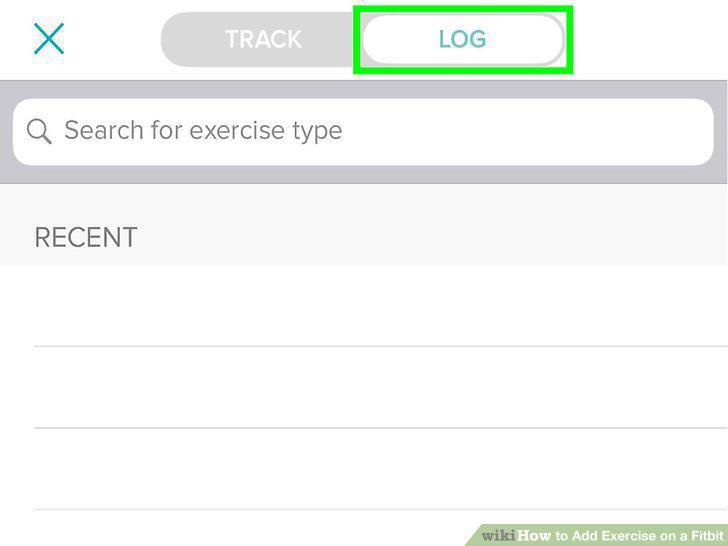
Tap Log Previous.
5
Tap an exercise or search for one.
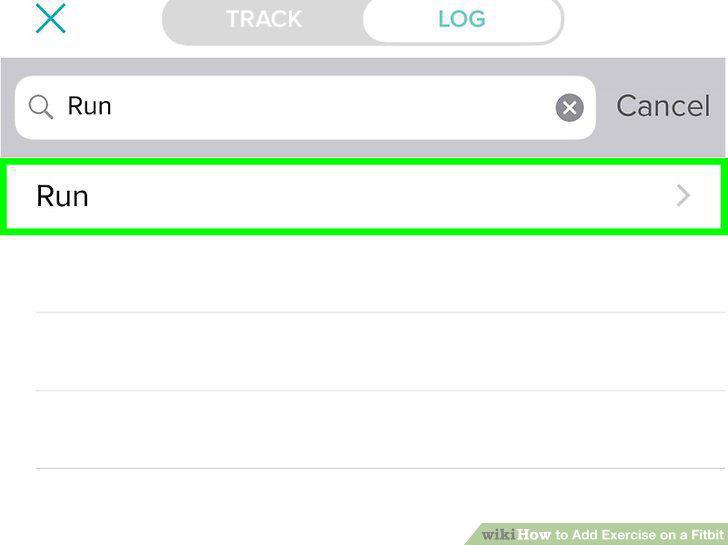
Tap an exercise or search for one.
6
Enter the activity details.
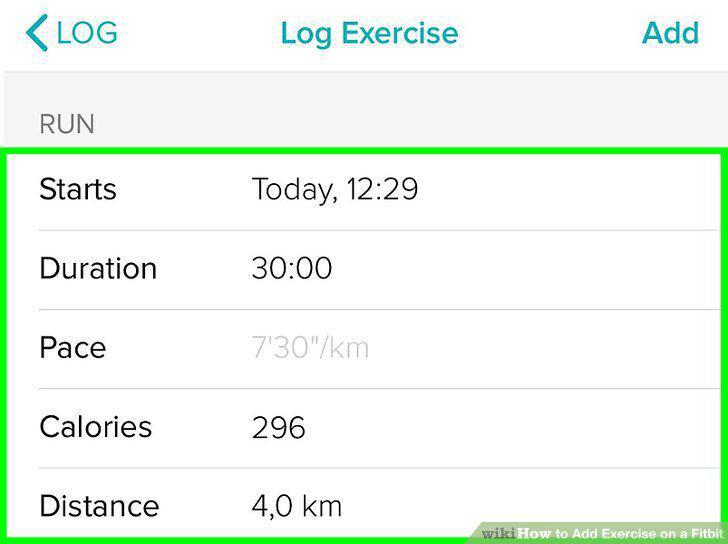
Enter the activity details.
7
Tap Log It.
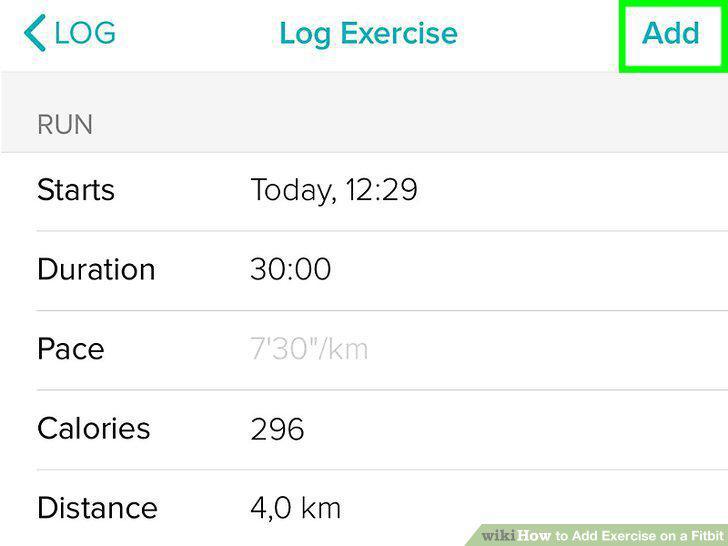
Tap Log It.
8
Open the Fitbit app on your mobile device.
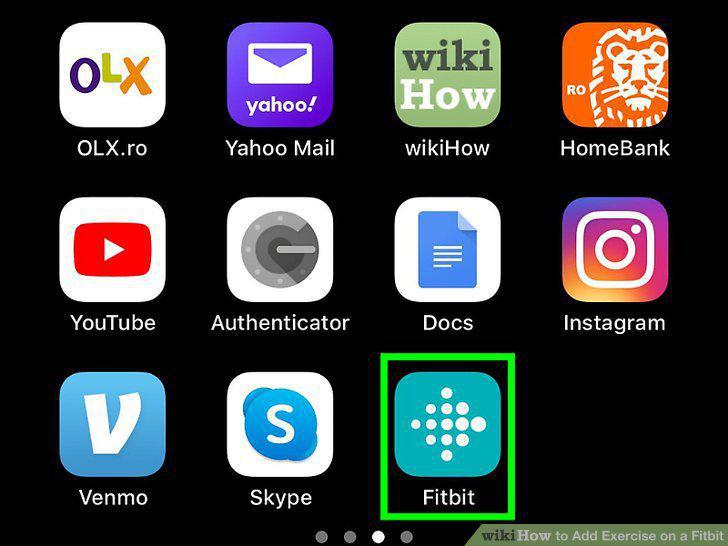
Open the Fitbit app on your mobile device.
9
Tap your Fitbit picture.
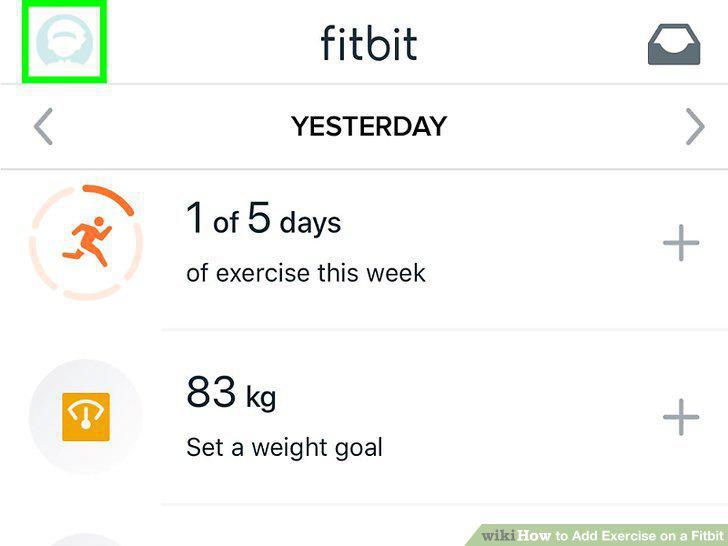
Tap your Fitbit picture.
10
Tap Exercise Shortcuts.
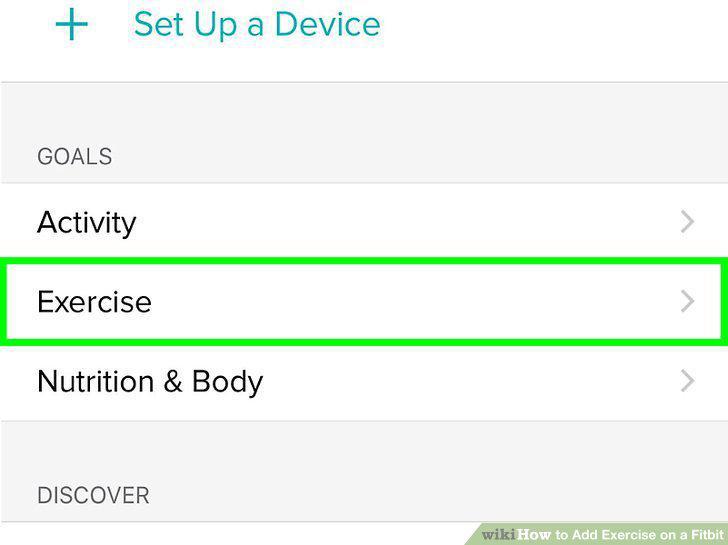
Tap Exercise Shortcuts.
11
Tap Edit.
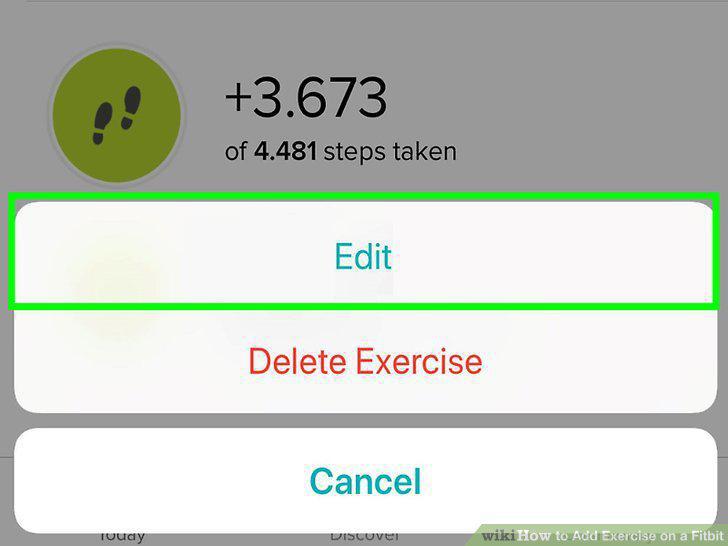
Tap Edit.
12
Tap the exercise you want to add.
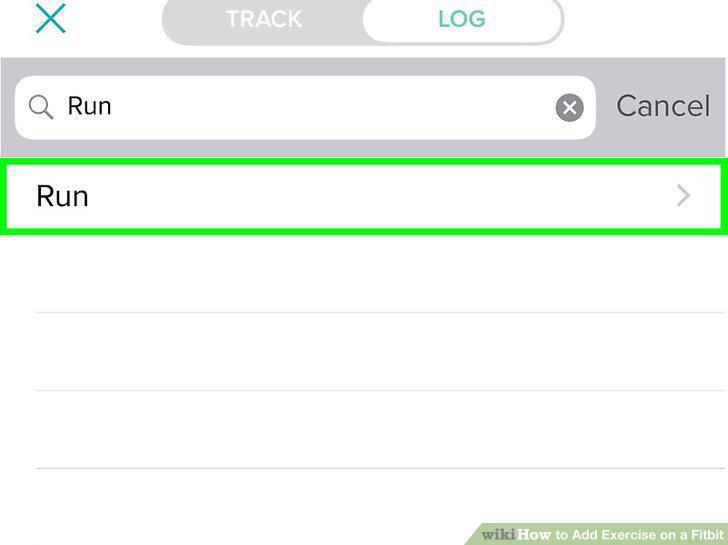
Tap the exercise you want to add.
Comments (0)
No comments yet. Be the first to share your thoughts!