How to Delete Stickers on Viber on PC or Mac
Open Viber for Windows or macOS.. Click the View menu.. Click Show contacts.
Steps
1
Open Viber for Windows or macOS.
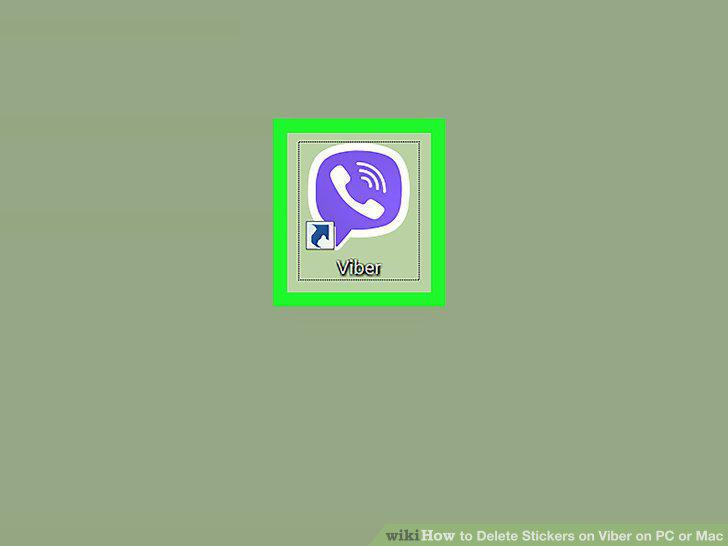
Open Viber for Windows or macOS.
2
Click the View menu.
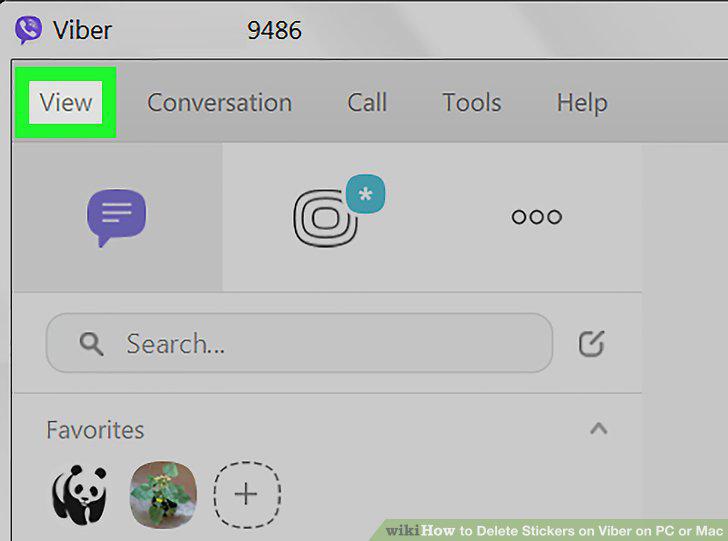
Click the View menu.
3
Click Show contacts.
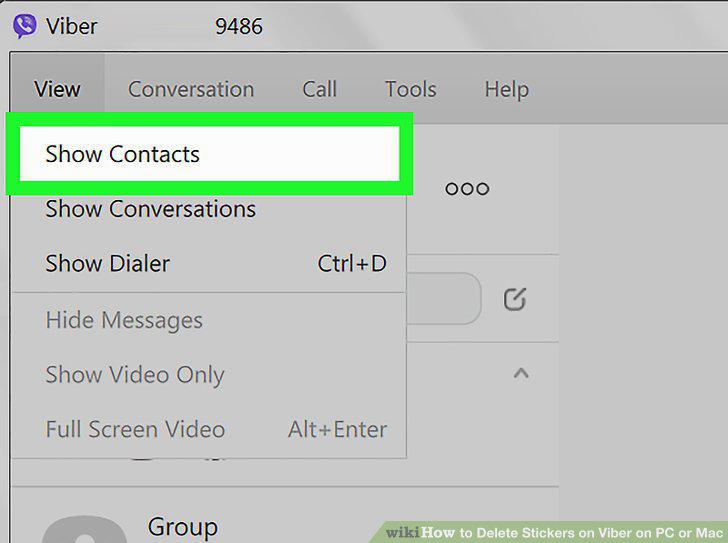
Click Show contacts.
4
Click Viber only.
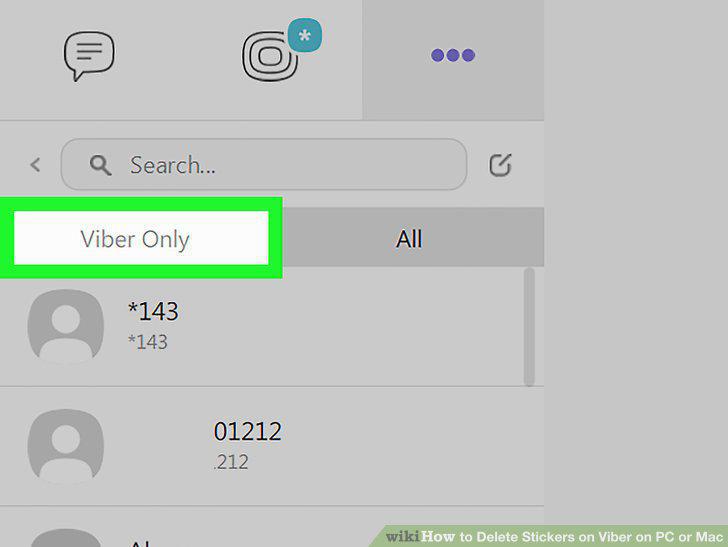
Click Viber only.
5
Click a contact.
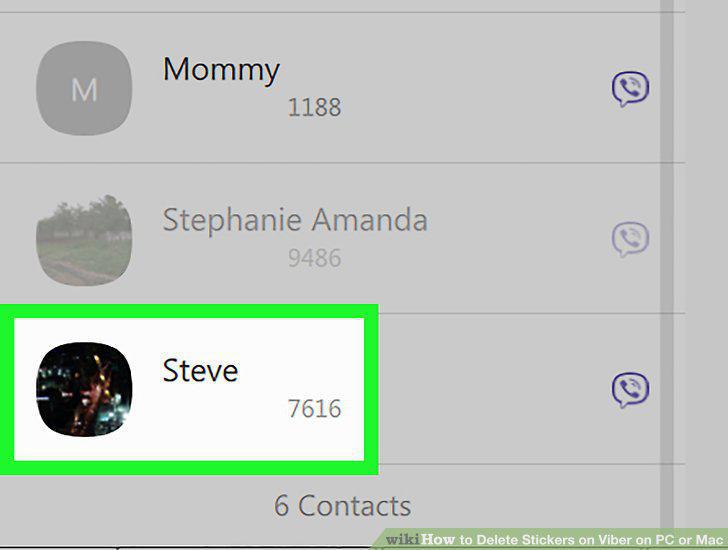
Click a contact.
6
Click the sticker icon.
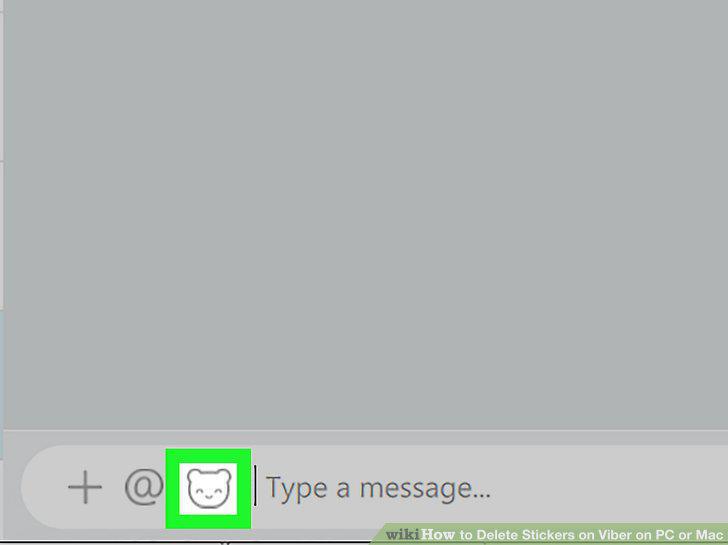
Click the sticker icon.
7
Click the upward-pointing arrow.
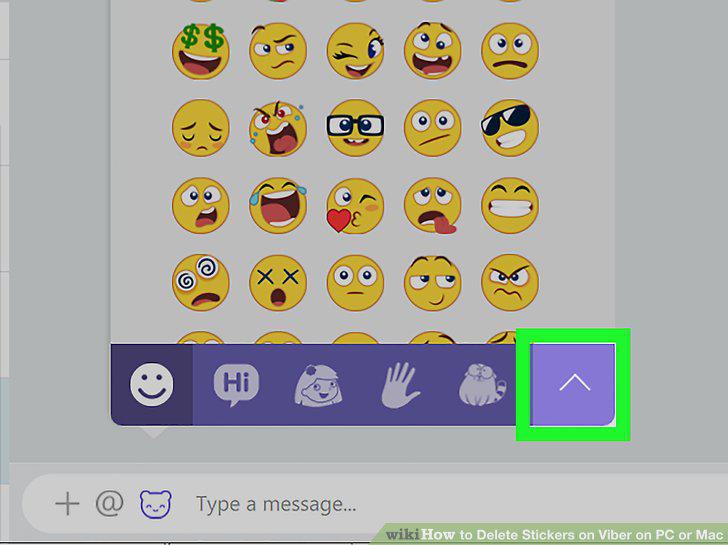
Click the upward-pointing arrow.
8
Click the gear icon.
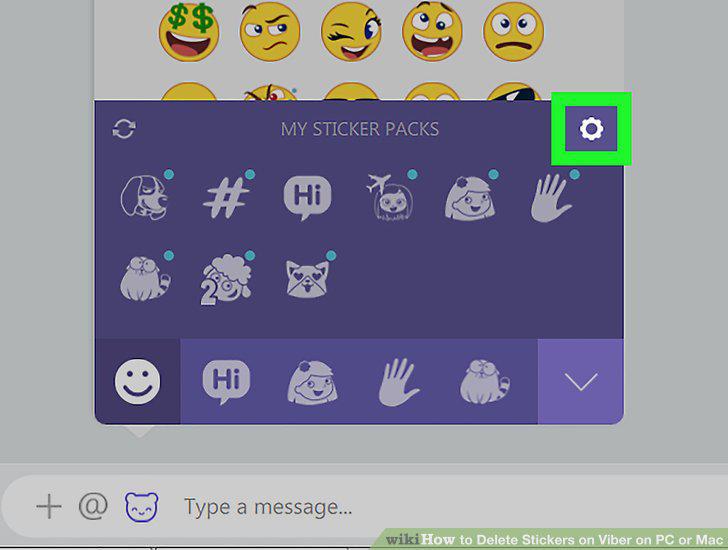
Click the gear icon.
9
Click the eyeball next to the stickers you want to hide.
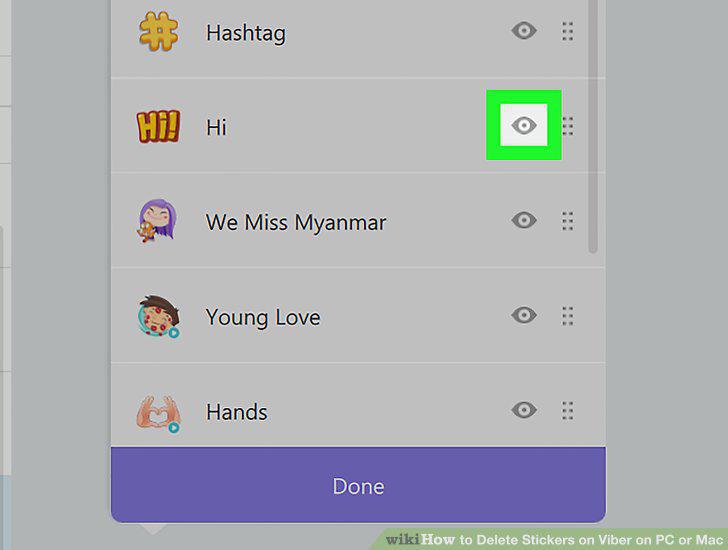
Click the eyeball next to the stickers you want to hide.
10
Click Done.
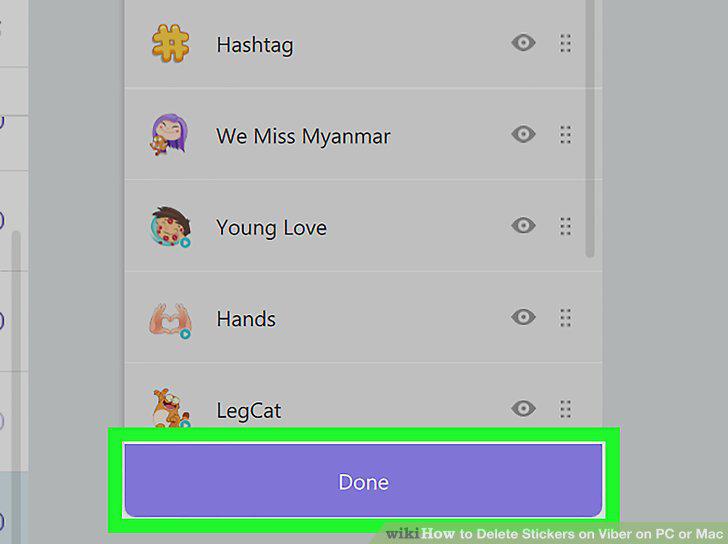
Click Done.
Comments (0)
No comments yet. Be the first to share your thoughts!