How to Connect an iPad to a Windows PC
Install iTunes.. Turn the iPad on.. Connect the iPad via USB.
Steps
1
Install iTunes.
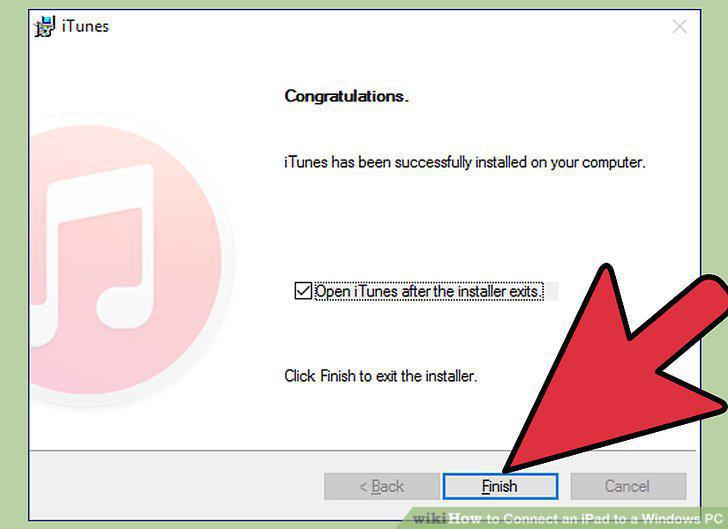
Install iTunes.
2
Turn the iPad on.
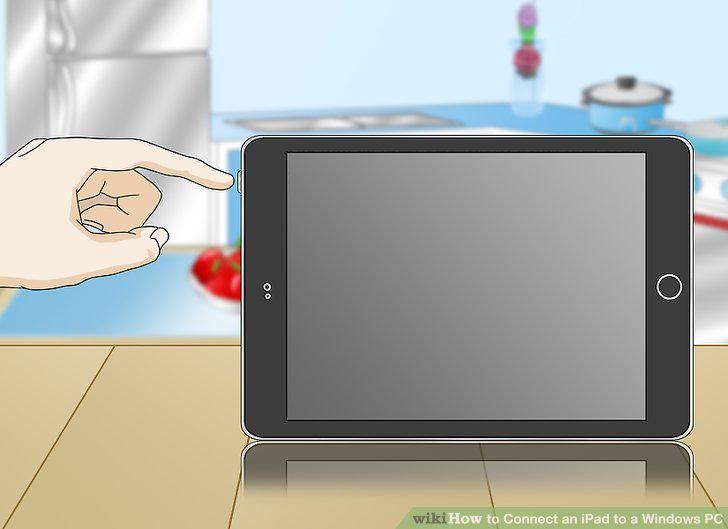
Turn the iPad on.
3
Connect the iPad via USB.
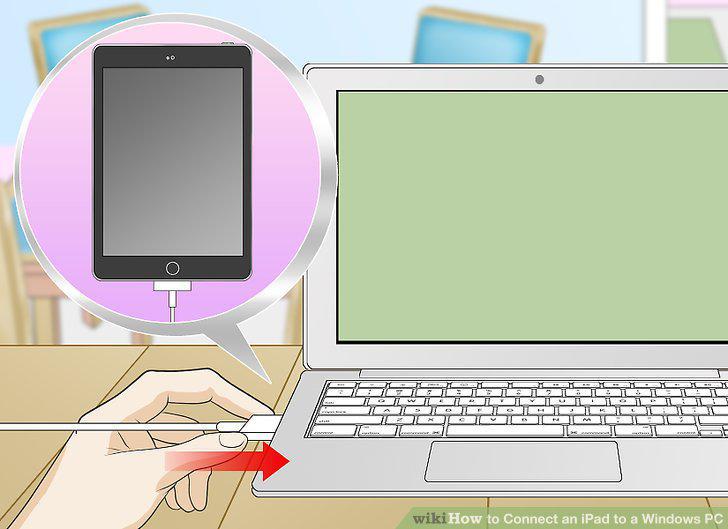
Connect the iPad via USB.
4
Install the iPad software.
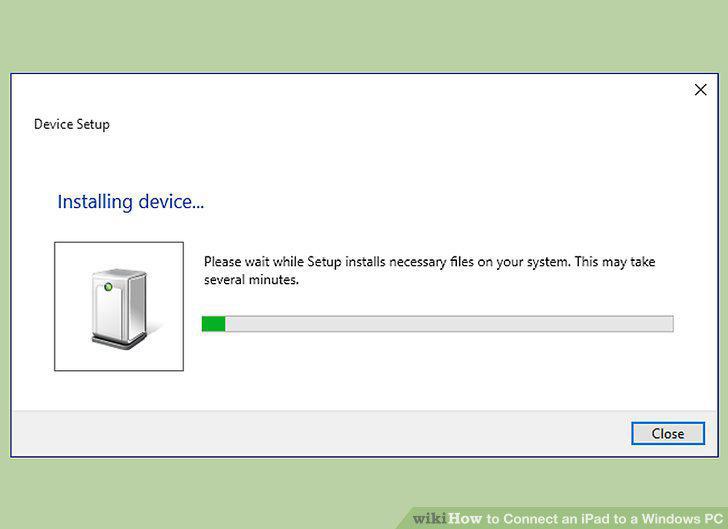
Install the iPad software.
5
Open iTunes.
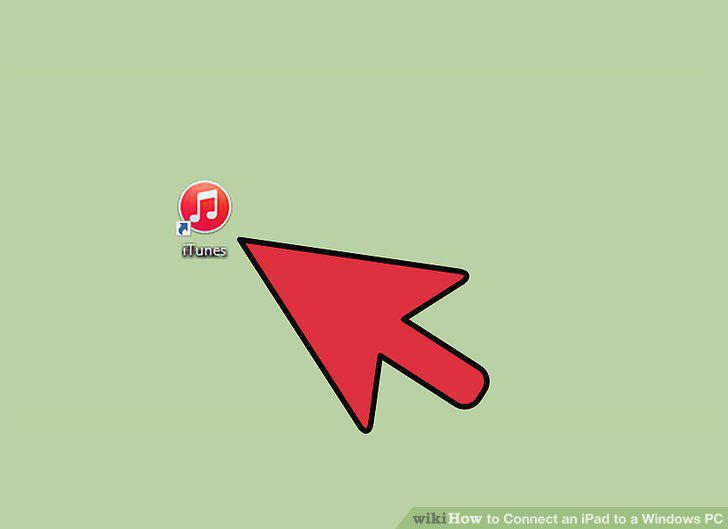
Open iTunes.
6
Set up your new iPad.
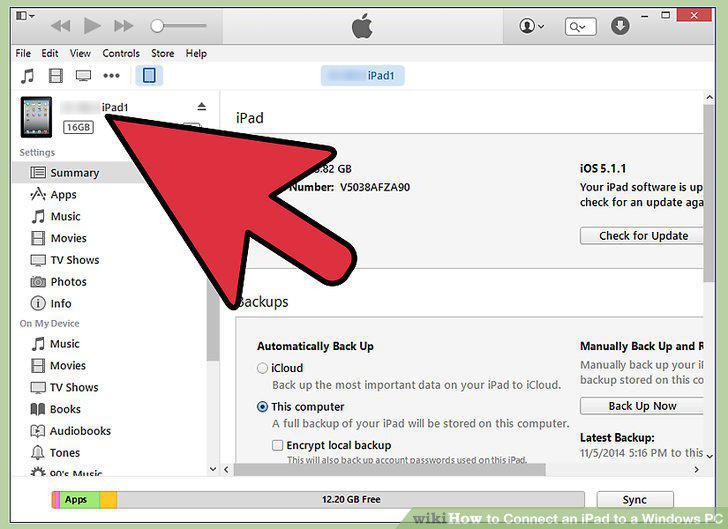
Set up your new iPad.
7
Select your iPad.
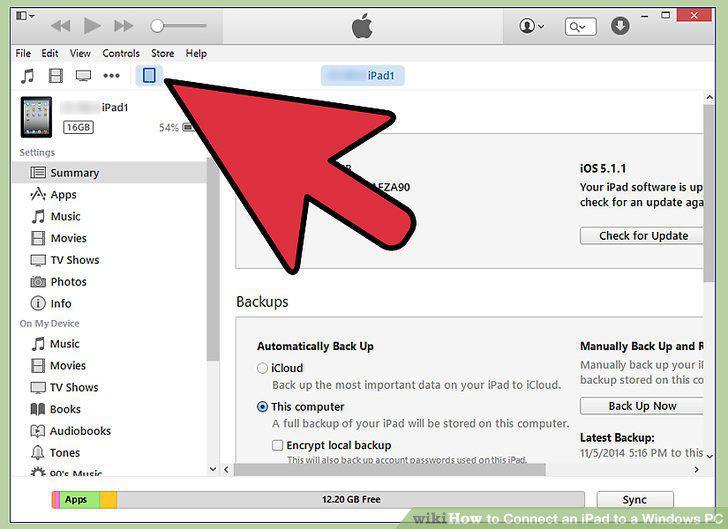
Select your iPad.
8
Use iTunes to sync your content.
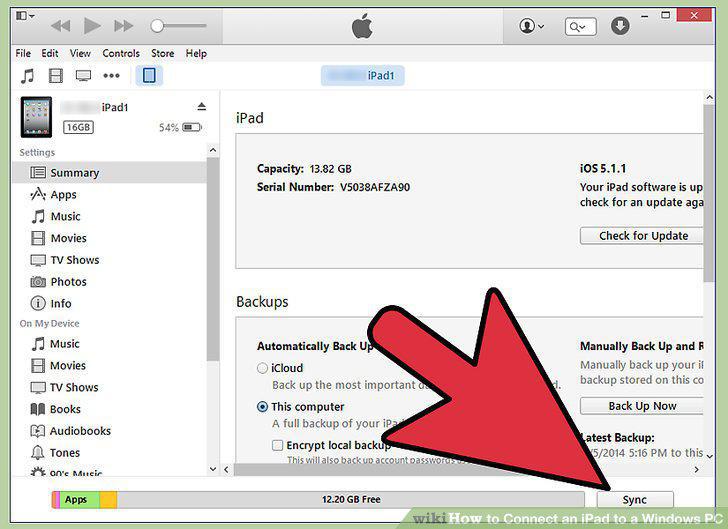
Use iTunes to sync your content.
9
Eject your iPad when finished.
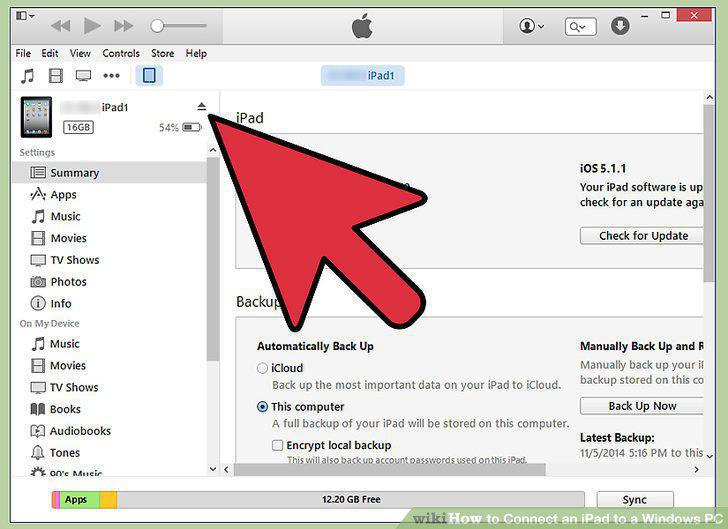
Eject your iPad when finished.
Comments (0)
No comments yet. Be the first to share your thoughts!