How to Adjust Flashlight Brightness on Galaxy S9
Swipe down from the top of your screen.. Swipe down again to expand the menu.. Tap on the word Flashlight.
Steps
1
Swipe down from the top of your screen.
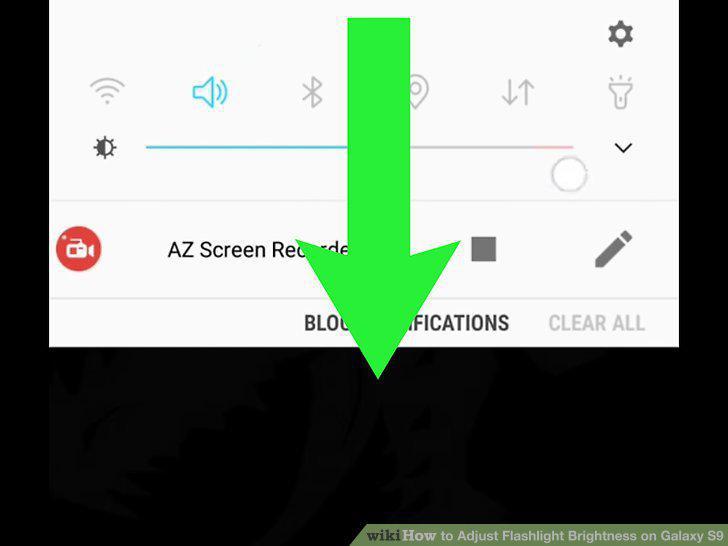
Swipe down from the top of your screen.
2
Swipe down again to expand the menu.
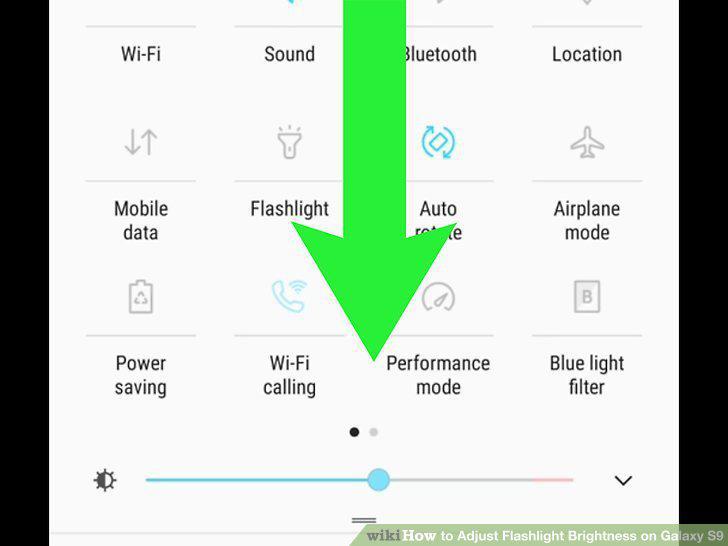
Swipe down again to expand the menu.
3
Tap on the word Flashlight.
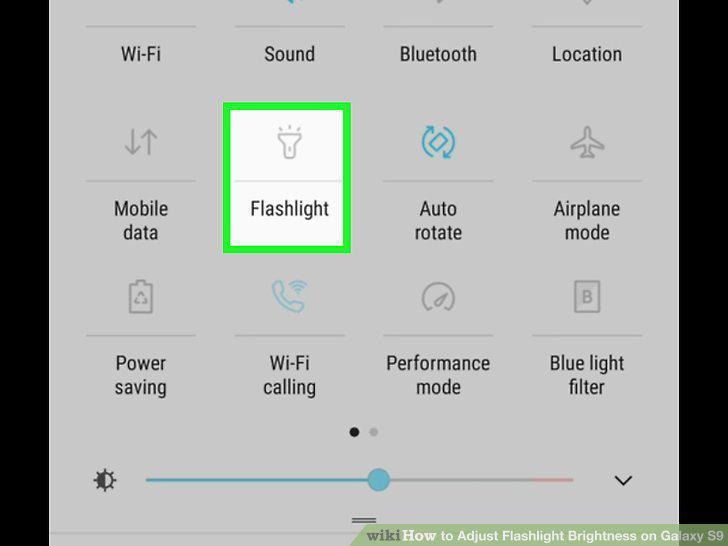
Tap on the word Flashlight.
4
Drag the slider under "Brightness" to adjust the intensity of the light.
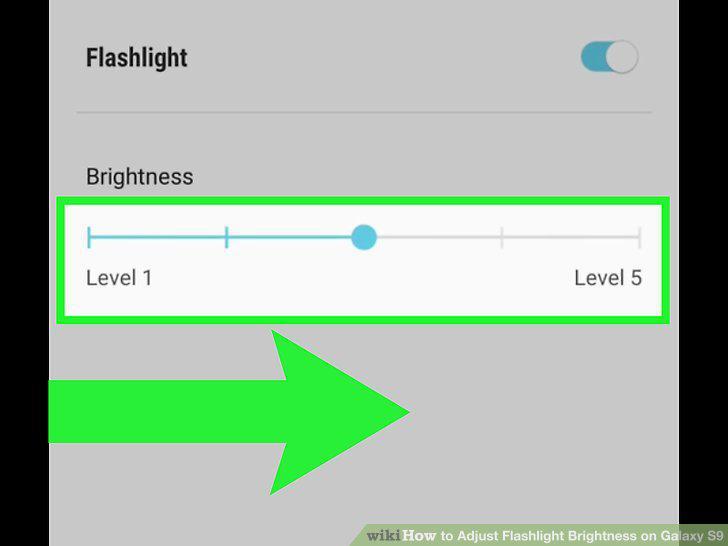
Drag the slider under "Brightness" to adjust the intensity of the light.
5
Tap Done.
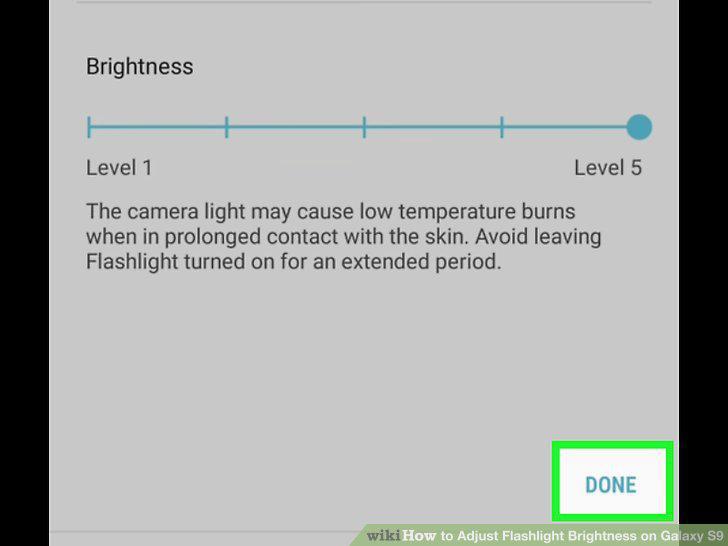
Tap Done.
Comments (0)
No comments yet. Be the first to share your thoughts!