How to Save Telegram Gifs on PC or Mac
Open Telegram.. Click the conversation that contains the GIF.. Right-click the GIF you want to save.
Steps
1
Open Telegram.
Open Telegram.
2
Click the conversation that contains the GIF.
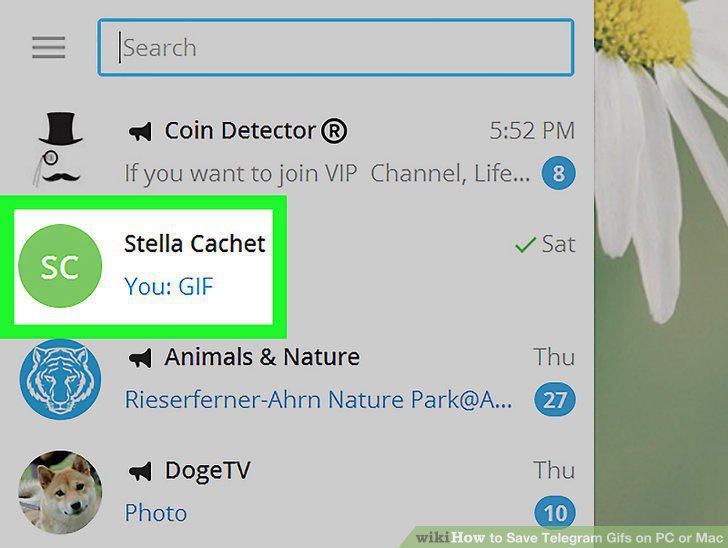
Click the conversation that contains the GIF.
3
Right-click the GIF you want to save.
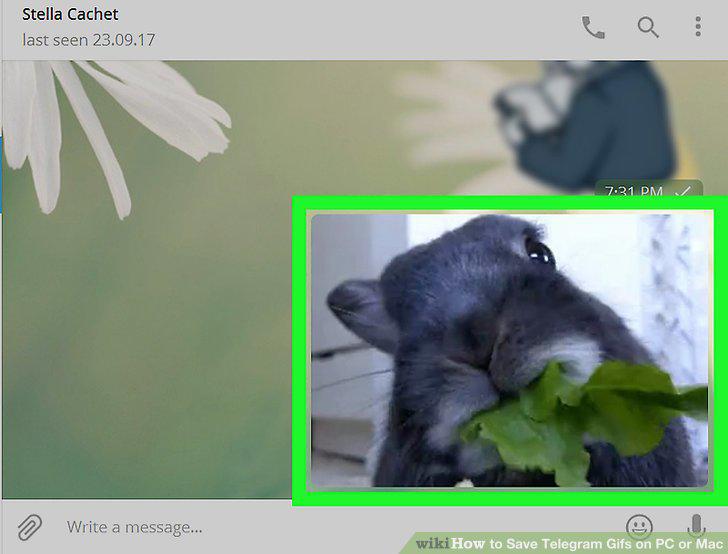
Right-click the GIF you want to save.
4
Click Save GIF.
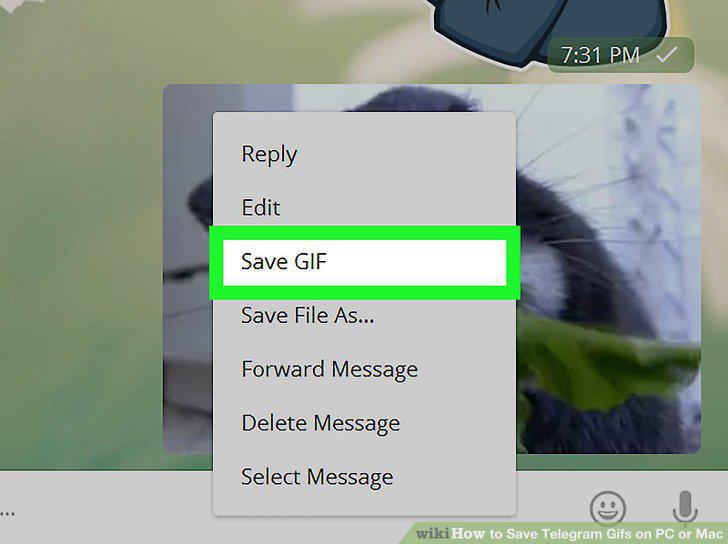
Click Save GIF.
Comments (0)
No comments yet. Be the first to share your thoughts!