How to See an SSL Certificate in Chrome
Open Google Chrome.. Navigate to the website.. Click the lock.
Steps
1
Open Google Chrome.
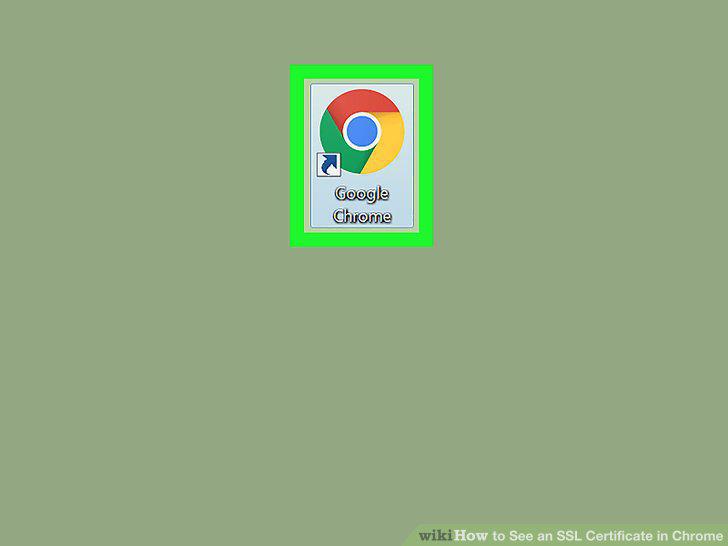
Open Google Chrome.
2
Navigate to the website.
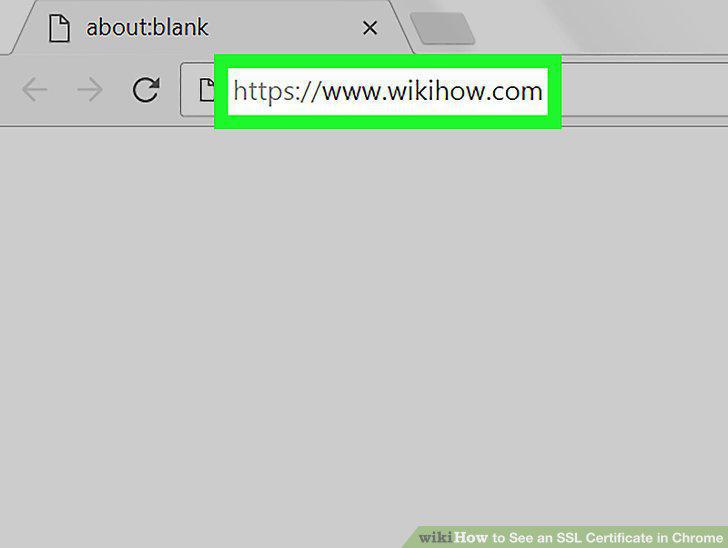
Navigate to the website.
3
Click the lock.
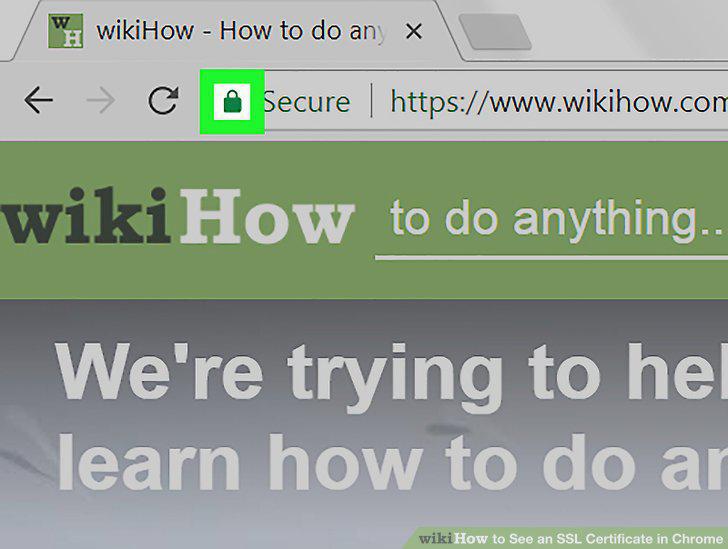
Click the lock.
4
Click Valid below the certificate.
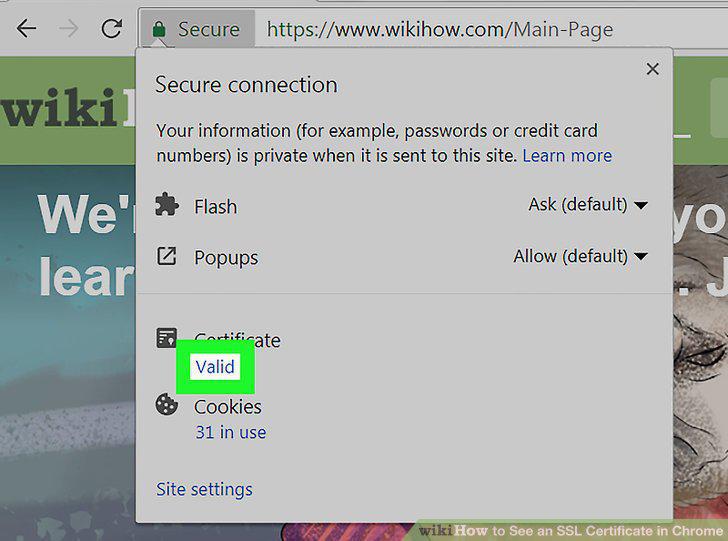
Click Valid below the certificate.
5
Open Chrome.
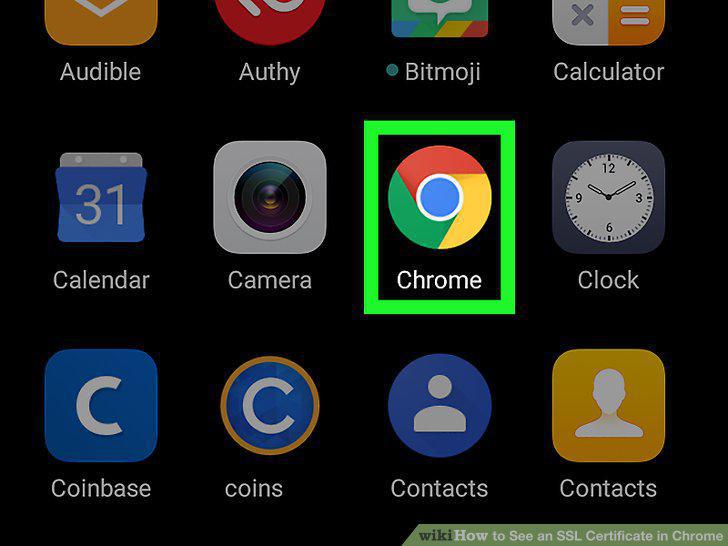
Open Chrome.
6
Navigate to the website.
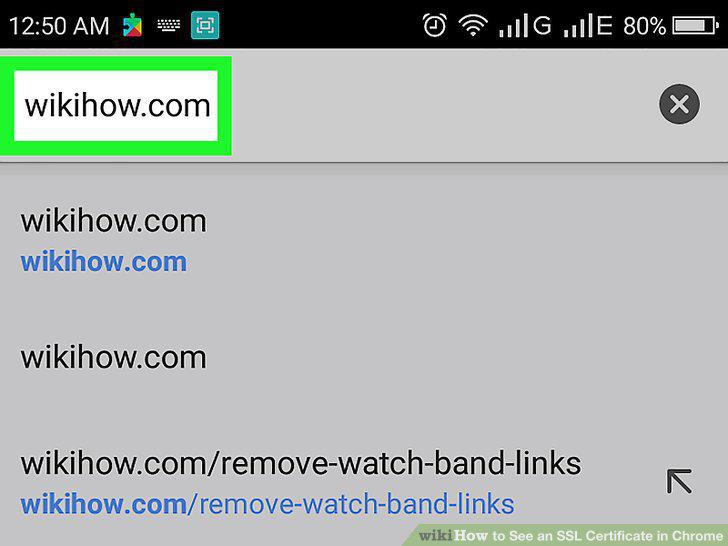
Navigate to the website.
7
Tap the padlock icon.
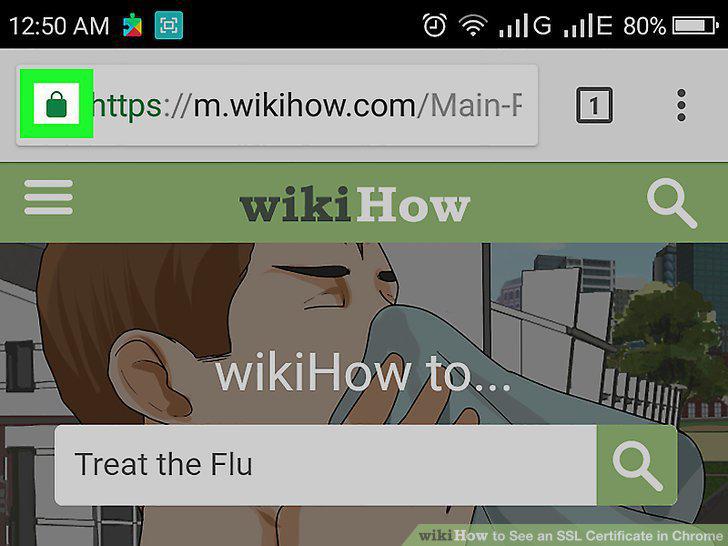
Tap the padlock icon.
8
Tap Details.
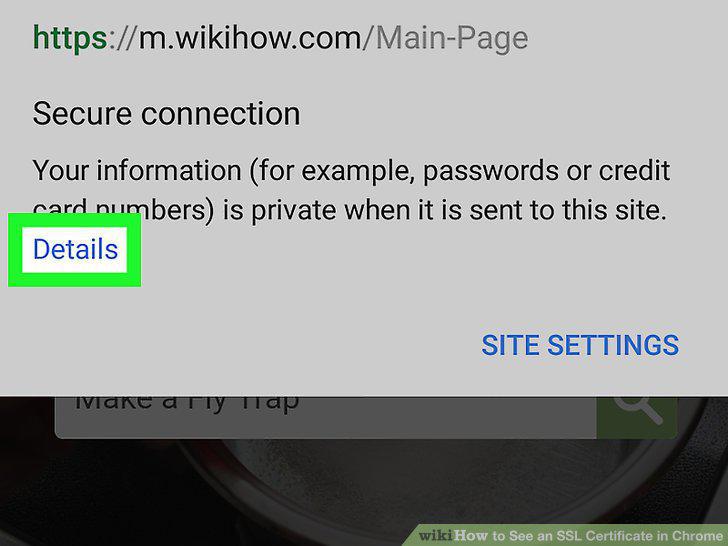
Tap Details.
9
Tap Certificate Information.
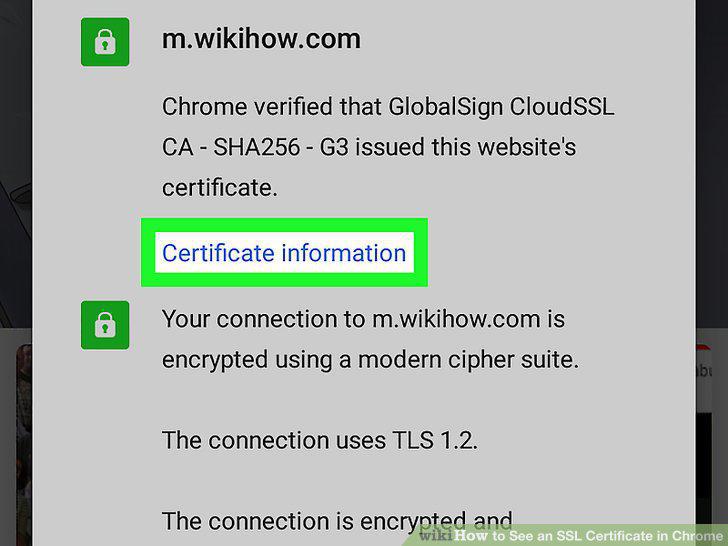
Tap Certificate Information.
Comments (0)
No comments yet. Be the first to share your thoughts!