How to Play Facebook Games on an Android
Open the Play Store.. Tap the Google Play search bar.. Type the name of the game you want to play.
Steps
1
Open the Play Store.
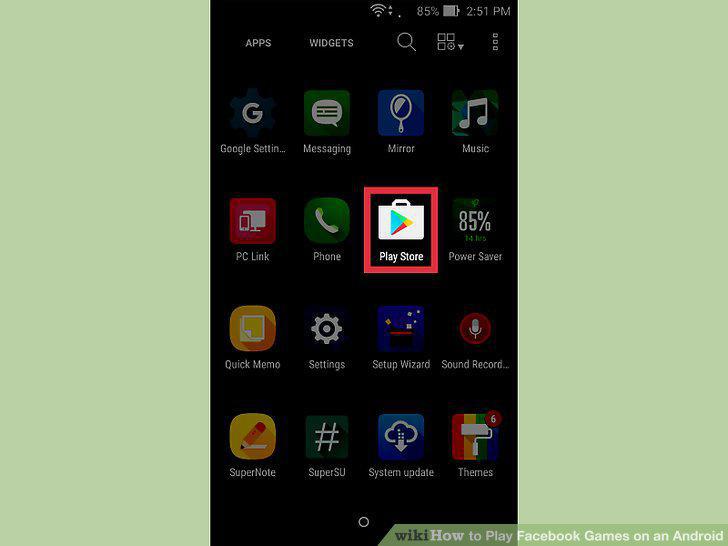
Open the Play Store.
2
Tap the Google Play search bar.
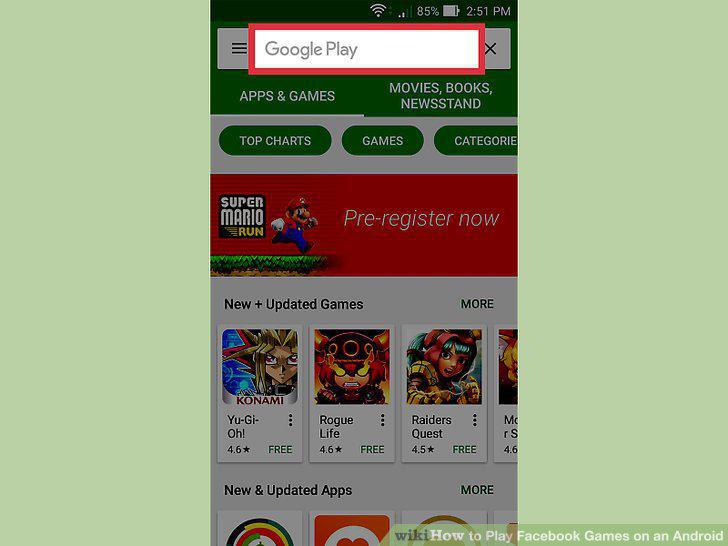
Tap the Google Play search bar.
3
Type the name of the game you want to play.
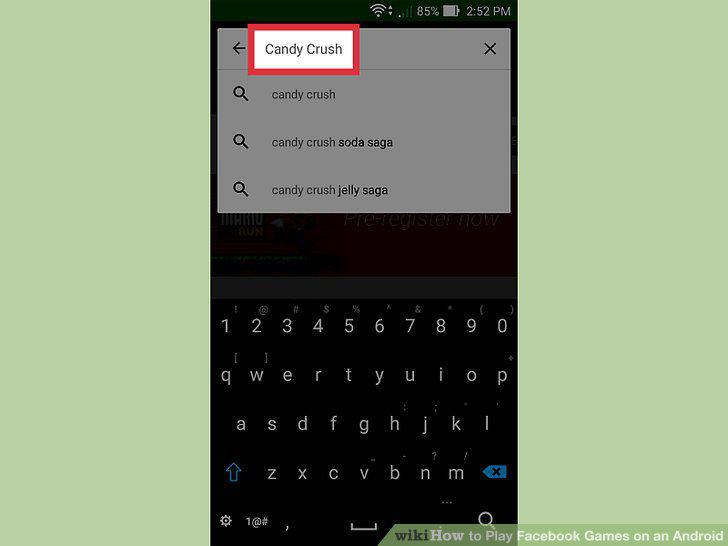
Type the name of the game you want to play.
4
Tap the app in the list of search results.
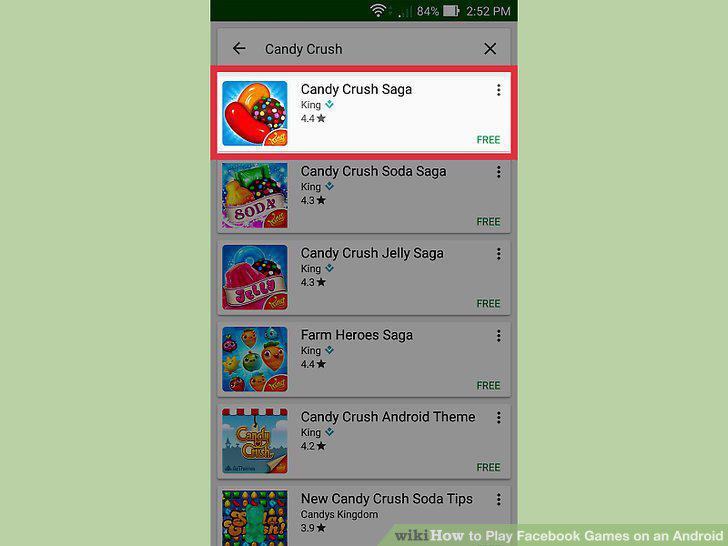
Tap the app in the list of search results.
5
Tap the Install button.
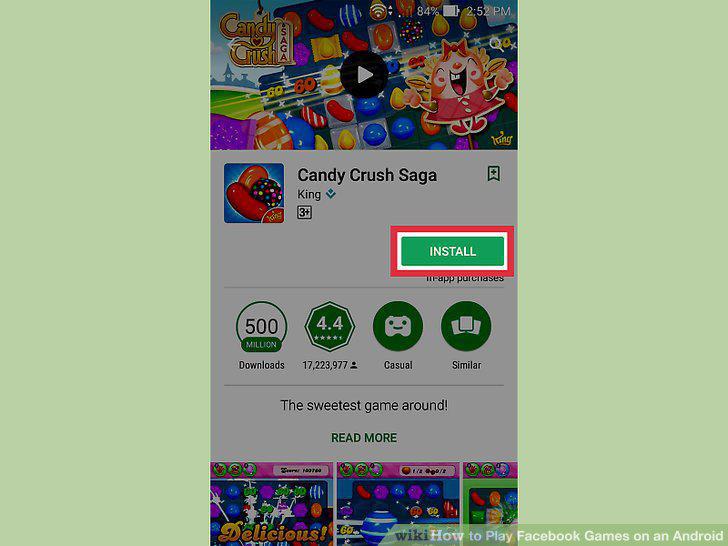
Tap the Install button.
6
Install the Facebook app.
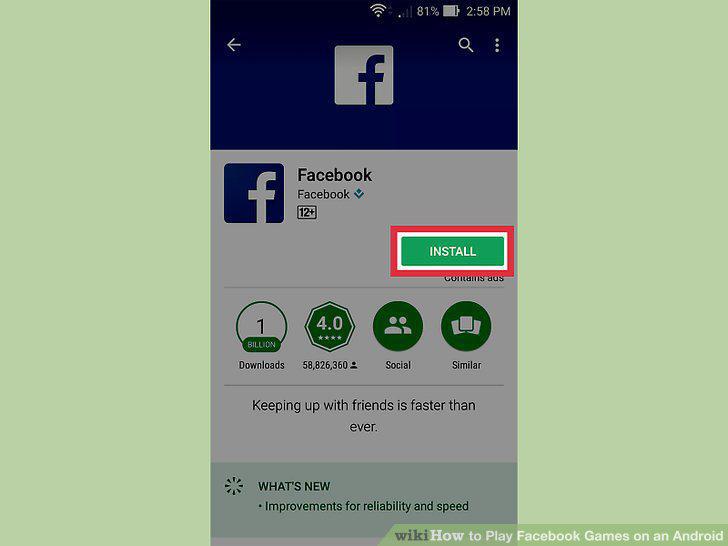
Install the Facebook app.
7
Tap the Facebook app.
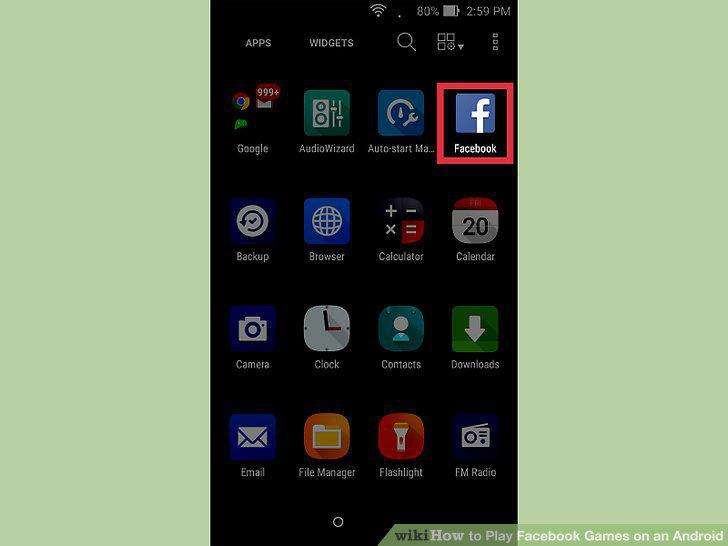
Tap the Facebook app.
8
Type in your Facebook login information.
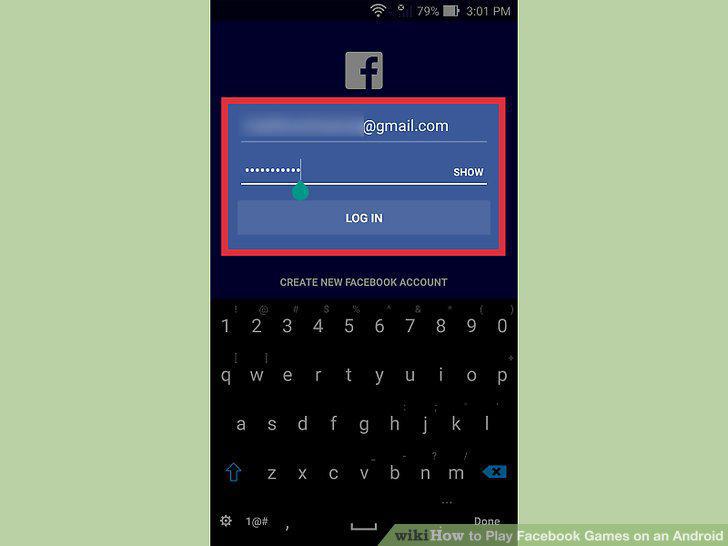
Type in your Facebook login information.
9
Tap Sign In.
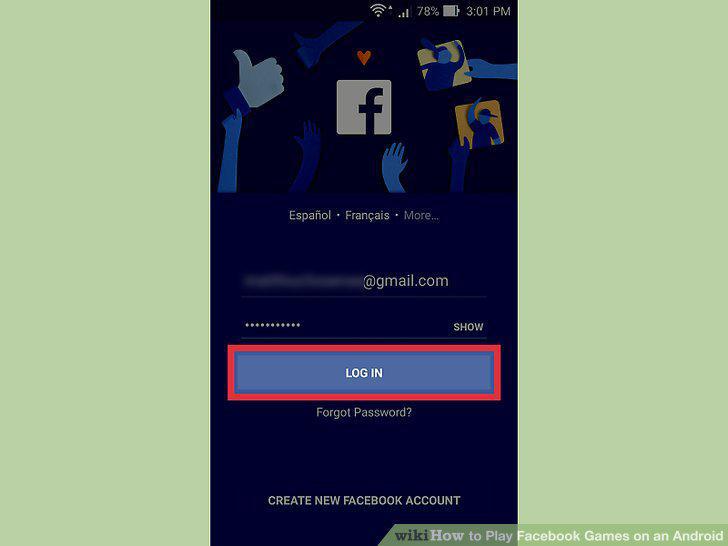
Tap Sign In.
10
Press the Home button to return to the Home screen.
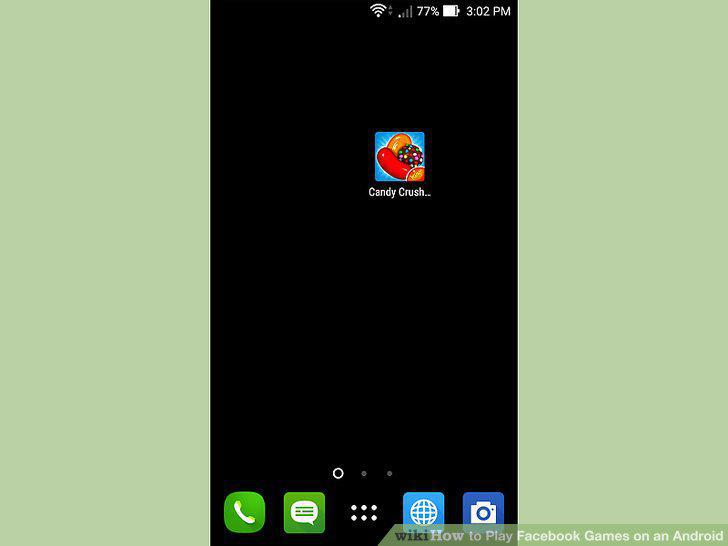
Press the Home button to return to the Home screen.
11
Tap the game you installed.
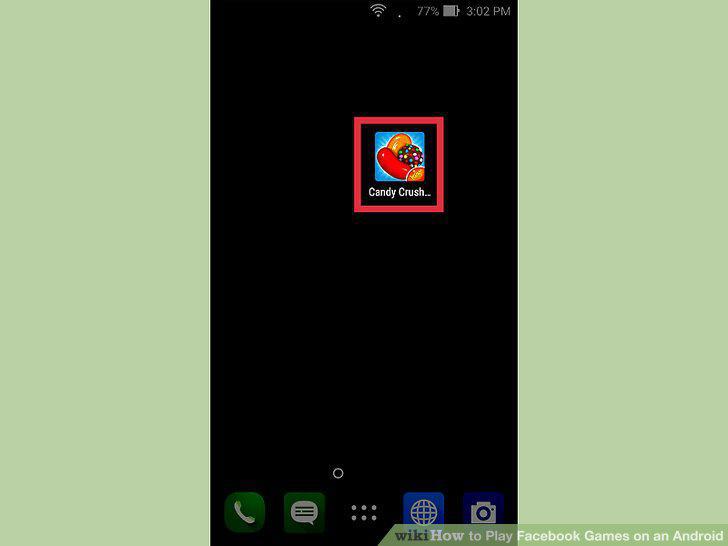
Tap the game you installed.
12
Find the Connect to Facebook or Log in to Facebook button.
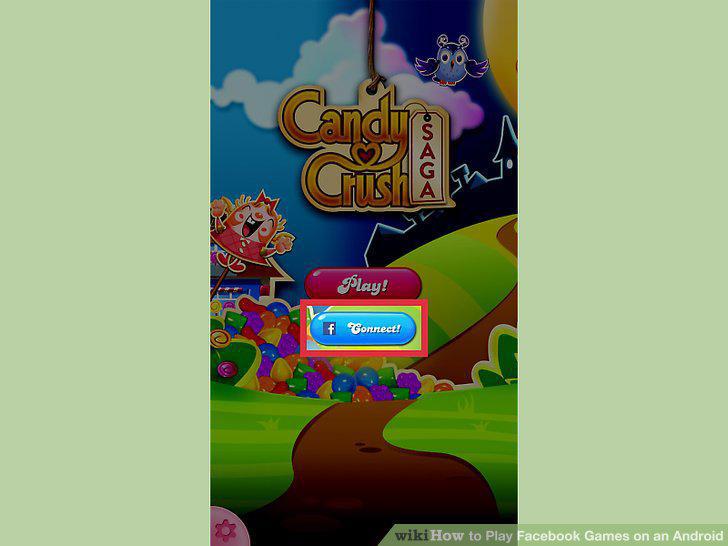
Find the Connect to Facebook or Log in to Facebook button.
13
Type in your Facebook login information (if prompted).
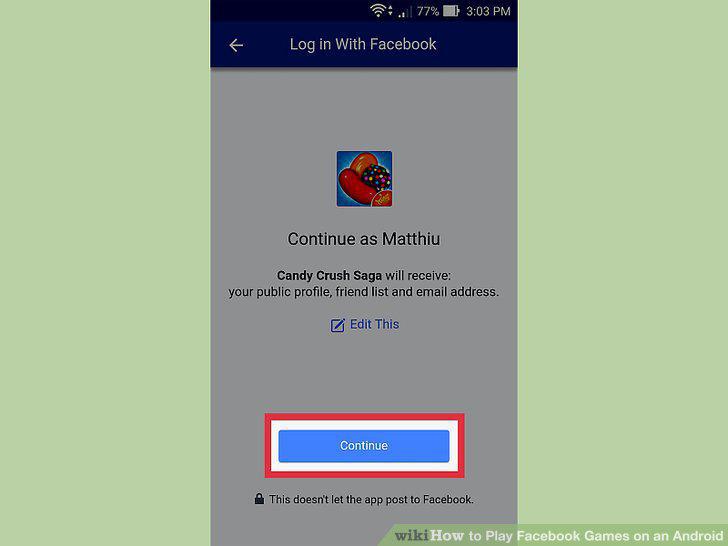
Type in your Facebook login information (if prompted).
14
Start playing the game.

Start playing the game.
Comments (0)
No comments yet. Be the first to share your thoughts!