How to View EPS Files on PC or Mac
Go to promote.3m.com/eps_viewer in a web browser.. Click Choose File.. Navigate to the folder with the file you want to open.
Steps
1
Go to promote.3m.com/eps_viewer in a web browser.
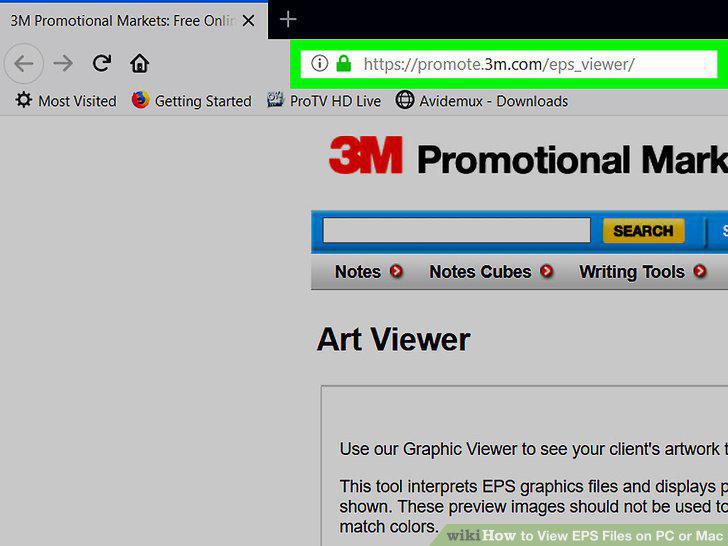
Go to promote.3m.com/eps_viewer in a web browser.
2
Click Choose File.
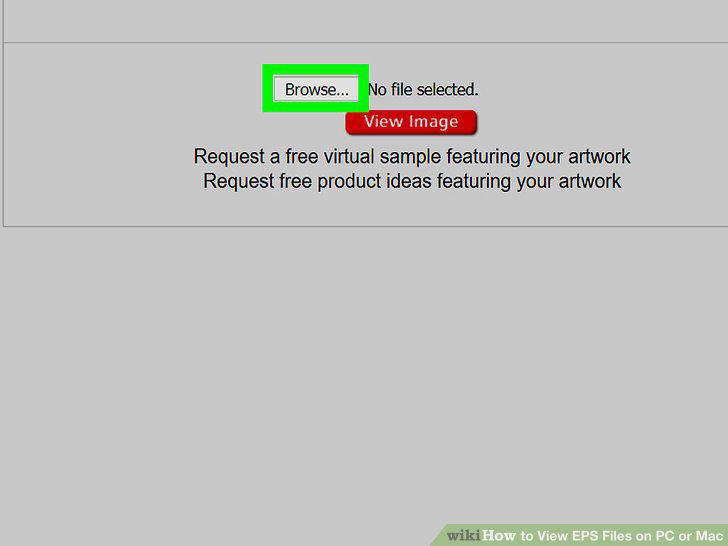
Click Choose File.
3
Navigate to the folder with the file you want to open.
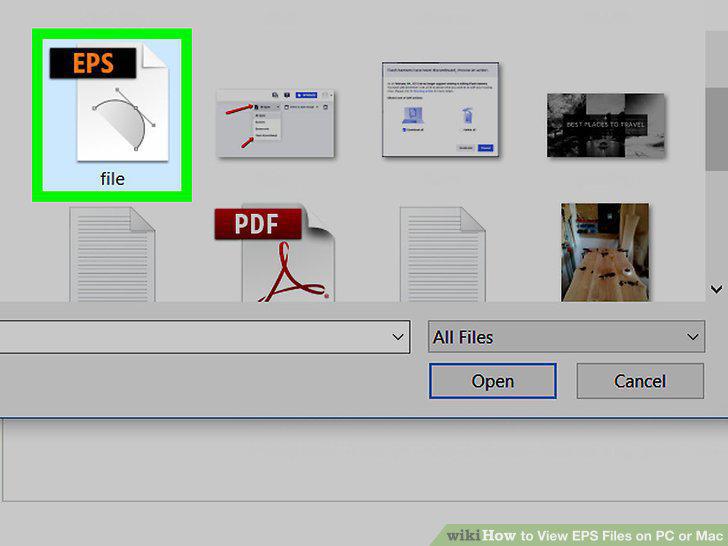
Navigate to the folder with the file you want to open.
4
Select the file and click Open.
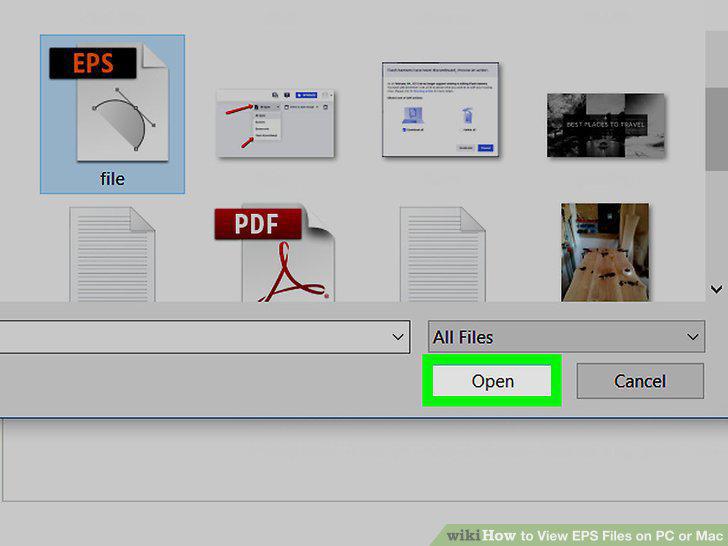
Select the file and click Open.
5
Click View Image.
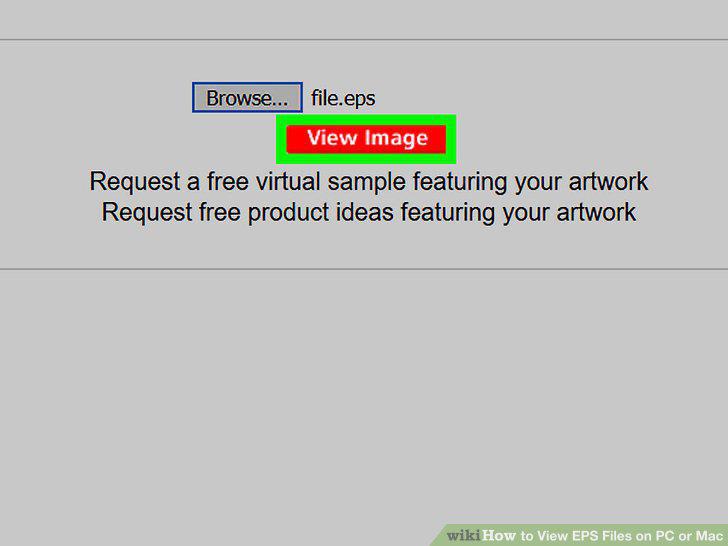
Click View Image.
6
Open Adobe Illustrator on your computer.
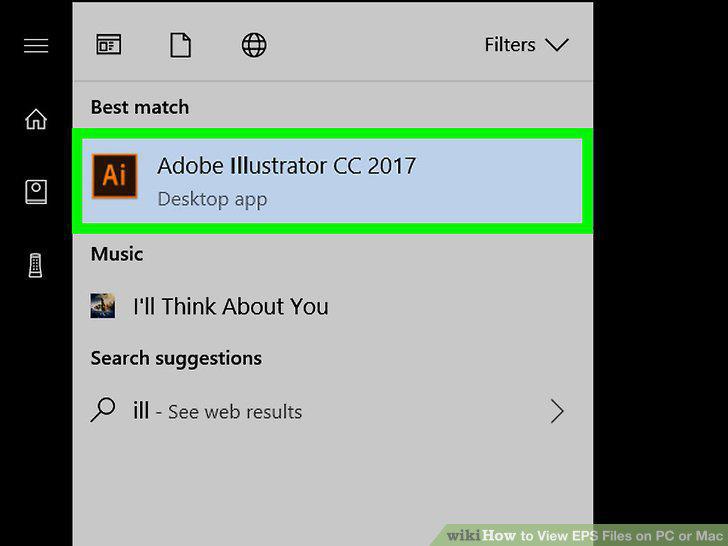
Open Adobe Illustrator on your computer.
7
Click the File menu.
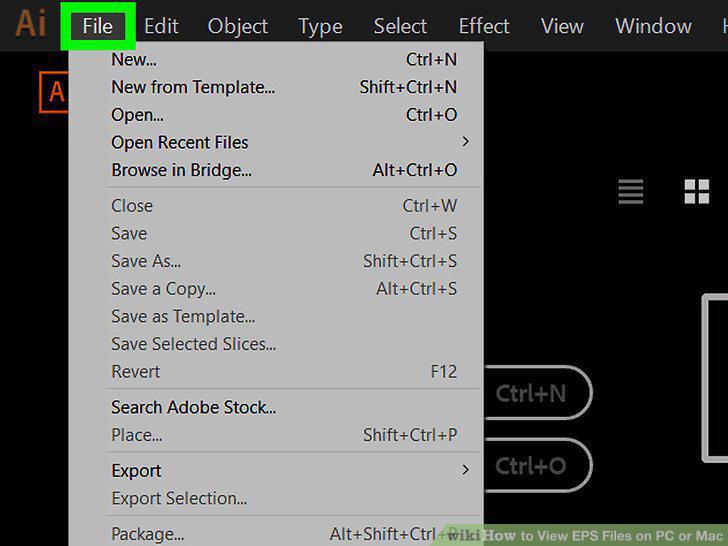
Click the File menu.
8
Click Open.
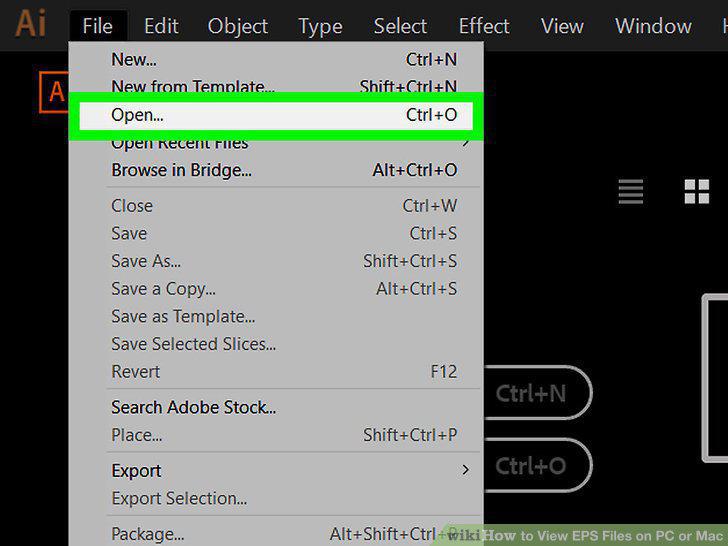
Click Open.
9
Navigate to the folder with the file you want to open.
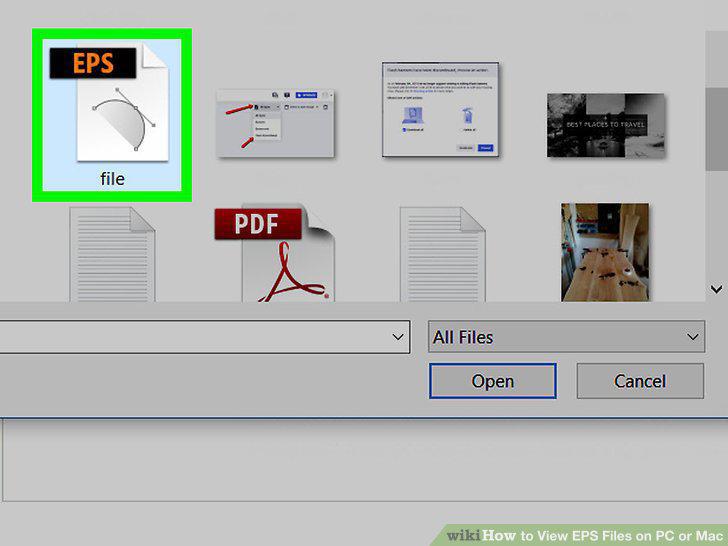
Navigate to the folder with the file you want to open.
10
Select the file and click Open.
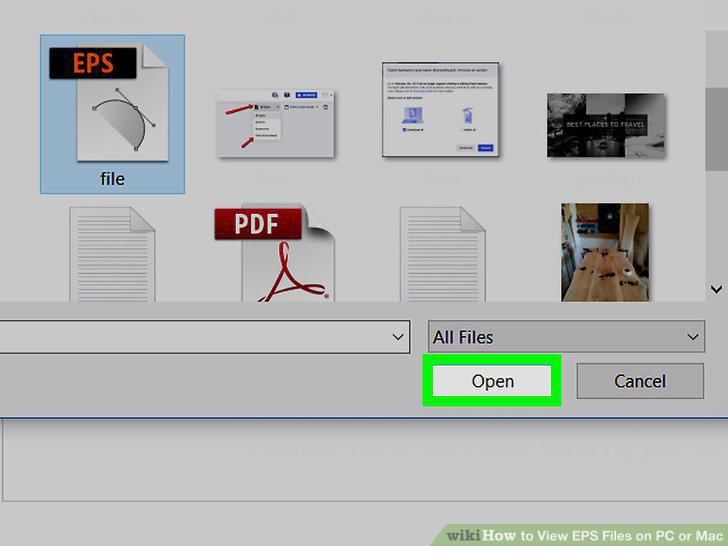
Select the file and click Open.
Comments (0)
No comments yet. Be the first to share your thoughts!