How to Reduce Twitch Stream Delay on PC or Mac
Open Twitch in your internet browser.. Click your profile picture on the top-right.. Click Settings on the drop-down menu.
Steps
1
Open Twitch in your internet browser.
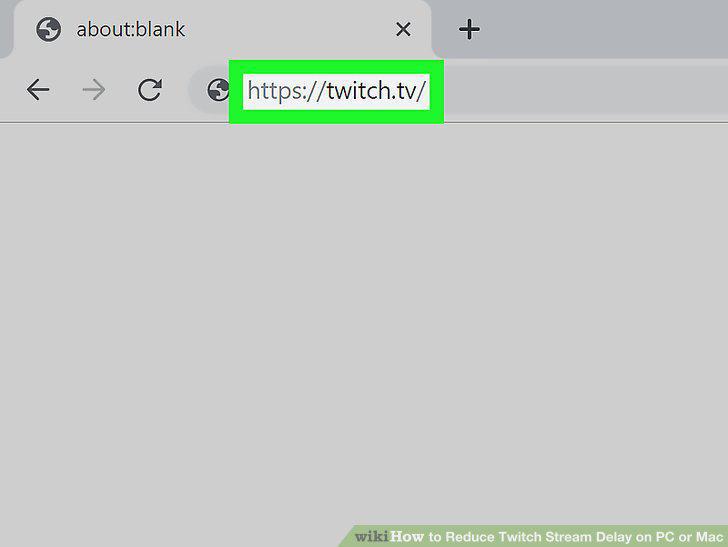
Open Twitch in your internet browser.
2
Click your profile picture on the top-right.
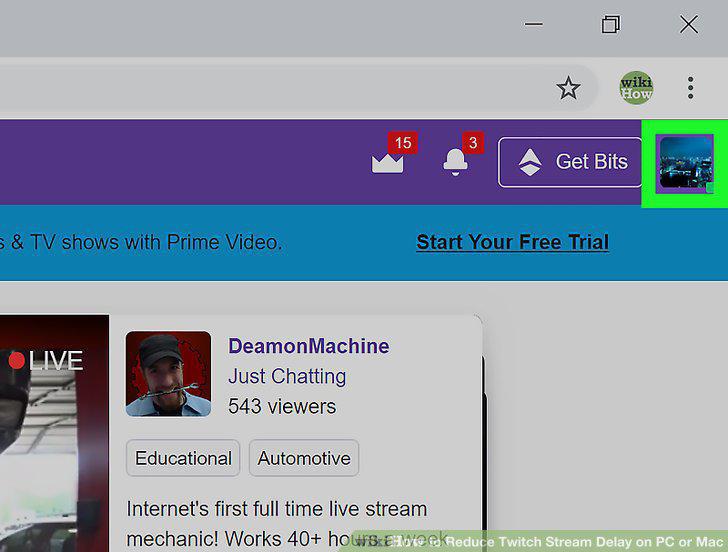
Click your profile picture on the top-right.
3
Click Settings on the drop-down menu.
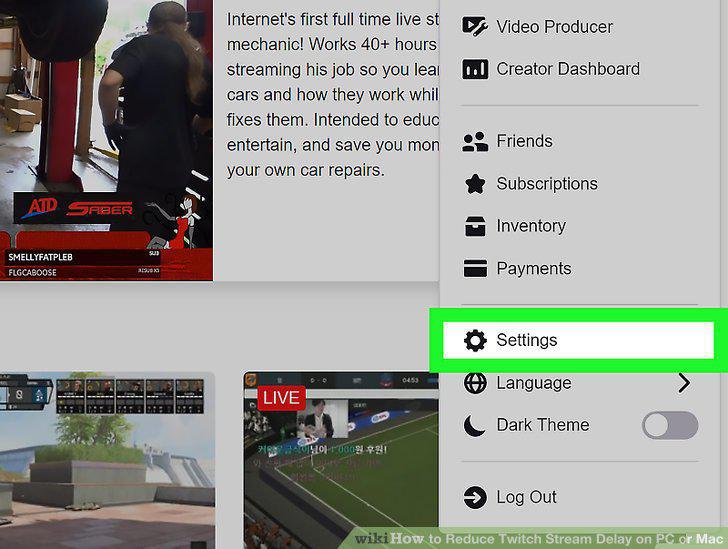
Click Settings on the drop-down menu.
4
Click the Channel and Videos tab.
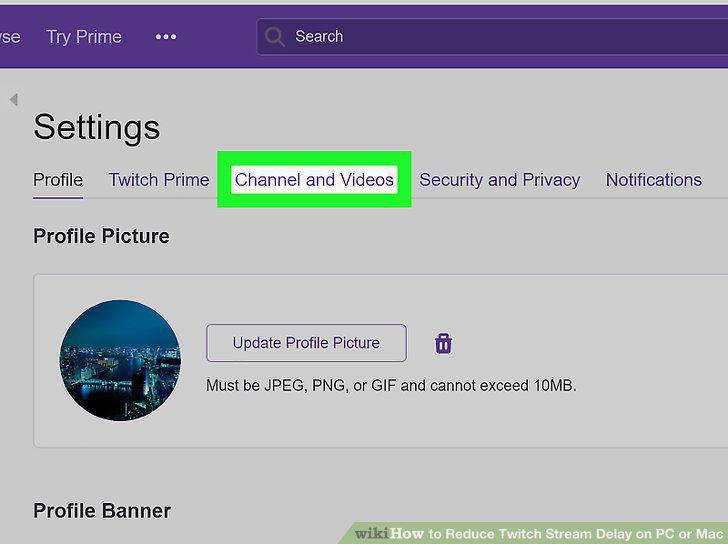
Click the Channel and Videos tab.
5
Select Low latency next to "Latency mode.
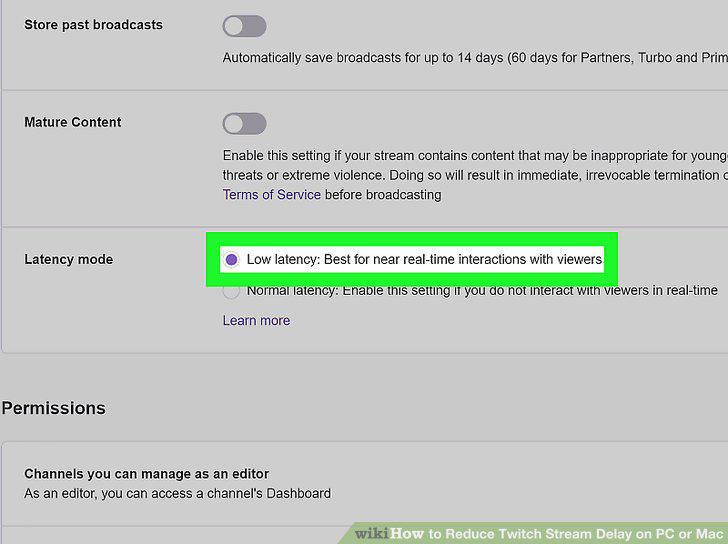
Select Low latency next to "Latency mode.
6
Check the upload speed of your internet.
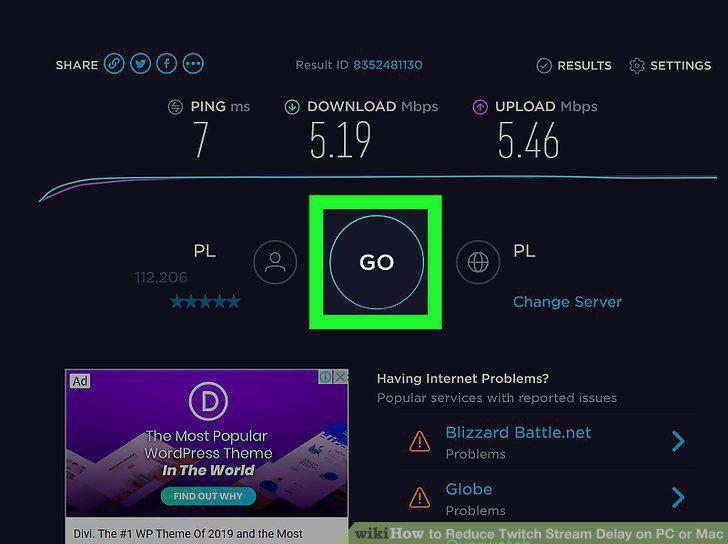
Check the upload speed of your internet.
7
Change the encoding and quality options in your streaming software.
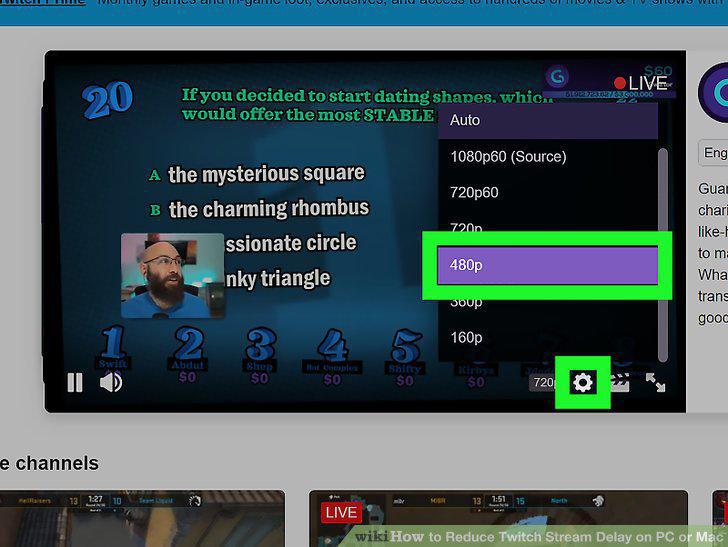
Change the encoding and quality options in your streaming software.
8
Check if you have a fixed delay set in your streaming software.
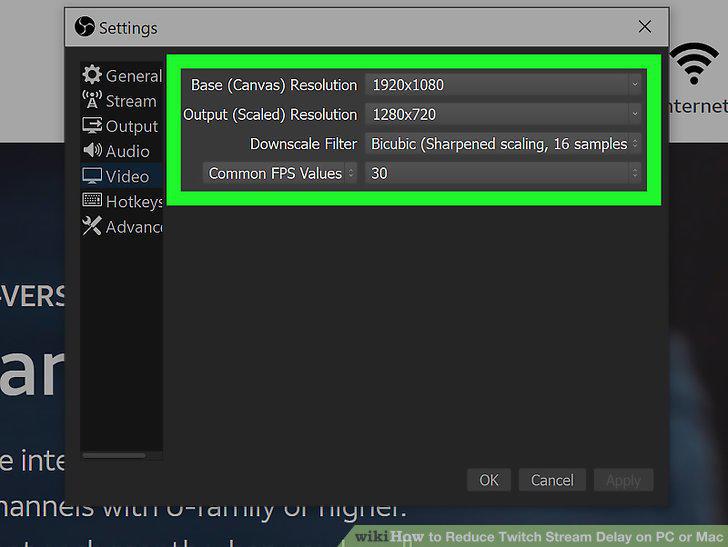
Check if you have a fixed delay set in your streaming software.
9
Try different streaming software.
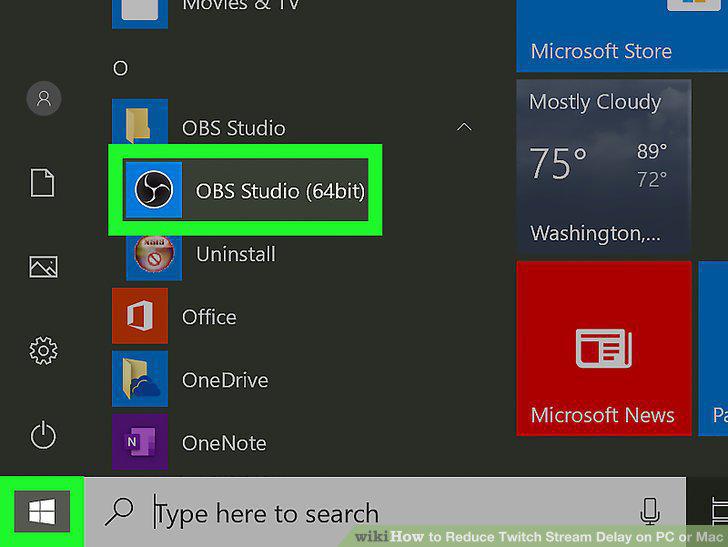
Try different streaming software.
10
Disconnect some of your extra hardware like cameras and microphones.
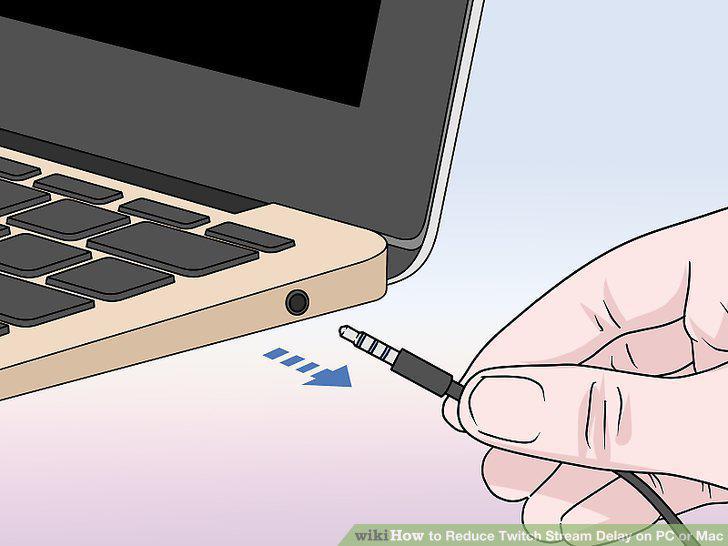
Disconnect some of your extra hardware like cameras and microphones.
11
Look into changing your internet service provider (ISP).
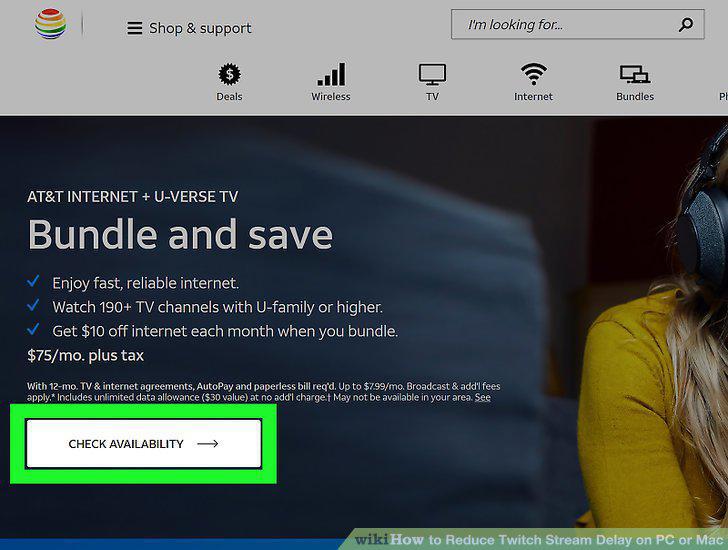
Look into changing your internet service provider (ISP).
Comments (0)
No comments yet. Be the first to share your thoughts!