How to Report a Channel on YouTube
Go to https://www.youtube.com in a web browser.. Search for the channel.. Click the channel.
Steps
1
Go to https://www.youtube.com in a web browser.
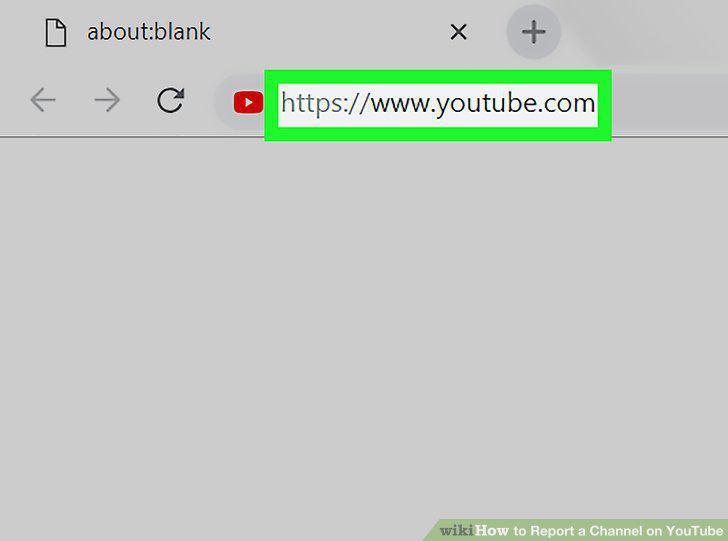
Go to https://www.youtube.com in a web browser.
2
Search for the channel.
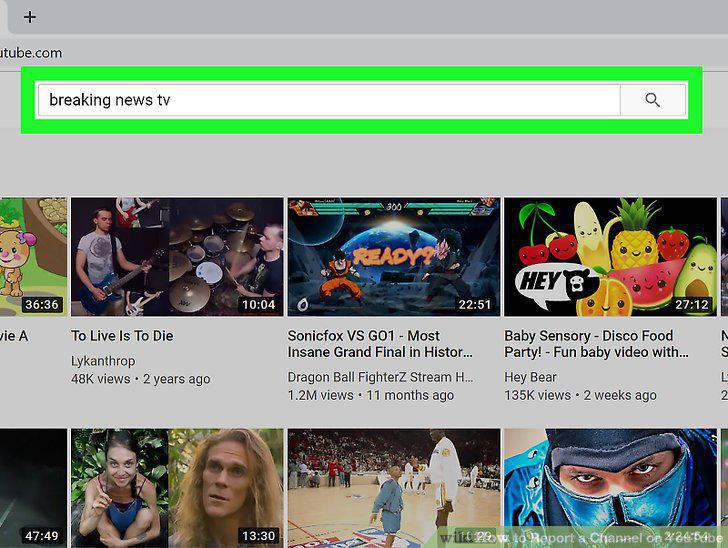
Search for the channel.
3
Click the channel.
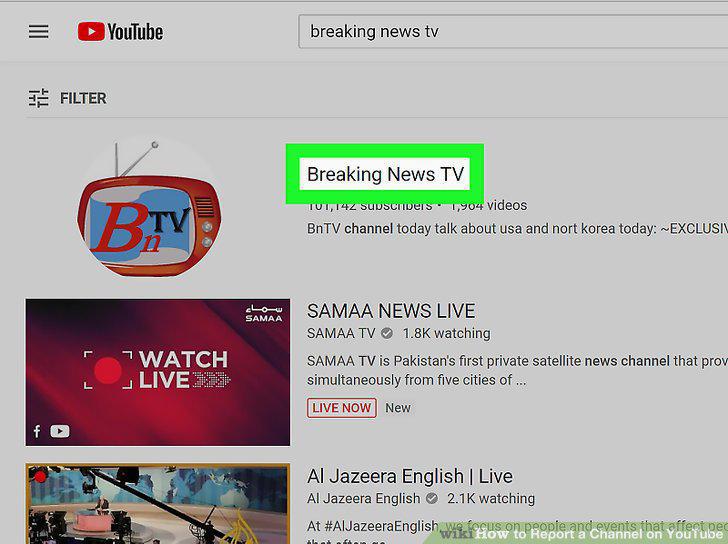
Click the channel.
4
Click the ABOUT tab.
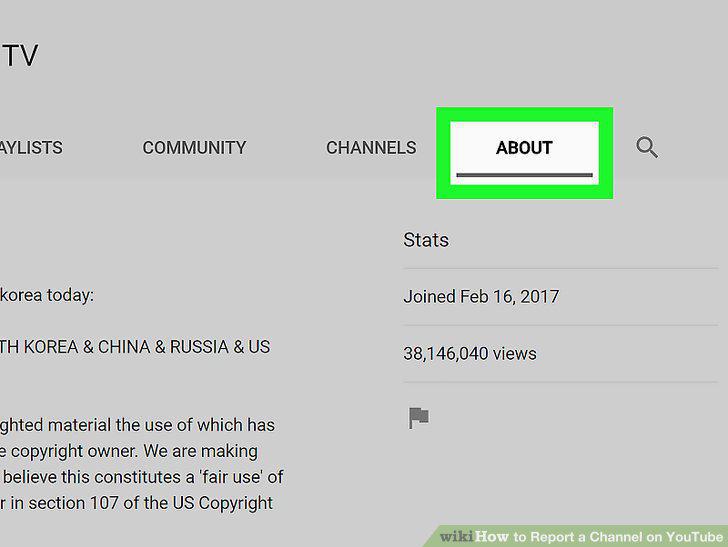
Click the ABOUT tab.
5
Click the flag icon.
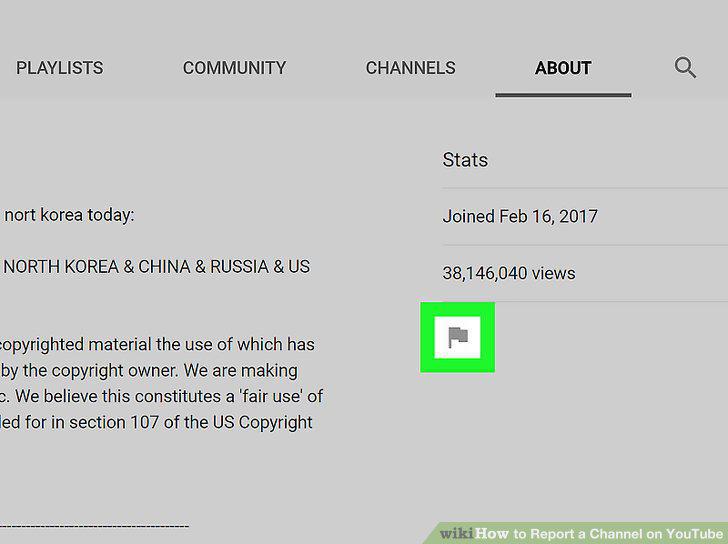
Click the flag icon.
6
Click Report user.
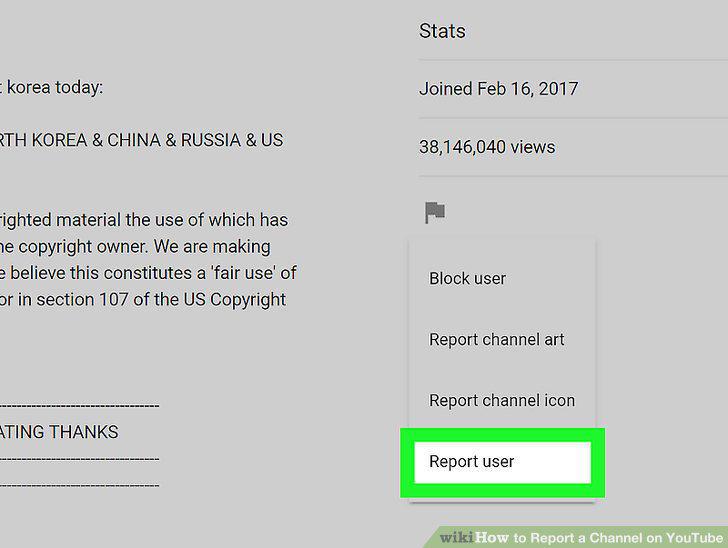
Click Report user.
7
Select a reason for reporting the channel.
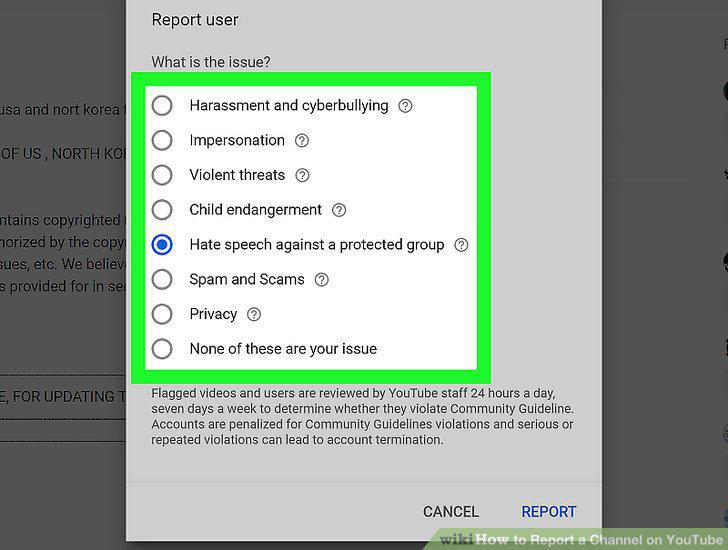
Select a reason for reporting the channel.
8
Click REPORT.
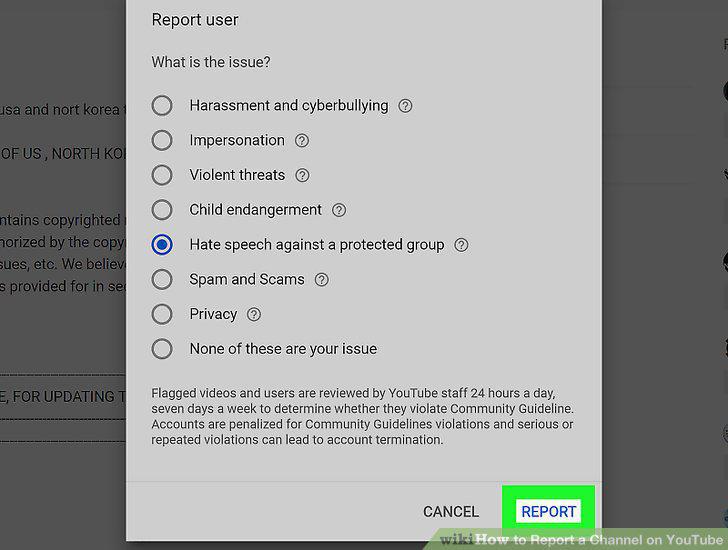
Click REPORT.
9
Fill out the form(s).
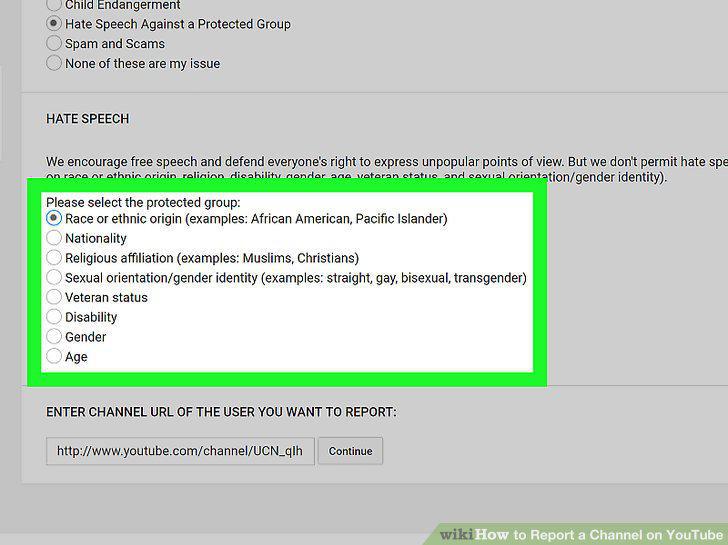
Fill out the form(s).
10
Click Continue to complete the report.
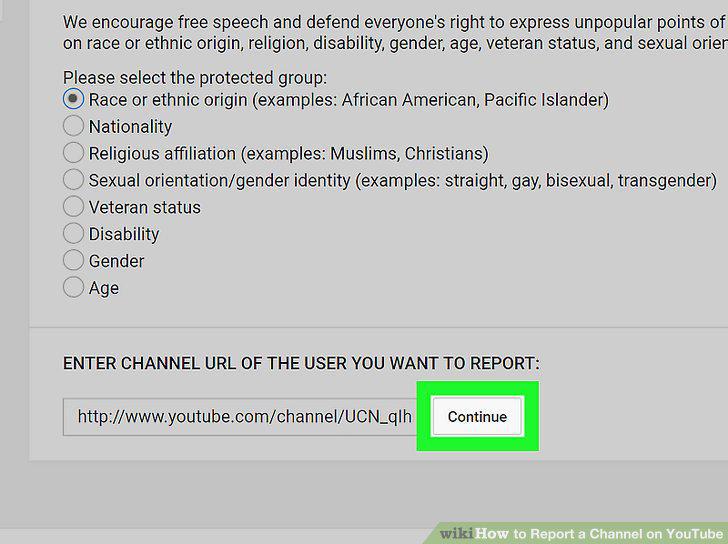
Click Continue to complete the report.
Comments (0)
No comments yet. Be the first to share your thoughts!