How to Invite Friends to Facebook Messenger
Open the Messenger app.. Tap People.. Tap the All tab.
Steps
1
Open the Messenger app.
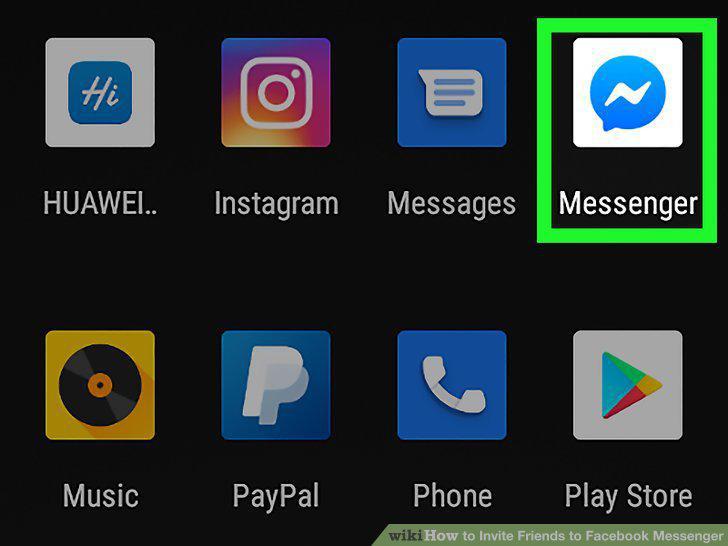
Open the Messenger app.
2
Tap People.
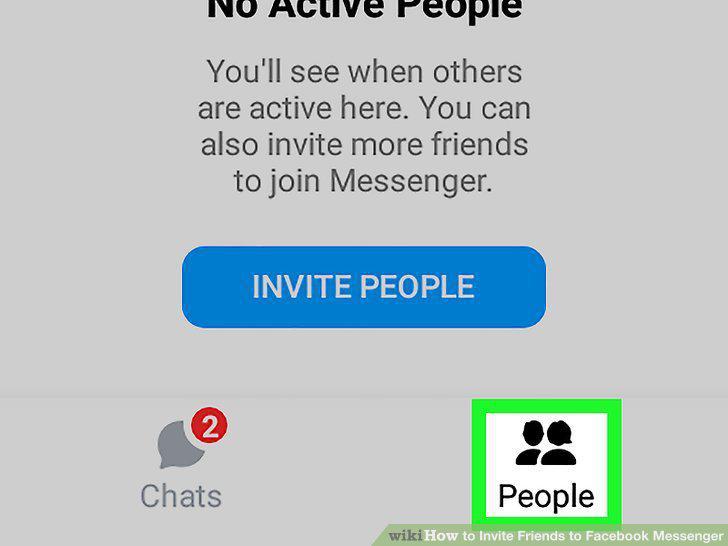
Tap People.
3
Tap the All tab.
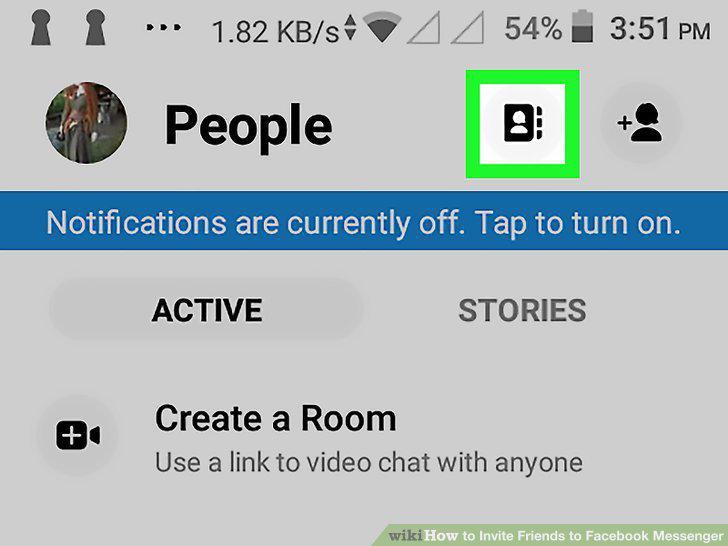
Tap the All tab.
4
Tap Invite People.
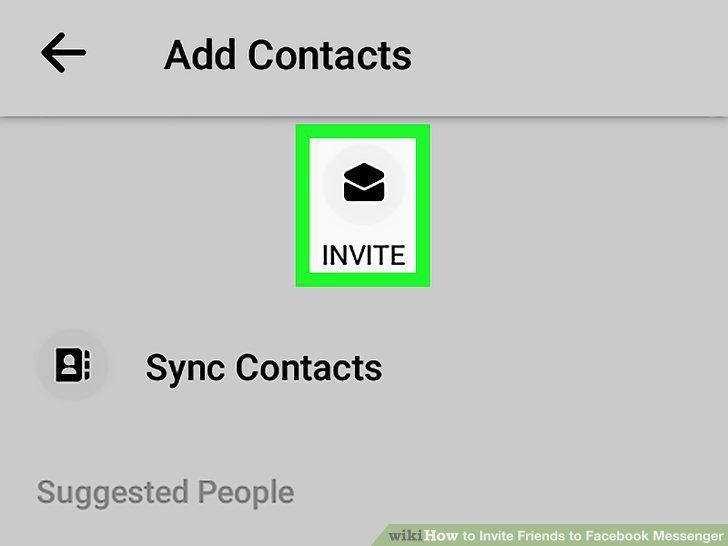
Tap Invite People.
5
Tap INVITE next to each contact you wish to invite.
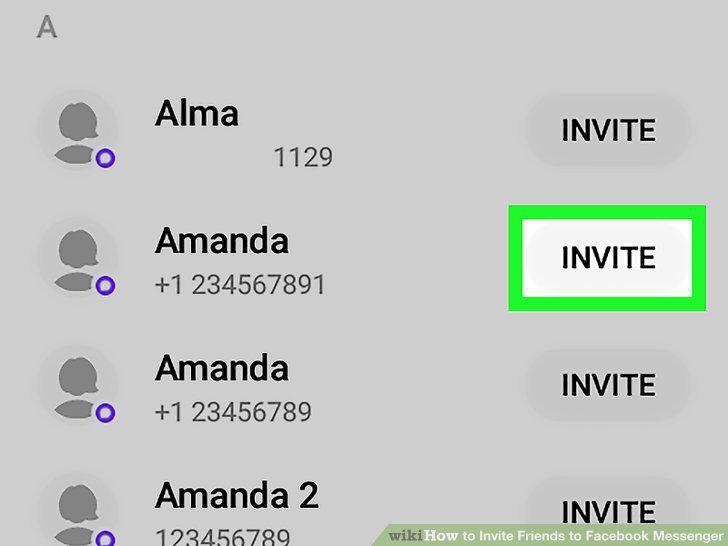
Tap INVITE next to each contact you wish to invite.
Comments (0)
No comments yet. Be the first to share your thoughts!