How to Insert Gifs Into PowerPoint
Open PowerPoint.. Create a blank project or open a saved one.. Move your cursor to the location you want to add the GIF.
Steps
1
Open PowerPoint.
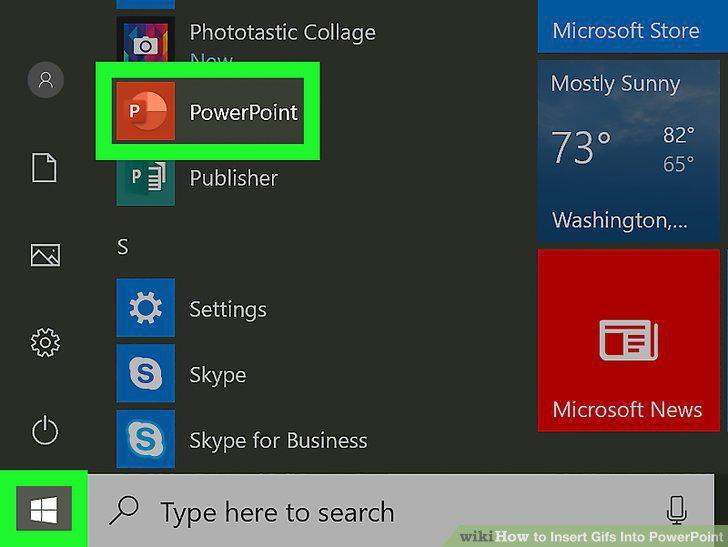
Open PowerPoint.
2
Create a blank project or open a saved one.
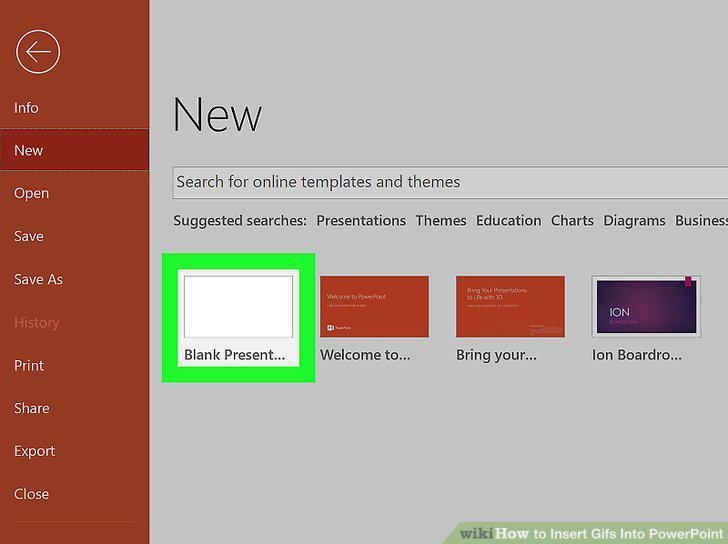
Create a blank project or open a saved one.
3
Move your cursor to the location you want to add the GIF.
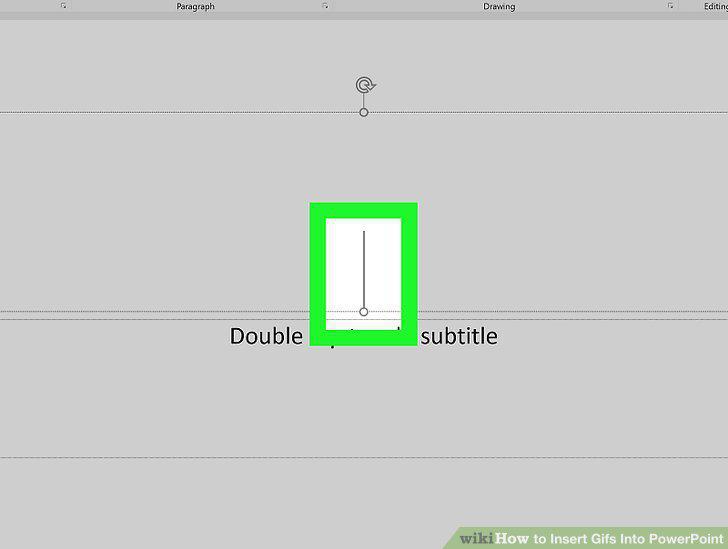
Move your cursor to the location you want to add the GIF.
4
Click the Insert tab.
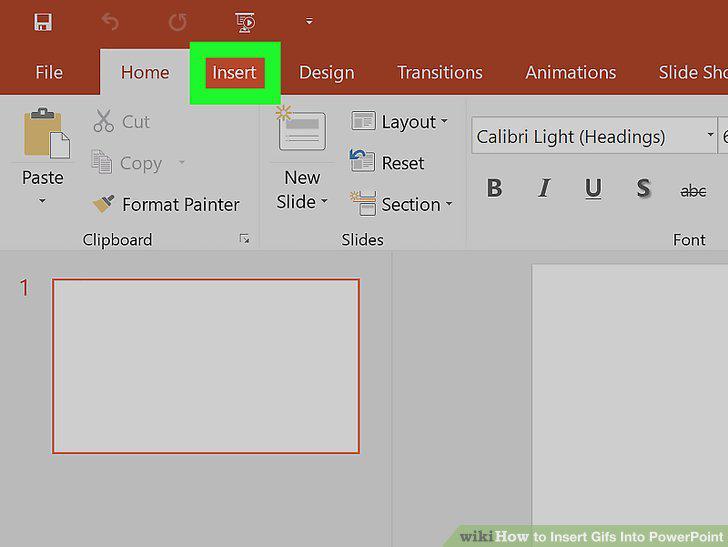
Click the Insert tab.
5
Click Pictures or Online Pictures.
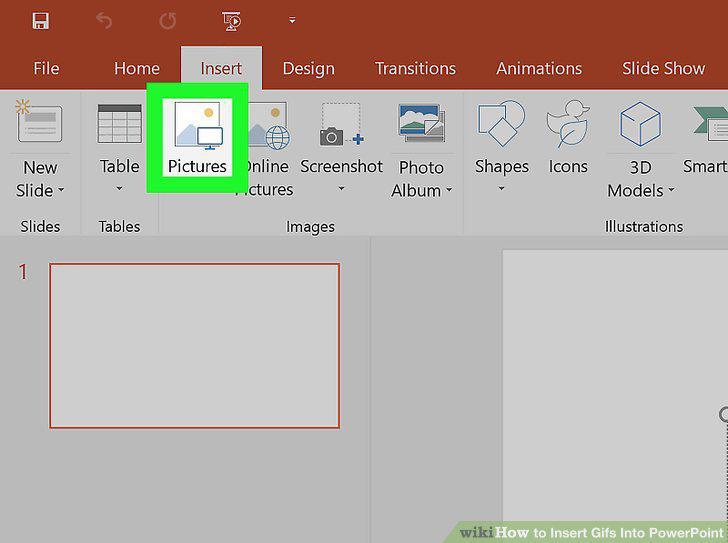
Click Pictures or Online Pictures.
6
Play your slideshow to see your GIF in action.
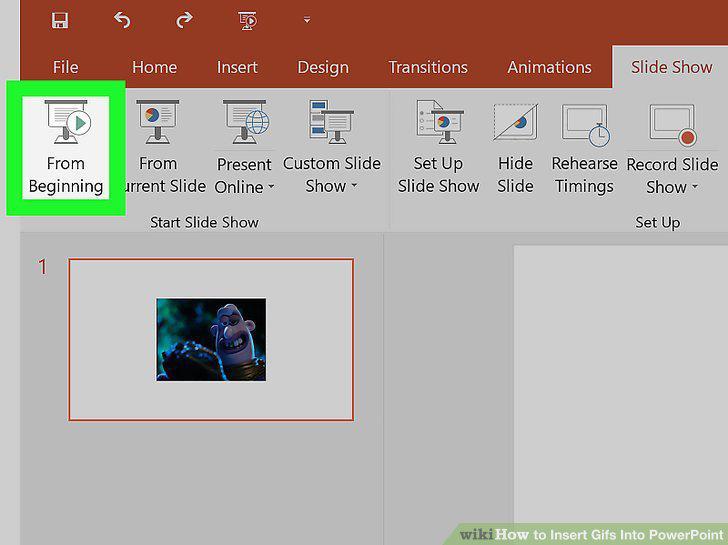
Play your slideshow to see your GIF in action.
Comments (0)
No comments yet. Be the first to share your thoughts!