How to Reset a Genie Garage Door Opener
Press down the square button for 3-5 seconds.. Select the round "Learn Code" button on any openers made between 1995 and 2011.. Push the remote button quickly.
Steps
1
Press down the square button for 3-5 seconds.
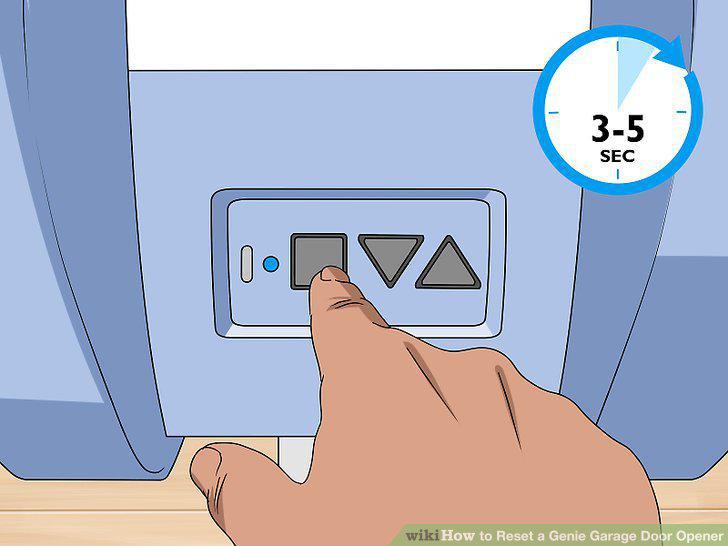
Press down the square button for 3-5 seconds.
2
Select the round "Learn Code" button on any openers made between 1995 and 2011.
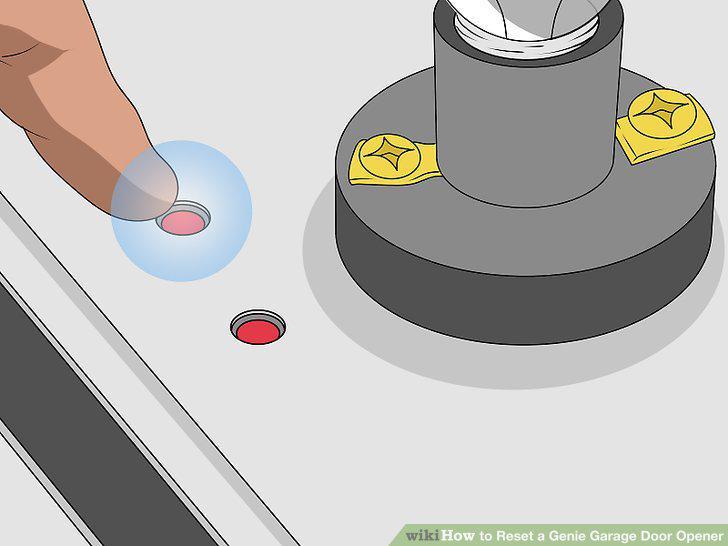
Select the round "Learn Code" button on any openers made between 1995 and 2011.
3
Push the remote button quickly.
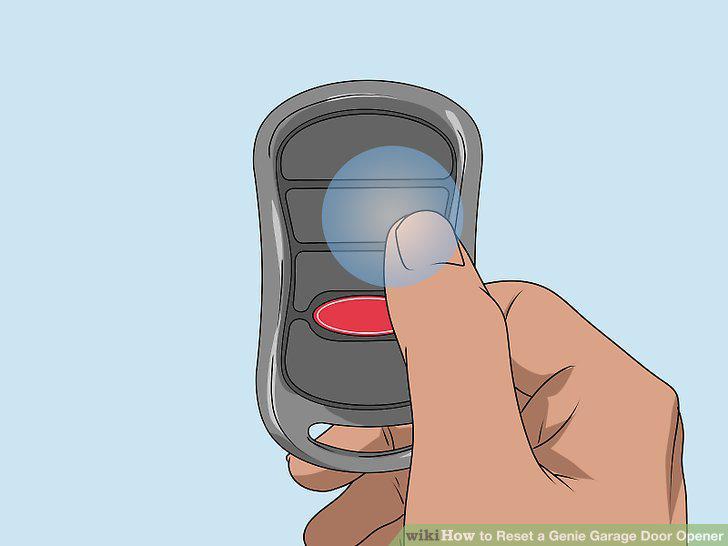
Push the remote button quickly.
4
Press the remote button 2 more times to reset the opener.
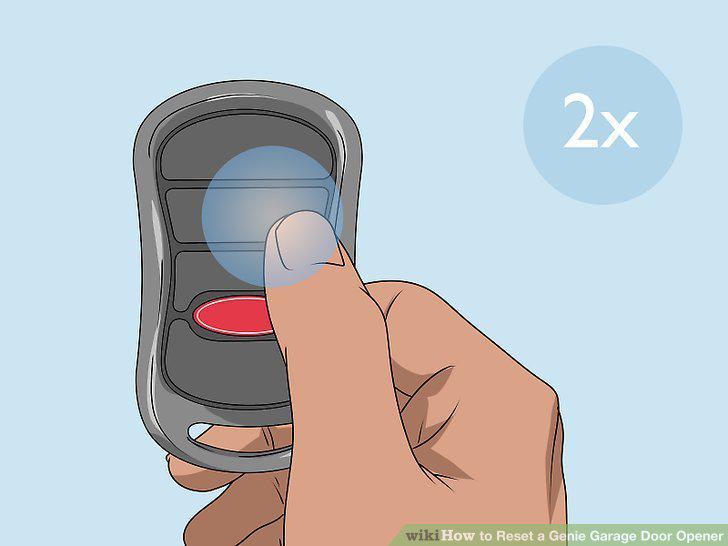
Press the remote button 2 more times to reset the opener.
5
Find the up/down and program keys and press them down for 5 seconds.
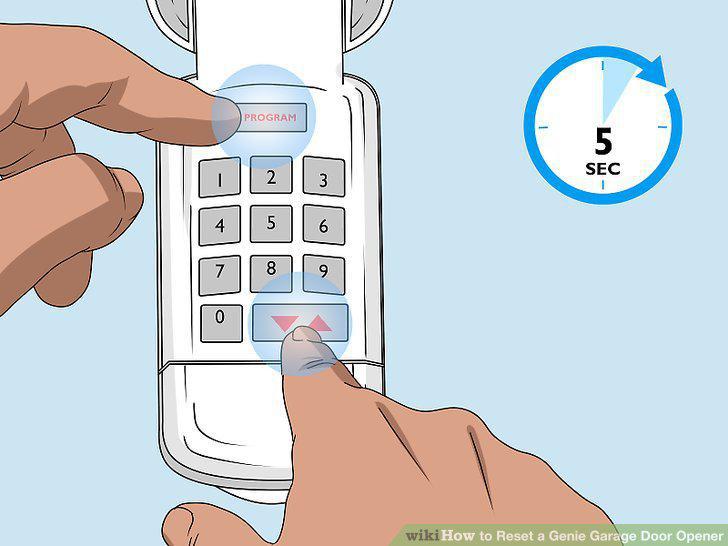
Find the up/down and program keys and press them down for 5 seconds.
6
Press 3, 5, and 7 in succession after the opener is in programming mode.
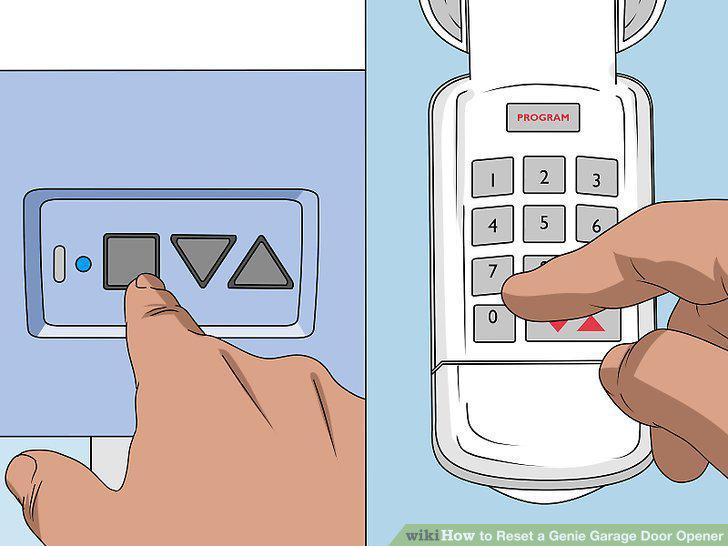
Press 3, 5, and 7 in succession after the opener is in programming mode.
7
Push the up/down button 3 times to open the garage door.
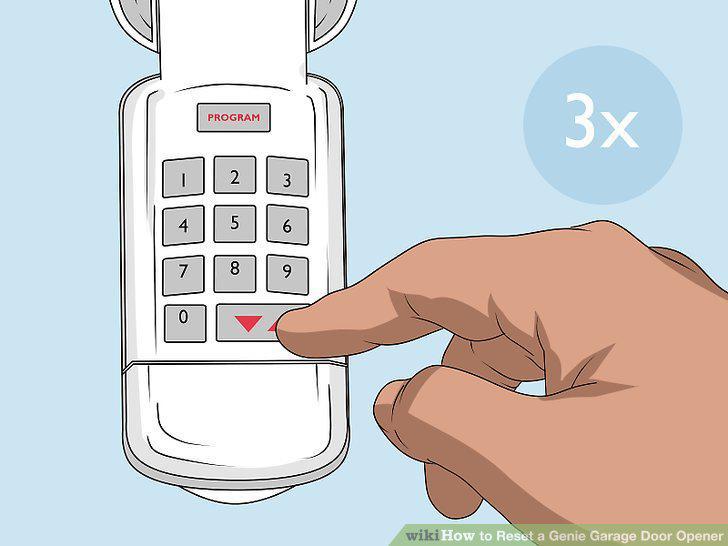
Push the up/down button 3 times to open the garage door.
Comments (0)
No comments yet. Be the first to share your thoughts!