How to Draw Straws over Email
Determine your participant pool.. Assign a letter for each participant.. Select your short straw.
Steps
1
Determine your participant pool.
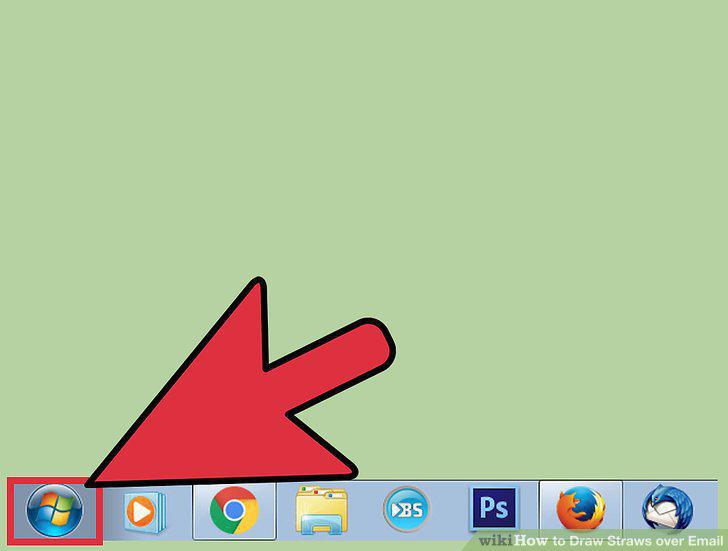
Determine your participant pool.
2
Assign a letter for each participant.
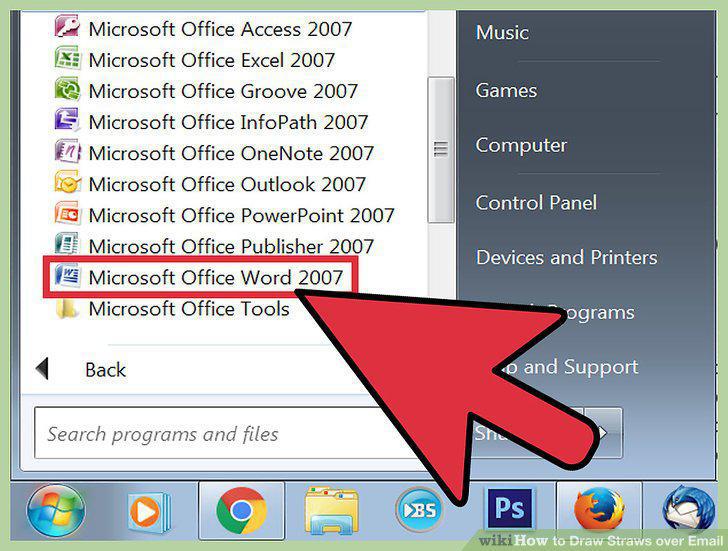
Assign a letter for each participant.
3
Select your short straw.
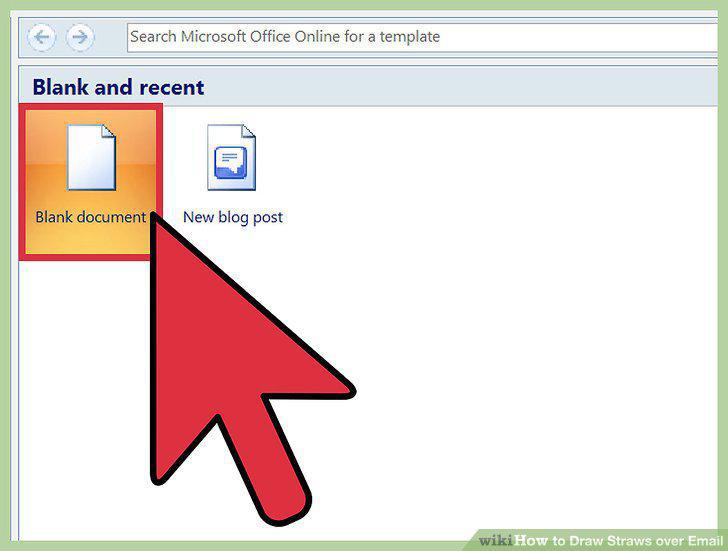
Select your short straw.
4
Encrypt your document.
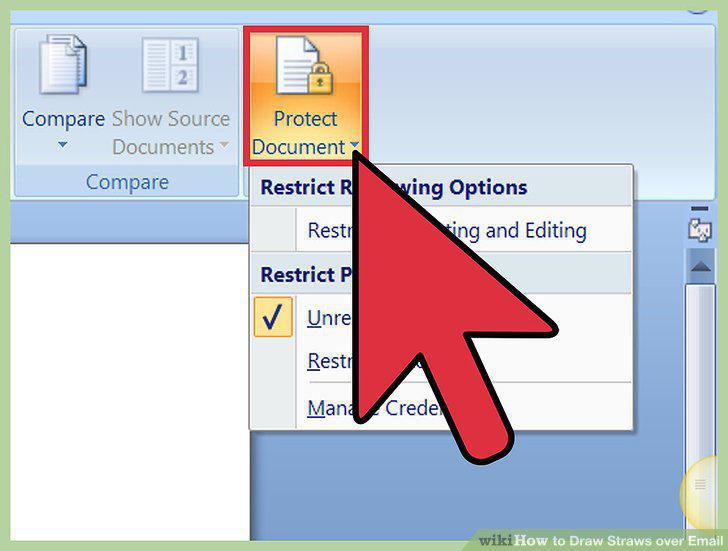
Encrypt your document.
5
Email the encrypted document to all participants.
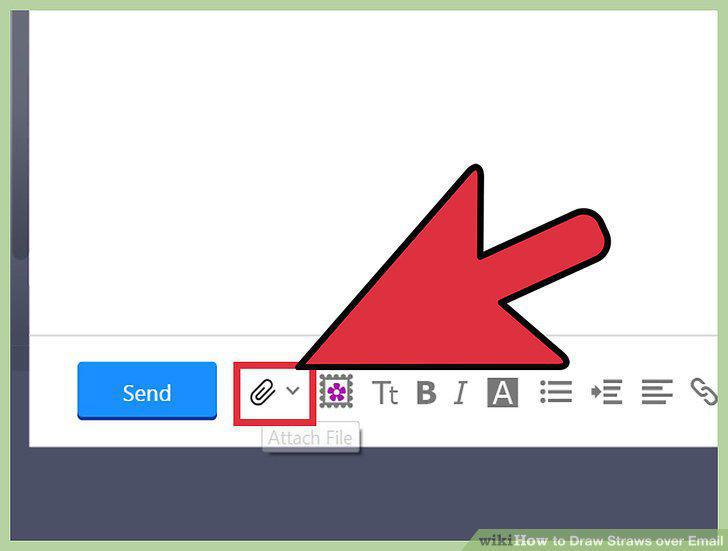
Email the encrypted document to all participants.
6
Send the password to your participant pool.
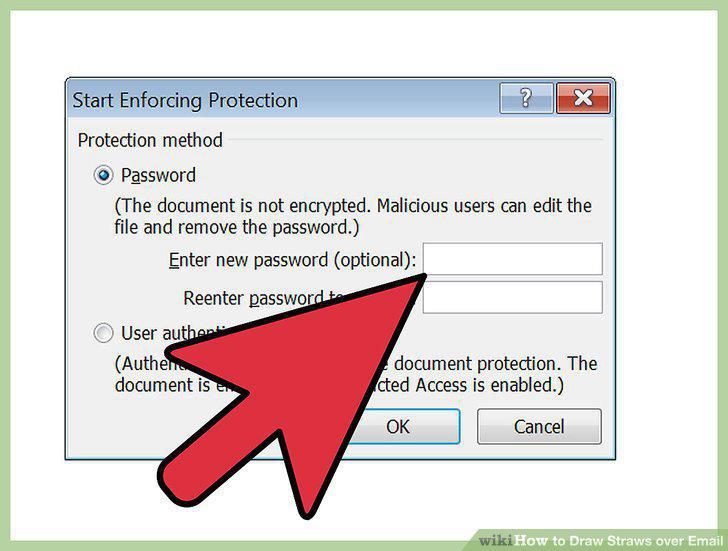
Send the password to your participant pool.
7
Determine your participant pool.
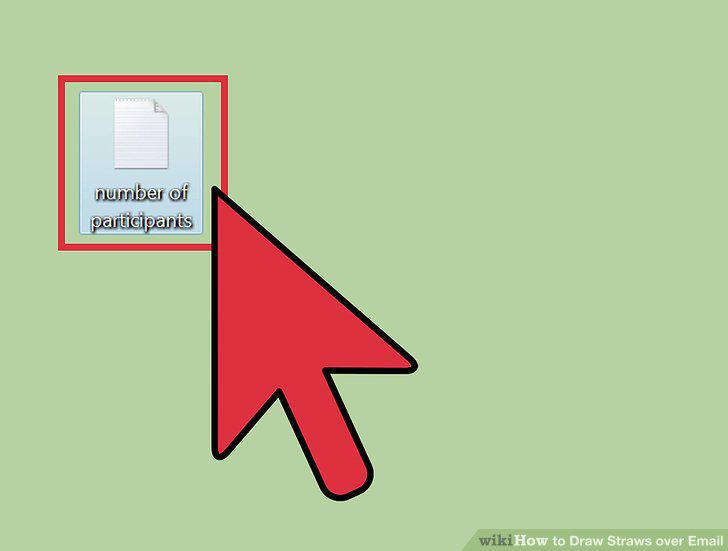
Determine your participant pool.
8
Access an online randomizer.
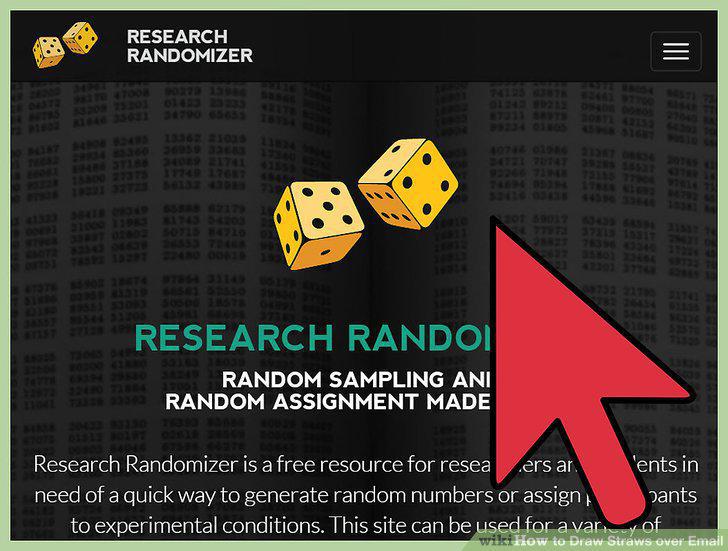
Access an online randomizer.
9
Create your total straws.
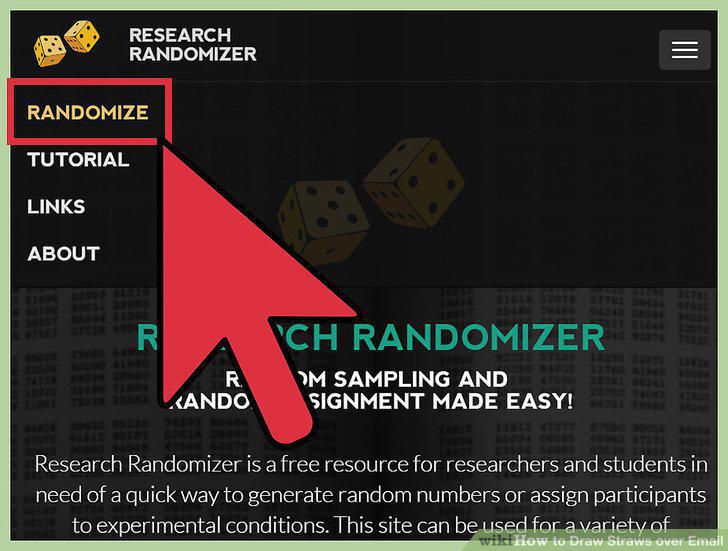
Create your total straws.
10
Add names to the straws.
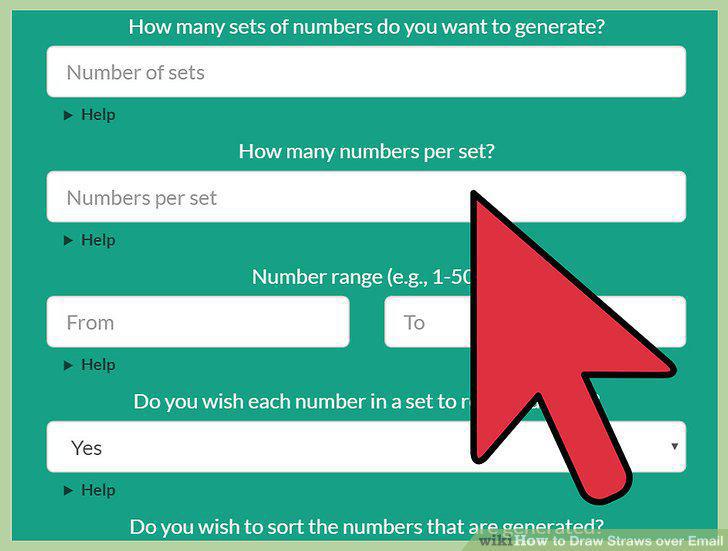
Add names to the straws.
11
Create your short straws.
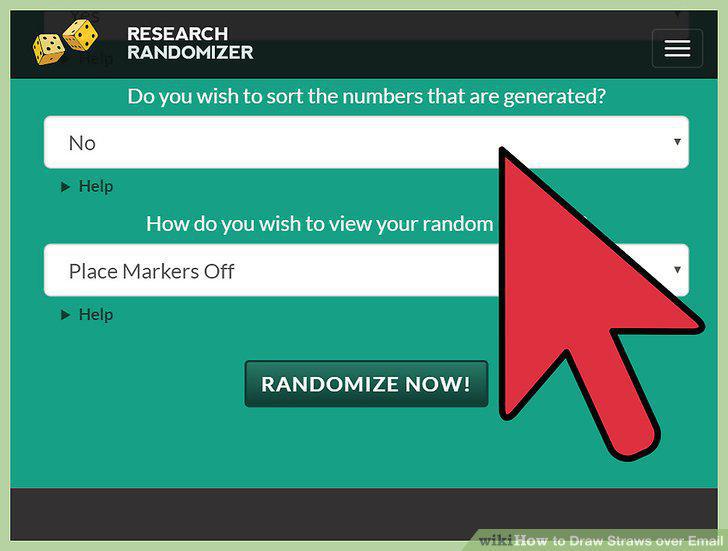
Create your short straws.
12
Generate your numbers.
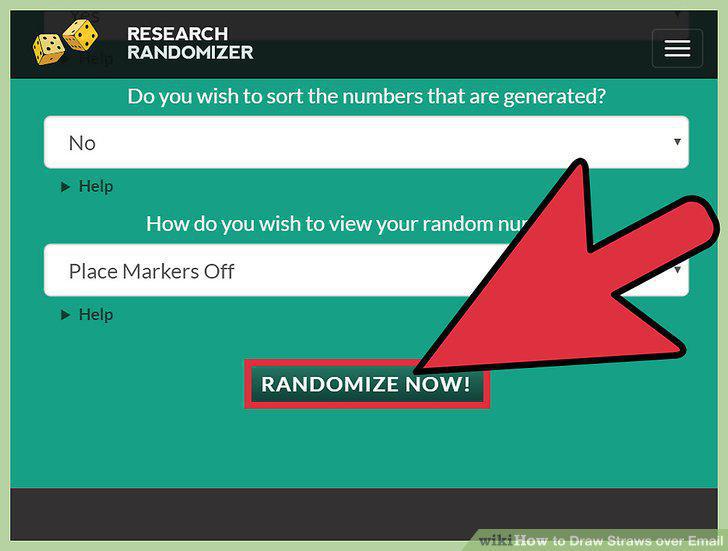
Generate your numbers.
13
Take a screenshot of the results.
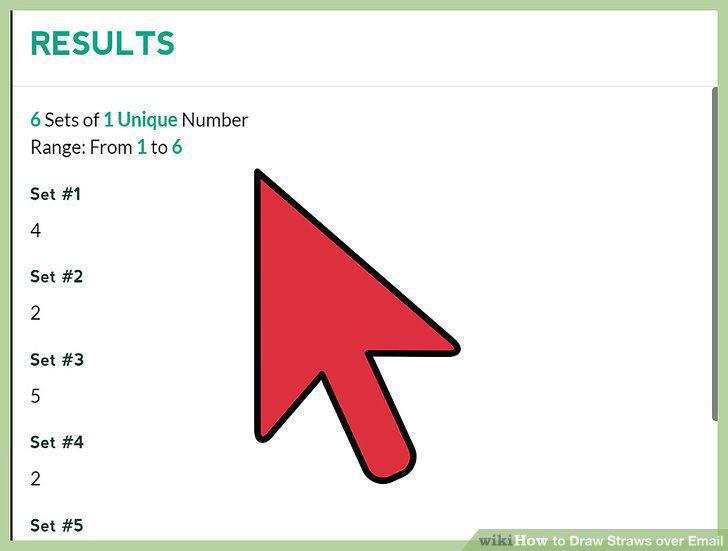
Take a screenshot of the results.
14
Email the screenshot to the participant pool.
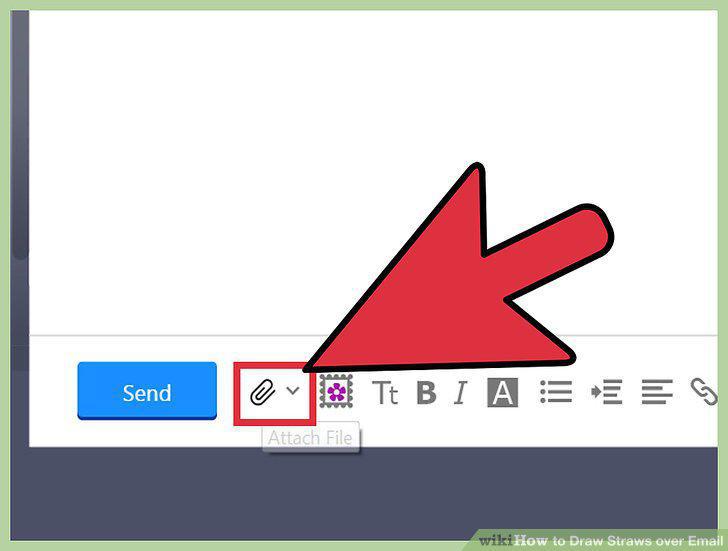
Email the screenshot to the participant pool.
Comments (0)
No comments yet. Be the first to share your thoughts!