How to Make a Blend in Microsoft Paint
Open Microsoft Paint.. Familiarize yourself with your version of Paint.. Select "Edit colors".
Steps
1
Open Microsoft Paint.
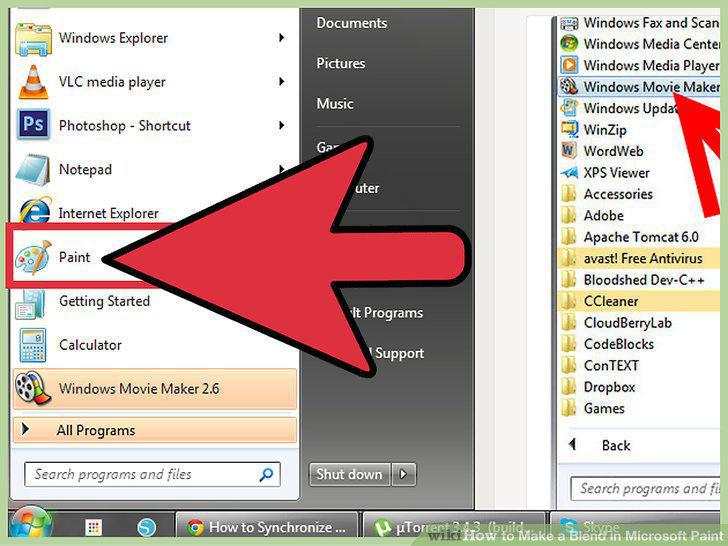
Open Microsoft Paint.
2
Familiarize yourself with your version of Paint.
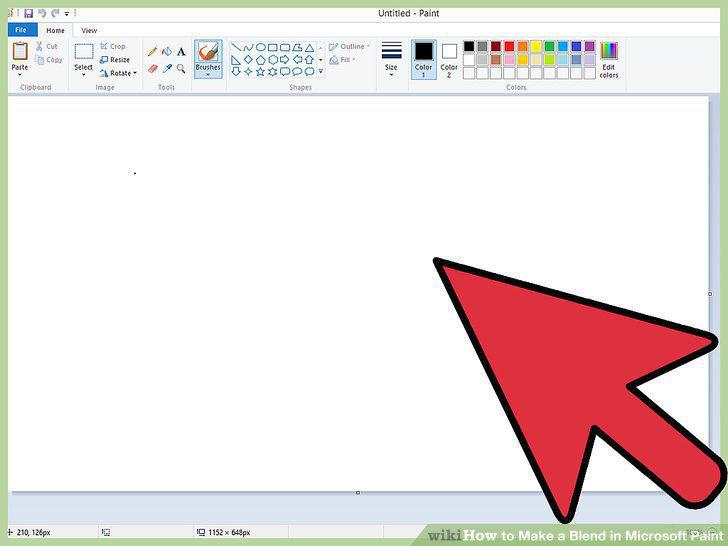
Familiarize yourself with your version of Paint.
3
Select "Edit colors".
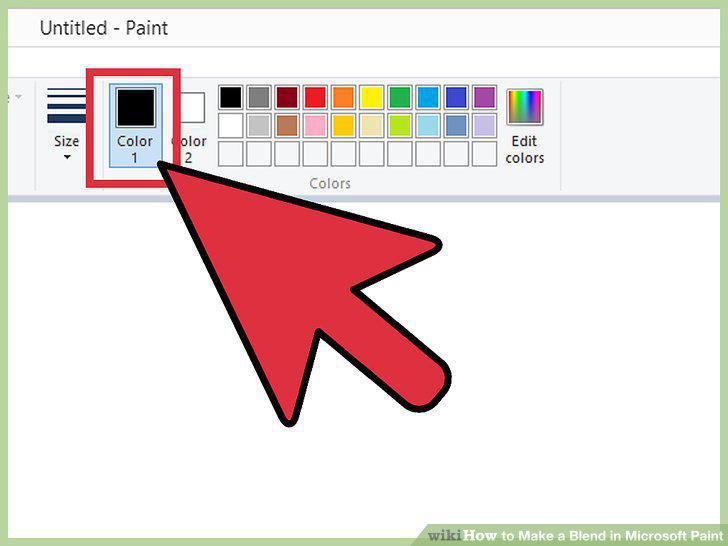
Select "Edit colors".
4
Customize your color's shade.
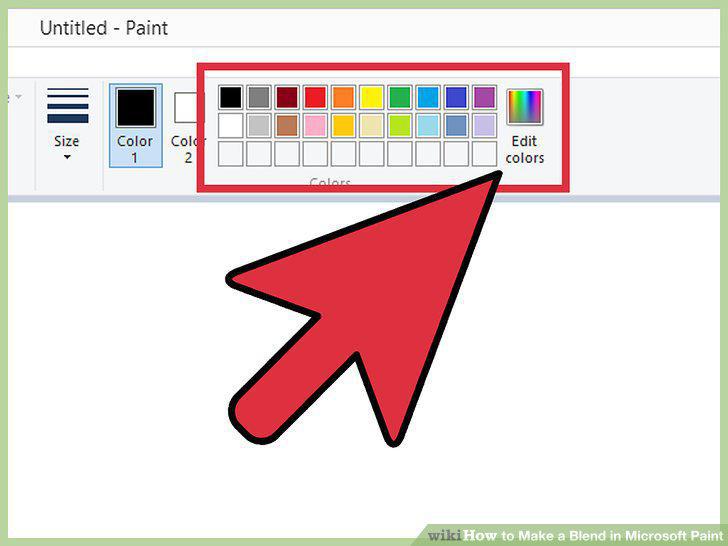
Customize your color's shade.
5
Save your color.
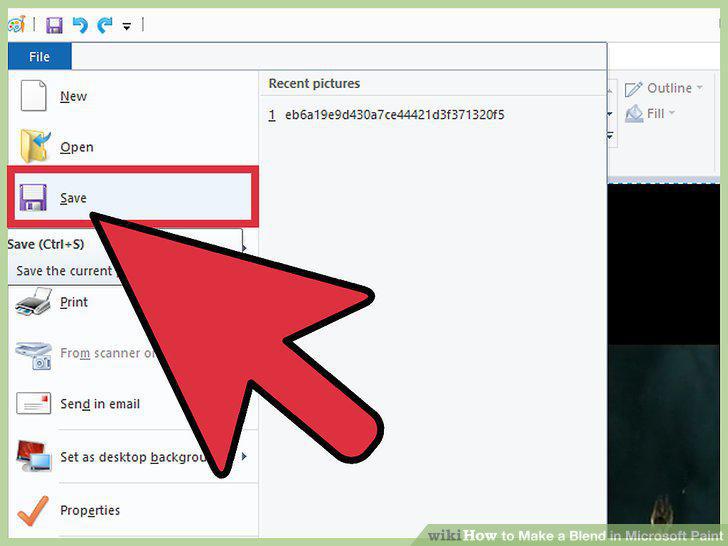
Save your color.
6
Open Microsoft Paint.
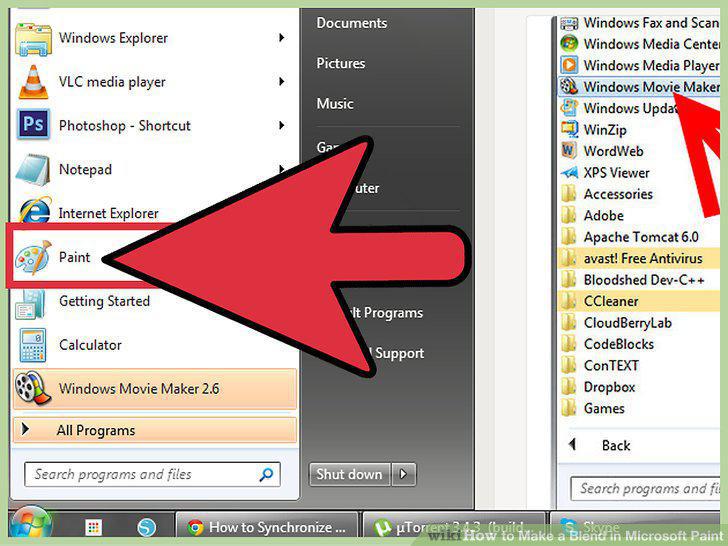
Open Microsoft Paint.
7
Choose two colors.
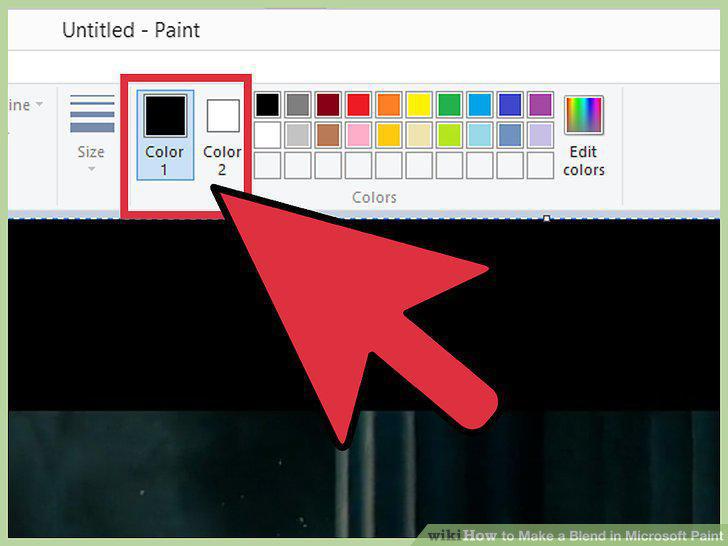
Choose two colors.
8
Open the Properties menu.
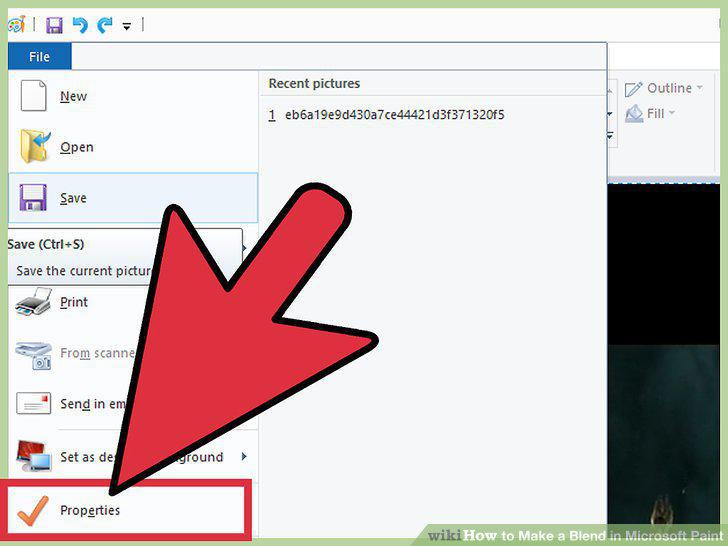
Open the Properties menu.
9
Resize your canvas.
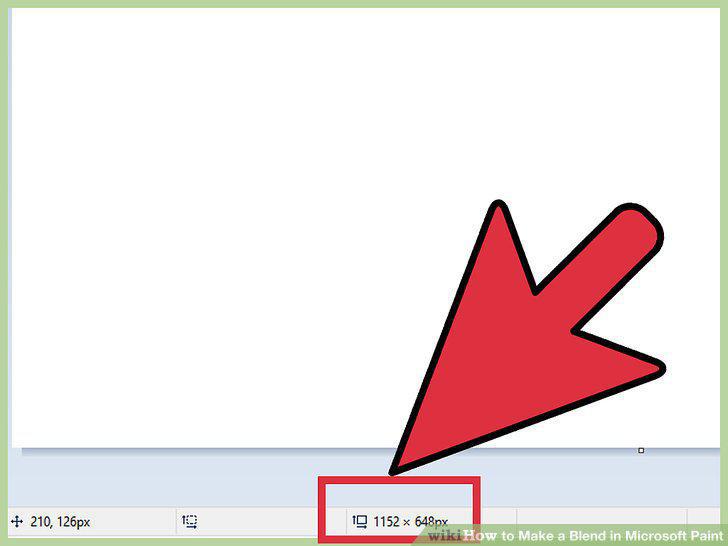
Resize your canvas.
10
Split the canvas in half.
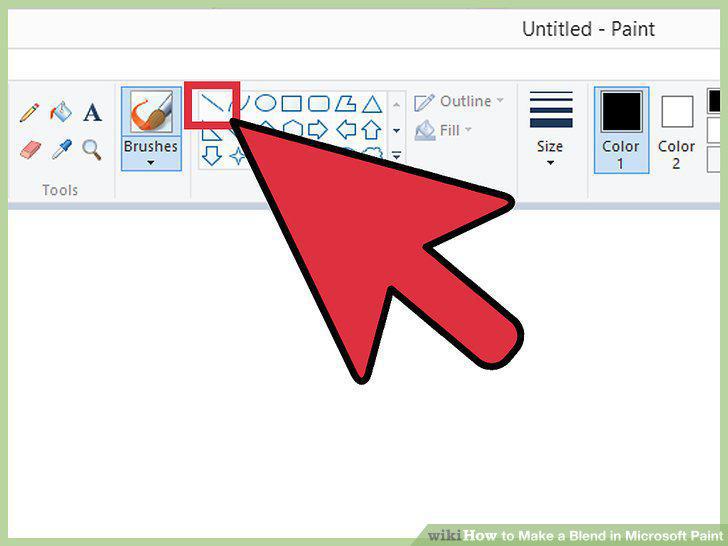
Split the canvas in half.
11
Fill in your sections.
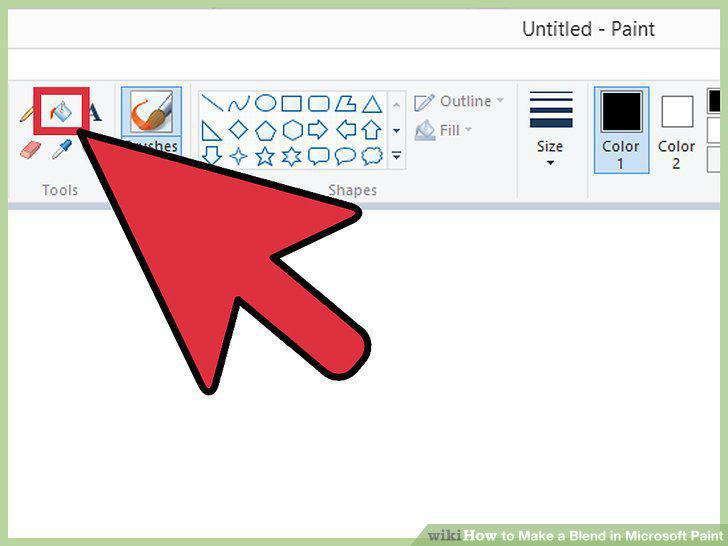
Fill in your sections.
12
Open the "Resize and Skew" menu.
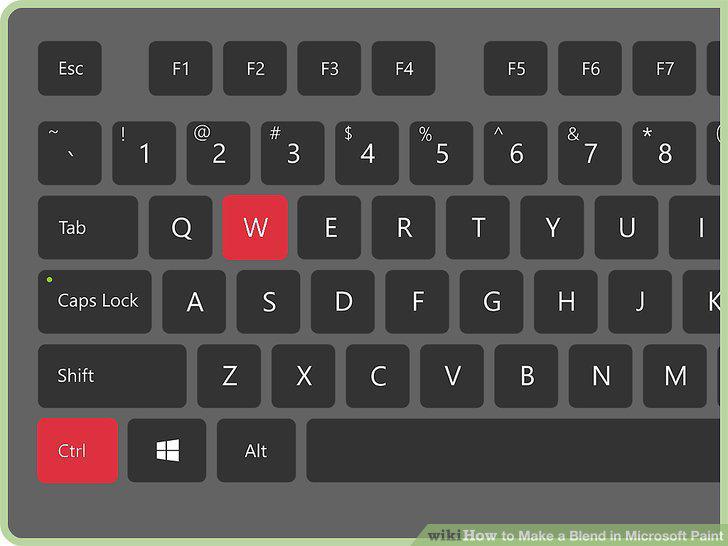
Open the "Resize and Skew" menu.
13
Exit the "Resize and Skew" menu, then re-open it.
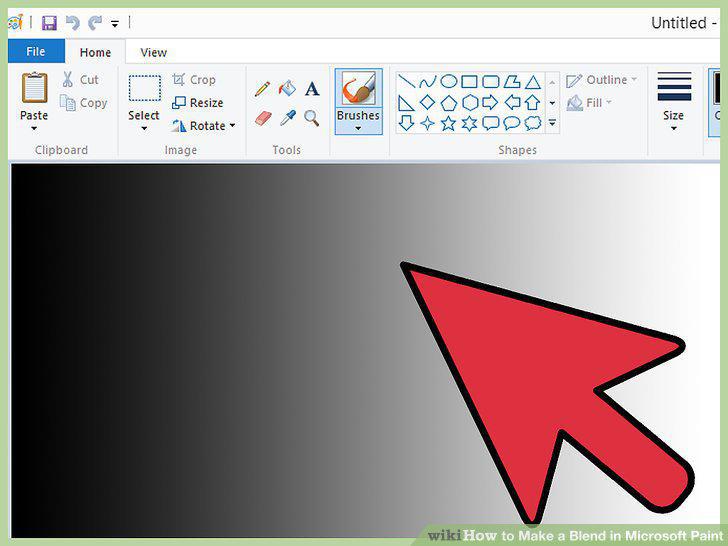
Exit the "Resize and Skew" menu, then re-open it.
14
Save your work.
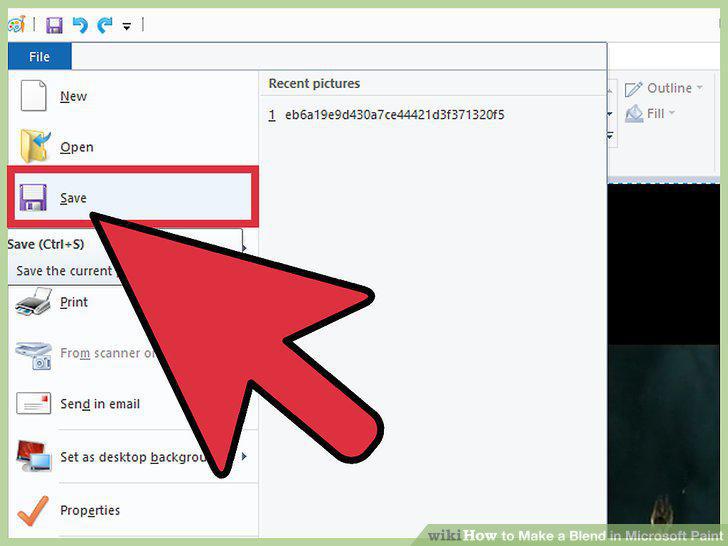
Save your work.
Comments (0)
No comments yet. Be the first to share your thoughts!