How to Delete a Cyberghost Account
Go to https://my.cyberghostvpn.com in a web browser.. Click My Subscriptions.. Click Turn auto-renewal off.
Steps
1
Go to https://my.cyberghostvpn.com in a web browser.
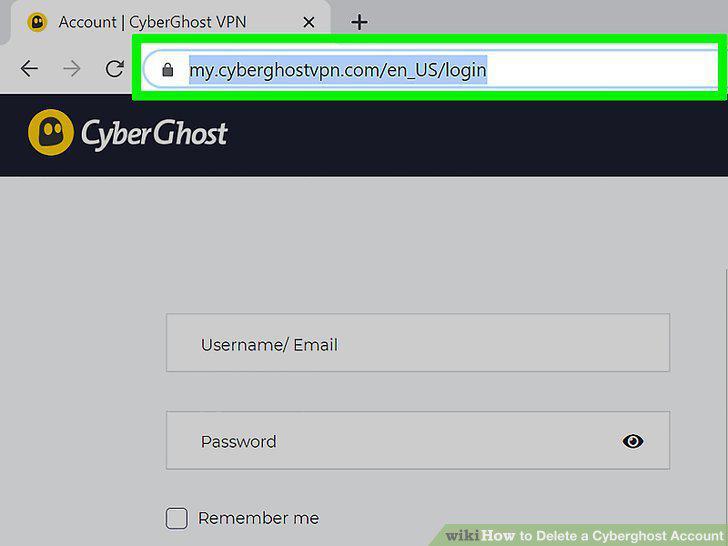
Go to https://my.cyberghostvpn.com in a web browser.
2
Click My Subscriptions.
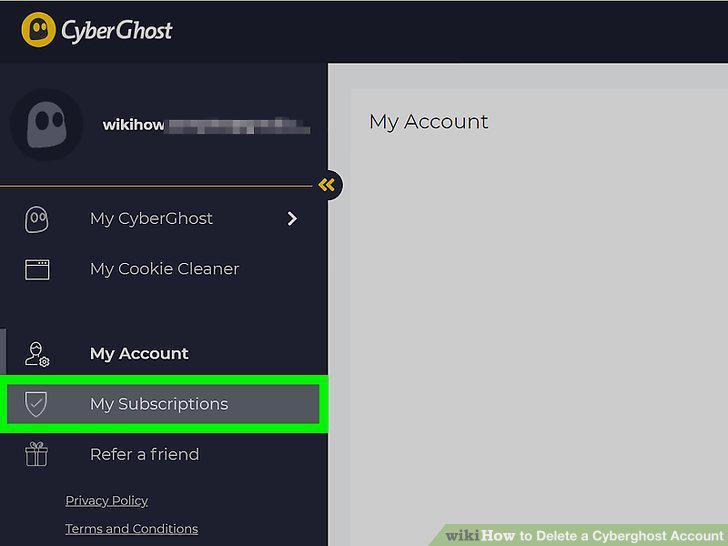
Click My Subscriptions.
3
Click Turn auto-renewal off.
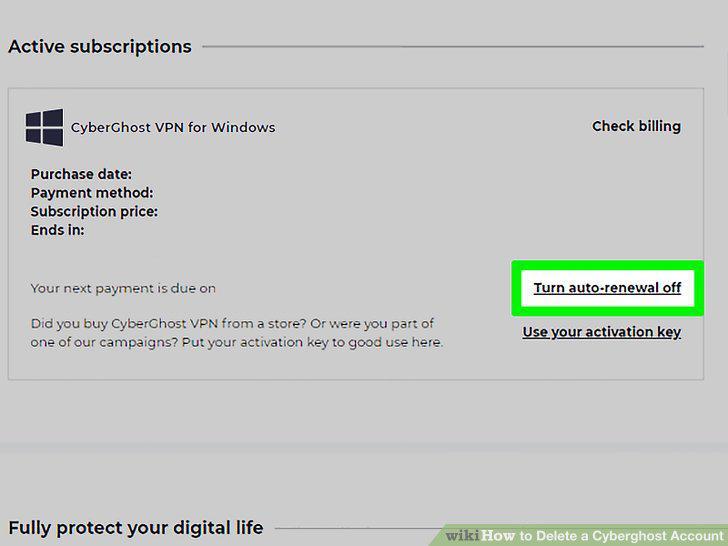
Click Turn auto-renewal off.
4
Click My Account.
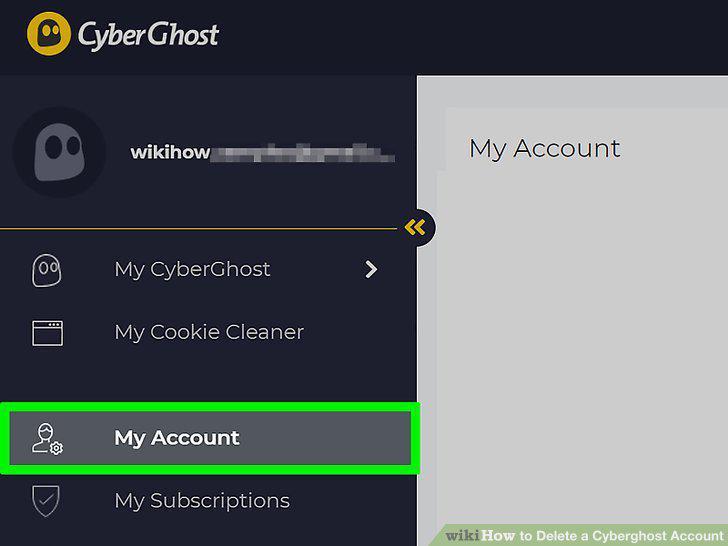
Click My Account.
5
Scroll down and click Delete Account.
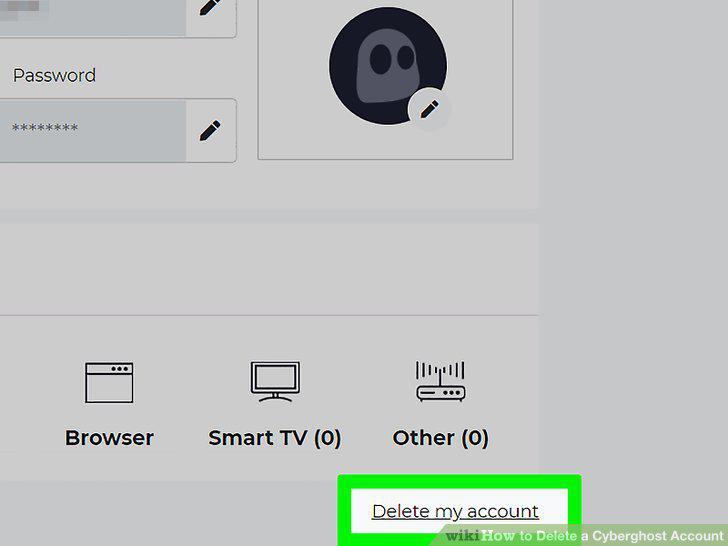
Scroll down and click Delete Account.
Comments (0)
No comments yet. Be the first to share your thoughts!