How to View Your Calendar in Gmail
Open Gmail in a web browser.. Click the calendar icon.. Switch to a different date.
Steps
1
Open Gmail in a web browser.
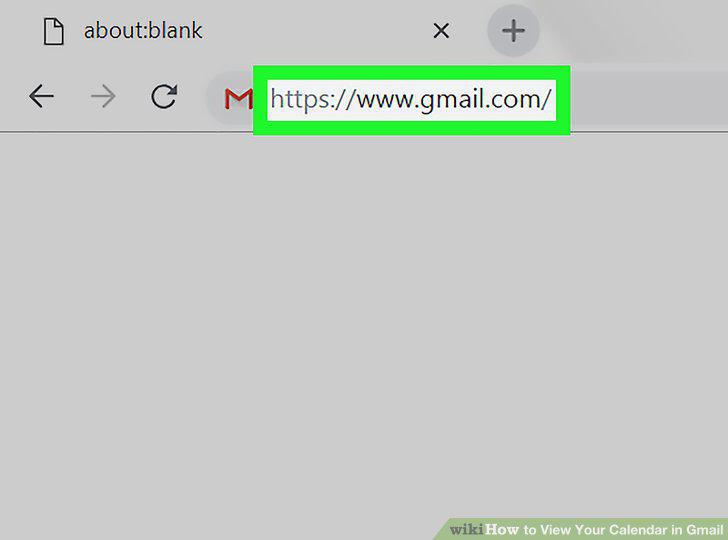
Open Gmail in a web browser.
2
Click the calendar icon.
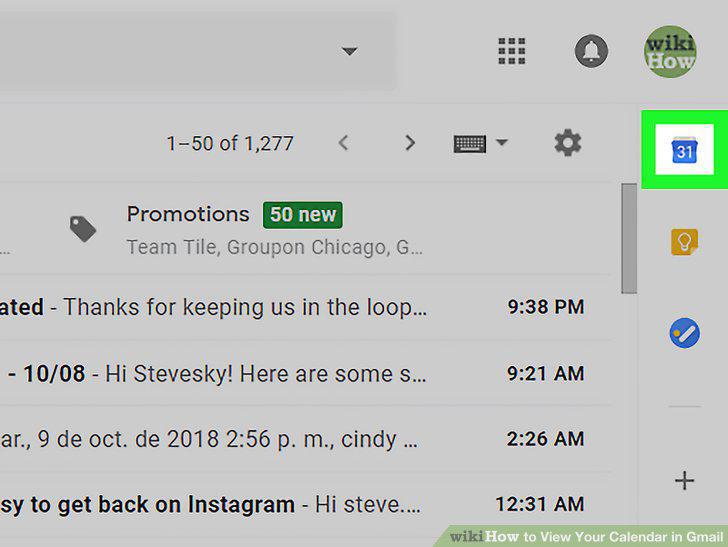
Click the calendar icon.
3
Switch to a different date.
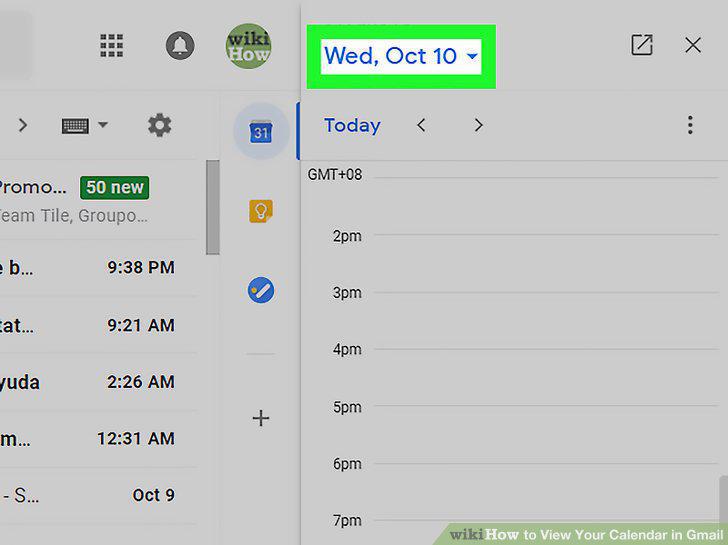
Switch to a different date.
4
Switch to schedule view.
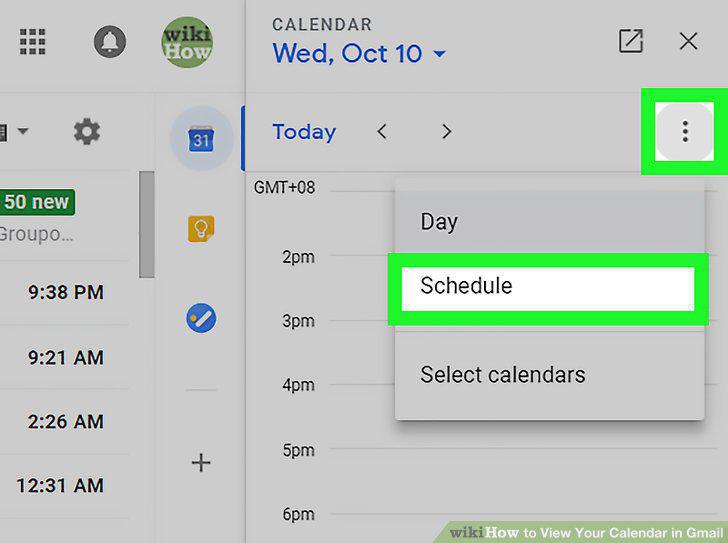
Switch to schedule view.
5
Click the pop-out icon to open the full calendar.
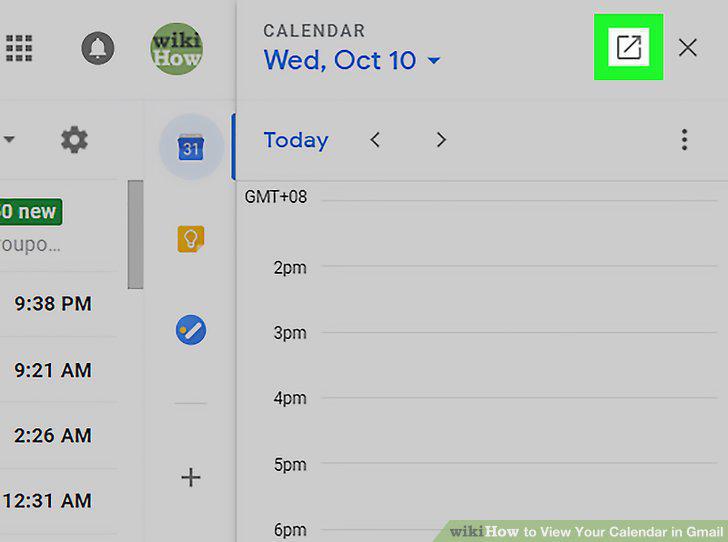
Click the pop-out icon to open the full calendar.
Comments (0)
No comments yet. Be the first to share your thoughts!