How to Keep a Window Always on Top on Windows
Navigate to https://www.labnol.org/software/tutorials/keep-window-always-on-top/5213/ in a web browser.. Scroll down and click the labnol.org link.. Click Save.
Steps
1
Navigate to https://www.labnol.org/software/tutorials/keep-window-always-on-top/
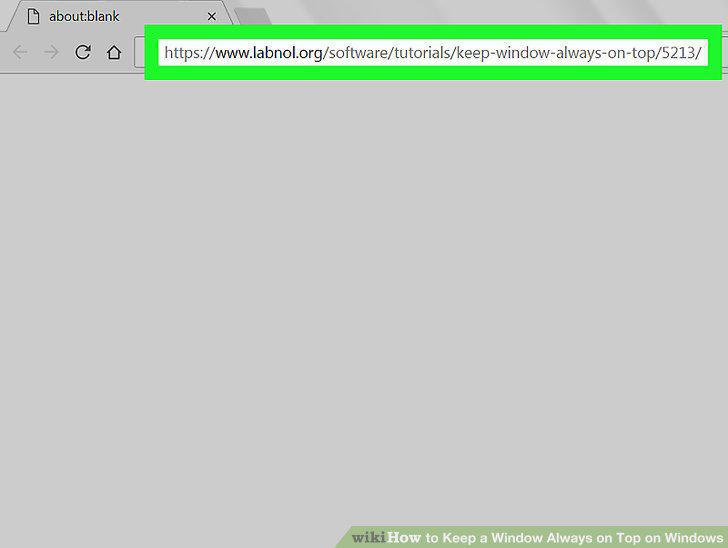
Navigate to https://www.labnol.org/software/tutorials/keep-window-always-on-top/5213/ in a web browser.
2
Scroll down and click the labnol.org link.
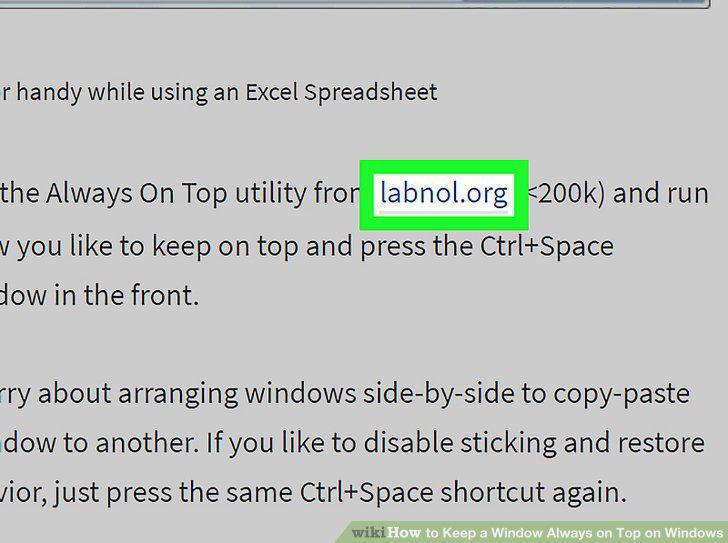
Scroll down and click the labnol.org link.
3
Click Save.
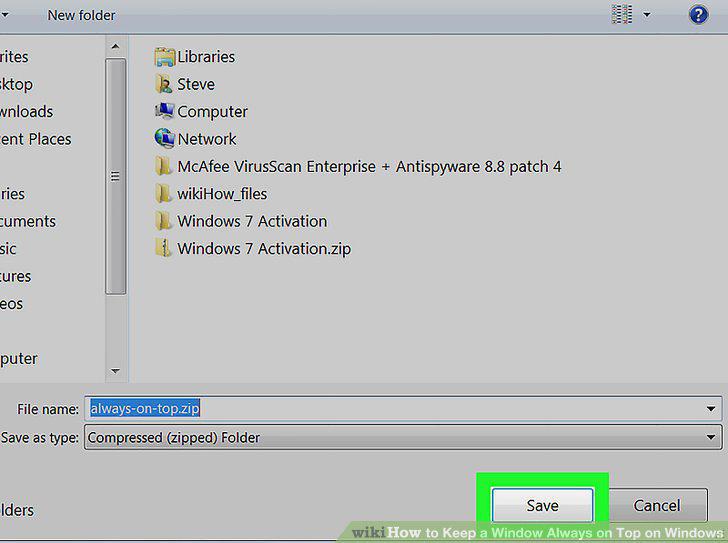
Click Save.
4
Double-click the zip file.

Double-click the zip file.
5
Click Extract all.
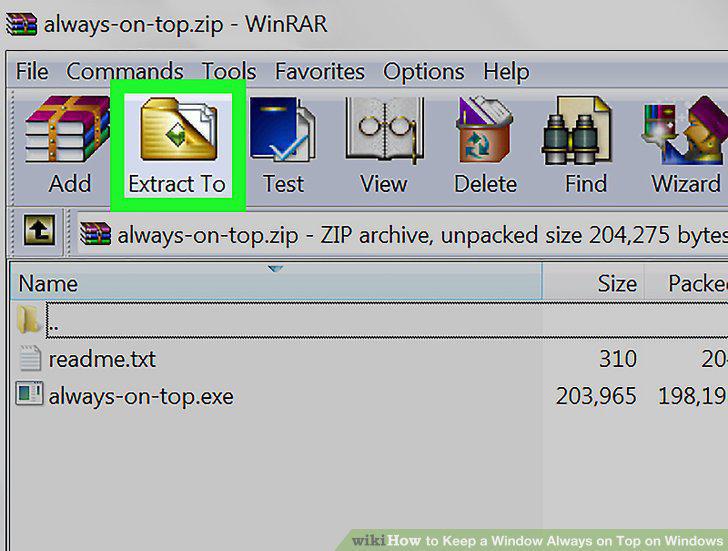
Click Extract all.
6
Select a location.
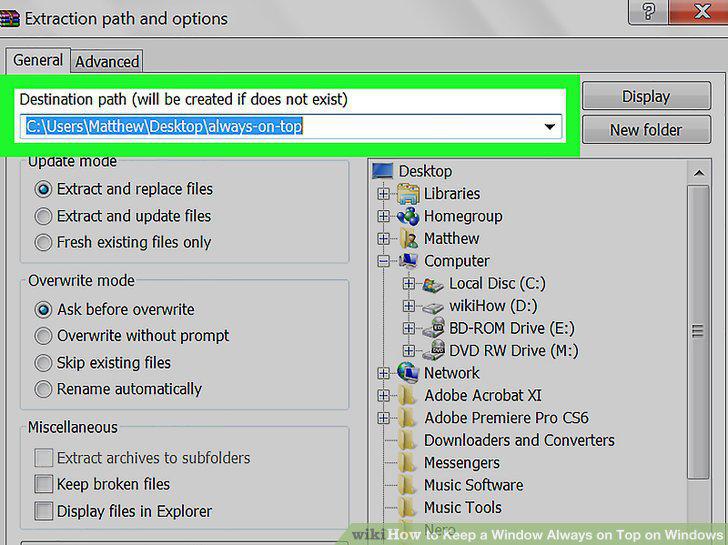
Select a location.
7
Click Extract.
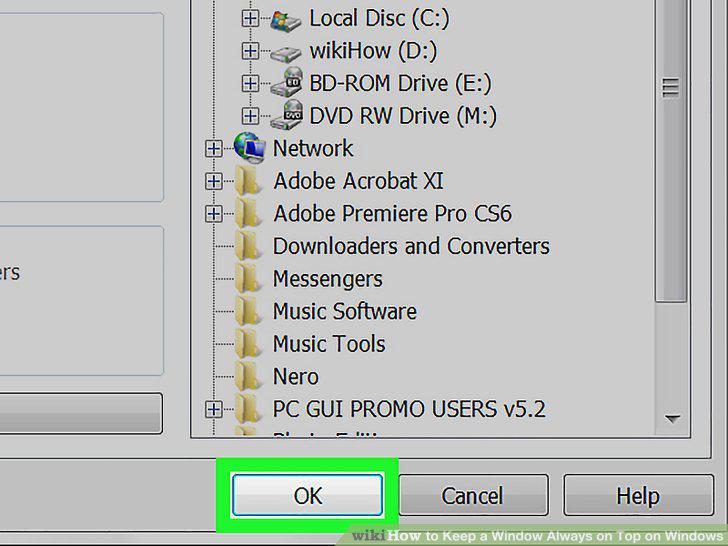
Click Extract.
8
Double-click Always on Top to run it.

Double-click Always on Top to run it.
9
Click the window you want to stay on top.
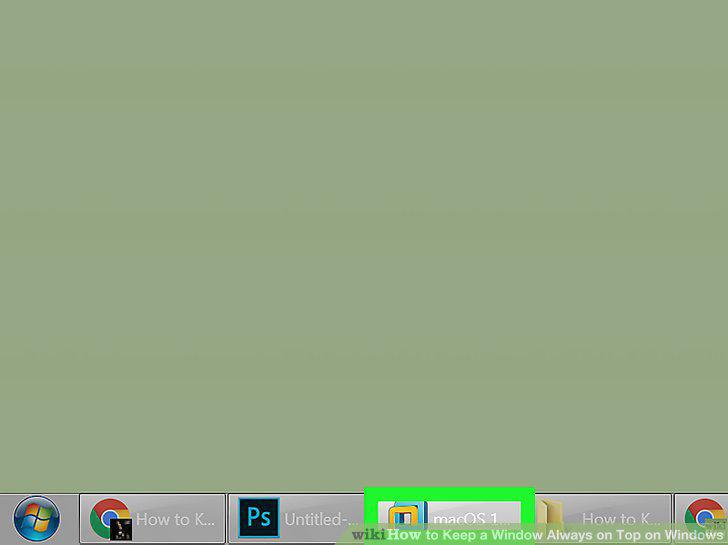
Click the window you want to stay on top.
10
Hold Ctrl and press the spacebar.
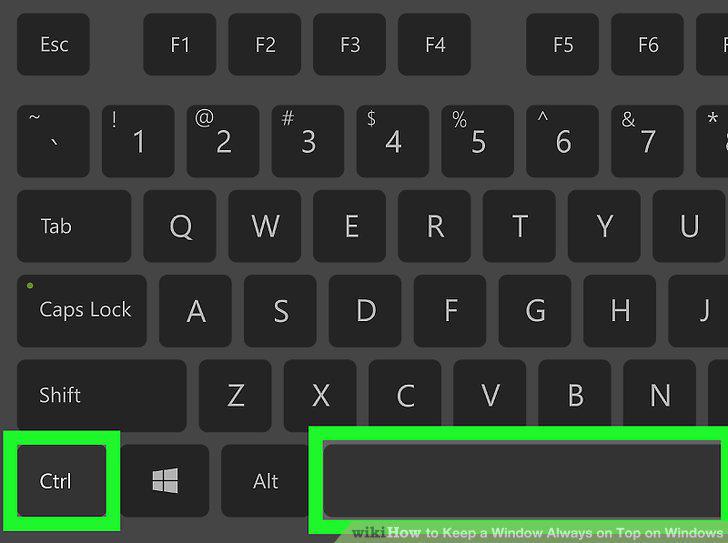
Hold Ctrl and press the spacebar.
Comments (0)
No comments yet. Be the first to share your thoughts!