How to Write Reviews on Google Maps on an iPhone
Open Google Maps.. Tap the search bar.. Type the location's name in the search bar.
Steps
1
Open Google Maps.
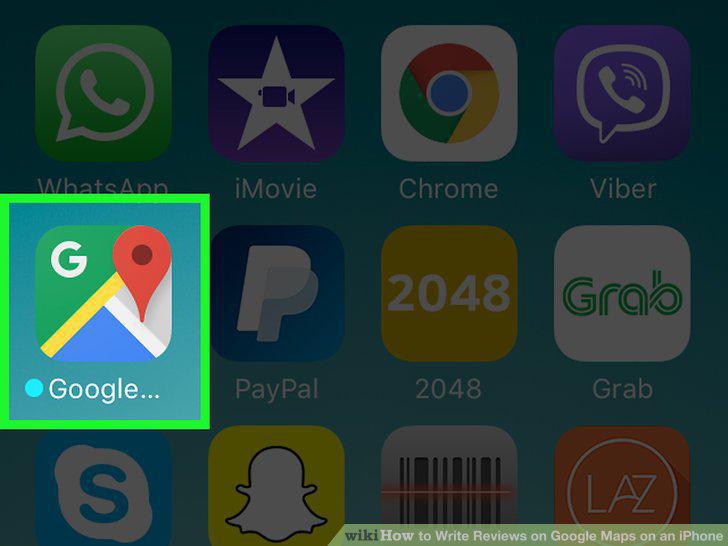
Open Google Maps.
2
Tap the search bar.
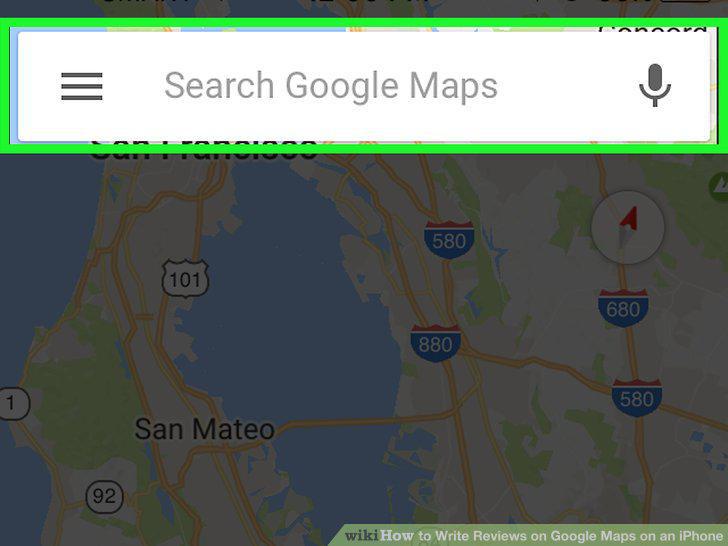
Tap the search bar.
3
Type the location's name in the search bar.
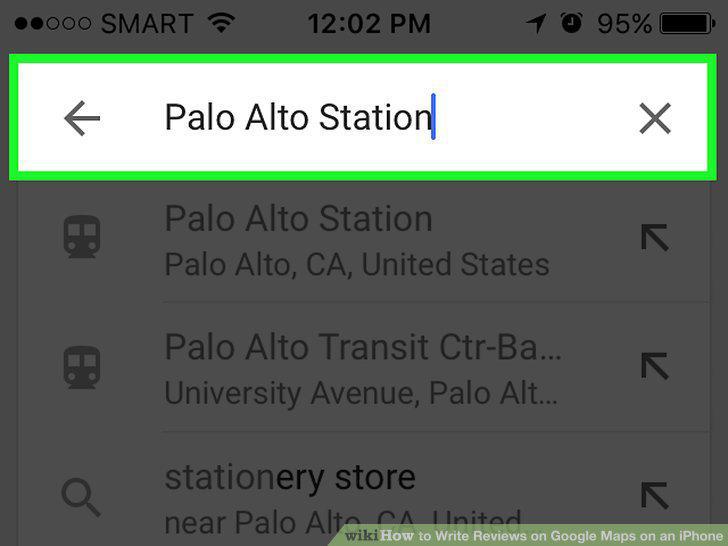
Type the location's name in the search bar.
4
Tap on the relevant search result.
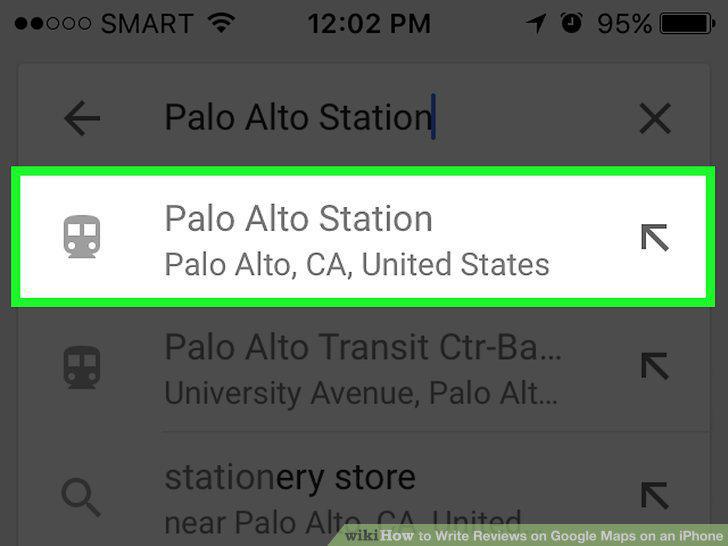
Tap on the relevant search result.
5
Tap the location's name at the bottom of your screen.
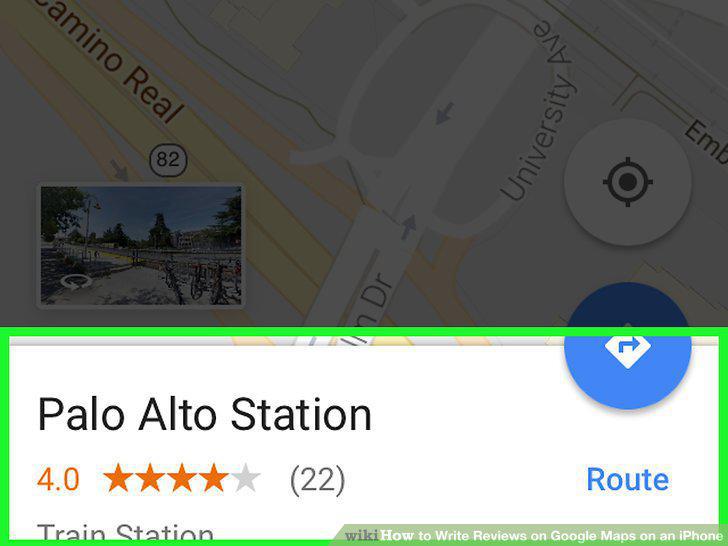
Tap the location's name at the bottom of your screen.
6
Scroll down to the 5 blank stars.
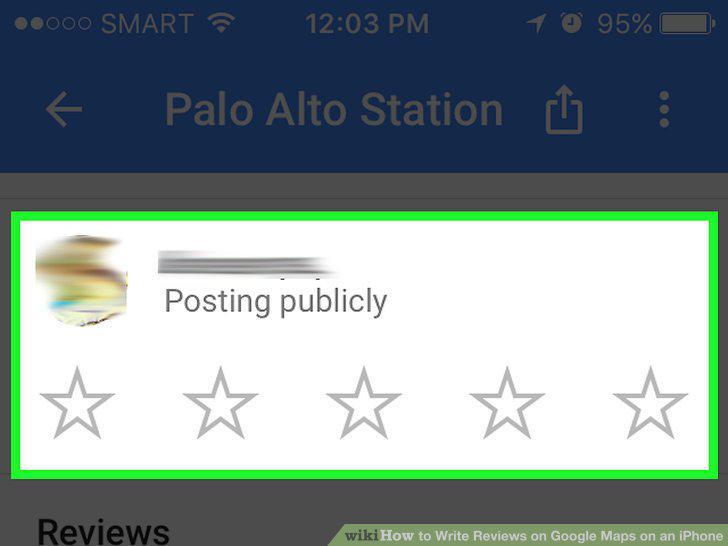
Scroll down to the 5 blank stars.
7
Tap one of the stars.
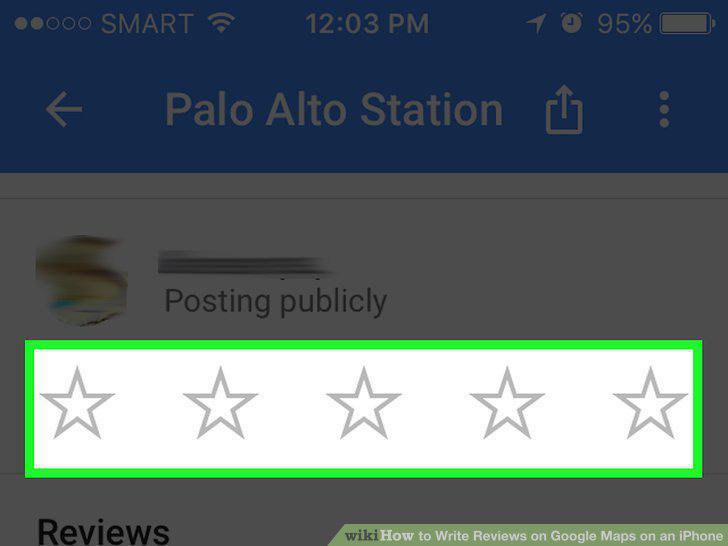
Tap one of the stars.
8
Tap a star.

Tap a star.
9
Write a review.
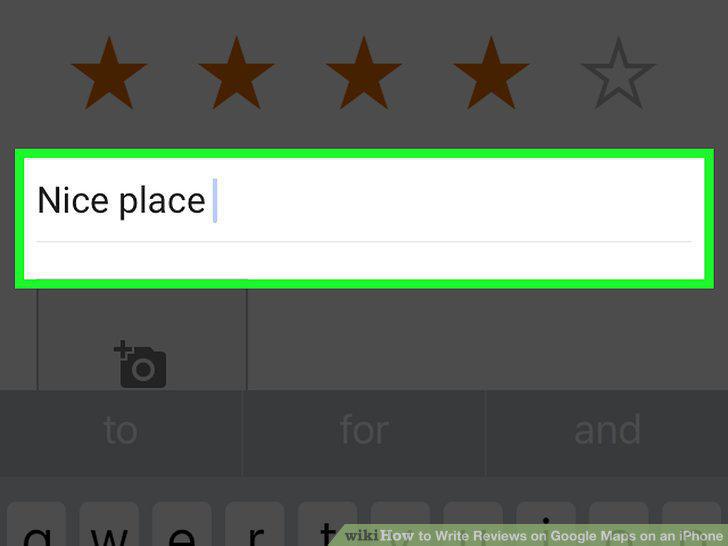
Write a review.
10
Tap Post.

Tap Post.
Comments (0)
No comments yet. Be the first to share your thoughts!