How to Add Gif on Telegram on iPhone or iPad
Open the Telegram app on your iPhone or iPad.. Tap the Chats tab.. Tap a chat on your chats list.
Steps
1
Open the Telegram app on your iPhone or iPad.
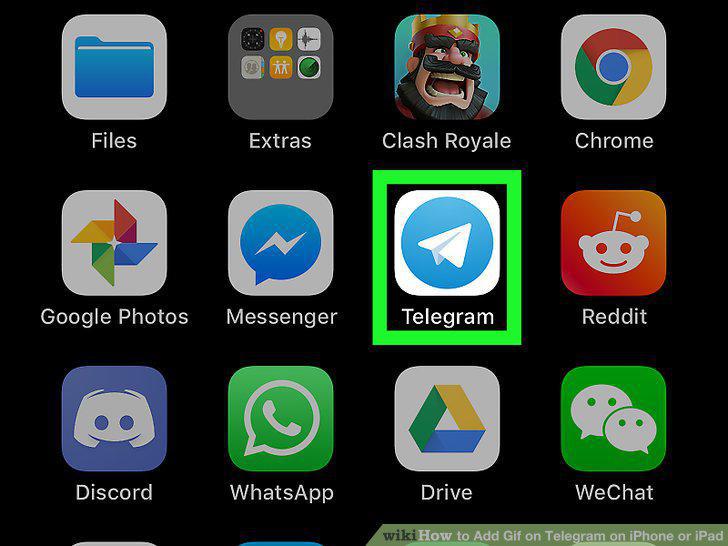
Open the Telegram app on your iPhone or iPad.
2
Tap the Chats tab.
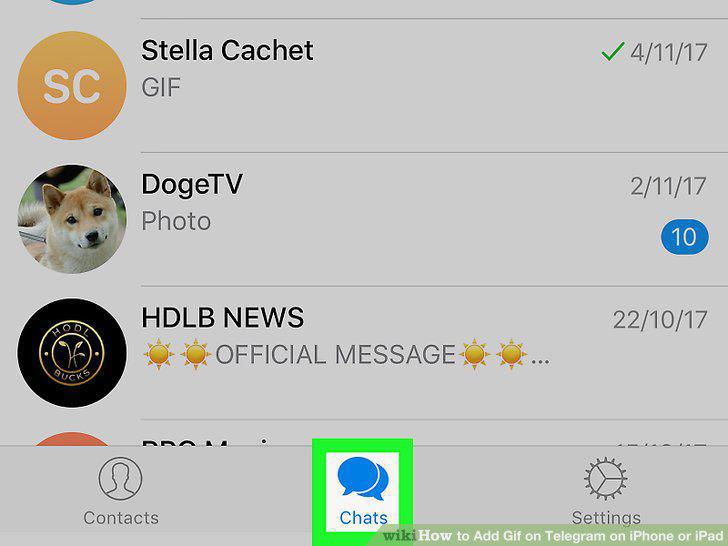
Tap the Chats tab.
3
Tap a chat on your chats list.
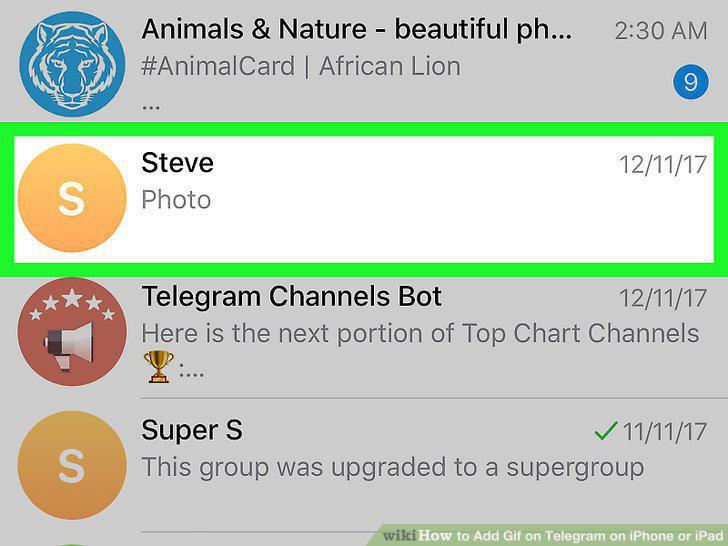
Tap a chat on your chats list.
4
Tap the sticker icon next to the message field.

Tap the sticker icon next to the message field.
5
Tap the GIF button.
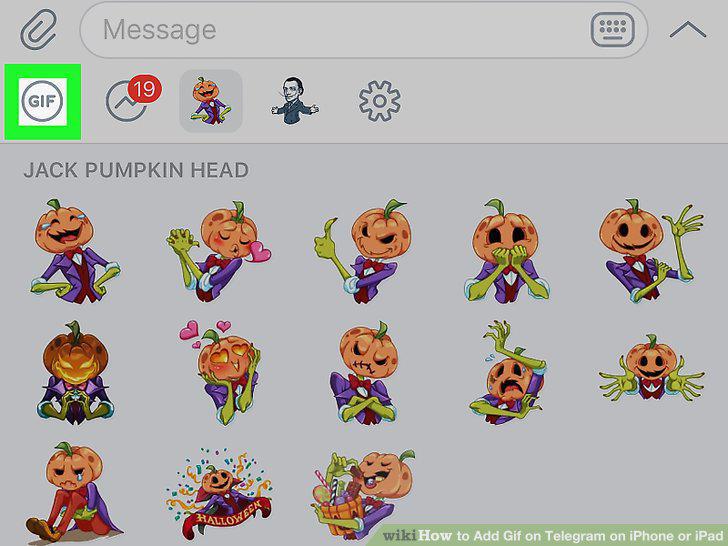
Tap the GIF button.
6
Tap the message field.
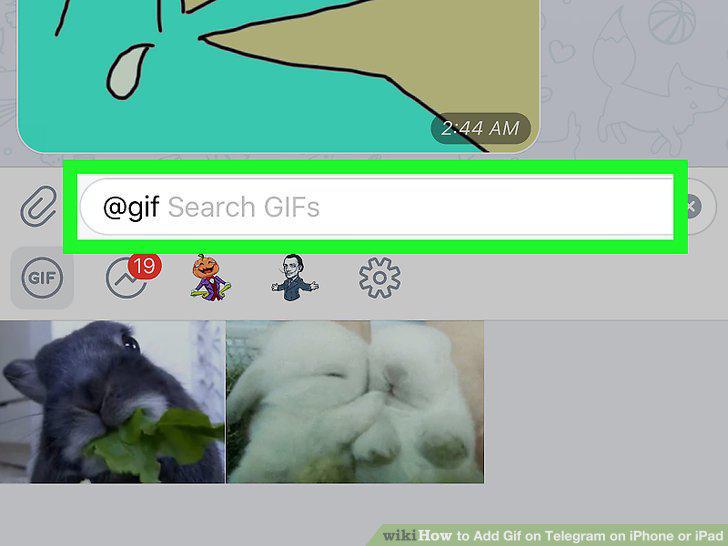
Tap the message field.
7
Enter a search keyword in the message field.
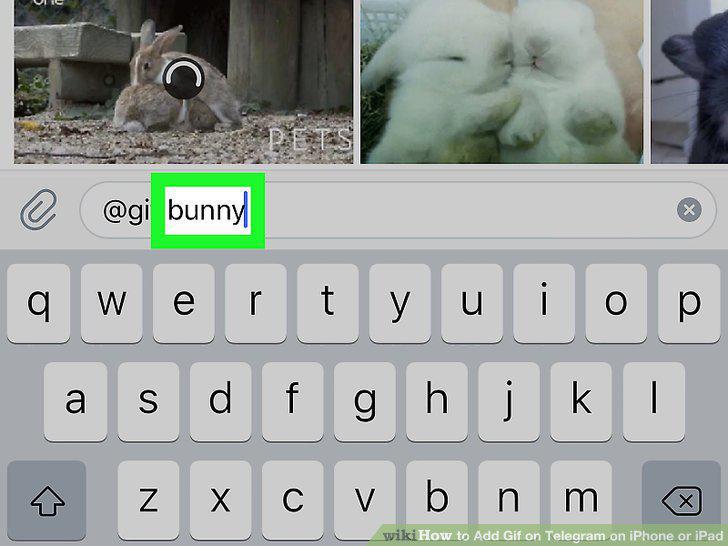
Enter a search keyword in the message field.
8
Tap a GIF file.

Tap a GIF file.
Comments (0)
No comments yet. Be the first to share your thoughts!