How to Unpublish a Page on Facebook
Open the Facebook webpage.. Click the downward-facing arrow.. Click a page in the "Your Pages" area.
Steps
1
Open the Facebook webpage.
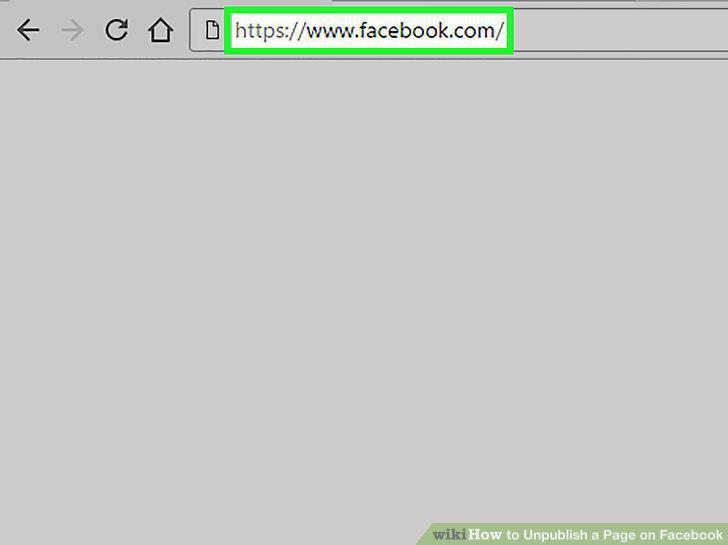
Open the Facebook webpage.
2
Click the downward-facing arrow.

Click the downward-facing arrow.
3
Click a page in the "Your Pages" area.
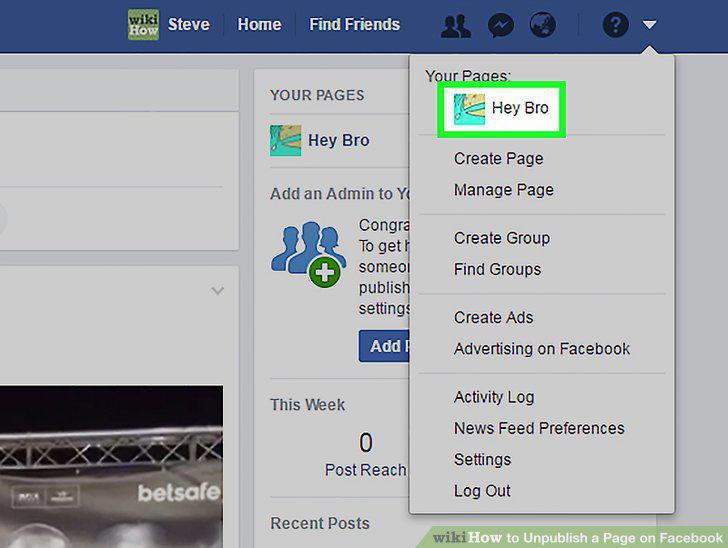
Click a page in the "Your Pages" area.
4
Click Settings.
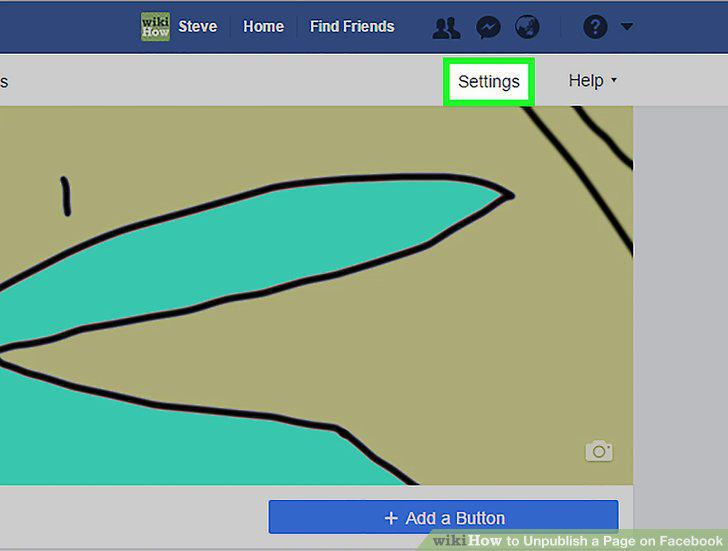
Click Settings.
5
Click Page Visibility.
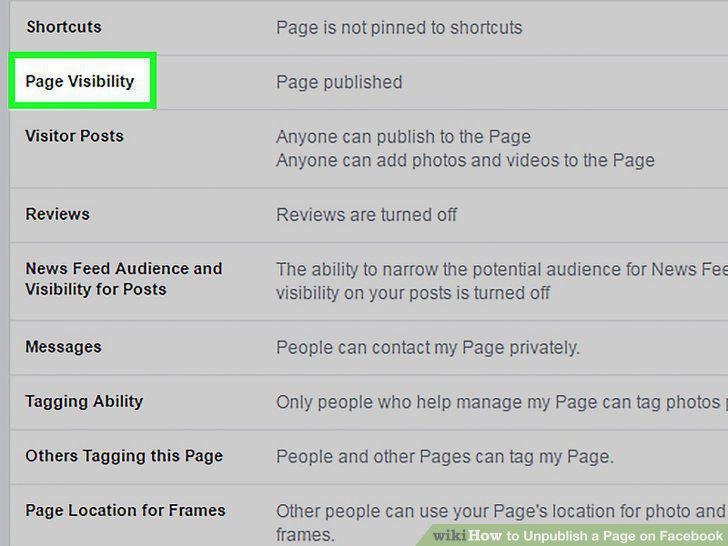
Click Page Visibility.
6
Click the "Unpublish Page?" box
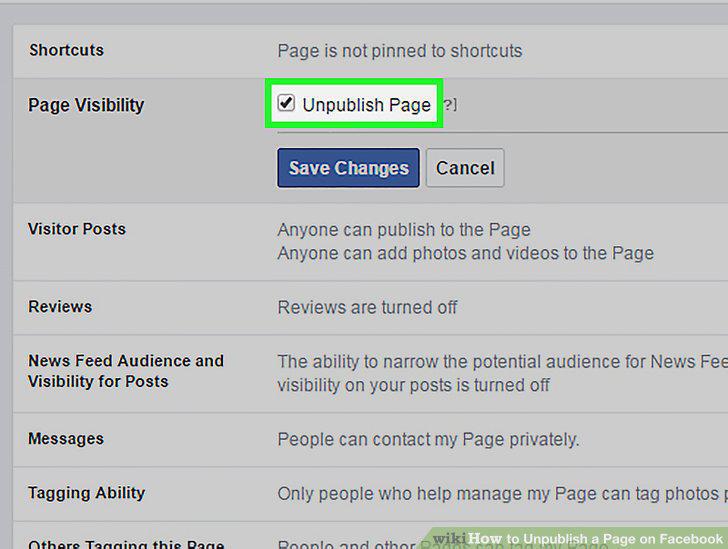
Click the "Unpublish Page?" box
7
Click Save Changes.
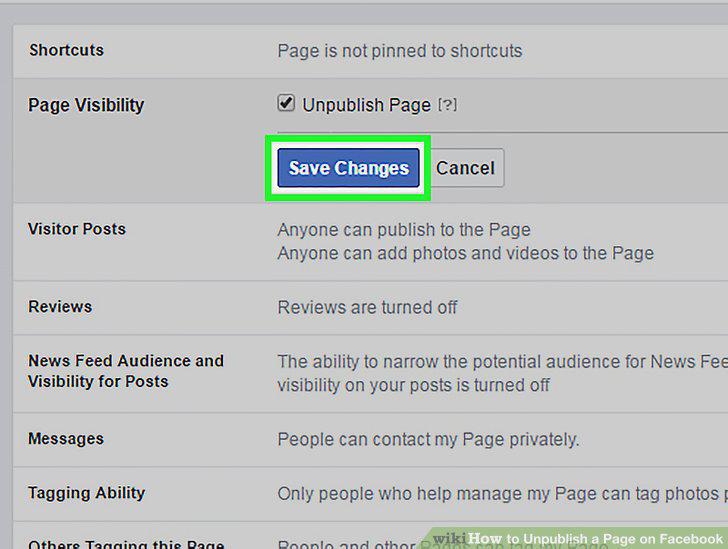
Click Save Changes.
Comments (0)
No comments yet. Be the first to share your thoughts!