How to Change Quality on Netflix on iPhone or iPad
Tap on the Netflix app to open it.. Tap the More icon.. Tap "App Settings.
Steps
1
Tap on the Netflix app to open it.
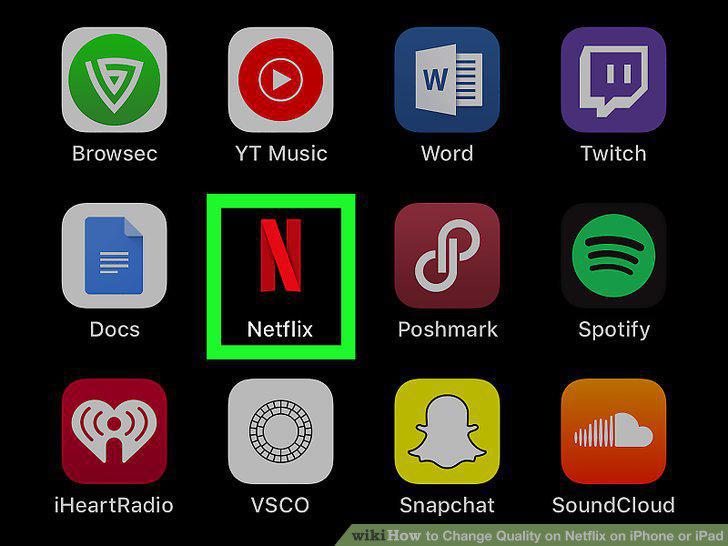
Tap on the Netflix app to open it.
2
Tap the More icon.
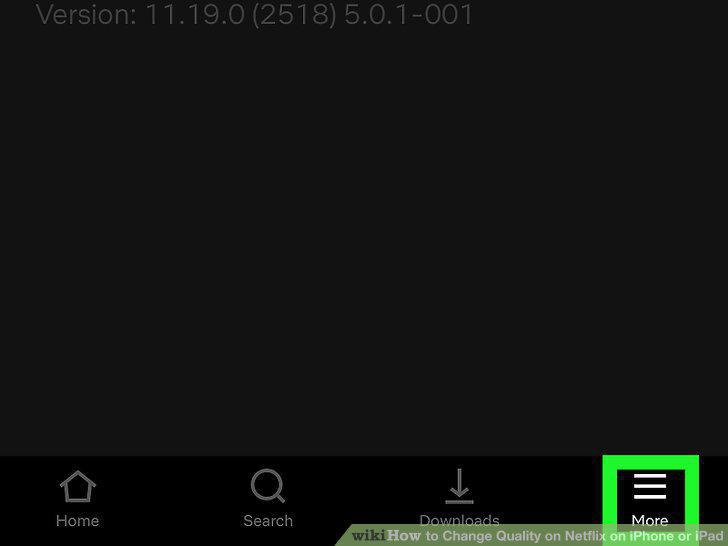
Tap the More icon.
3
Tap "App Settings.
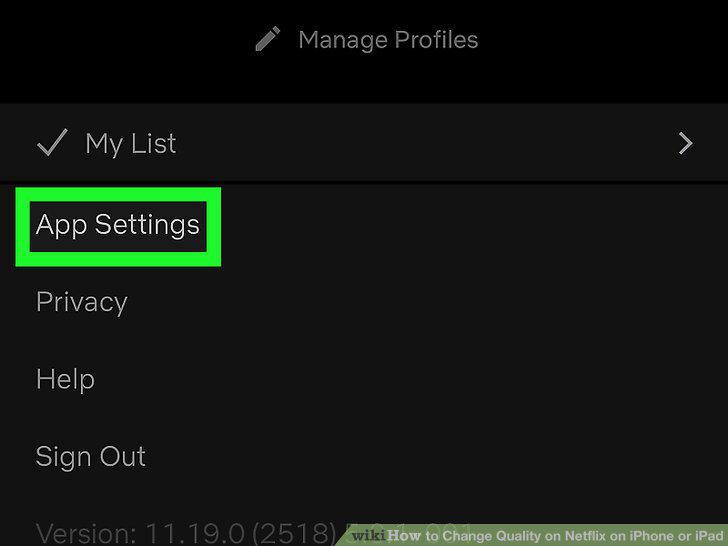
Tap "App Settings.
4
Tap "Cellular Data Usage.
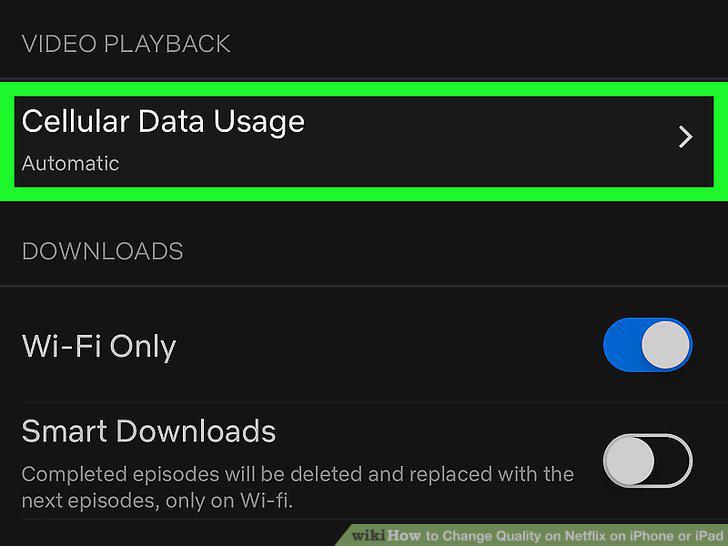
Tap "Cellular Data Usage.
5
Tap your preferred video quality option.
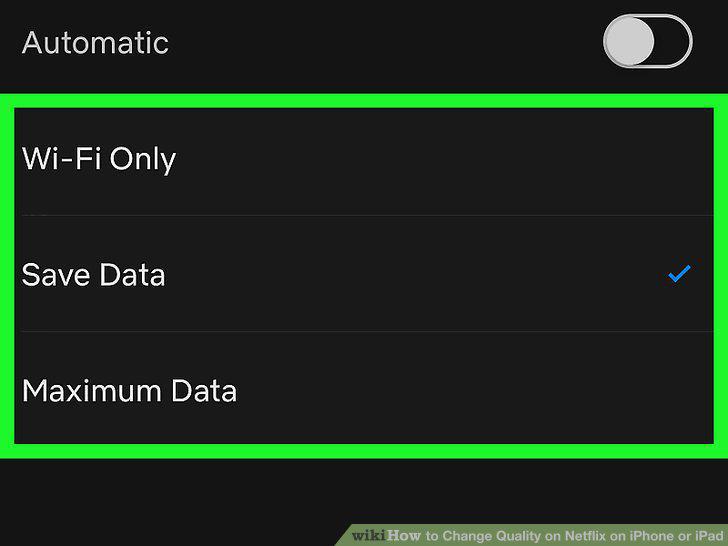
Tap your preferred video quality option.
6
Tap on the Netflix app to open it.
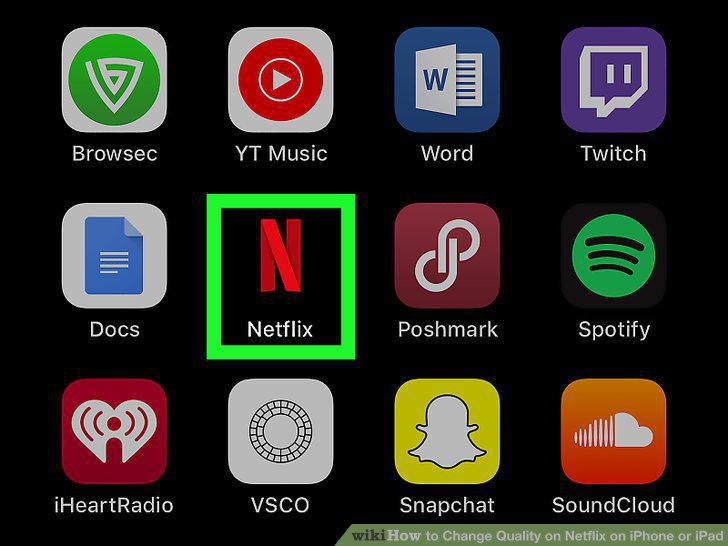
Tap on the Netflix app to open it.
7
Tap the More icon.
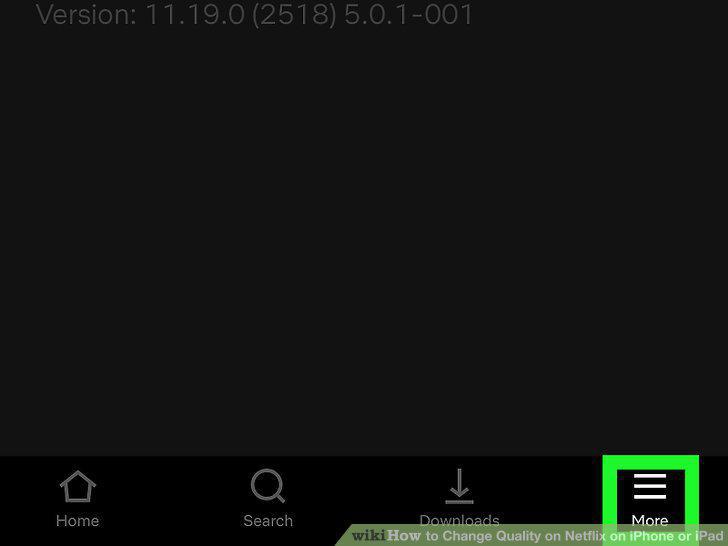
Tap the More icon.
8
Tap "App Settings.
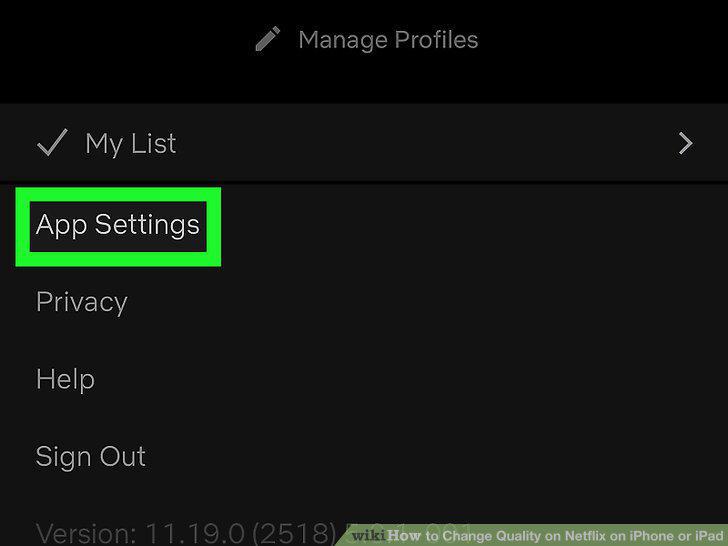
Tap "App Settings.
9
Tap "Video Quality.
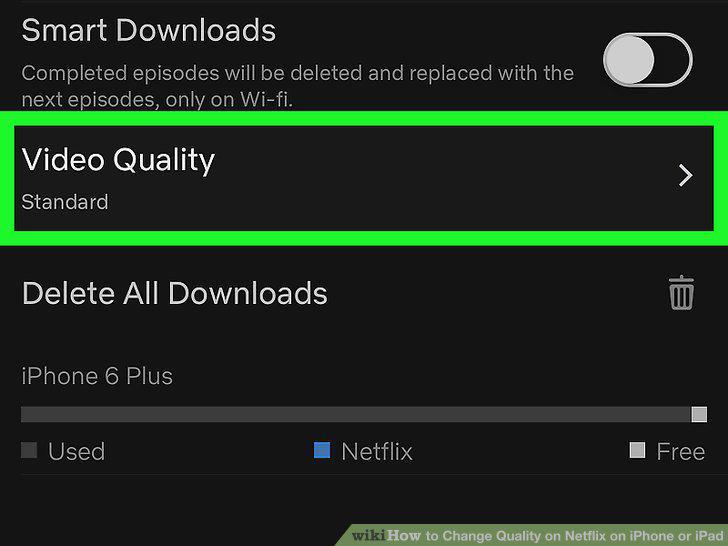
Tap "Video Quality.
10
Tap your preferred video quality option.
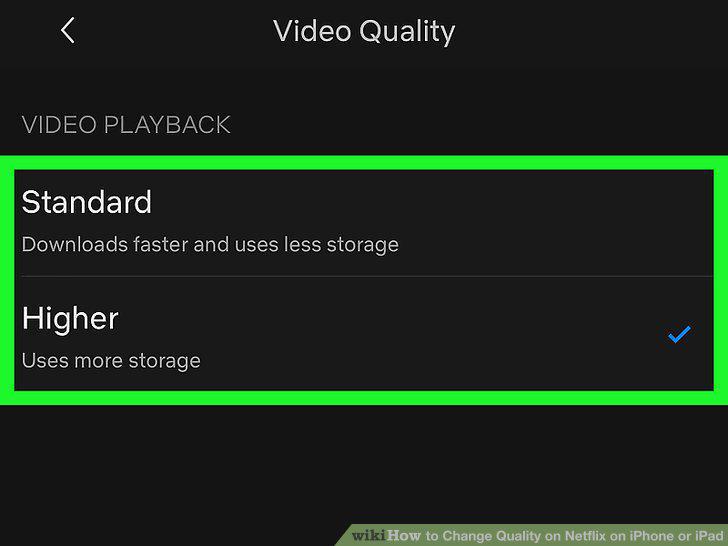
Tap your preferred video quality option.
Comments (0)
No comments yet. Be the first to share your thoughts!