How to Save Tumblr Gifs on iPhone or iPad
Open the Tumblr app on your iPhone or iPad.. Find the GIF you want to save.. Tap and hold the GIF you want to save.
Steps
1
Open the Tumblr app on your iPhone or iPad.
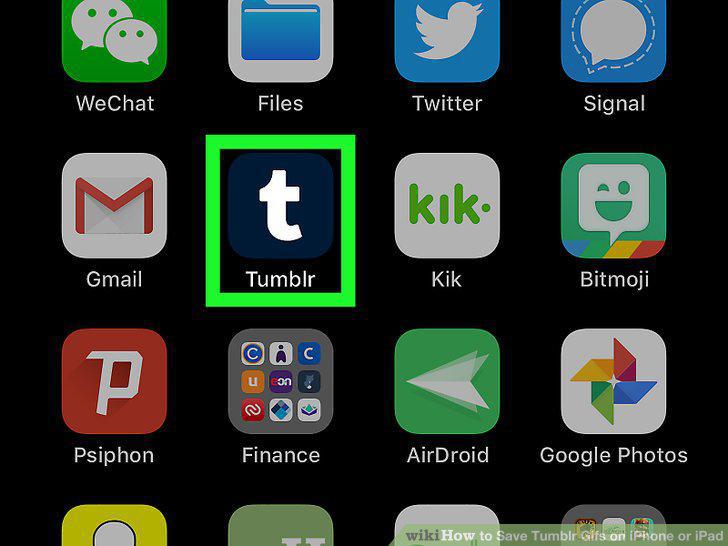
Open the Tumblr app on your iPhone or iPad.
2
Find the GIF you want to save.
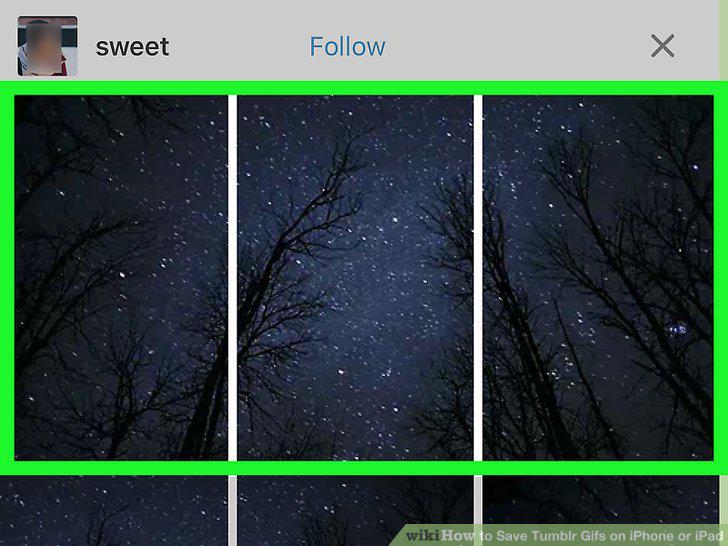
Find the GIF you want to save.
3
Tap and hold the GIF you want to save.
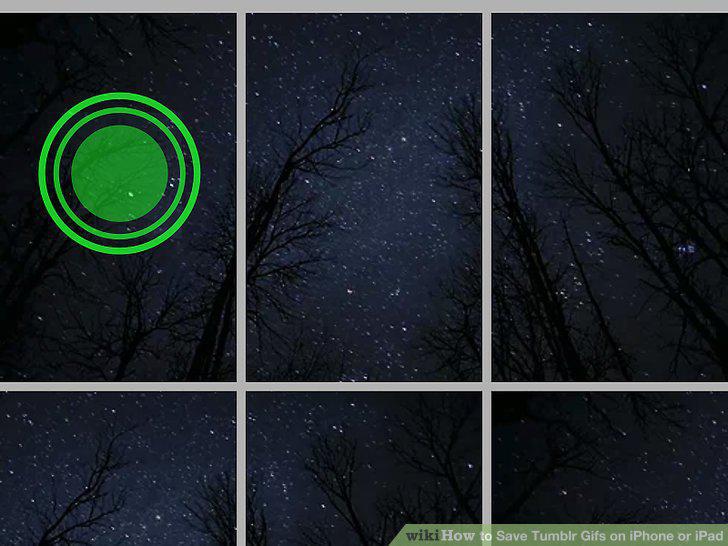
Tap and hold the GIF you want to save.
4
Tap the Save Image button on the pop-up menu.
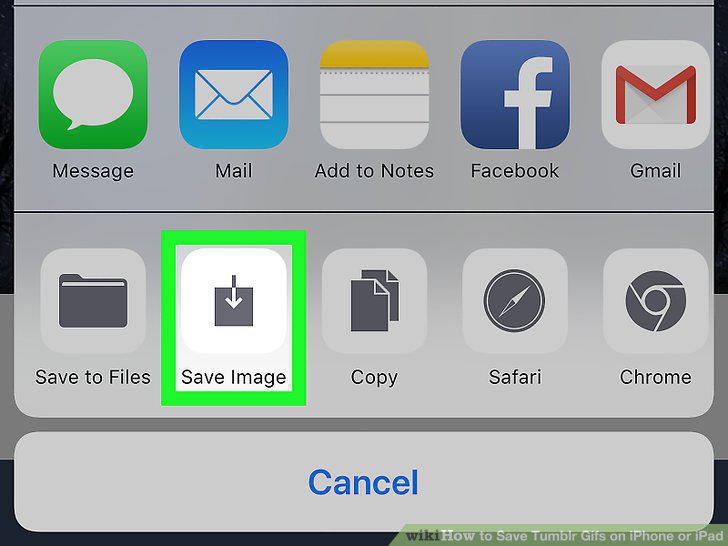
Tap the Save Image button on the pop-up menu.
Comments (0)
No comments yet. Be the first to share your thoughts!