How to Leave a Lyft Review
Open the Lyft app.. Enter payment and tip information.. Tap Next.
Steps
1
Open the Lyft app.
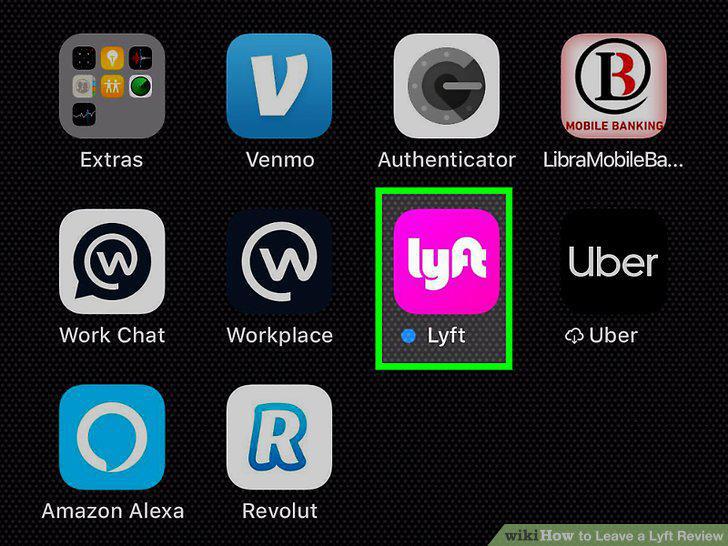
Open the Lyft app.
2
Enter payment and tip information.
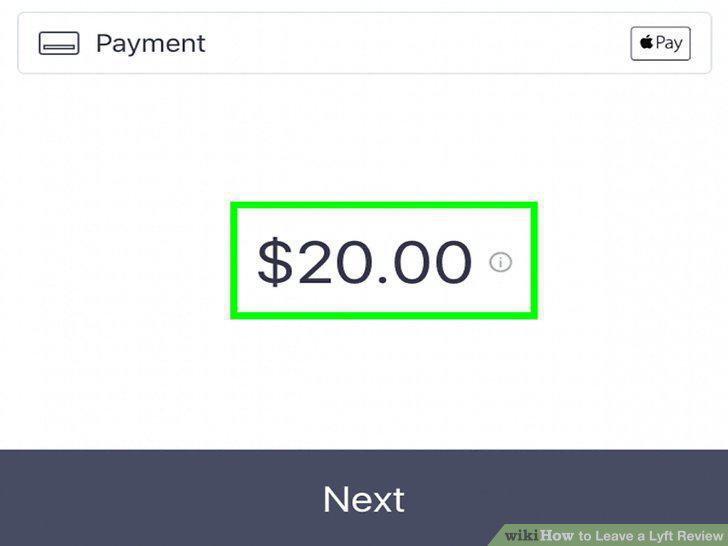
Enter payment and tip information.
3
Tap Next.
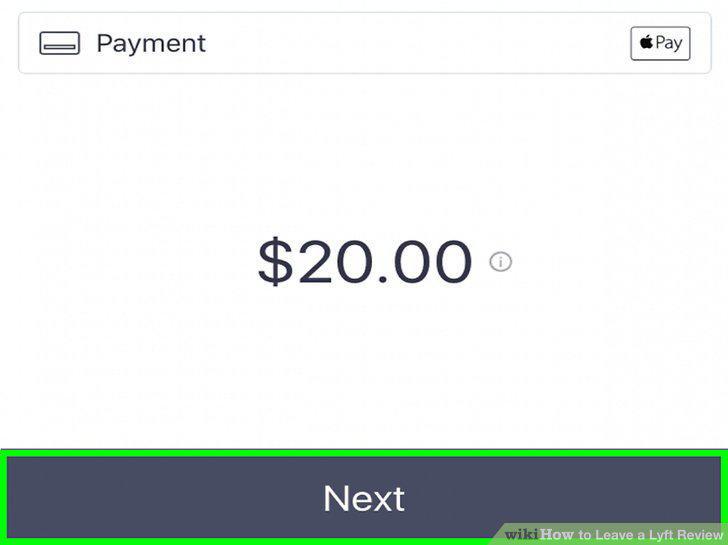
Tap Next.
4
Tap a star rating to advance to the "Review" screen.
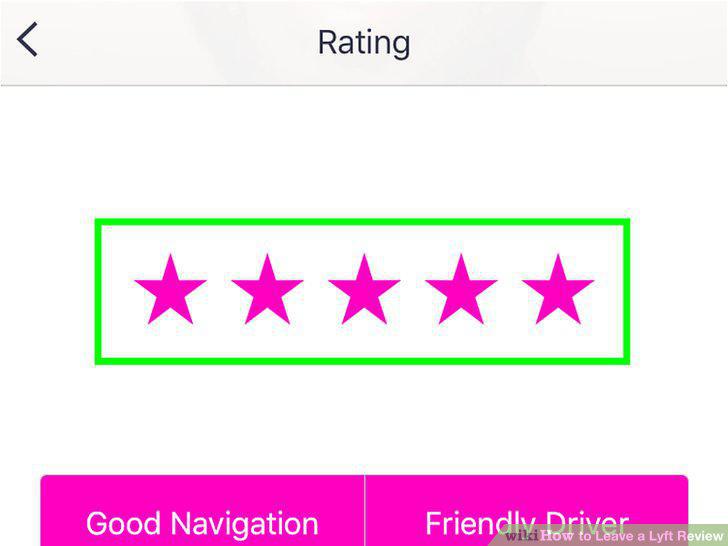
Tap a star rating to advance to the "Review" screen.
5
Tap the "Tell us what you loved" field.
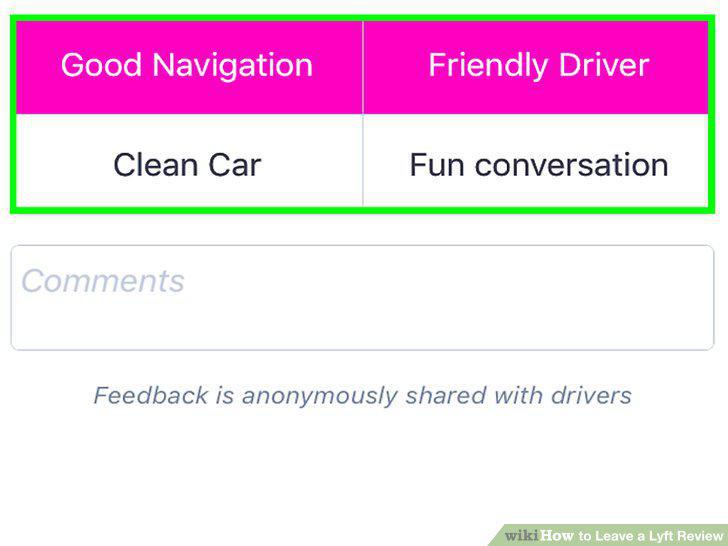
Tap the "Tell us what you loved" field.
6
Type a review.
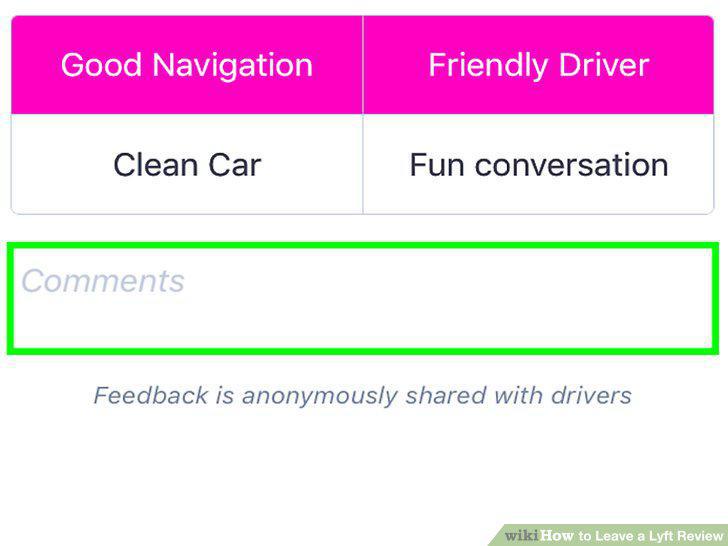
Type a review.
7
Tap Submit at the bottom of the screen.
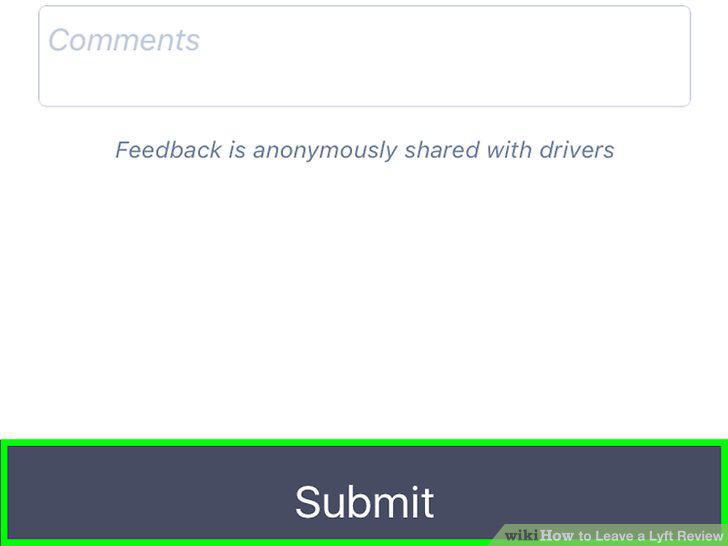
Tap Submit at the bottom of the screen.
8
Go to https://help.lyft.com/hc/en-us/requests/new?ticket_form_id=172018.
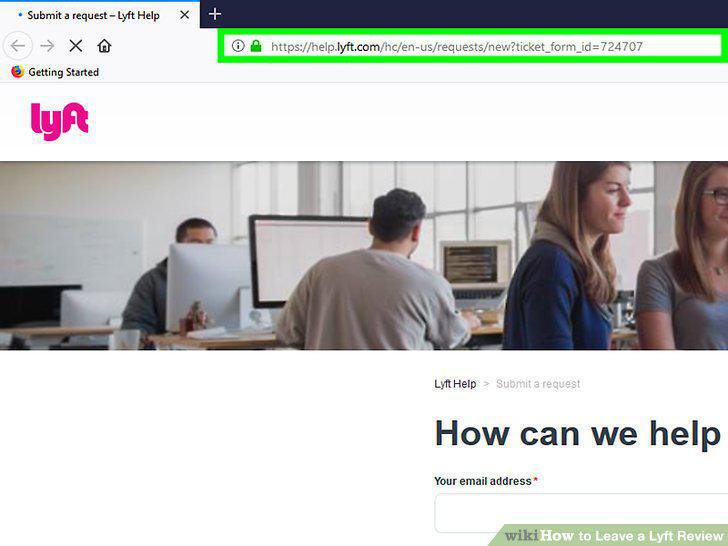
Go to https://help.lyft.com/hc/en-us/requests/new?ticket_form_id=172018.
9
Fill in all the fields on the screen.
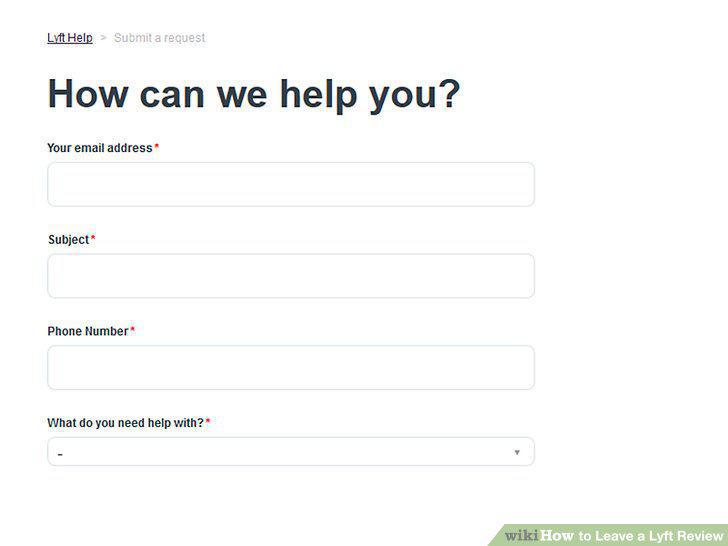
Fill in all the fields on the screen.
10
Type your review in the "Additional Details" field.
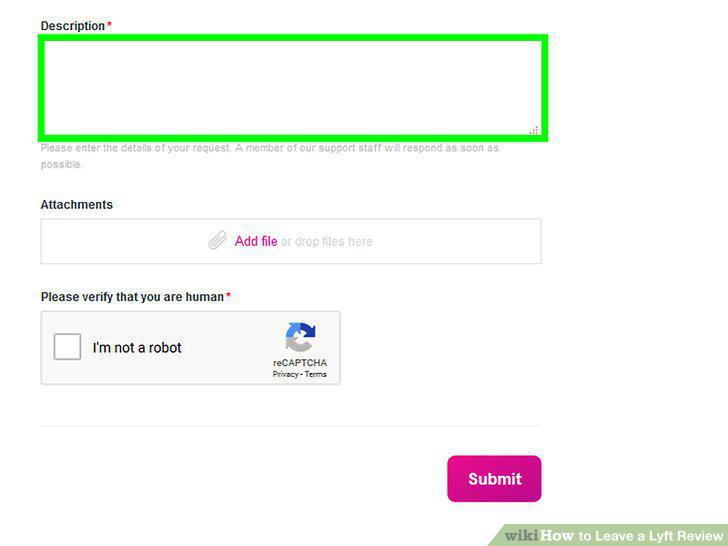
Type your review in the "Additional Details" field.
11
Check "I'm not a robot" and click on Submit.
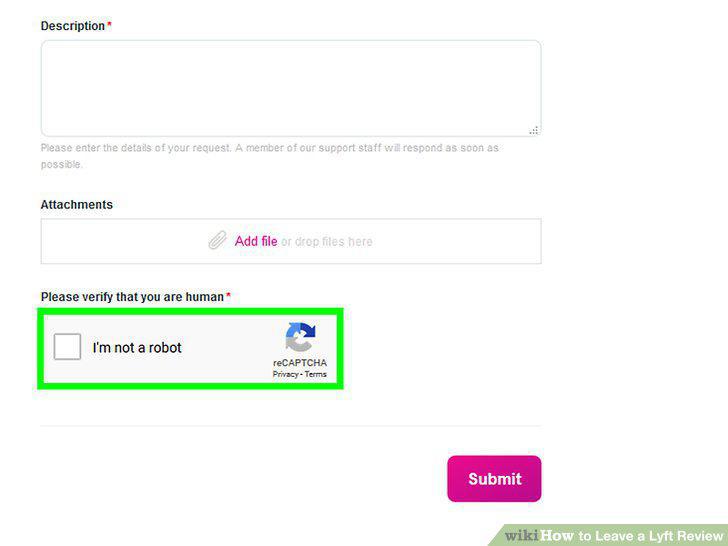
Check "I'm not a robot" and click on Submit.
Comments (0)
No comments yet. Be the first to share your thoughts!