How to Install Clang on Windows
Go to https://visualstudio.microsoft.com/vs/preview/.. Click Download Preview under "Community.. Open the downloaded file.
Steps
1
Go to https://visualstudio.microsoft.com/vs/preview/.
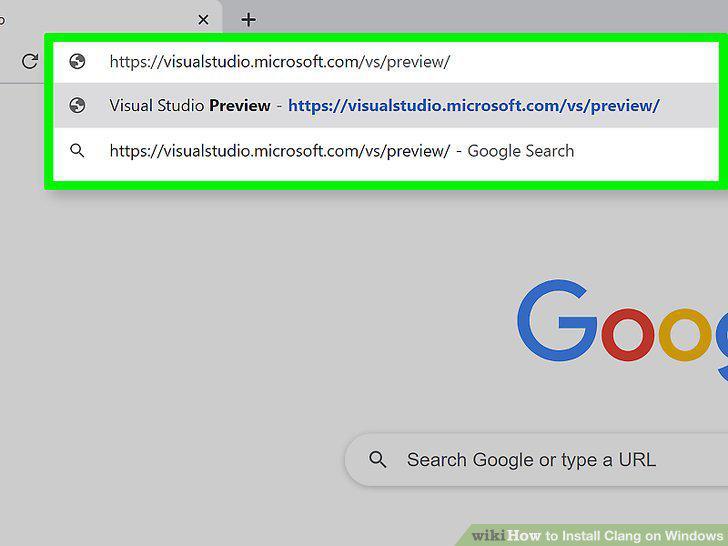
Go to https://visualstudio.microsoft.com/vs/preview/.
2
Click Download Preview under "Community.

Click Download Preview under "Community.
3
Open the downloaded file.
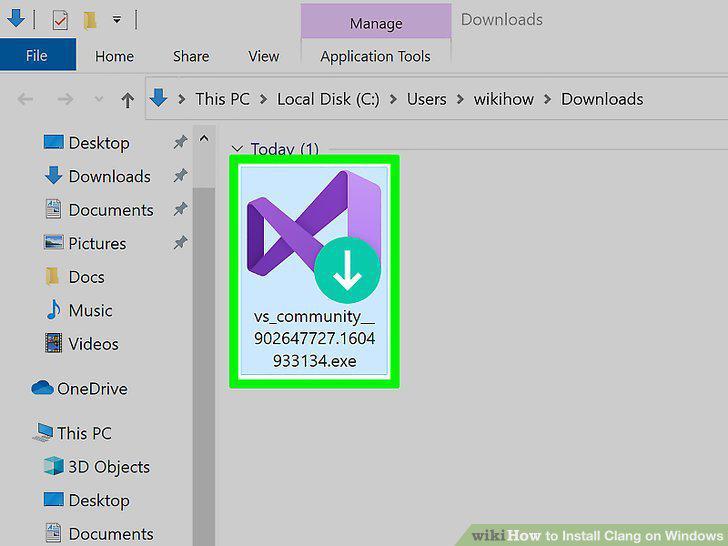
Open the downloaded file.
4
Click Continue.
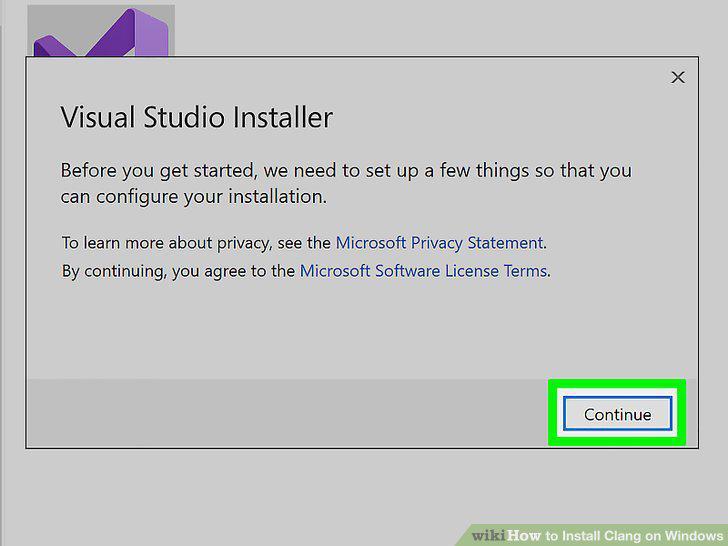
Click Continue.
5
Click to check the box next to Desktop development with C++.
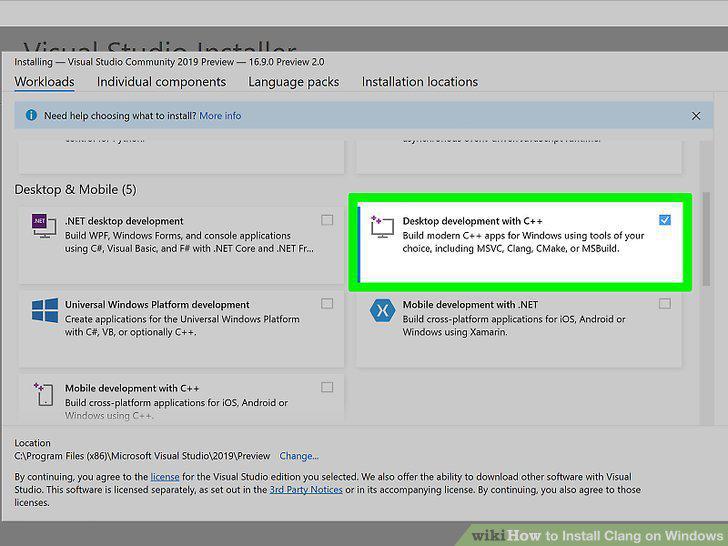
Click to check the box next to Desktop development with C++.
6
Click to check the box next to C++ Clang tools for Windows.
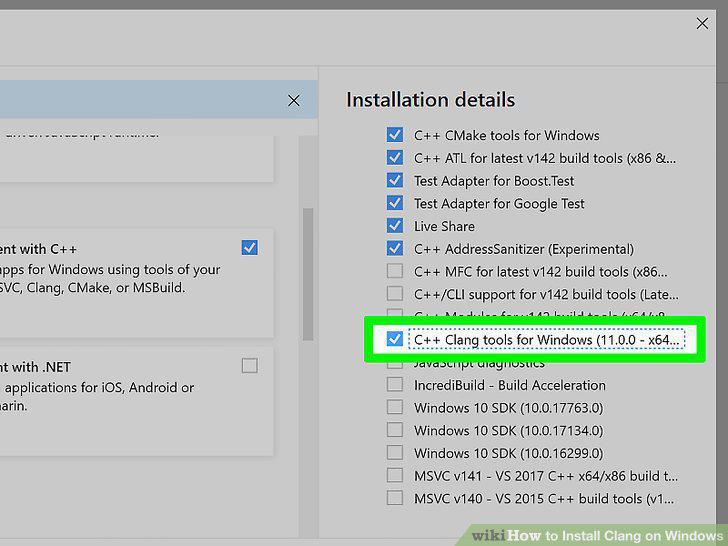
Click to check the box next to C++ Clang tools for Windows.
7
Click Install.
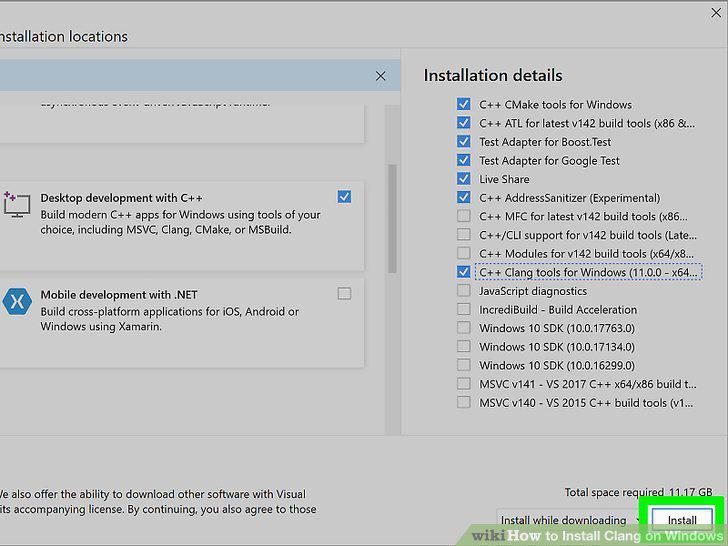
Click Install.
Comments (0)
No comments yet. Be the first to share your thoughts!