How to Connect a Razer Controller to a PC
Flip the switch located on the back of the controller to PC Bluetooth mode (if available).. Tap the PS button to turn the controller on.. Press and hold the PS and Options buttons for at least 5 seconds.
Steps
Flip the switch located on the back of the controller to PC Bluetooth mode (if a
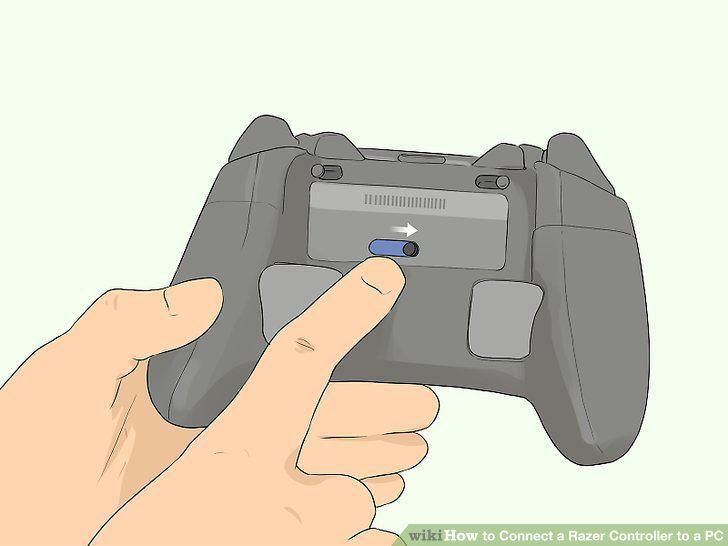
Flip the switch located on the back of the controller to PC Bluetooth mode (if available).
Tap the PS button to turn the controller on.
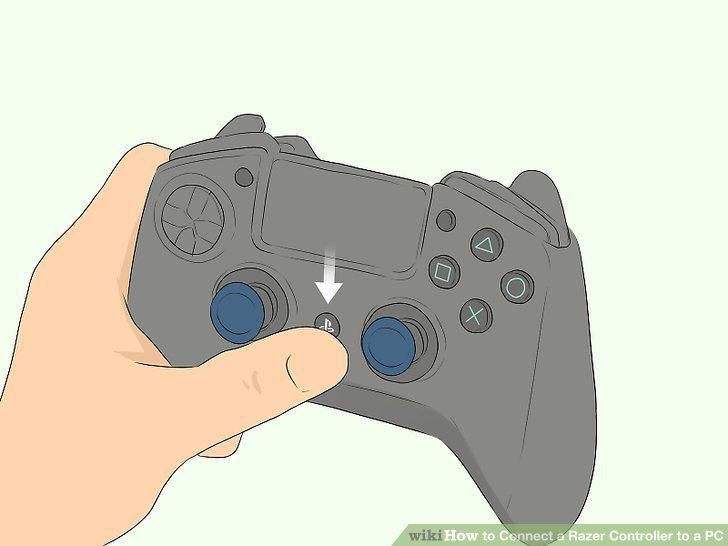
Tap the PS button to turn the controller on.
Press and hold the PS and Options buttons for at least 5 seconds.
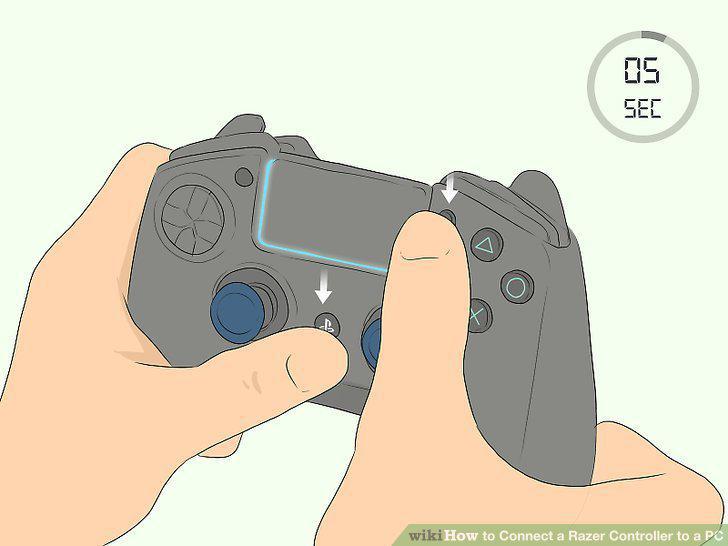
Press and hold the PS and Options buttons for at least 5 seconds.
Go to Settings on your computer.
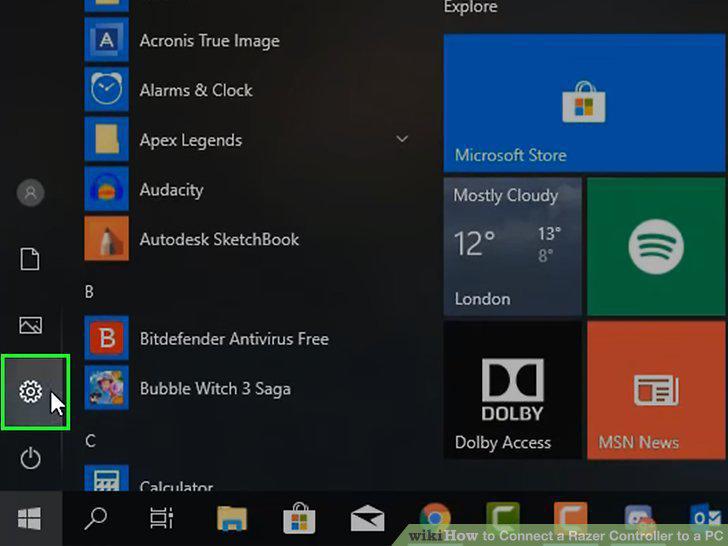
Go to Settings on your computer.
Click Devices.
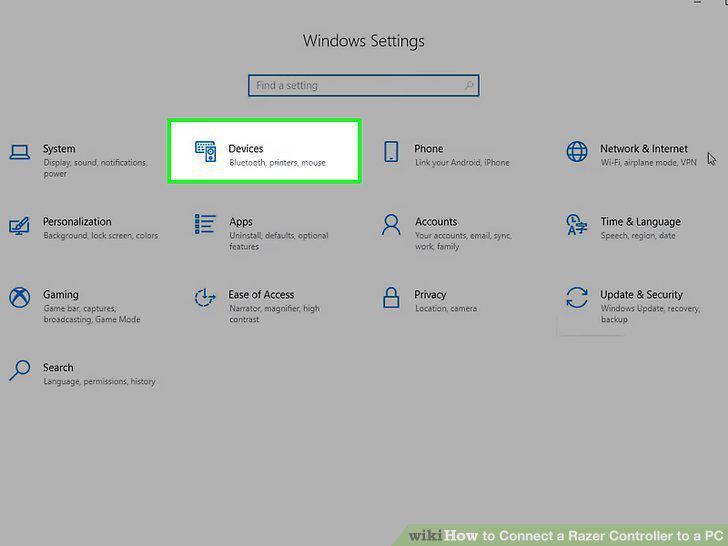
Click Devices.
Click Add Bluetooth or other devices.
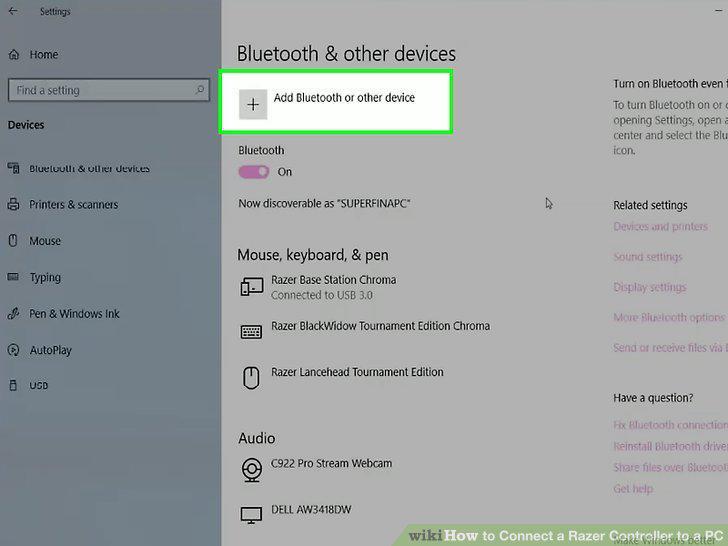
Click Add Bluetooth or other devices.
Click the Razer controller to pair it.
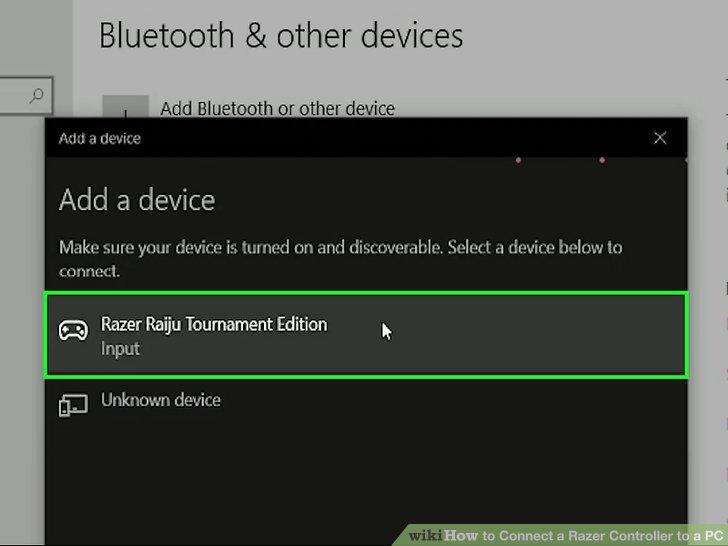
Click the Razer controller to pair it.
Click Done.
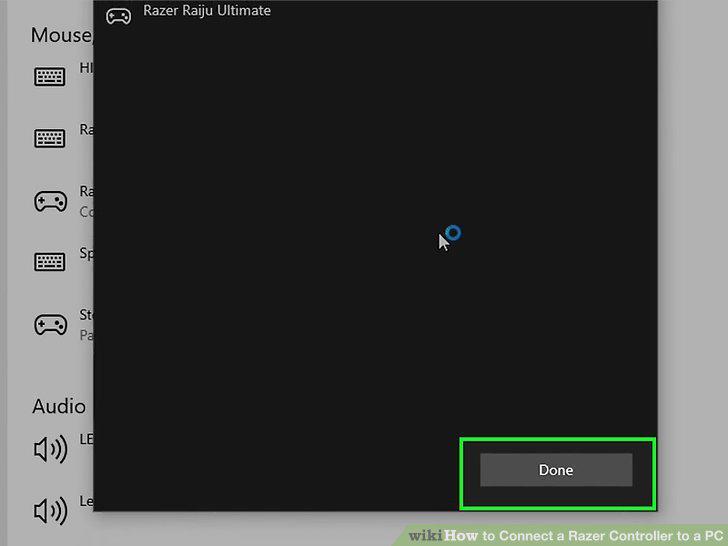
Click Done.
Install the appropriate drivers.
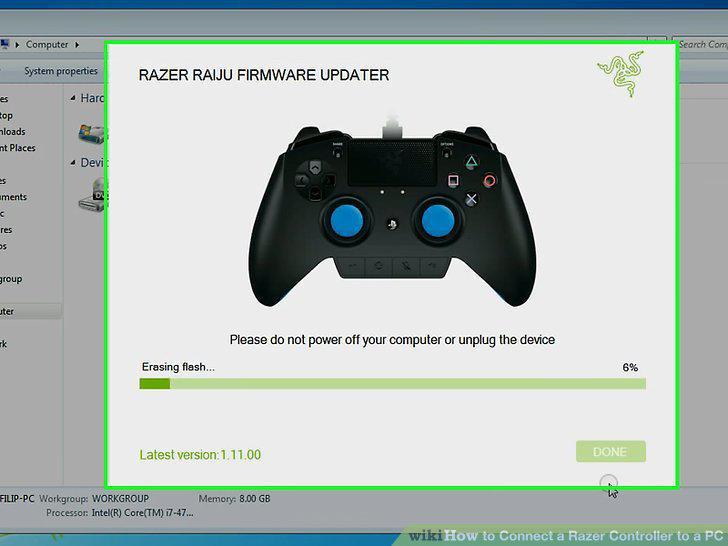
Install the appropriate drivers.
Flip the switch located on the back of the controller to USB (if available).
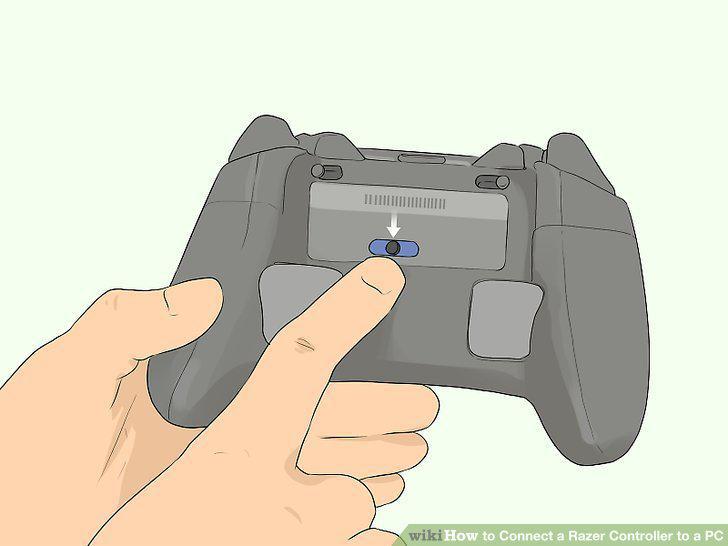
Flip the switch located on the back of the controller to USB (if available).
Plug the micro-USB connector into your controller.
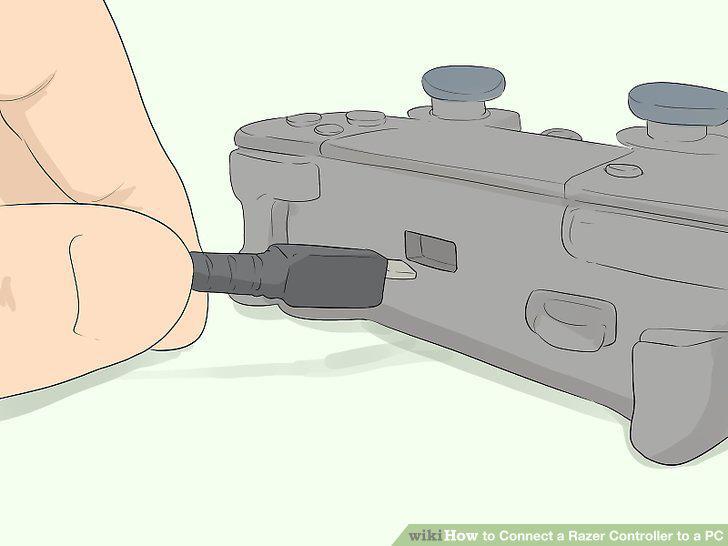
Plug the micro-USB connector into your controller.
Connect the other end of the USB cable to your computer.
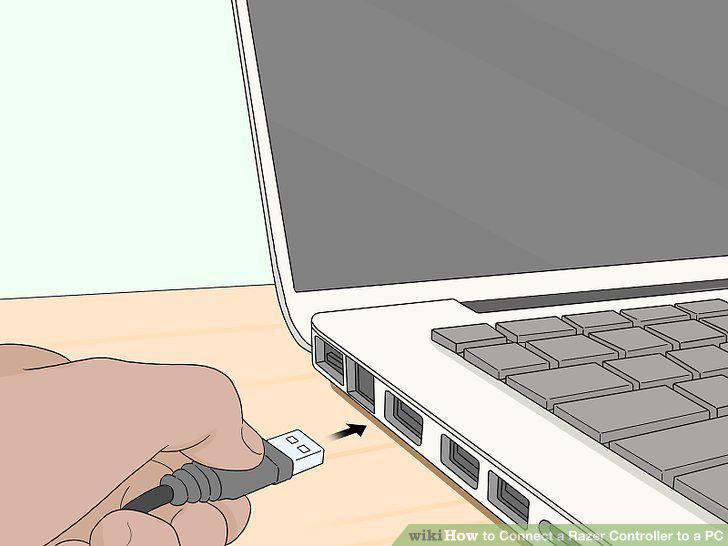
Connect the other end of the USB cable to your computer.
Download the appropriate drivers.
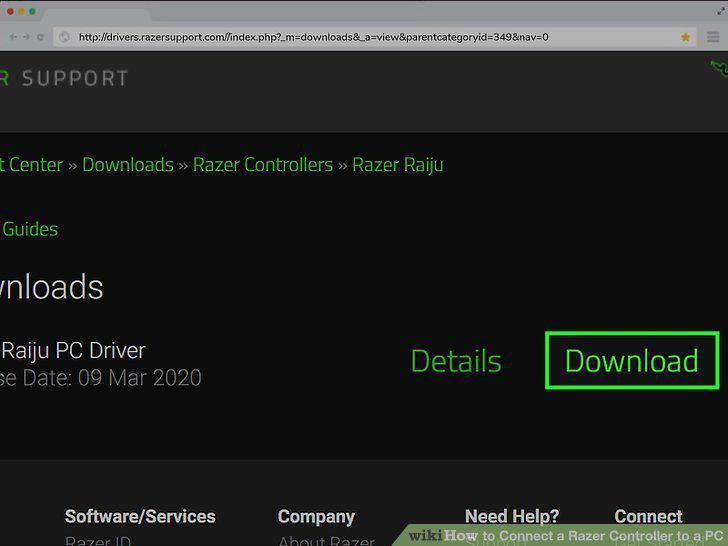
Download the appropriate drivers.
Comments (0)
No comments yet. Be the first to share your thoughts!