How to Transfer SMS from iPhone to iPhone
Open your first iPhone's Settings app.. Tap your Apple ID at the top.. Tap iCloud on the Apple ID menu.
Steps
Open your first iPhone's Settings app.
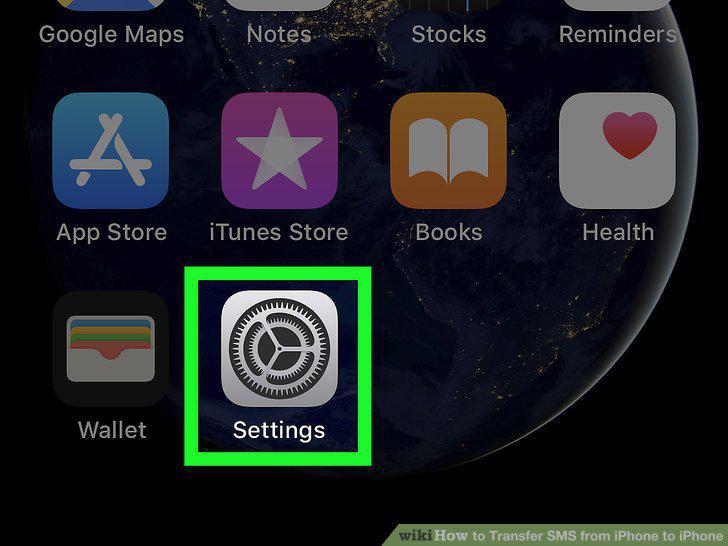
Open your first iPhone's Settings app.
Tap your Apple ID at the top.
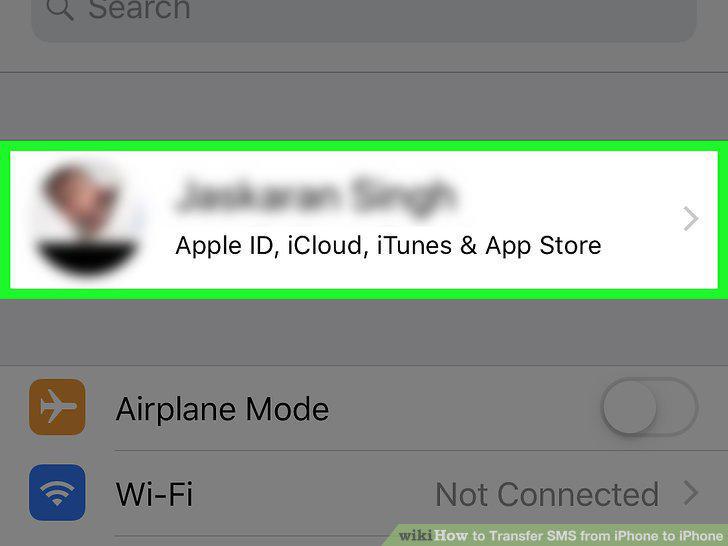
Tap your Apple ID at the top.
Tap iCloud on the Apple ID menu.
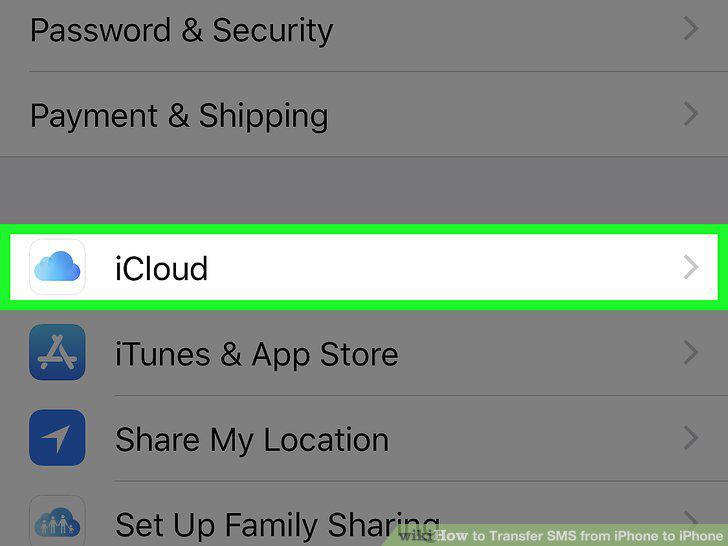
Tap iCloud on the Apple ID menu.
Scroll down and tap iCloud Backup.
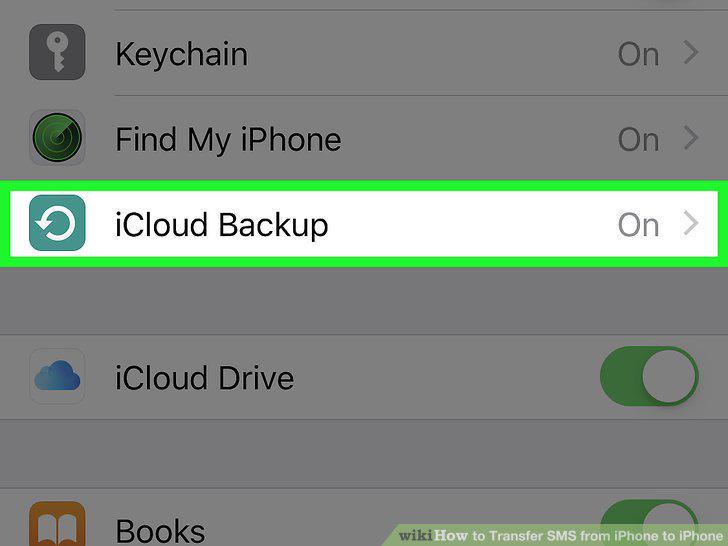
Scroll down and tap iCloud Backup.
Slide the switch next to iCloud Backup to .
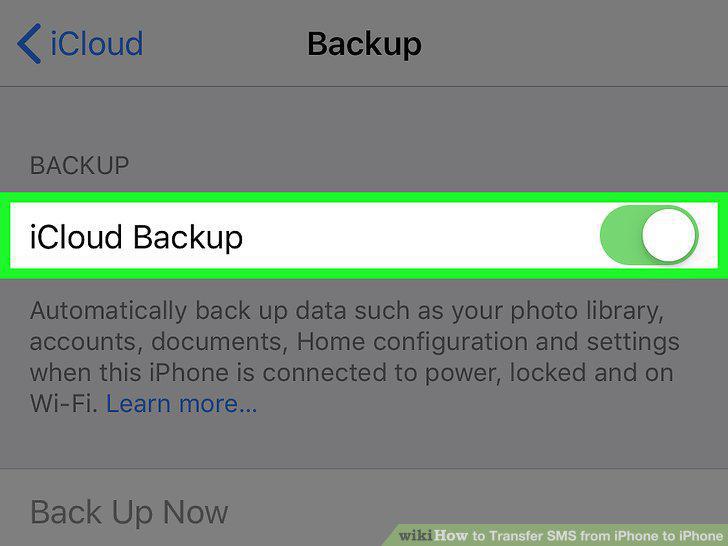
Slide the switch next to iCloud Backup to .
Tap OK in the confirmation pop-up.
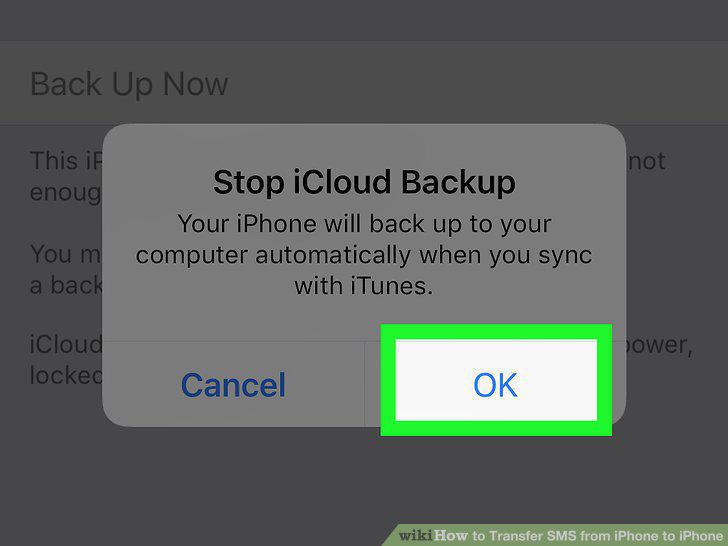
Tap OK in the confirmation pop-up.
Tap the Back Up Now button under the switch.
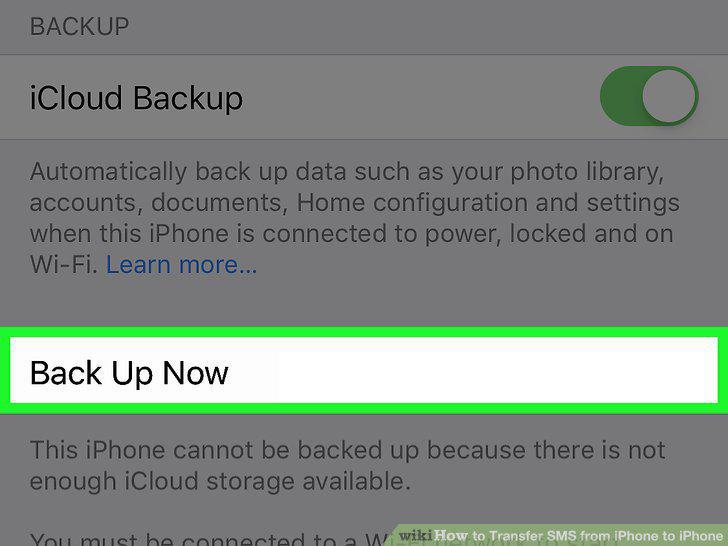
Tap the Back Up Now button under the switch.
Open the Settings app on your second iPhone.
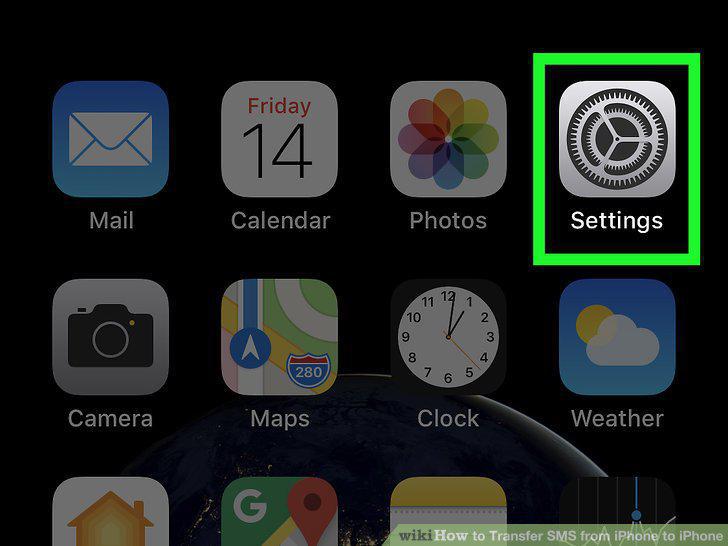
Open the Settings app on your second iPhone.
Scroll down and tap General.
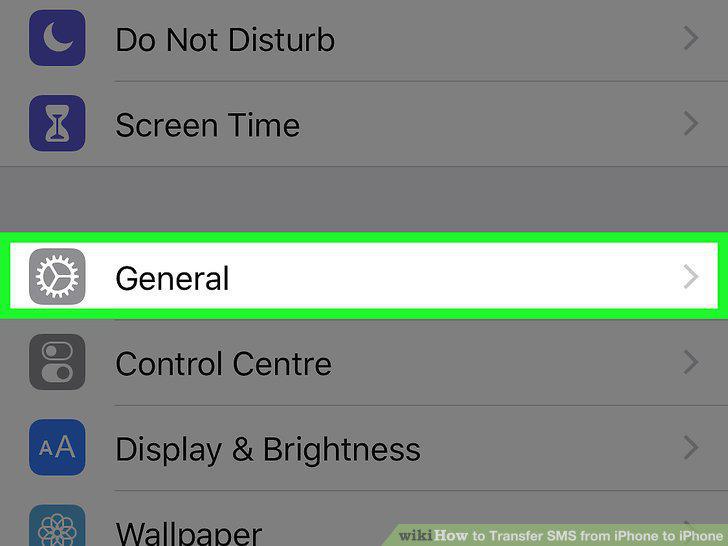
Scroll down and tap General.
Scroll down and tap Reset.
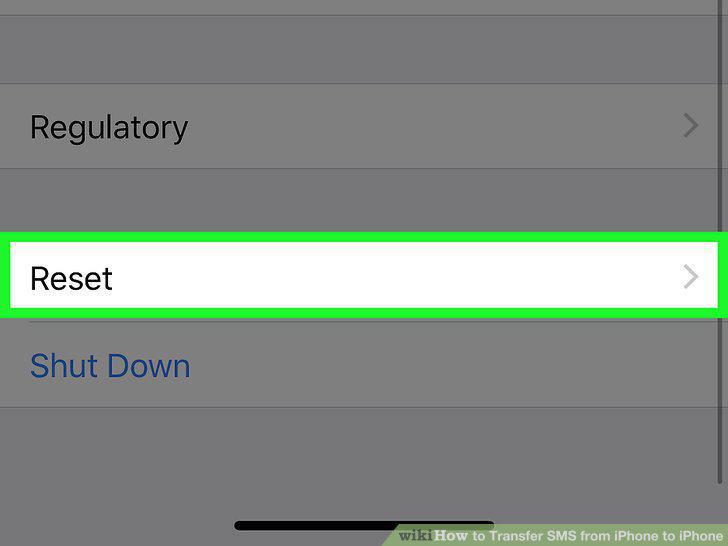
Scroll down and tap Reset.
Tap Erase all content and settings.
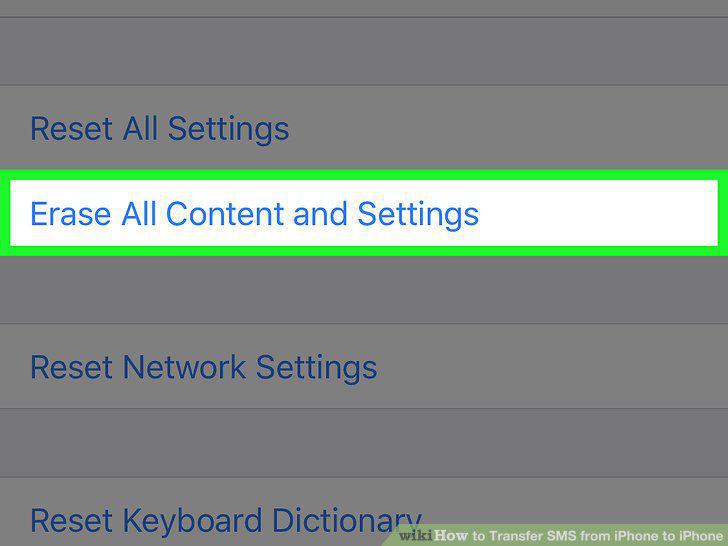
Tap Erase all content and settings.
Tap Erase Now in the confirmation pop-up.
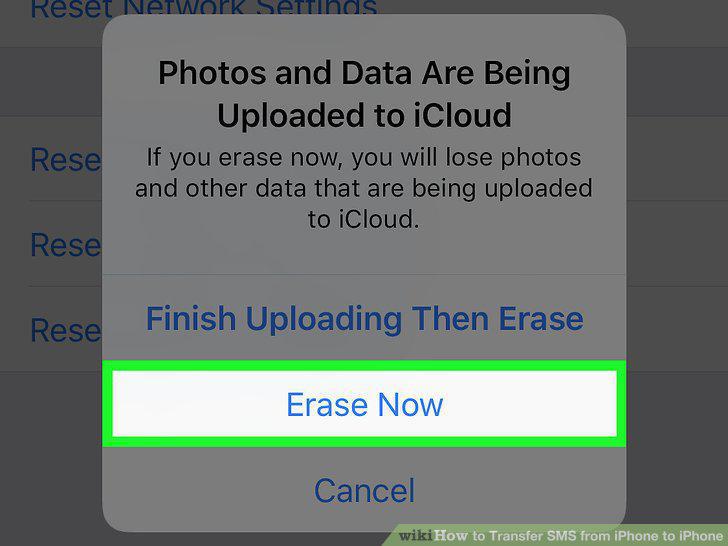
Tap Erase Now in the confirmation pop-up.
Turn on your second iPhone.
Turn on your second iPhone.
Follow the setup instructions until the Wi-Fi screen.
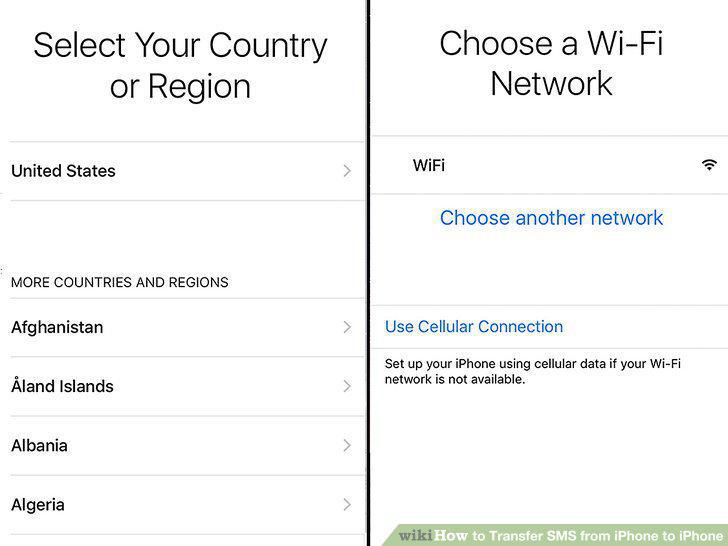
Follow the setup instructions until the Wi-Fi screen.
Join a Wi-Fi network on your new iPhone.
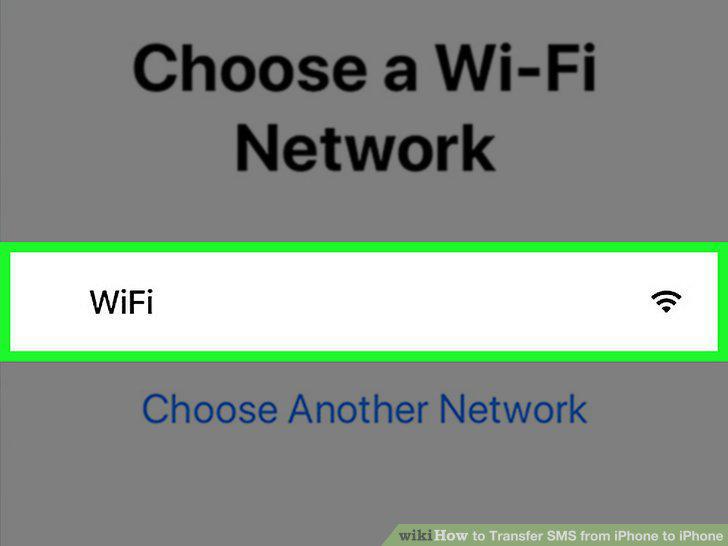
Join a Wi-Fi network on your new iPhone.
Continue the setup steps until the Apps & Data screen.
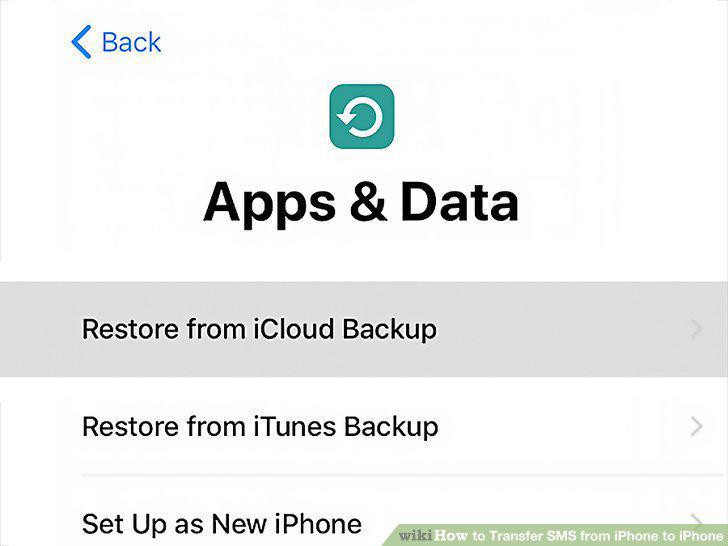
Continue the setup steps until the Apps & Data screen.
Select Restore from iCloud backup.
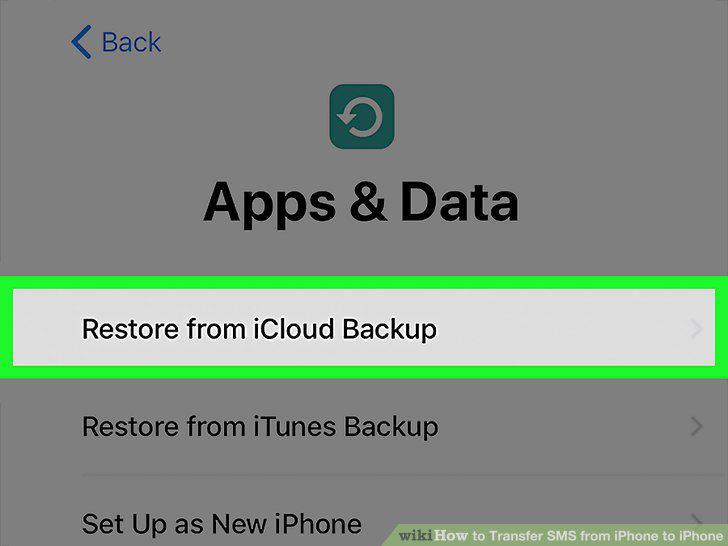
Select Restore from iCloud backup.
Sign into the Apple ID account you used with your first iPhone.
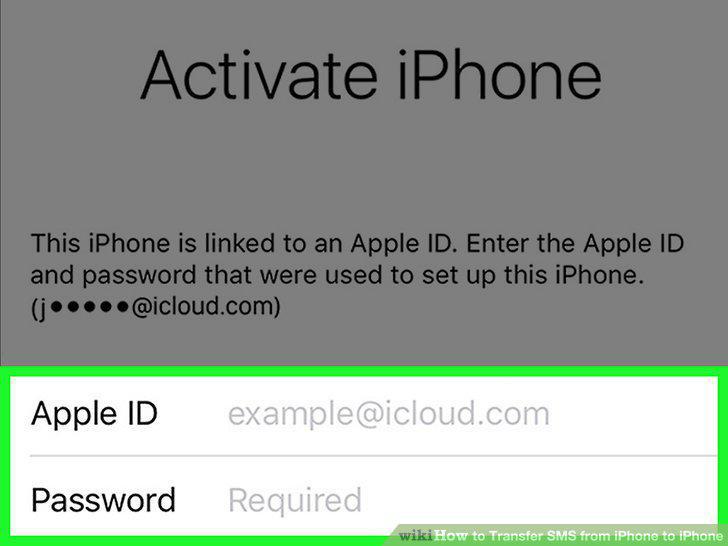
Sign into the Apple ID account you used with your first iPhone.
Select the latest available backup on the backups list.
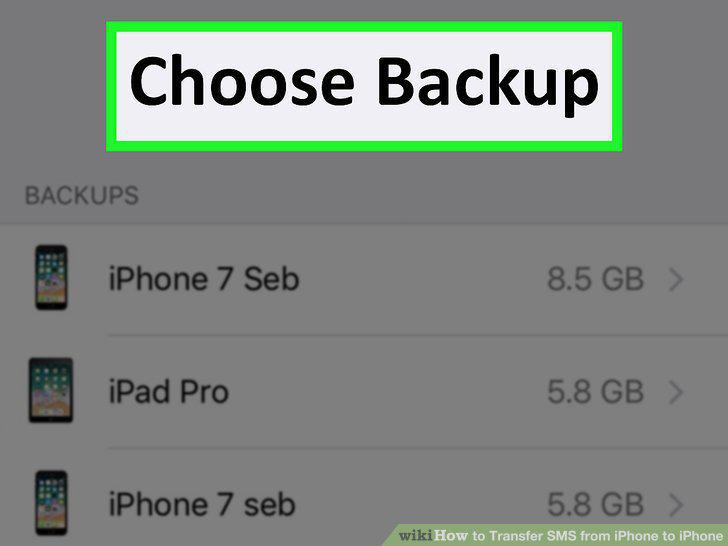
Select the latest available backup on the backups list.
Wait until the backup restore is complete.
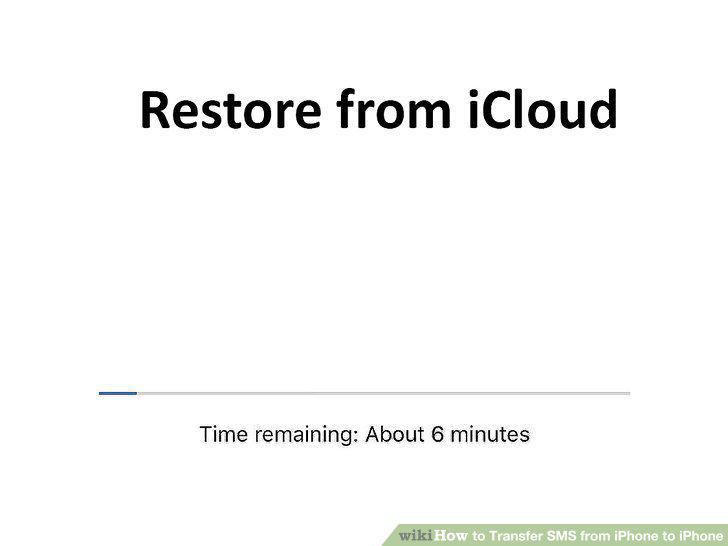
Wait until the backup restore is complete.
Comments (0)
No comments yet. Be the first to share your thoughts!