How to Open Fla Files Without Flash
Open Adobe Animate.. Click the Open button.. Select the .FLA file.
Steps
1
Open Adobe Animate.
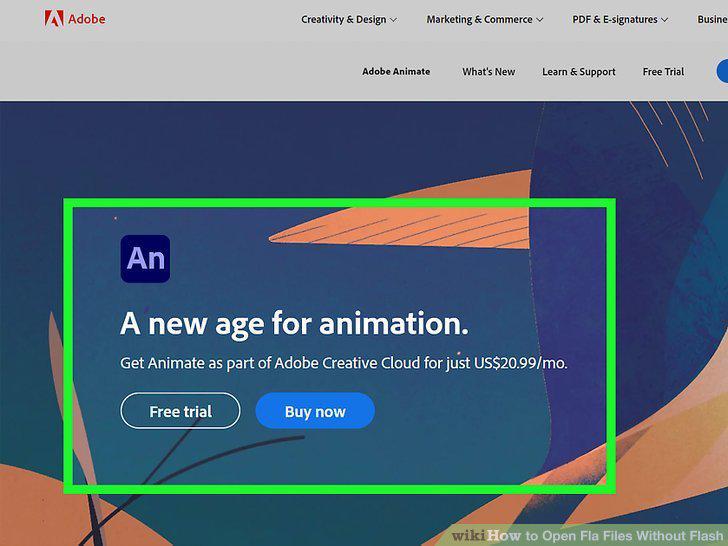
Open Adobe Animate.
2
Click the Open button.
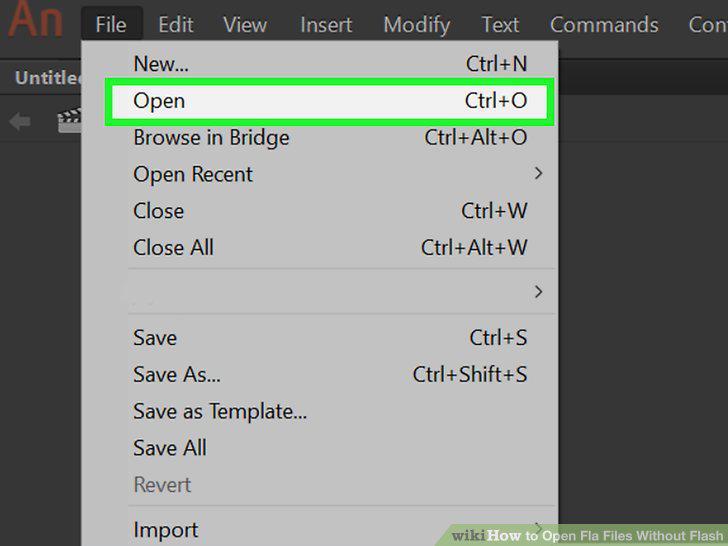
Click the Open button.
3
Select the .FLA file.
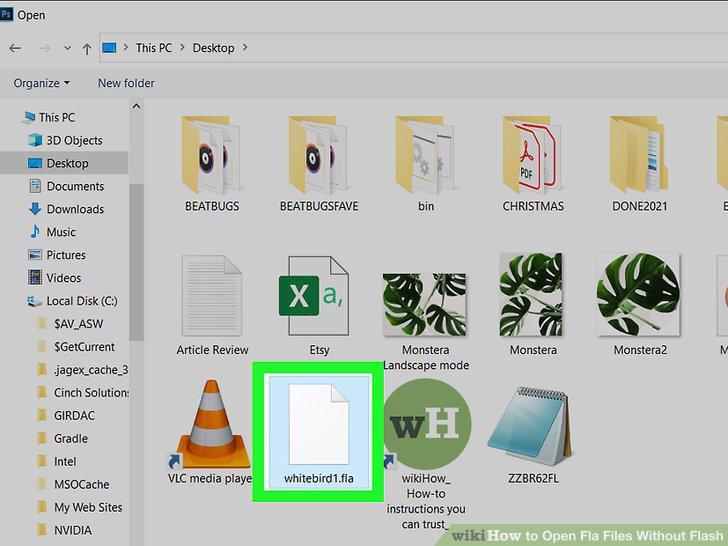
Select the .FLA file.
4
Click Open.
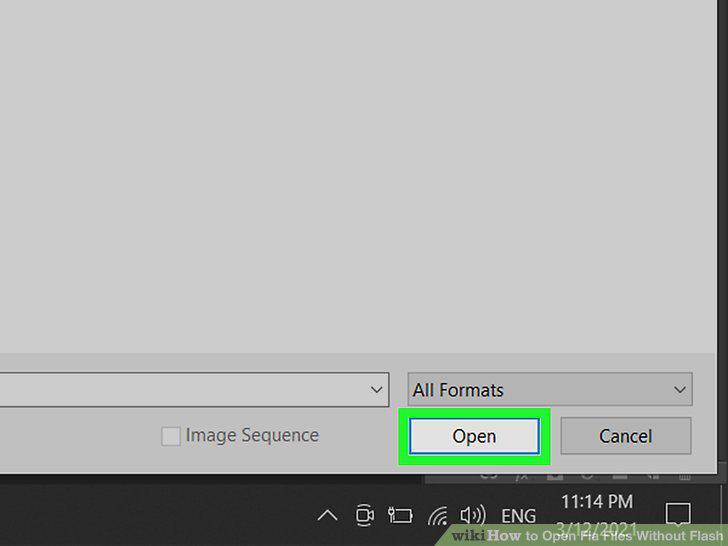
Click Open.
5
Convert the FLA to SWF (optional).
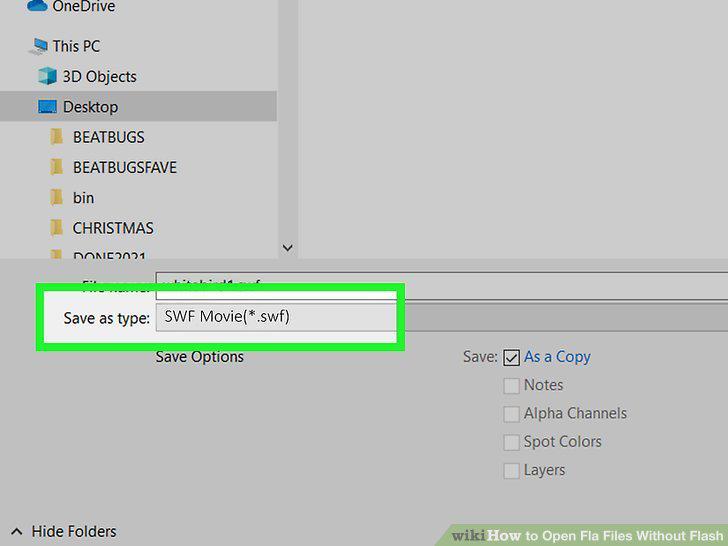
Convert the FLA to SWF (optional).
Comments (0)
No comments yet. Be the first to share your thoughts!