How to Turn Off WhatsApp Notifications on Android
Open your Android device's Settings menu.. Tap Application Manager or Apps.. Scroll down and tap WhatsApp.
Steps
1
Open your Android device's Settings menu.
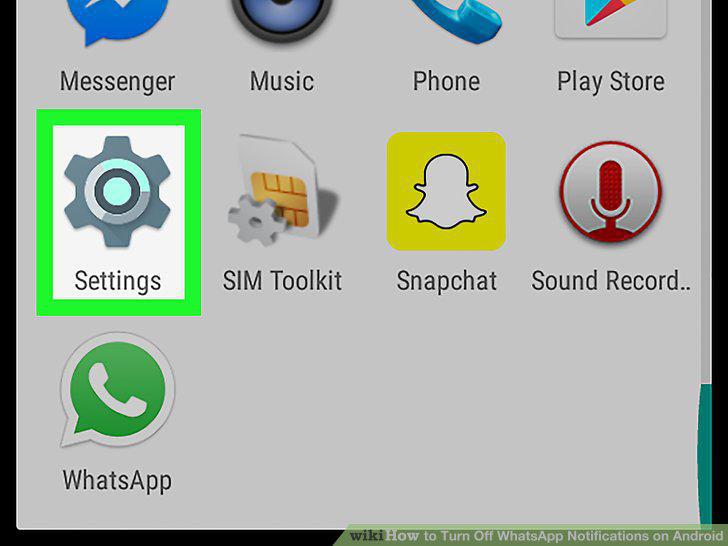
Open your Android device's Settings menu.
2
Tap Application Manager or Apps.
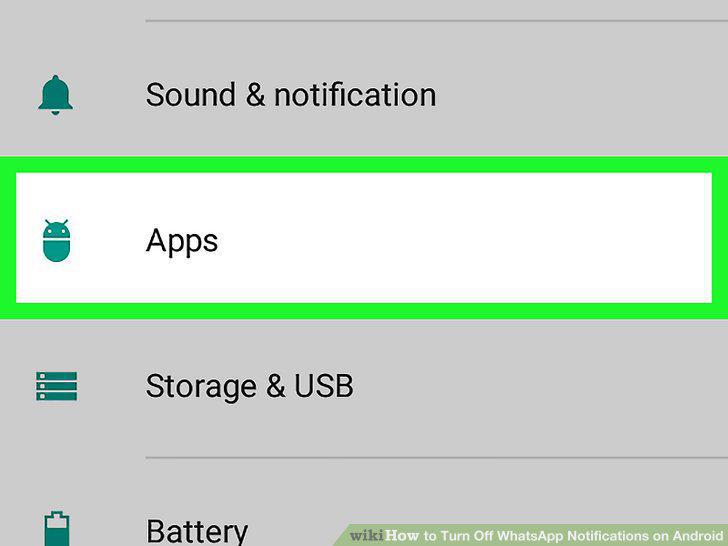
Tap Application Manager or Apps.
3
Scroll down and tap WhatsApp.
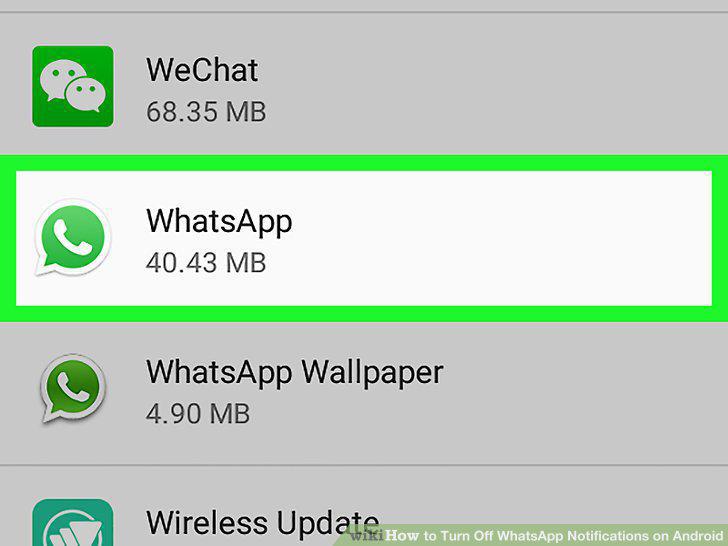
Scroll down and tap WhatsApp.
4
Disable all notifications.
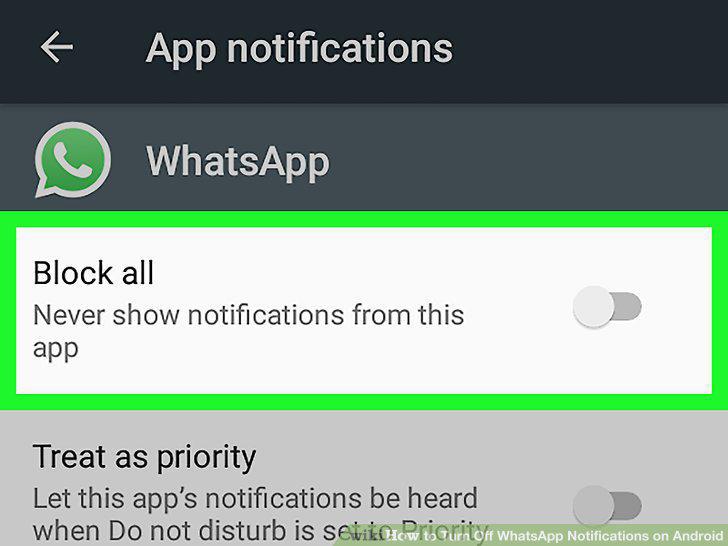
Disable all notifications.
5
Confirm your action.
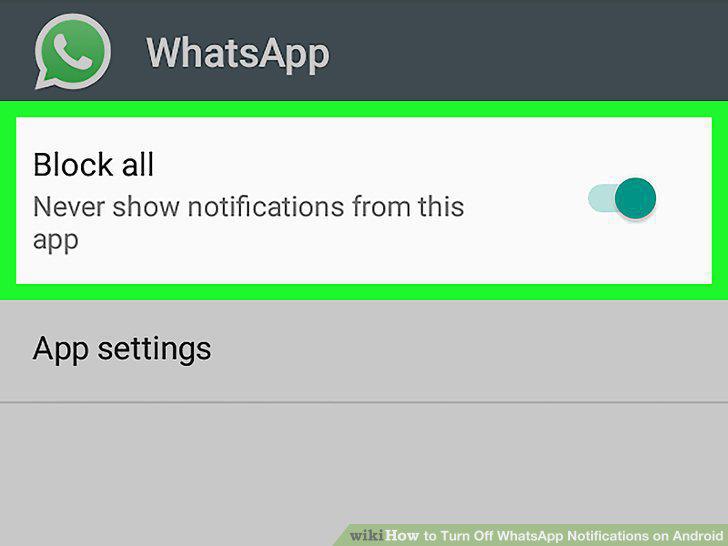
Confirm your action.
6
Open WhatsApp Messenger.
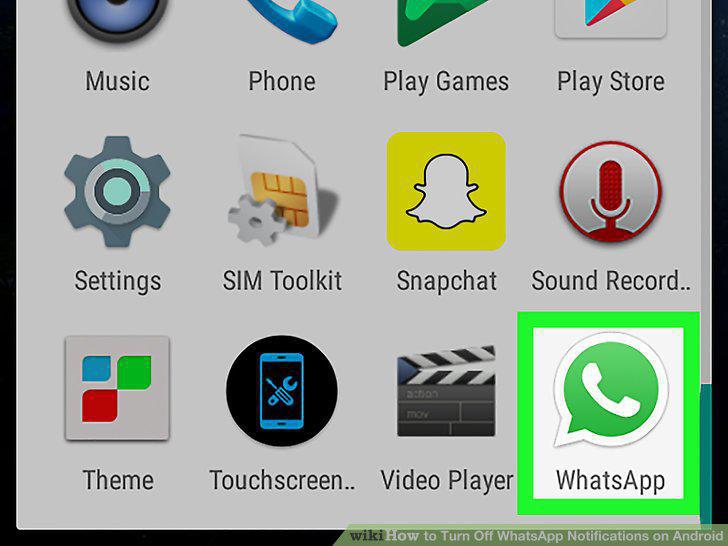
Open WhatsApp Messenger.
7
Tap the Menu button.
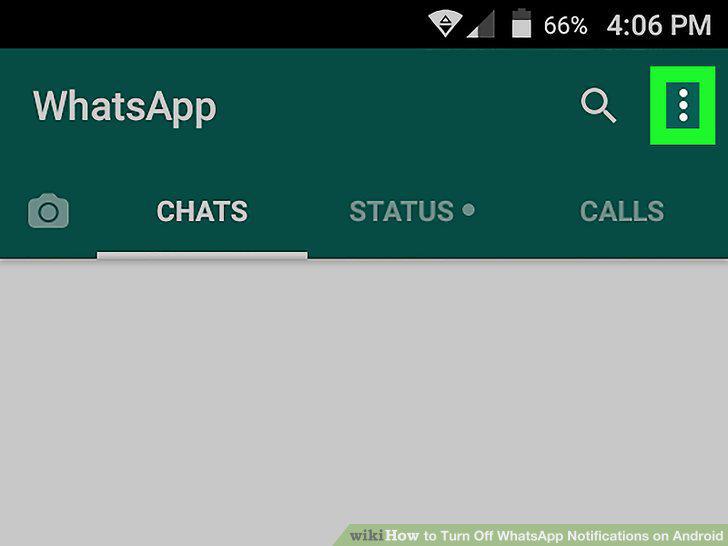
Tap the Menu button.
8
Tap Settings.
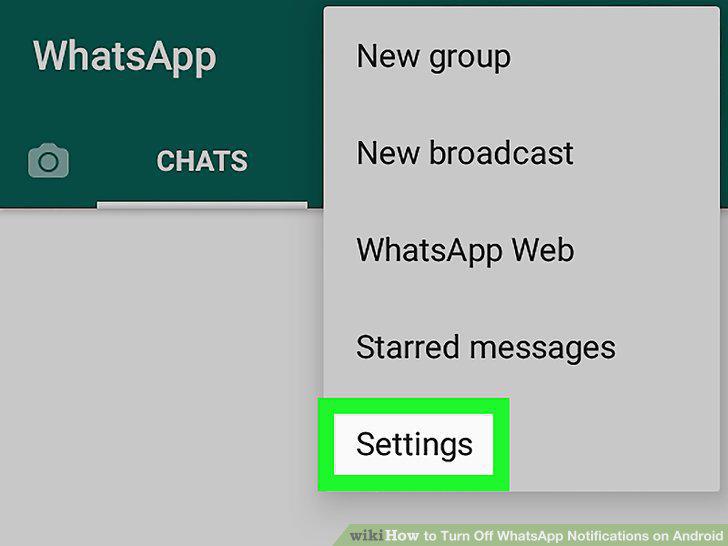
Tap Settings.
9
Tap Notifications.
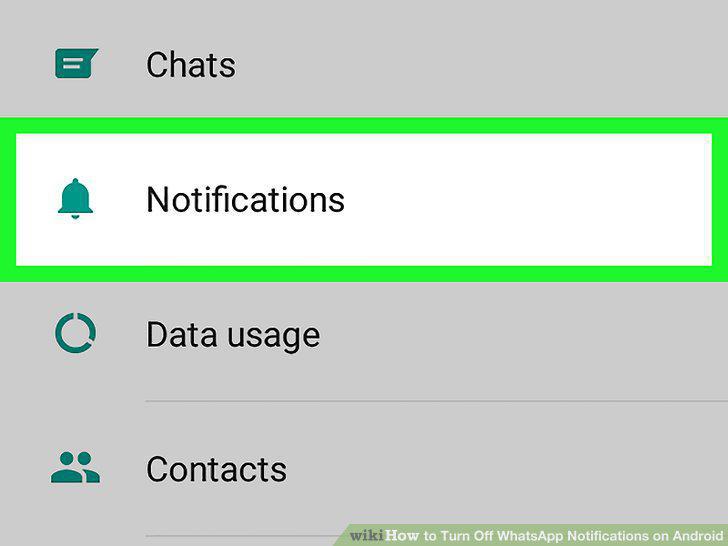
Tap Notifications.
10
Uncheck the Conversation tones box.
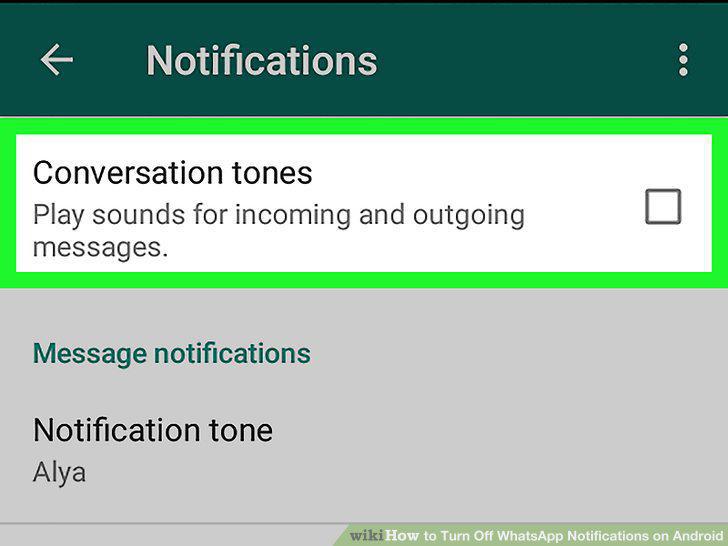
Uncheck the Conversation tones box.
11
Customize your Message notifications.
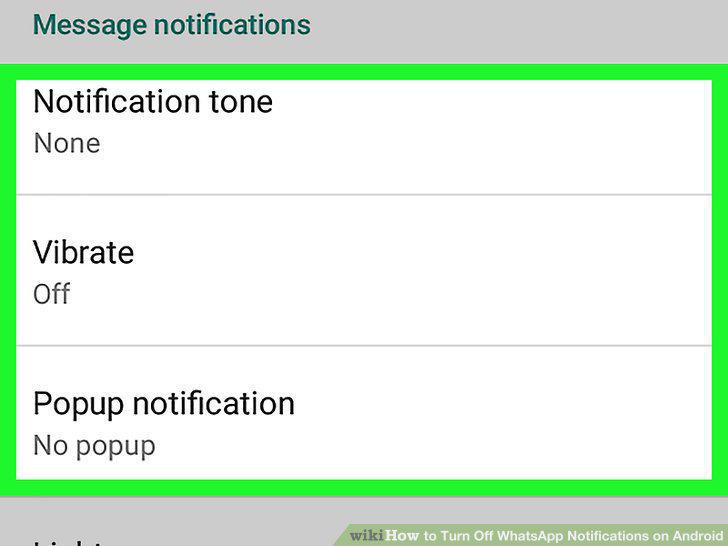
Customize your Message notifications.
12
Scroll down and customize your Group notifications.
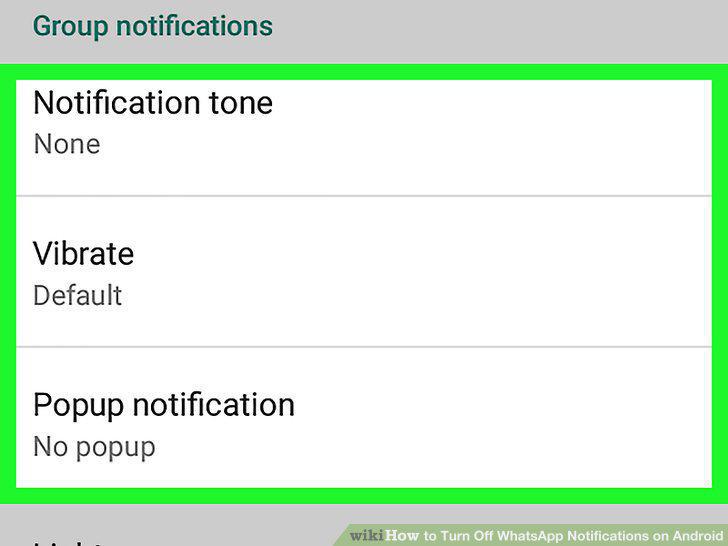
Scroll down and customize your Group notifications.
13
Scroll down and customize your Call notifications.
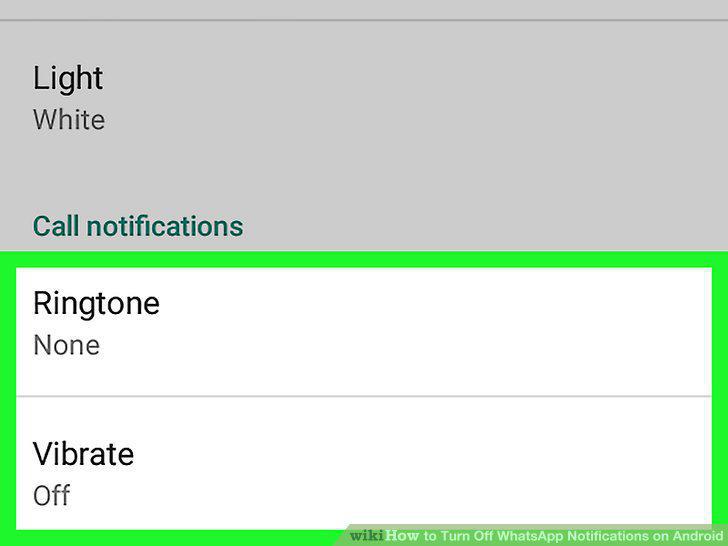
Scroll down and customize your Call notifications.
Comments (0)
No comments yet. Be the first to share your thoughts!