How to Pause a Google Drive Upload on Android
Open Google Drive.. Tap each file you want to upload.. Tap .
Steps
1
Open Google Drive.
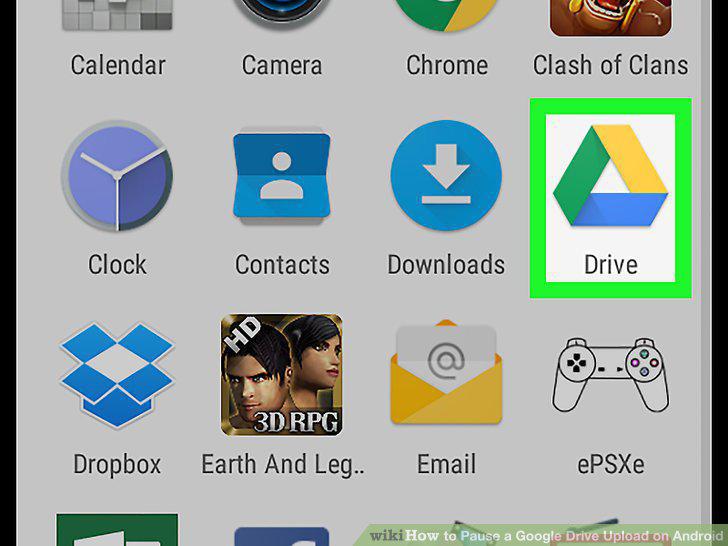
Open Google Drive.
2
Tap each file you want to upload.
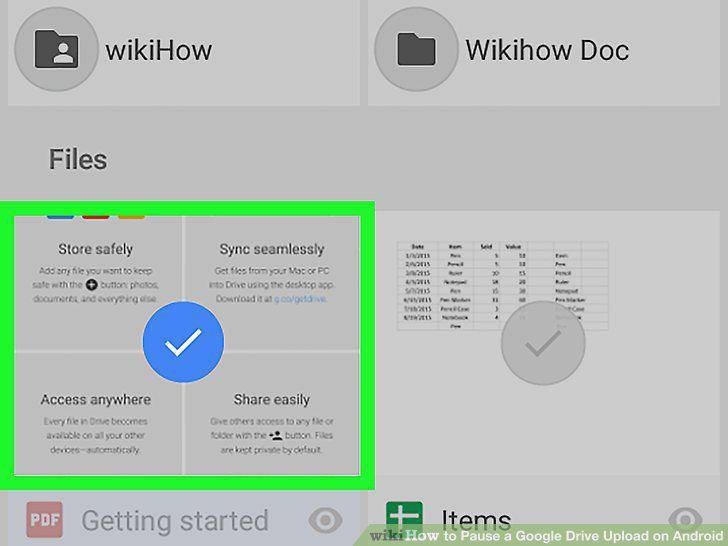
Tap each file you want to upload.
3
Tap .
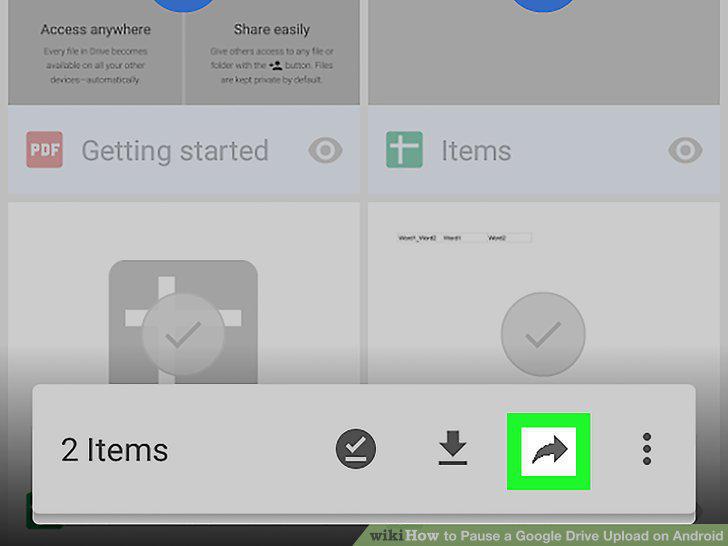
Tap .
4
Tap Save to Drive.
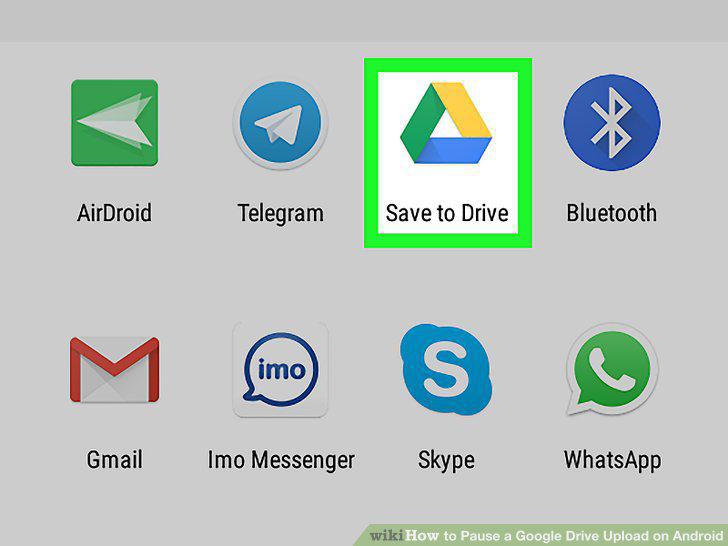
Tap Save to Drive.
5
Tap Save.
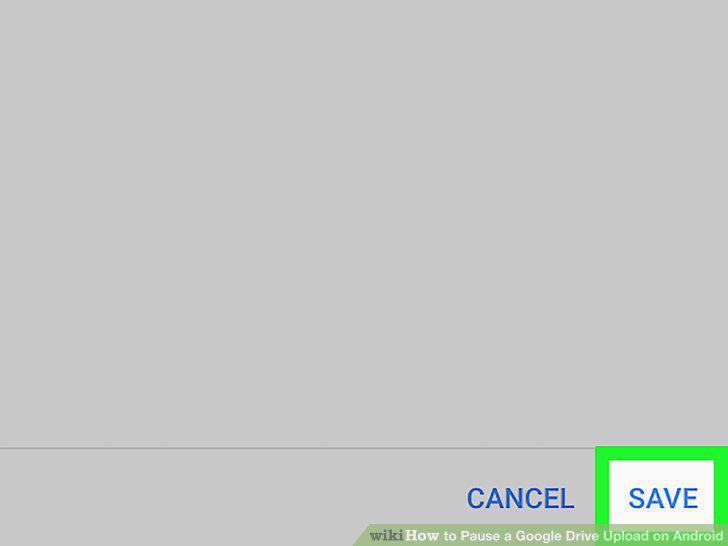
Tap Save.
6
Pull down your Android's notification bar.
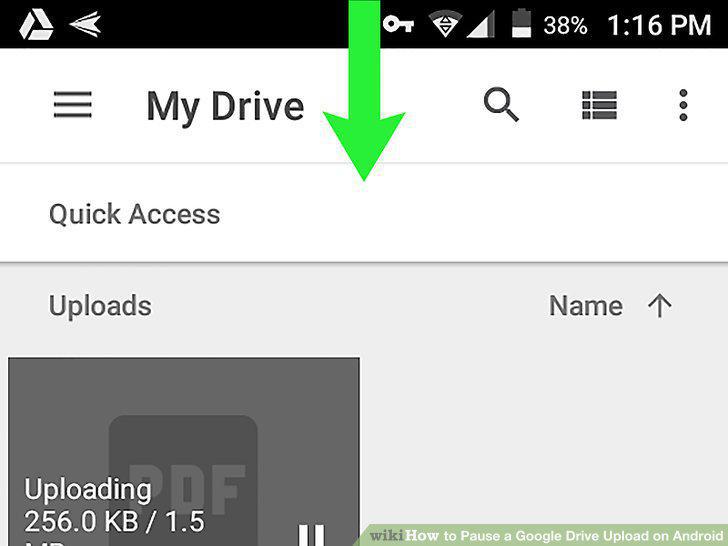
Pull down your Android's notification bar.
7
Tap the blue circle with a white arrow.
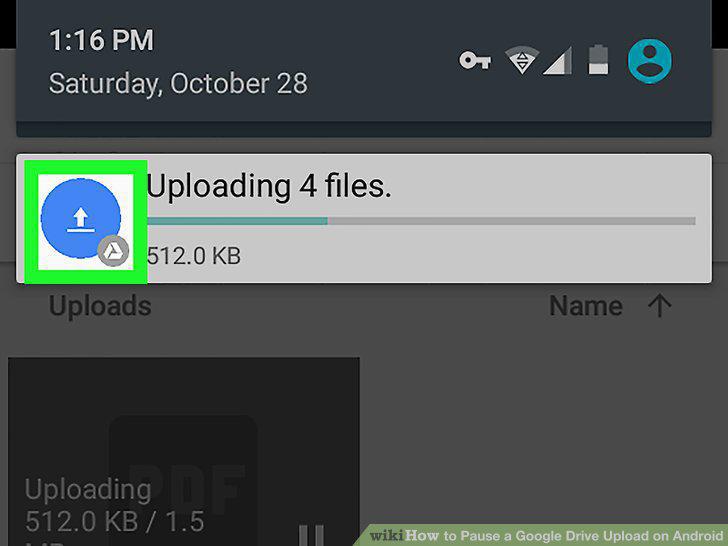
Tap the blue circle with a white arrow.
8
Tap the pause icon on any file you want to pause.
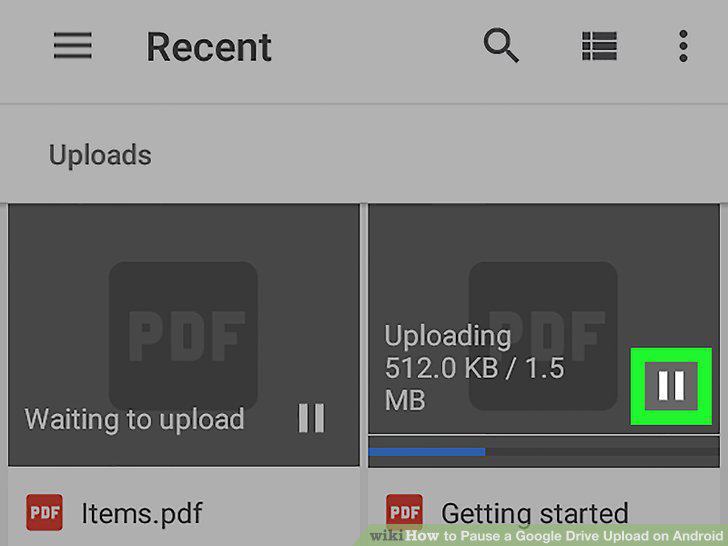
Tap the pause icon on any file you want to pause.
Comments (0)
No comments yet. Be the first to share your thoughts!