How to Zoom in on Instagram
Open the Instagram app on your mobile device.. Tap the Instagram Home button.. Pinch out on the post with two fingers.
Steps
1
Open the Instagram app on your mobile device.
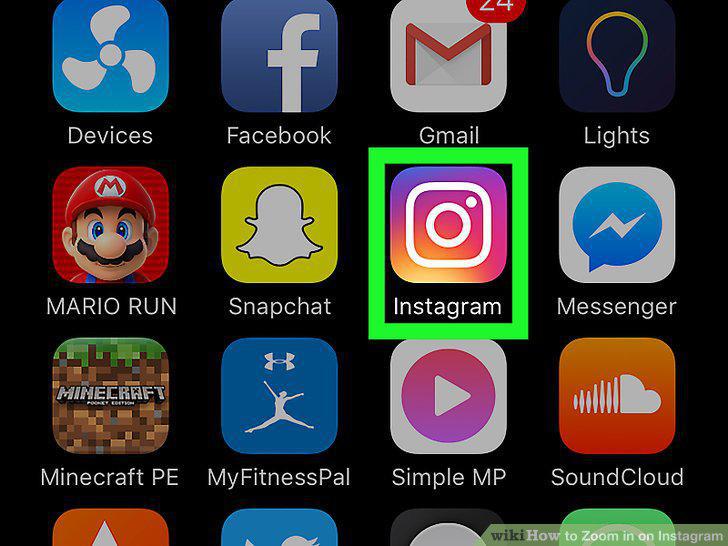
Open the Instagram app on your mobile device.
2
Tap the Instagram Home button.

Tap the Instagram Home button.
3
Pinch out on the post with two fingers.

Pinch out on the post with two fingers.
4
Remove your fingers from your screen.

Remove your fingers from your screen.
5
Open the Instagram app on your mobile device.
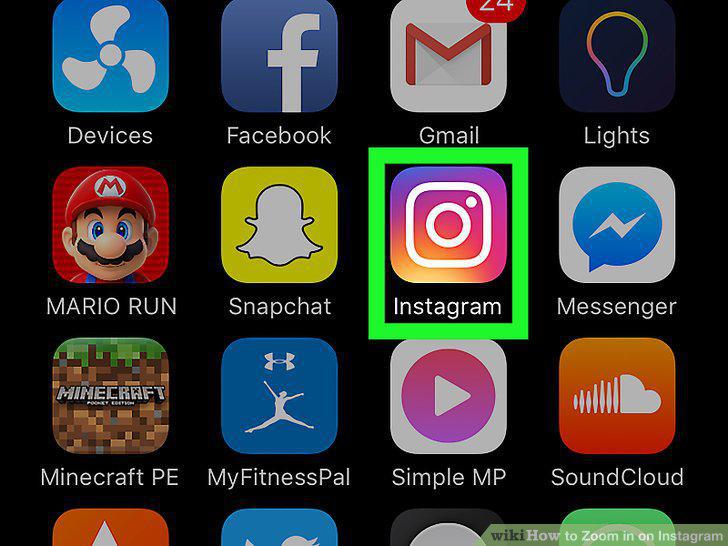
Open the Instagram app on your mobile device.
6
Tap the magnifying glass icon.

Tap the magnifying glass icon.
7
Tap and hold on an image or video thumbnail.

Tap and hold on an image or video thumbnail.
8
Swipe up while holding.
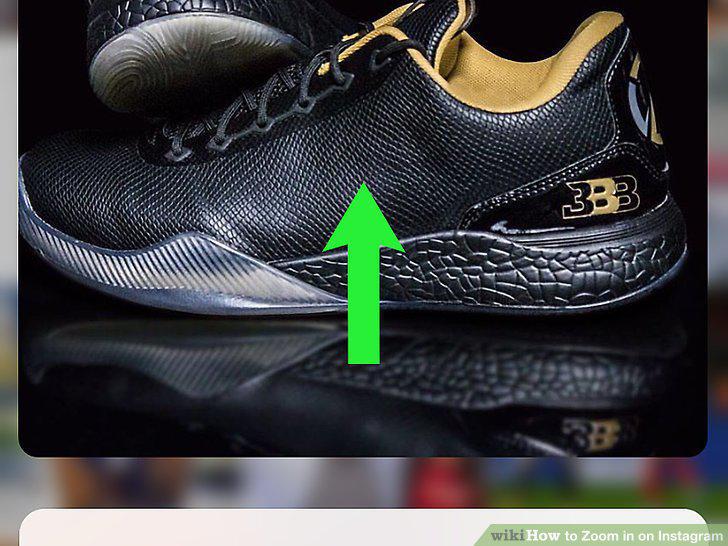
Swipe up while holding.
9
Swipe down on the post.
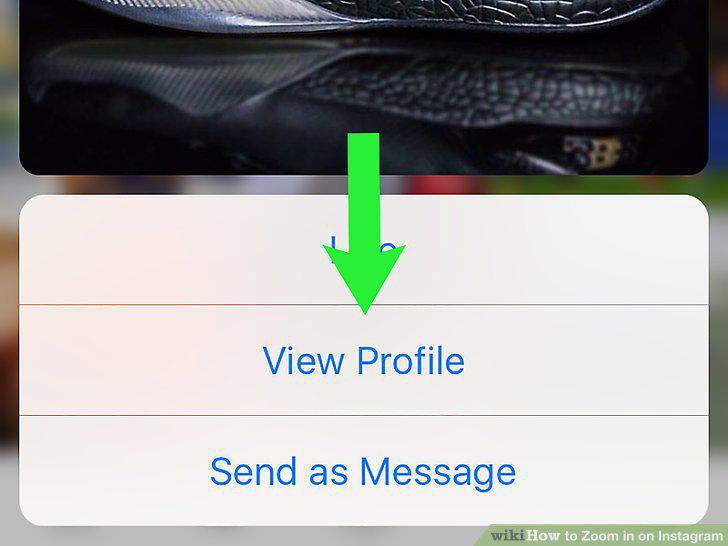
Swipe down on the post.
Comments (0)
No comments yet. Be the first to share your thoughts!