Steps
1
Open TikTok.
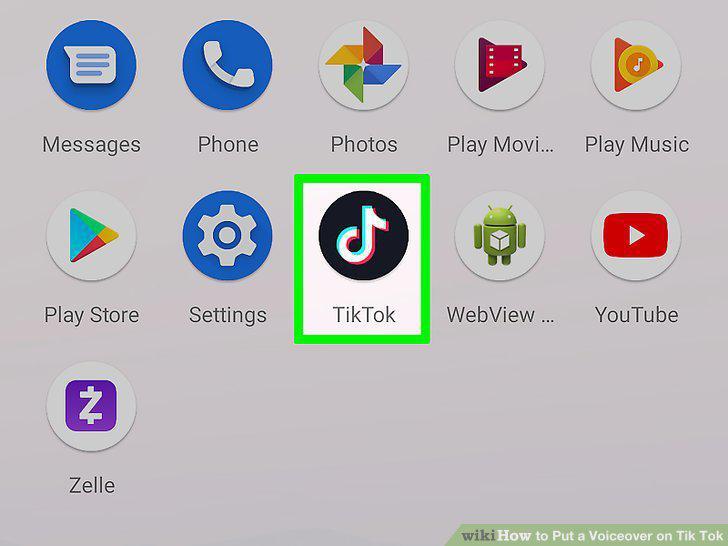
Open TikTok.
2
Record a video.
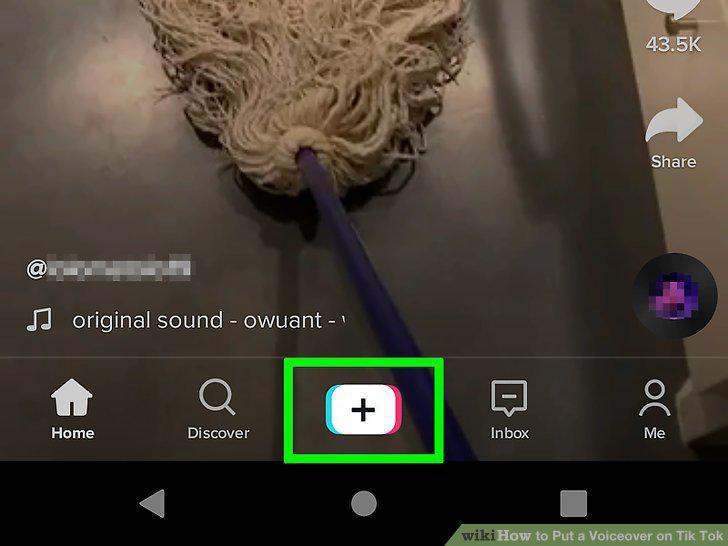
Record a video.
3
Tap the checkmark.
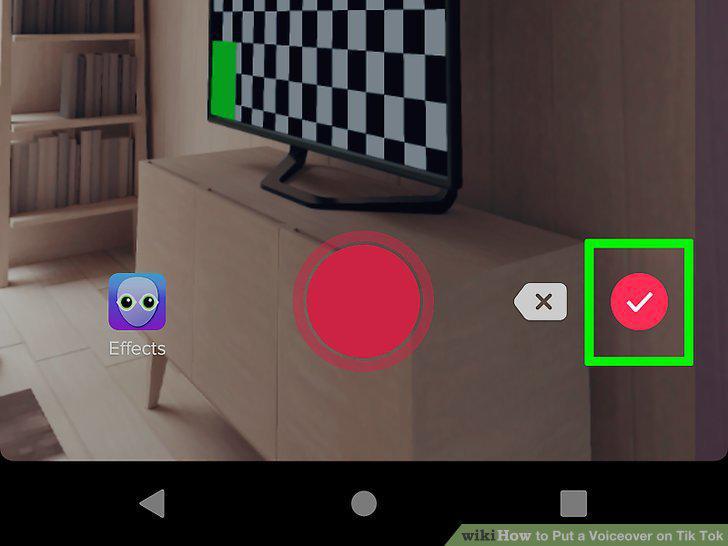
Tap the checkmark.
4
Tap the voiceover icon that looks like a microphone.
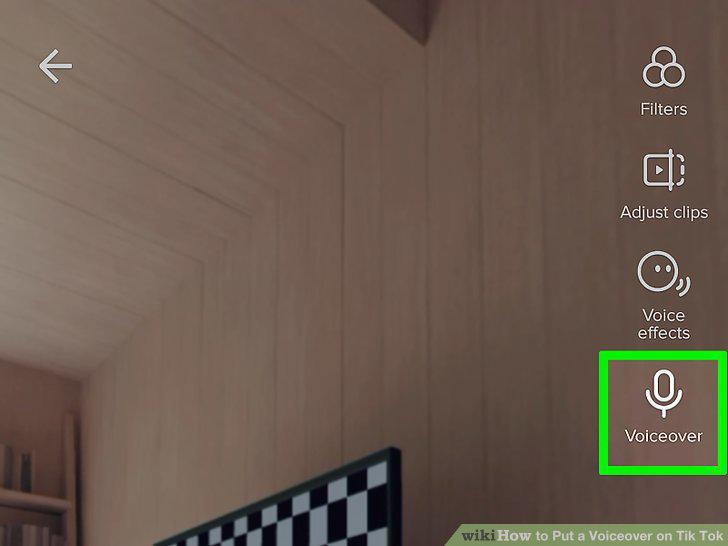
Tap the voiceover icon that looks like a microphone.
5
Tap the record button to begin recording your voiceover.
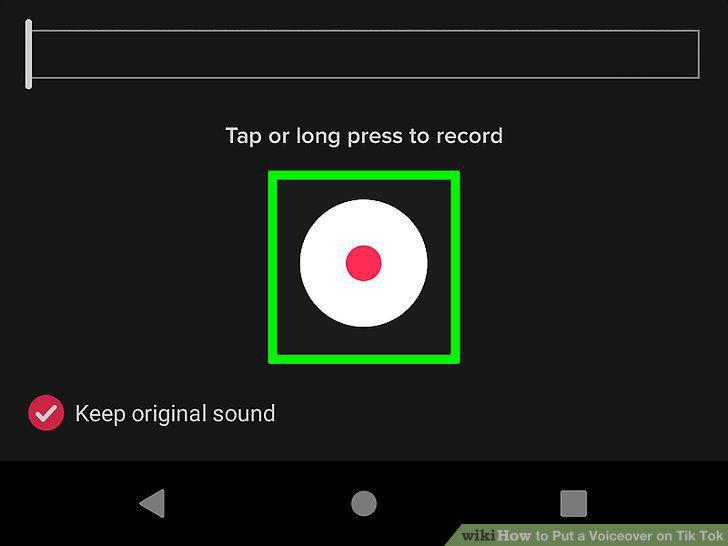
Tap the record button to begin recording your voiceover.
6
Tap the record button again to stop recording your voiceover.
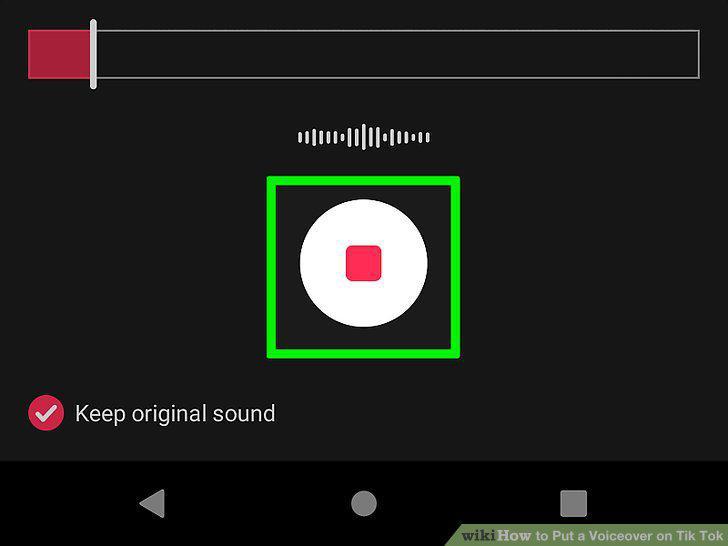
Tap the record button again to stop recording your voiceover.
7
Tap to uncheck the circle next to "Keep original sound.
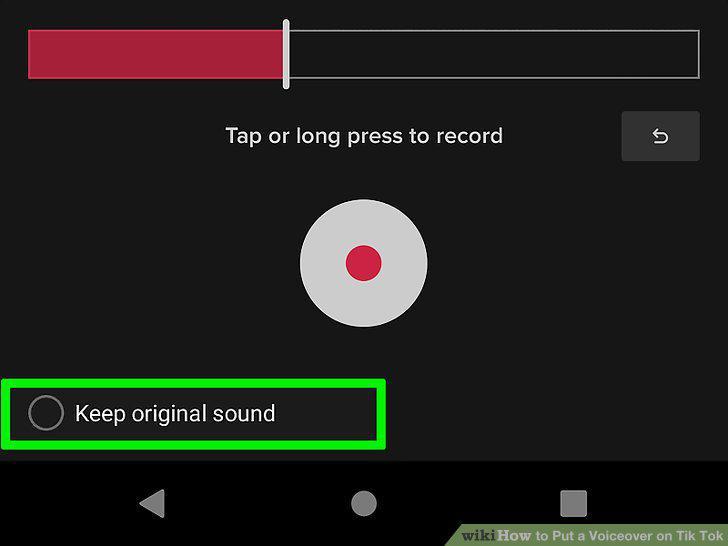
Tap to uncheck the circle next to "Keep original sound.
8
Tap Save.
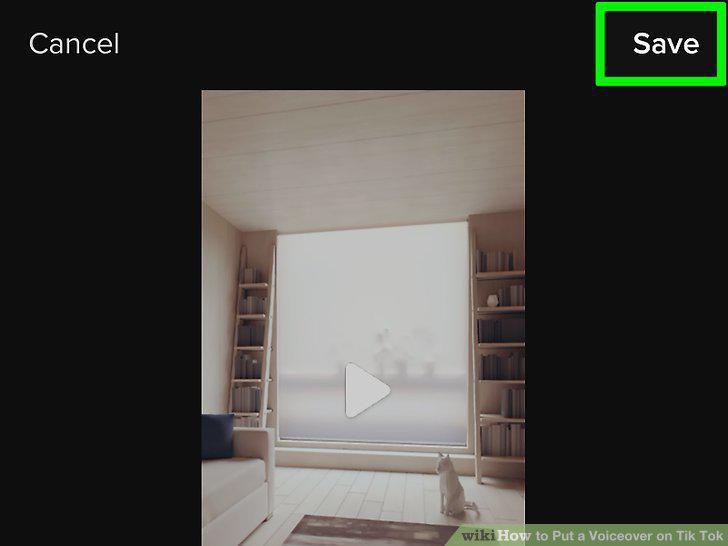
Tap Save.
9
Tap Next.
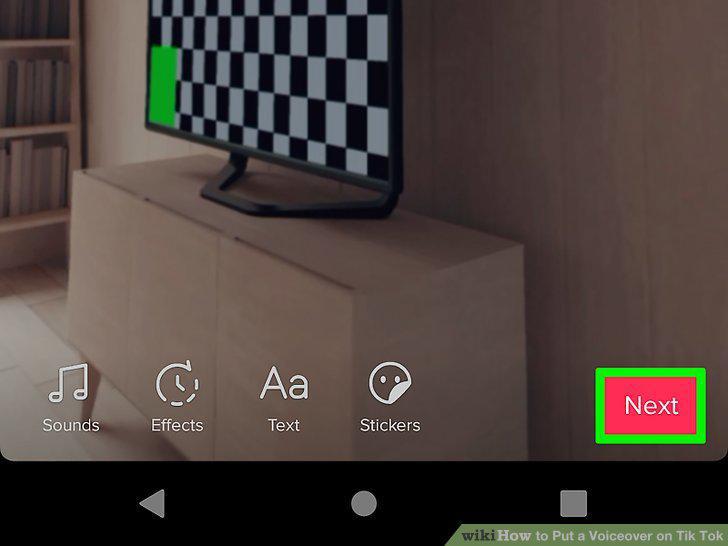
Tap Next.
10
Tap Post after you've added information to your post.
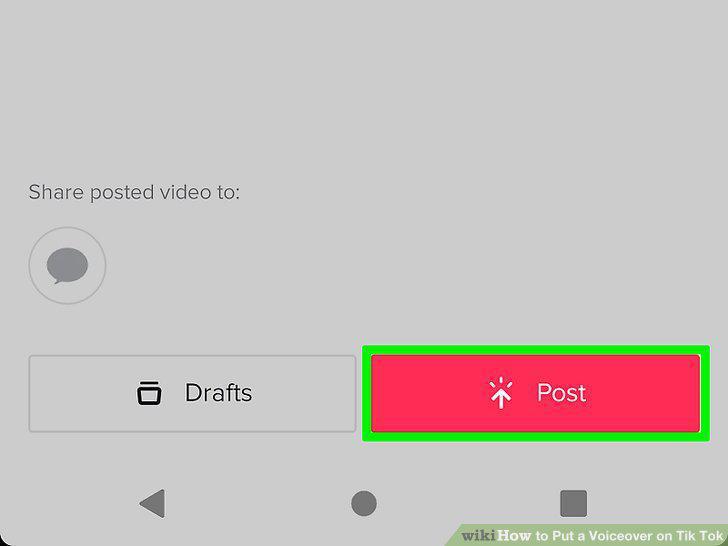
Tap Post after you've added information to your post.
Comments (0)
No comments yet. Be the first to share your thoughts!