How to Make Windows Detect a USB Flash Disk
Unplug then plug-in your USB flash disk.. Plug your USB flash disk into another USB port.. Uninstall USB devices from the Device Manager.
Steps
1
Unplug then plug-in your USB flash disk.
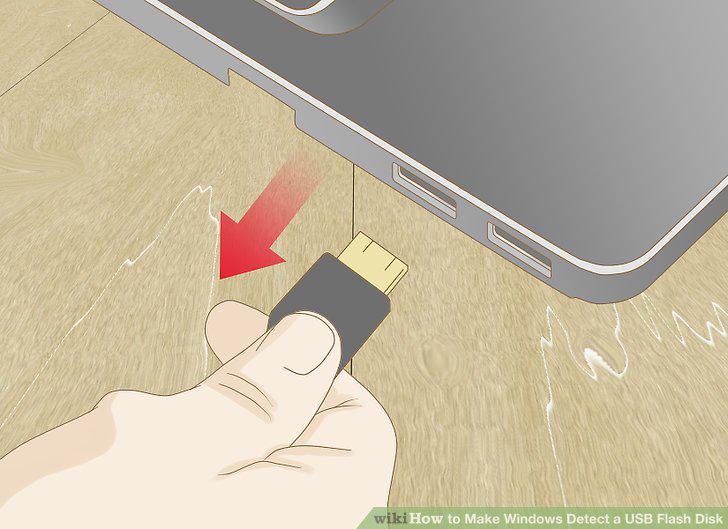
Unplug then plug-in your USB flash disk.
2
Plug your USB flash disk into another USB port.
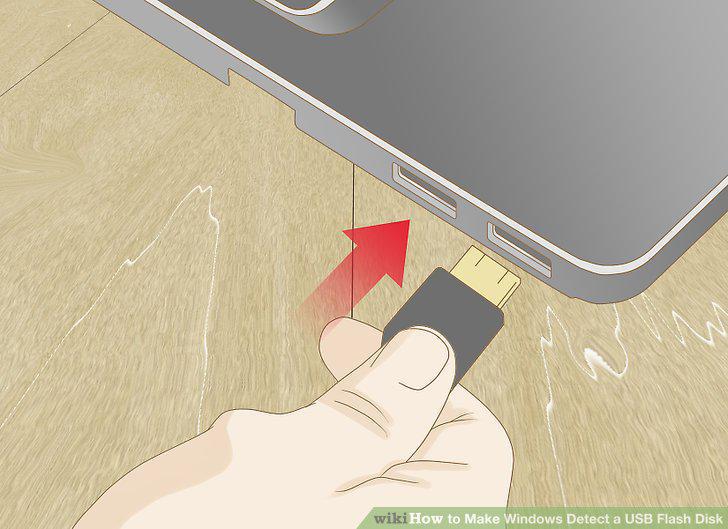
Plug your USB flash disk into another USB port.
3
Uninstall USB devices from the Device Manager.
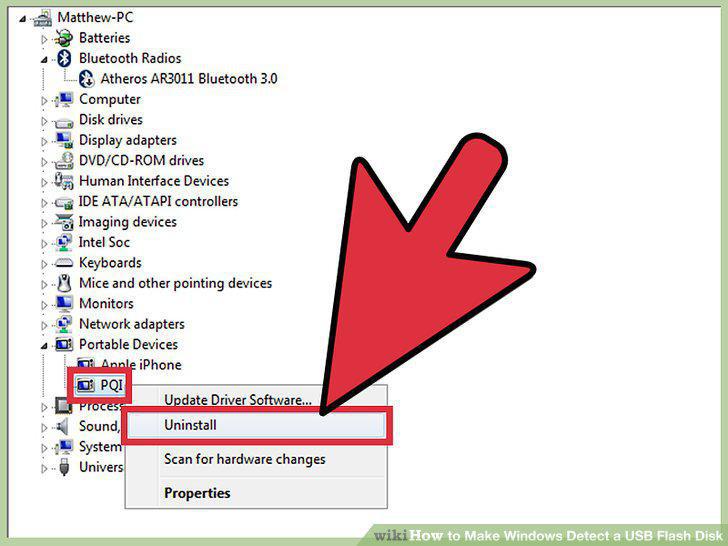
Uninstall USB devices from the Device Manager.
4
Verify the USB Flash Disk storage integrity in Disk Manager.
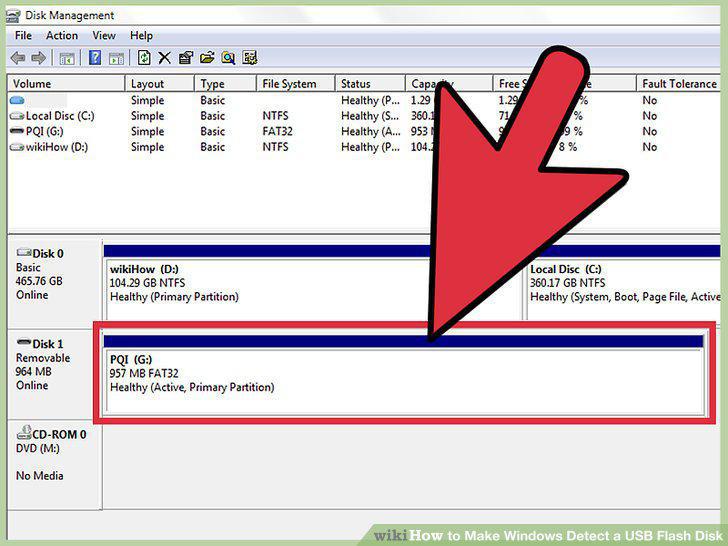
Verify the USB Flash Disk storage integrity in Disk Manager.
5
Repair the USB flash disk.
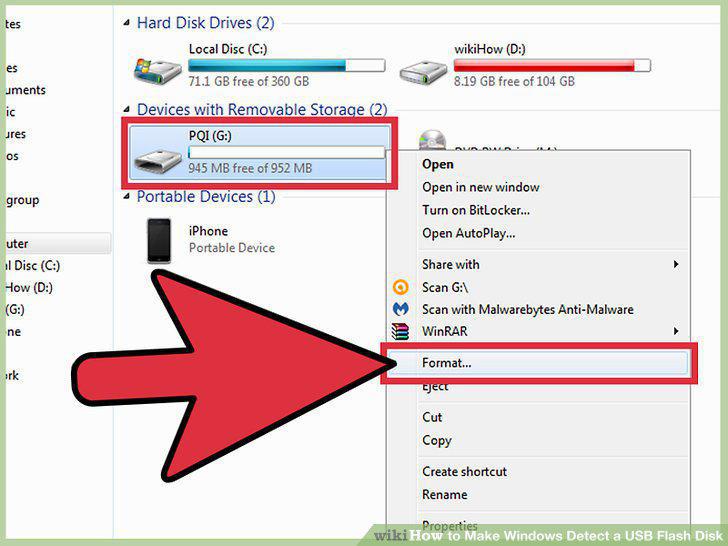
Repair the USB flash disk.
6
Read the instructions that came with the device.
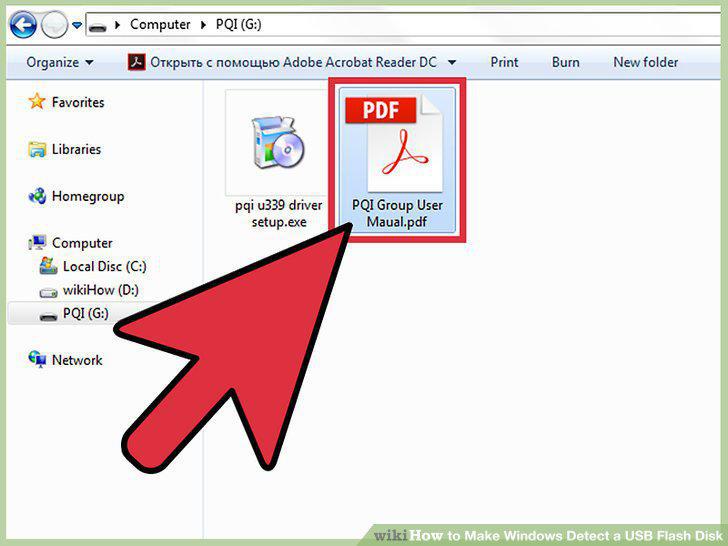
Read the instructions that came with the device.
7
Install the USB flash disk.
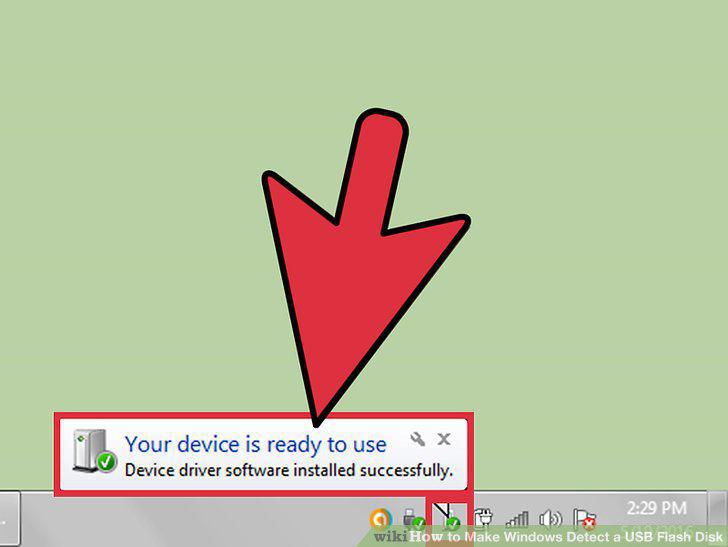
Install the USB flash disk.
8
Install the drivers from an included disk.
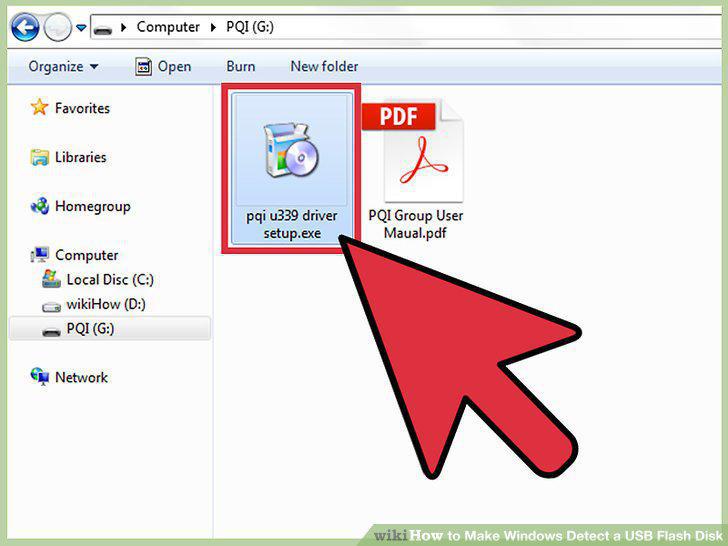
Install the drivers from an included disk.
9
Search and download the drivers online.
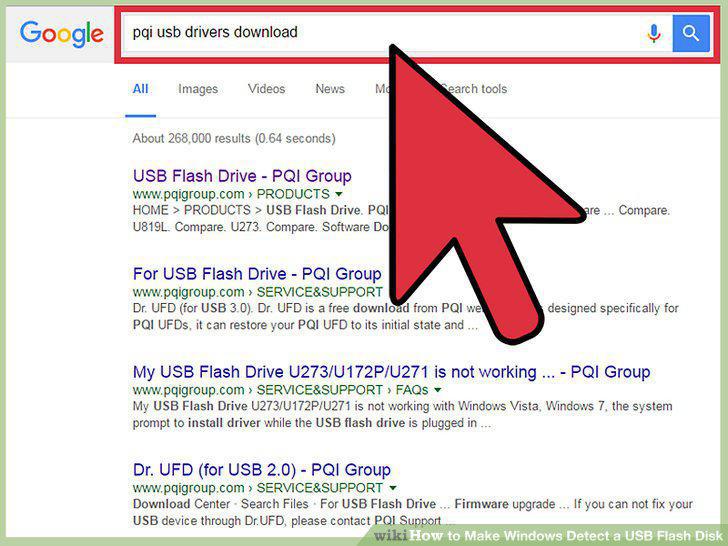
Search and download the drivers online.
Comments (0)
No comments yet. Be the first to share your thoughts!