How to Rejoin a Group on WhatsApp on Android
Open WhatsApp Messenger on your Android.. Tap the New Message icon.. Find and tap the group admin in your contacts.
Steps
1
Open WhatsApp Messenger on your Android.
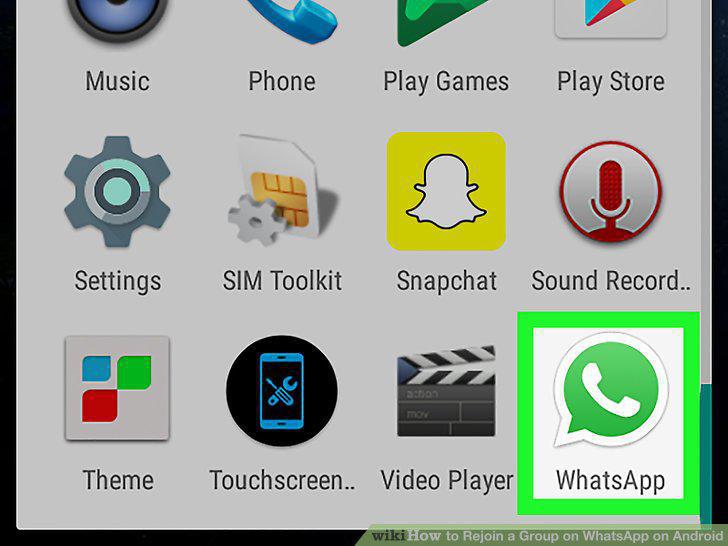
Open WhatsApp Messenger on your Android.
2
Tap the New Message icon.
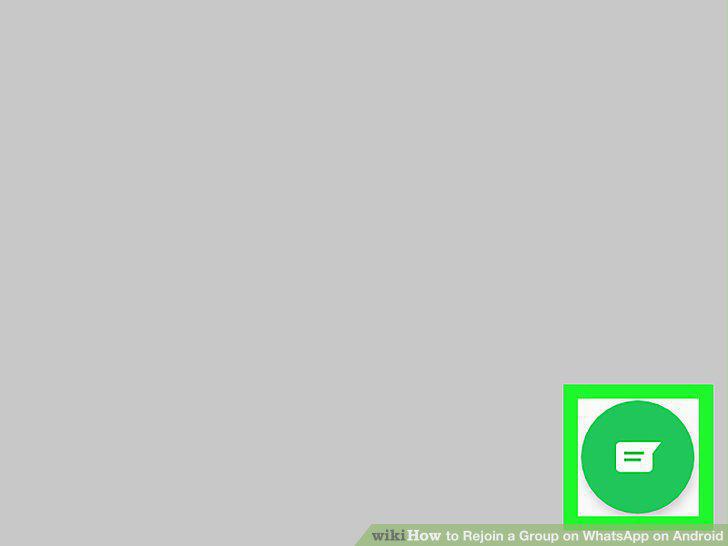
Tap the New Message icon.
3
Find and tap the group admin in your contacts.
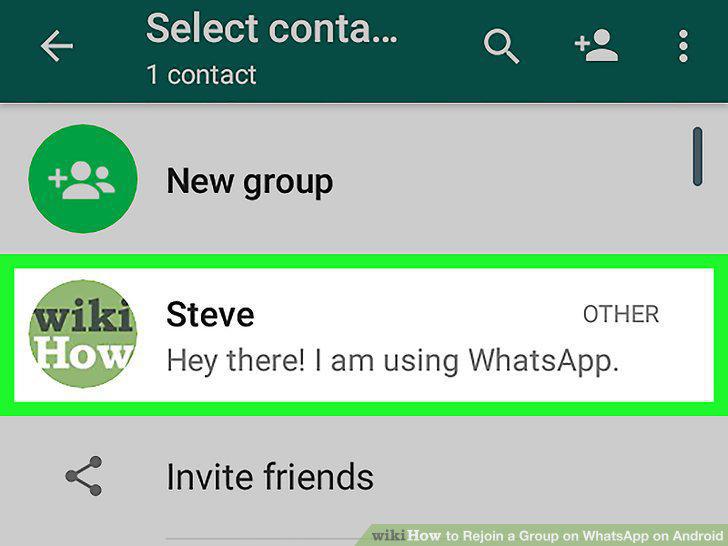
Find and tap the group admin in your contacts.
4
Tap the message field.
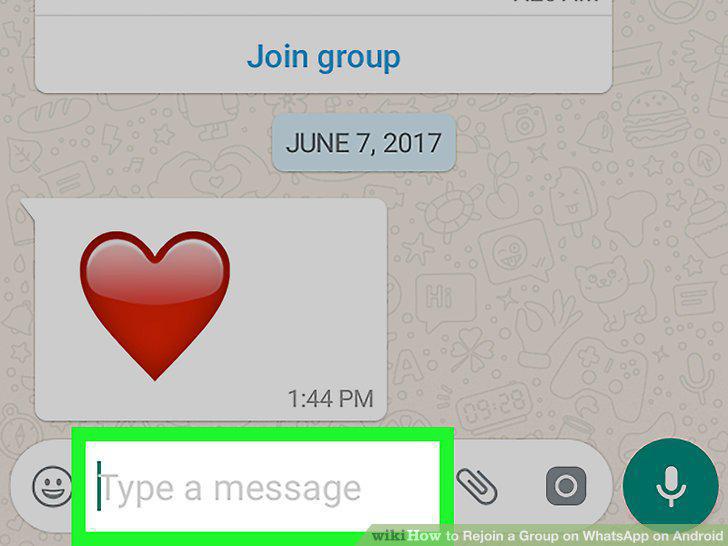
Tap the message field.
5
Type your message.
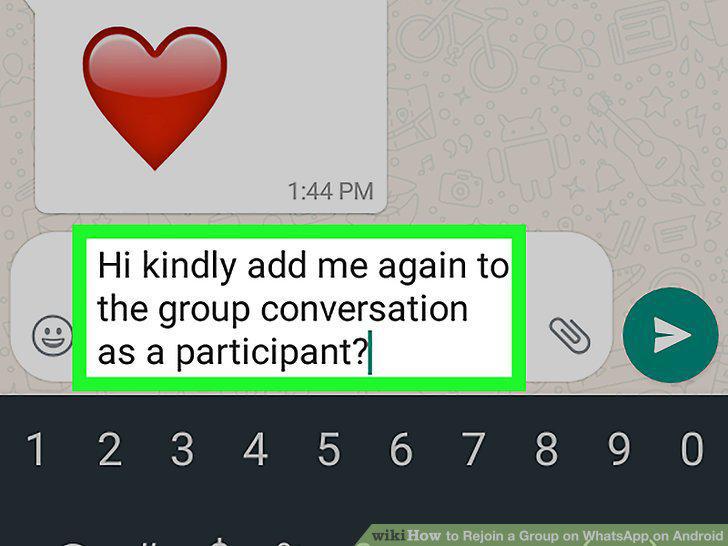
Type your message.
6
Tap the Send button.
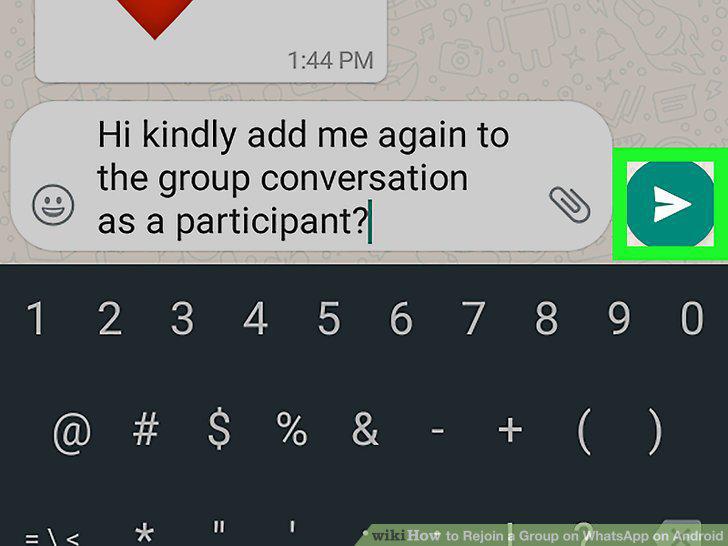
Tap the Send button.
7
Wait for the group admin to add you to the group.
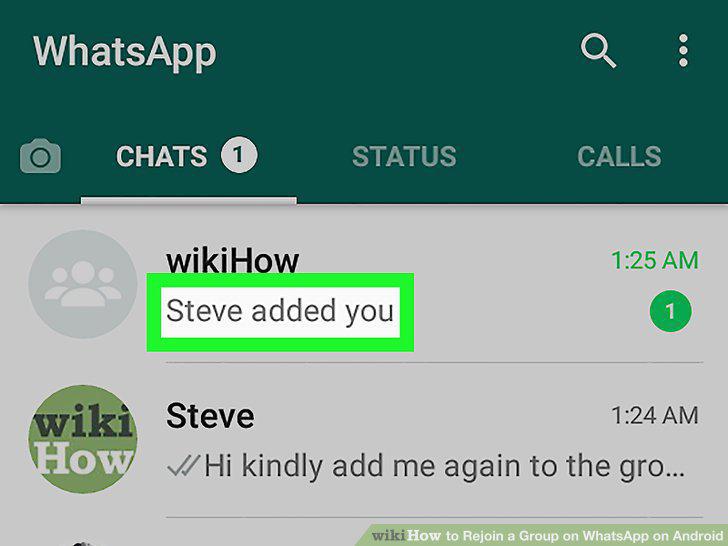
Wait for the group admin to add you to the group.
Comments (0)
No comments yet. Be the first to share your thoughts!