How to Check App Usage Time on an iPhone
Open your iPhone's settings.. Scroll down and tap Battery.. Tap the "clock" icon.
Steps
1
Open your iPhone's settings.
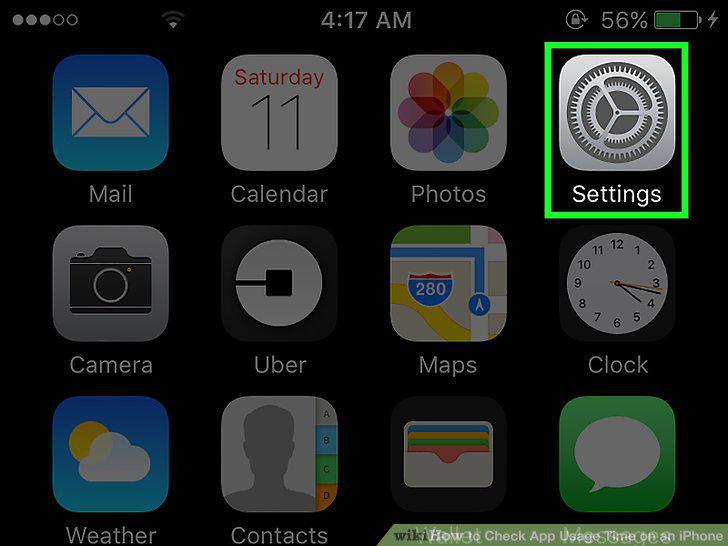
Open your iPhone's settings.
2
Scroll down and tap Battery.
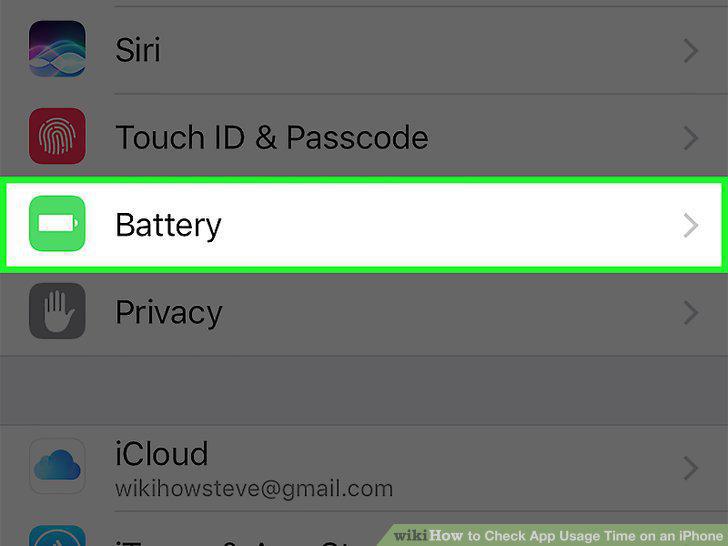
Scroll down and tap Battery.
3
Tap the "clock" icon.
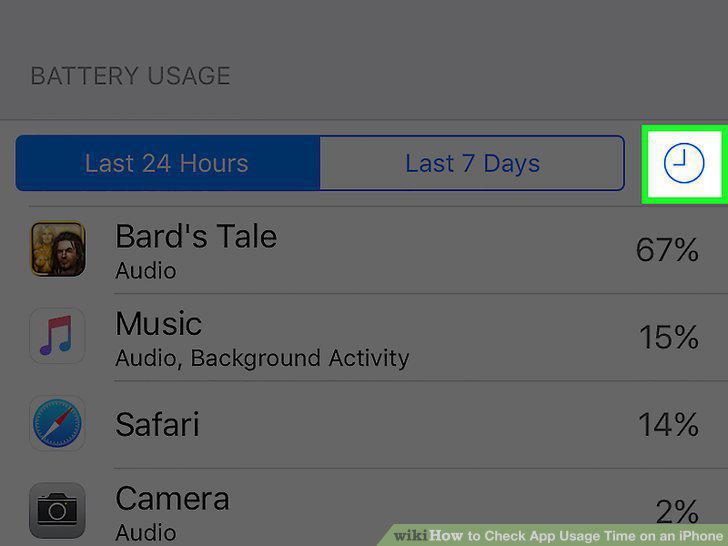
Tap the "clock" icon.
4
Review the time listed under each app.
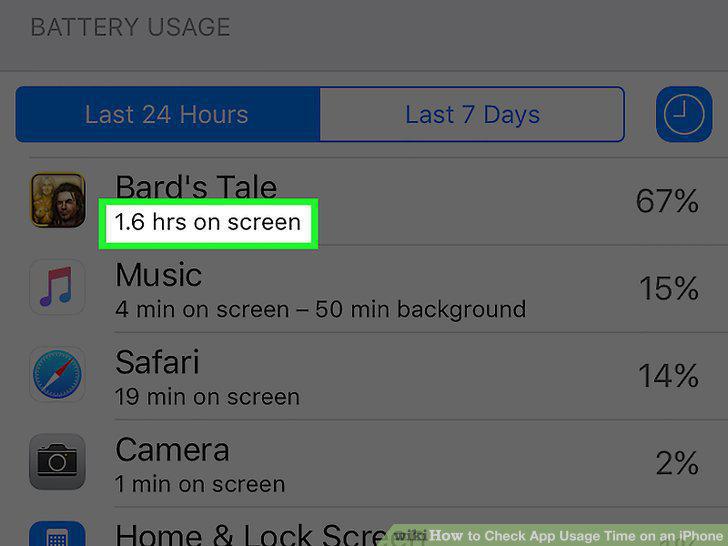
Review the time listed under each app.
Comments (0)
No comments yet. Be the first to share your thoughts!