How to Buy PPV on YouTube on Android
Open YouTube on your Android.. Tap Library.. Tap Purchases.
Steps
1
Open YouTube on your Android.
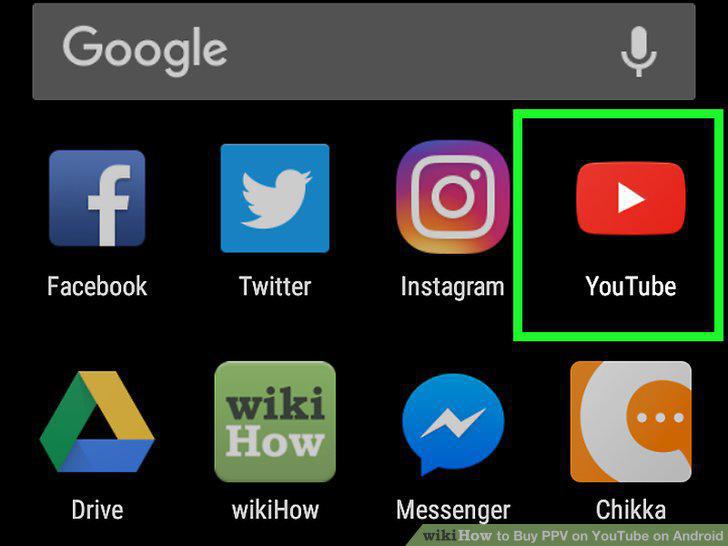
Open YouTube on your Android.
2
Tap Library.
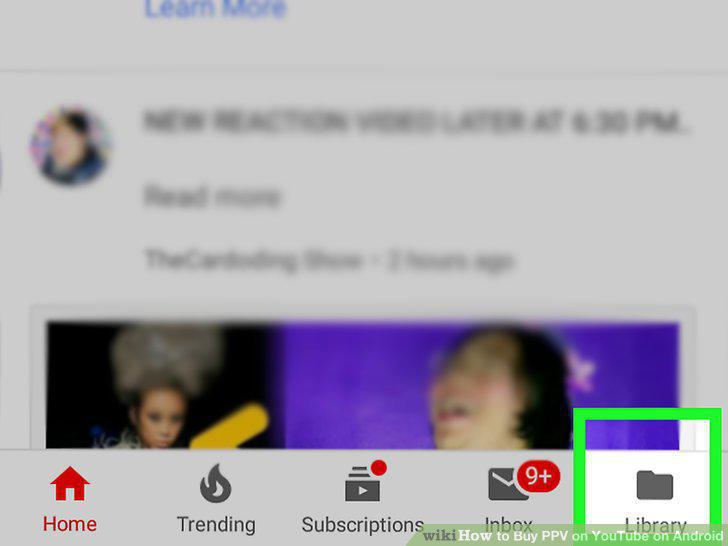
Tap Library.
3
Tap Purchases.
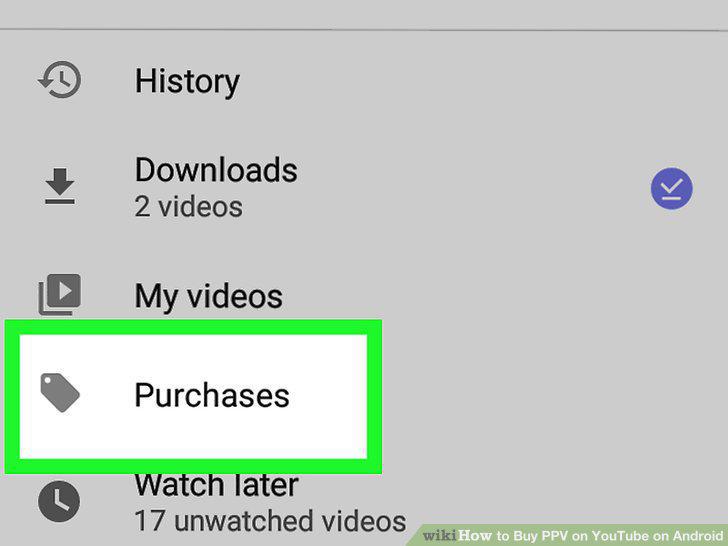
Tap Purchases.
4
Tap GET MOVIES.
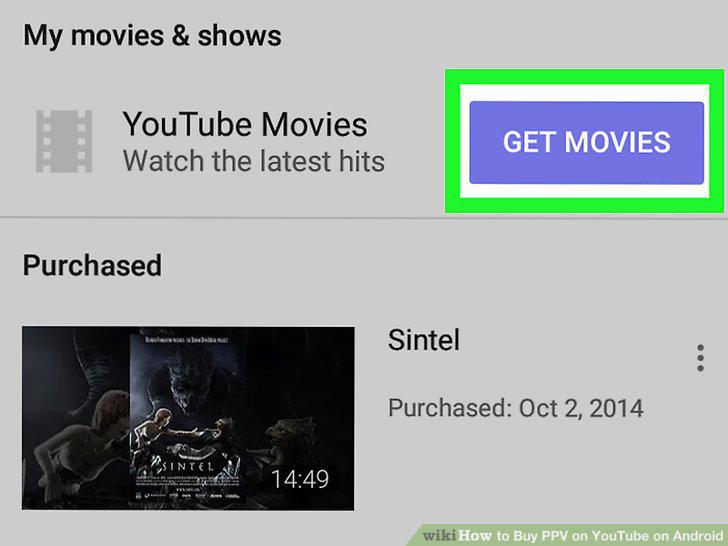
Tap GET MOVIES.
5
Browse for a movie or show.
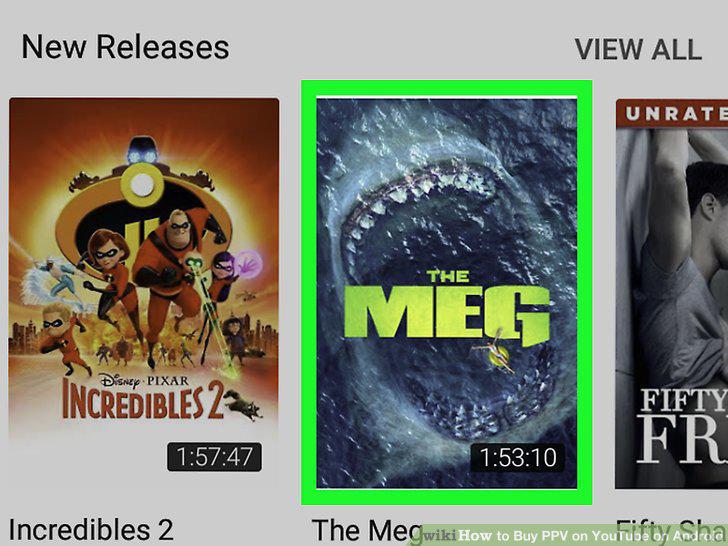
Browse for a movie or show.
6
Tap the blue price button.
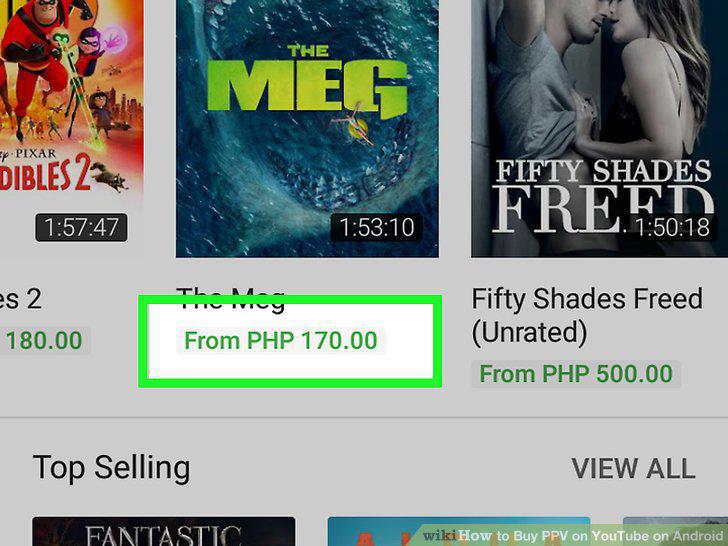
Tap the blue price button.
7
Review the options.
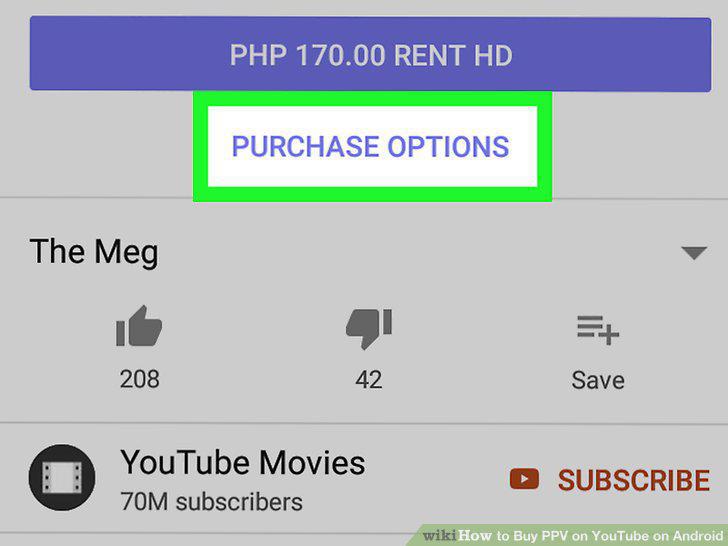
Review the options.
8
Tap the price you'd like to pay.
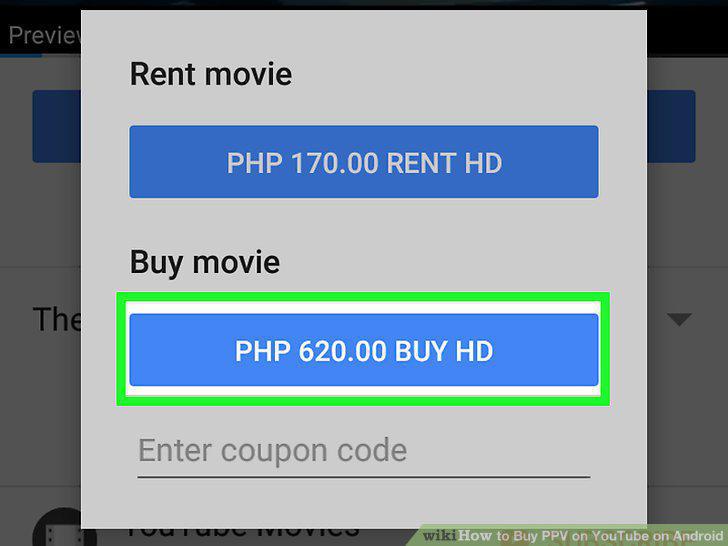
Tap the price you'd like to pay.
9
Select or add a payment method.
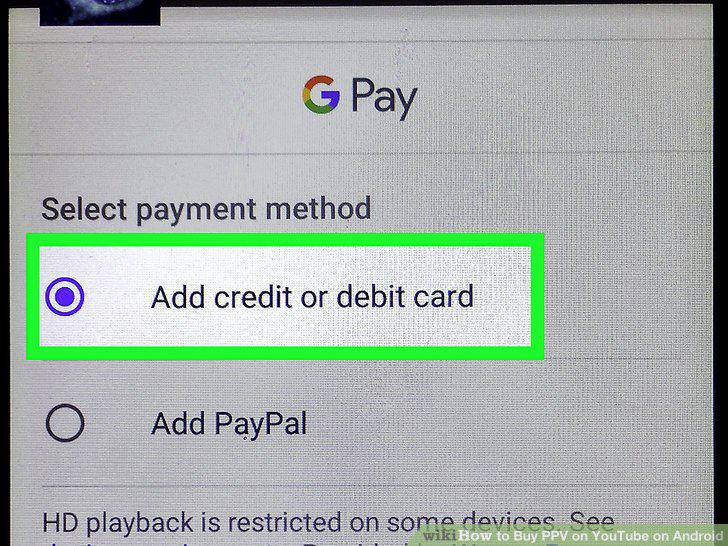
Select or add a payment method.
10
Tap PAY NOW to pay.
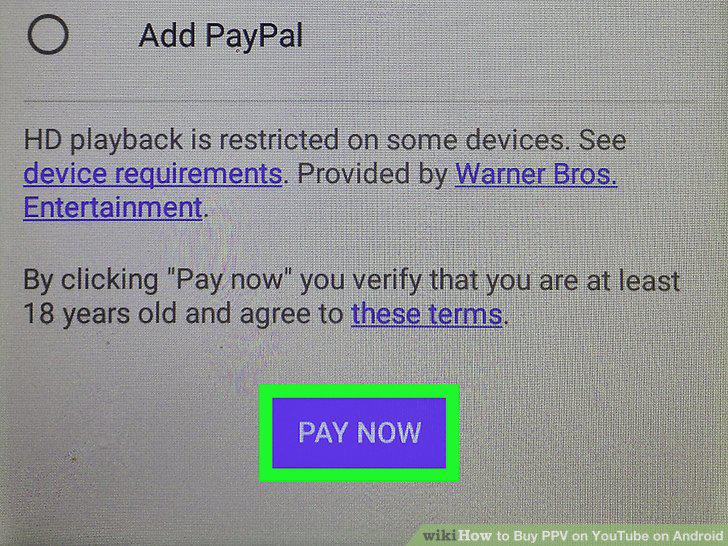
Tap PAY NOW to pay.
Comments (0)
No comments yet. Be the first to share your thoughts!