How to Recover Data After a Factory Reset on iPhone or iPad
Press your iPhone or iPad's Home button.. Select Restore from iCloud Backup on the Apps & Data page.. Sign in with your Apple ID.
Steps
1
Press your iPhone or iPad's Home button.
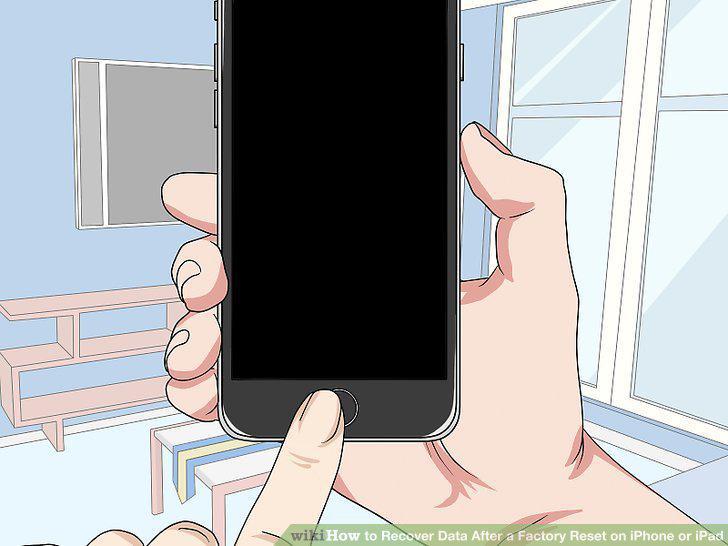
Press your iPhone or iPad's Home button.
2
Select Restore from iCloud Backup on the Apps & Data page.
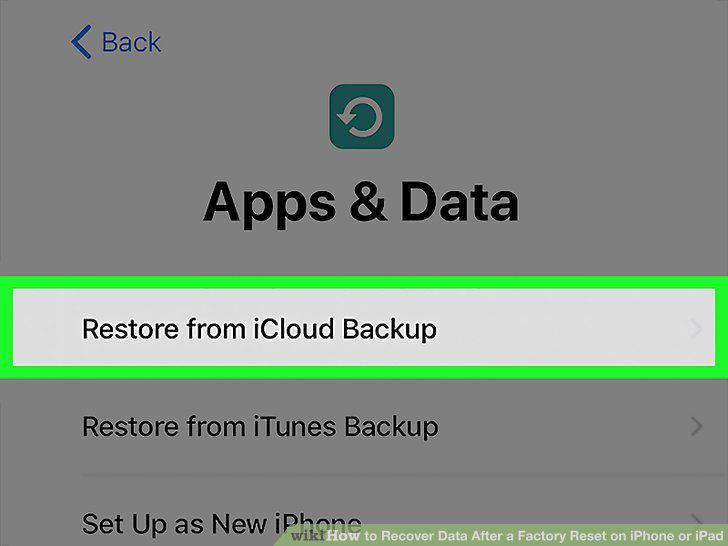
Select Restore from iCloud Backup on the Apps & Data page.
3
Sign in with your Apple ID.
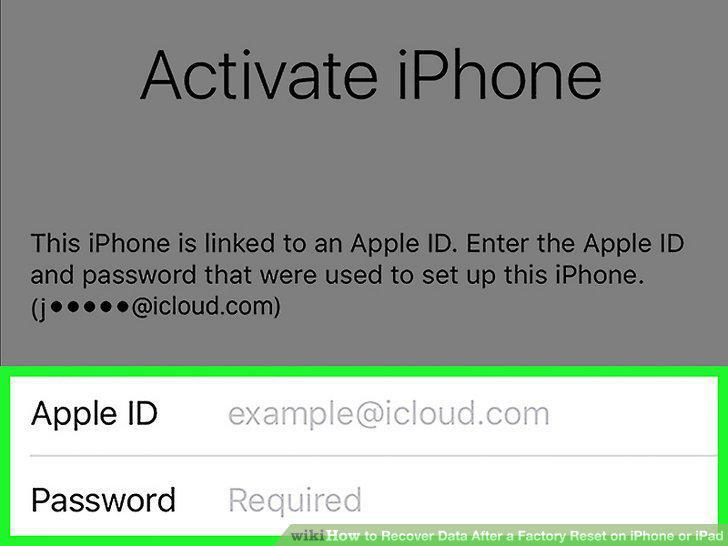
Sign in with your Apple ID.
4
Tap Agree on the bottom-right.
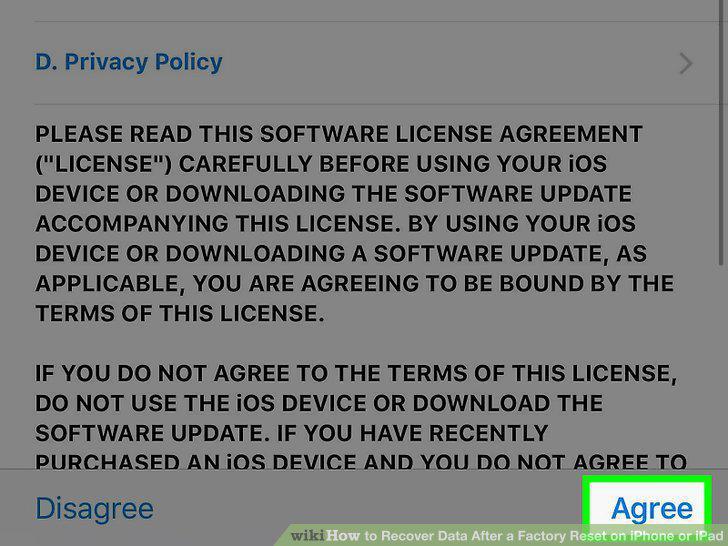
Tap Agree on the bottom-right.
5
Tap the backup you want to restore.
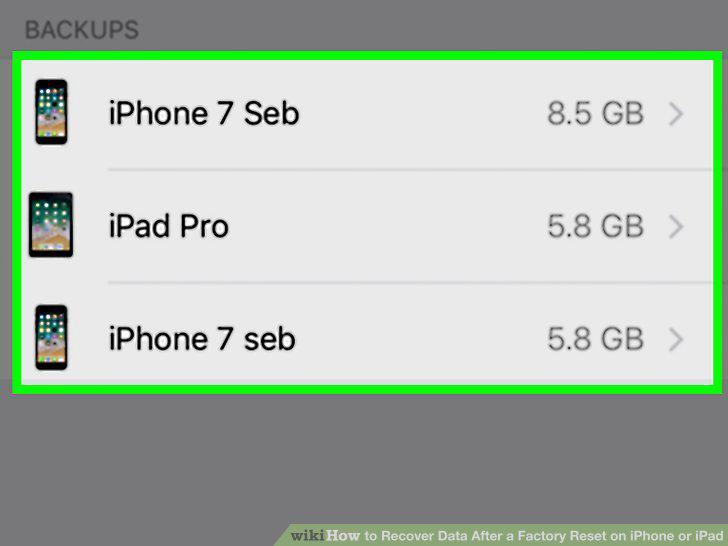
Tap the backup you want to restore.
6
Connect your iPhone or iPad to your computer.
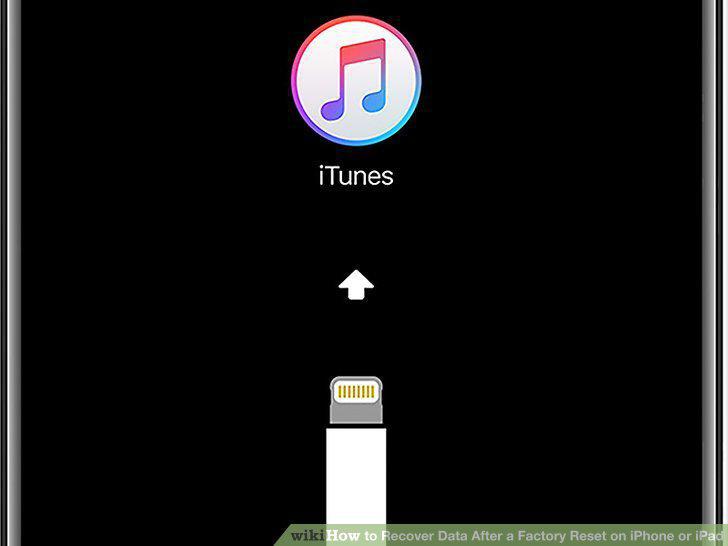
Connect your iPhone or iPad to your computer.
7
Open iTunes on your computer.
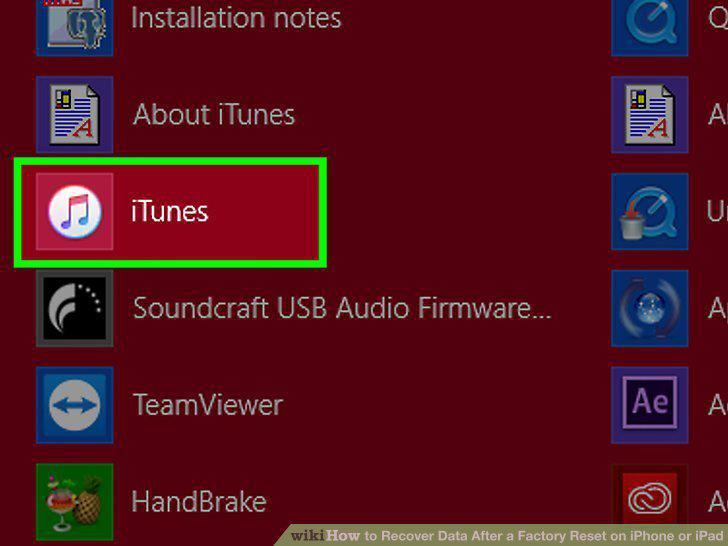
Open iTunes on your computer.
8
Click the iPhone or iPad icon on the top-left.
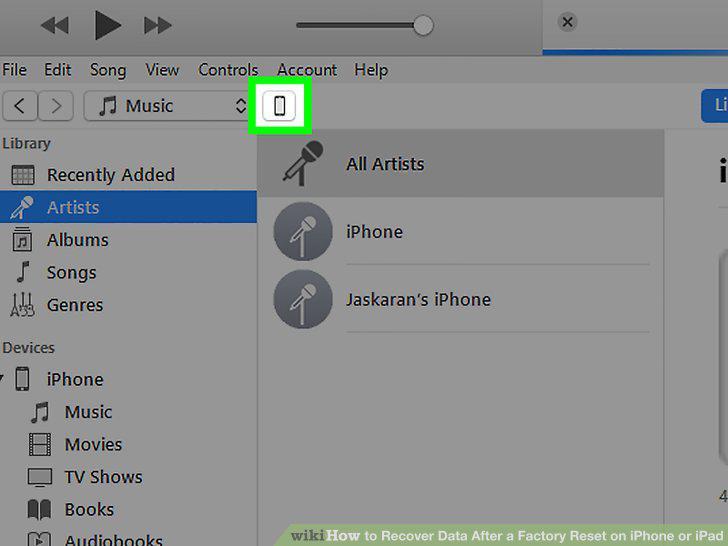
Click the iPhone or iPad icon on the top-left.
9
Click Restore Backup in the Backups section.
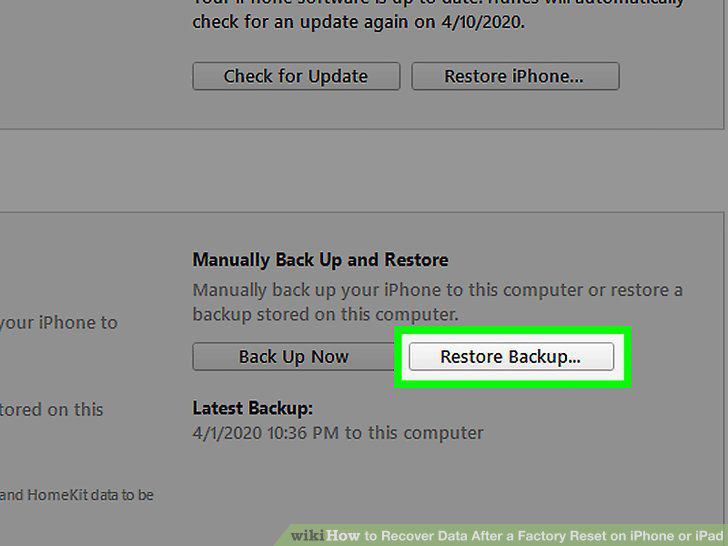
Click Restore Backup in the Backups section.
10
Select the backup you want to restore in the pop-up.
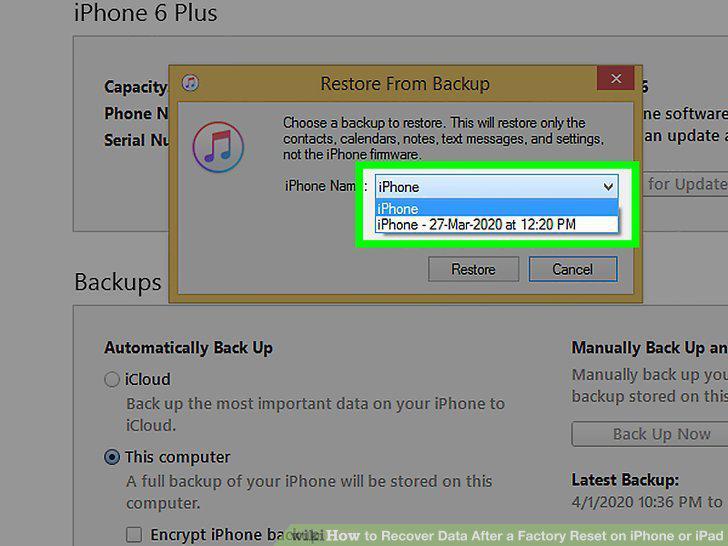
Select the backup you want to restore in the pop-up.
11
Click the Restore button.
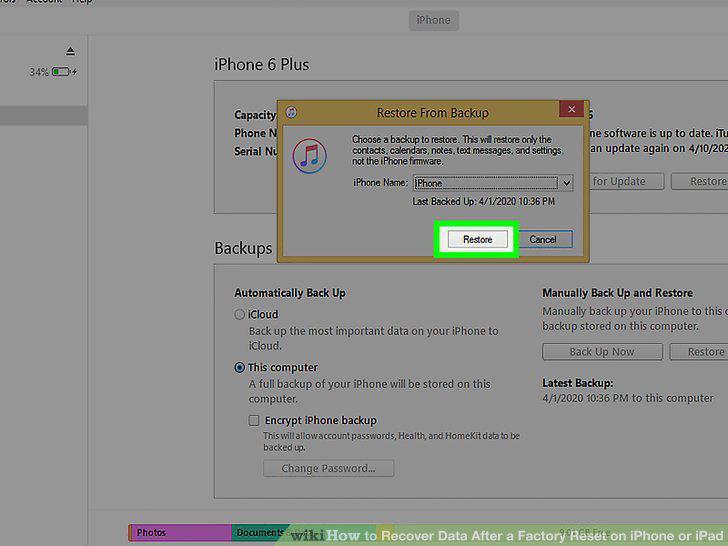
Click the Restore button.
Comments (0)
No comments yet. Be the first to share your thoughts!