How to Make a GroupMe Bot on Android
Open your browser and go to https://dev.groupme.com.. Tap the black box in the top-right.. Select Bots.
Steps
1
Open your browser and go to https://dev.groupme.com.
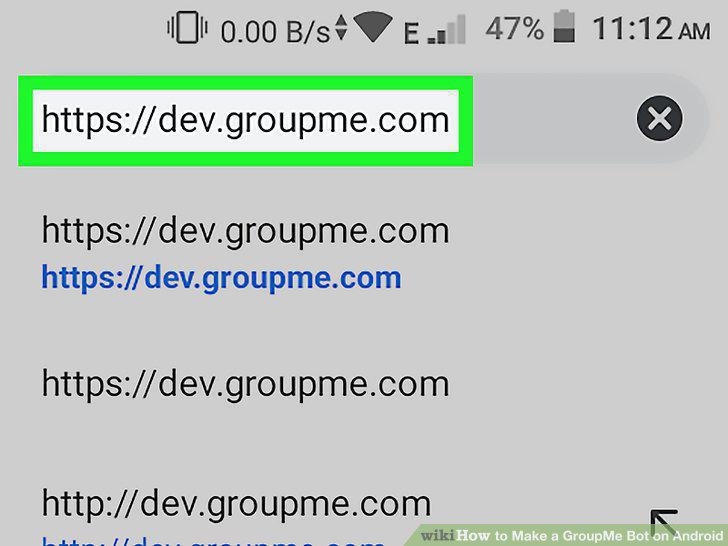
Open your browser and go to https://dev.groupme.com.
2
Tap the black box in the top-right.
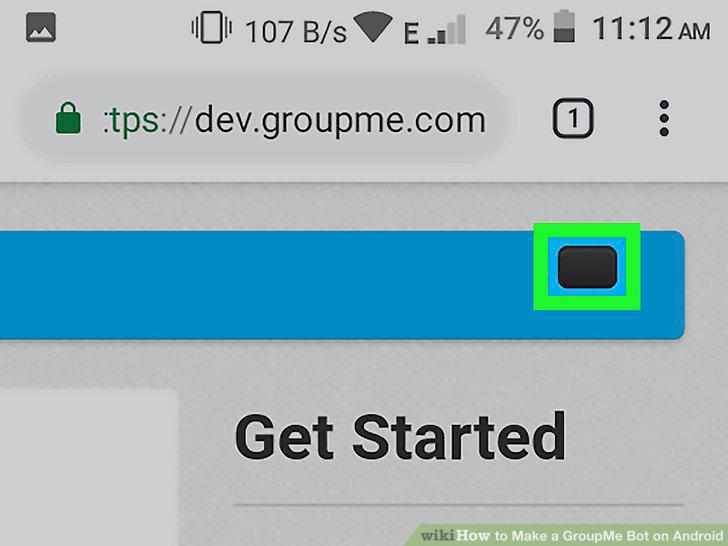
Tap the black box in the top-right.
3
Select Bots.
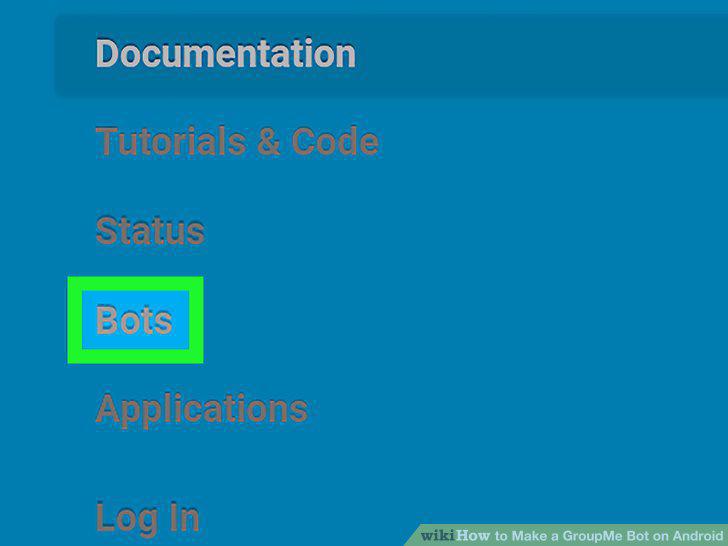
Select Bots.
4
Log in to your Groupme account.
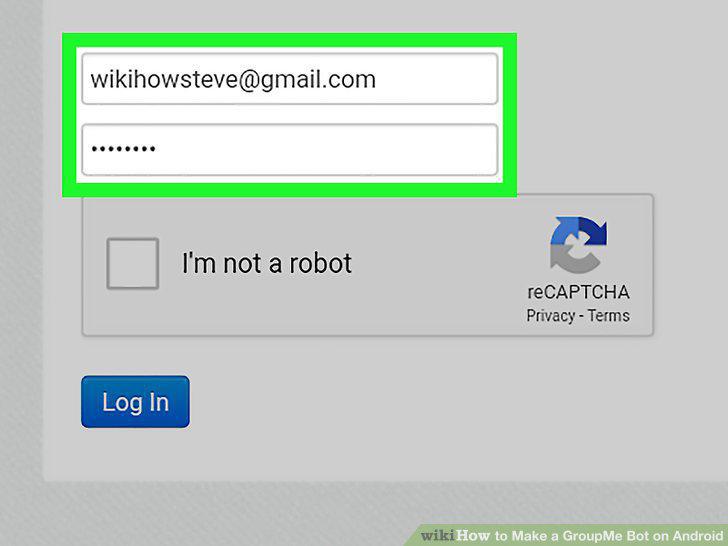
Log in to your Groupme account.
5
Enter your verification PIN.
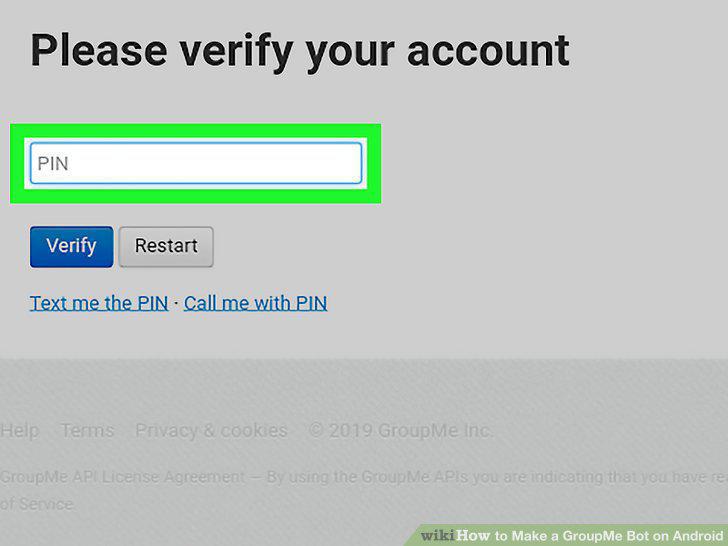
Enter your verification PIN.
6
Tap Create Bot.
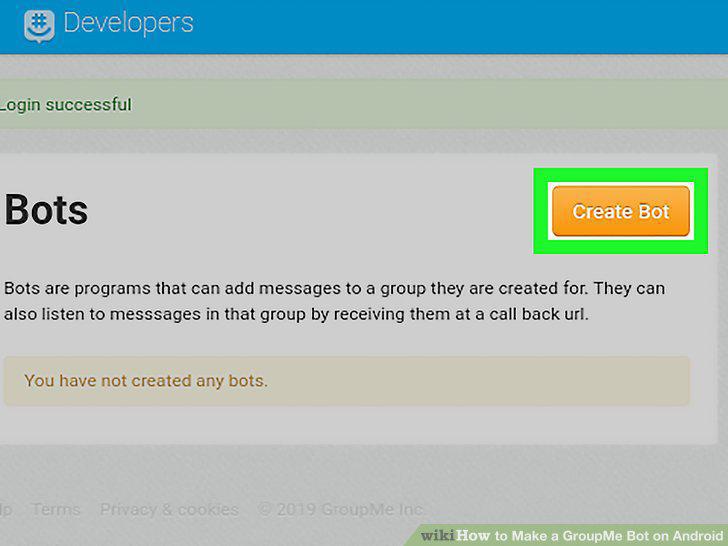
Tap Create Bot.
7
Fill out the Create your bot form.
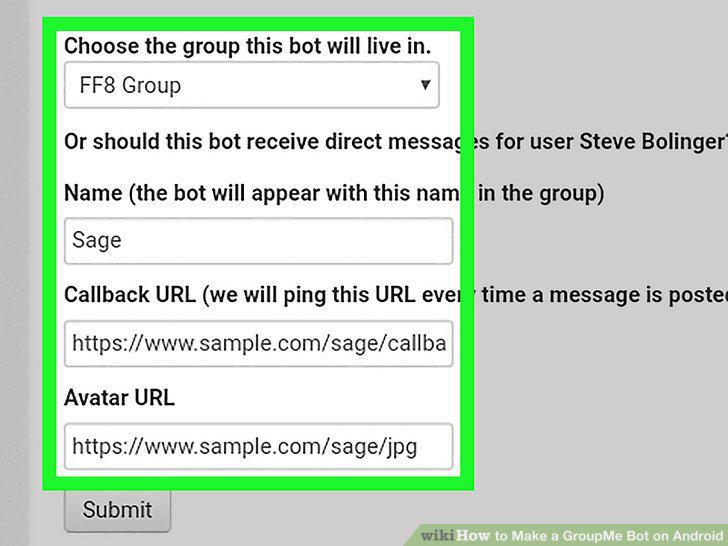
Fill out the Create your bot form.
8
Tap Submit.
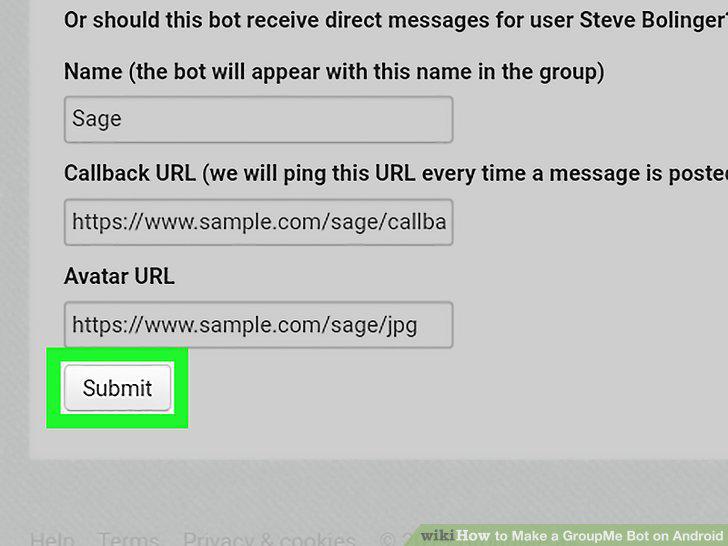
Tap Submit.
Comments (0)
No comments yet. Be the first to share your thoughts!