How to Move Facebook Photos to a Different Album
Go to www.facebook.com.. Click Photos.. Click Albums.
Steps
1
Go to www.facebook.com.

Go to www.facebook.com.
2
Click Photos.
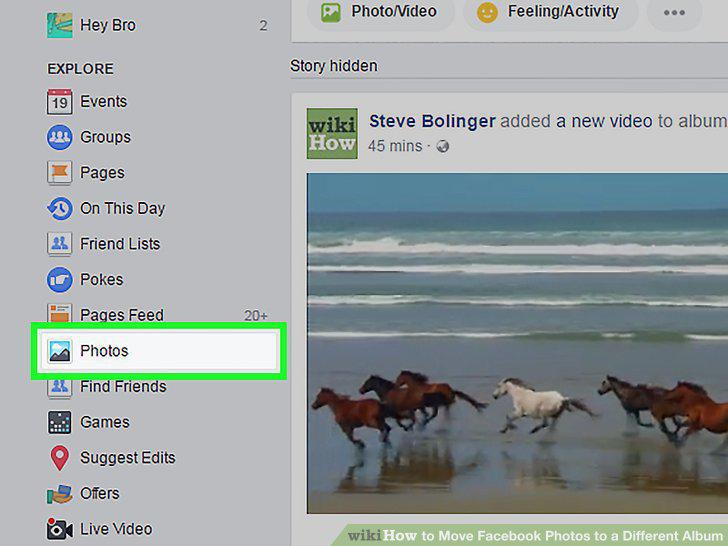
Click Photos.
3
Click Albums.
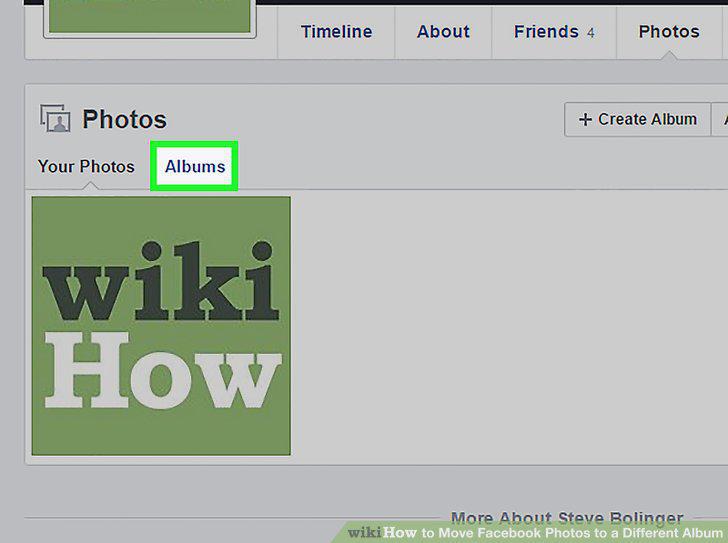
Click Albums.
4
Click on an album.
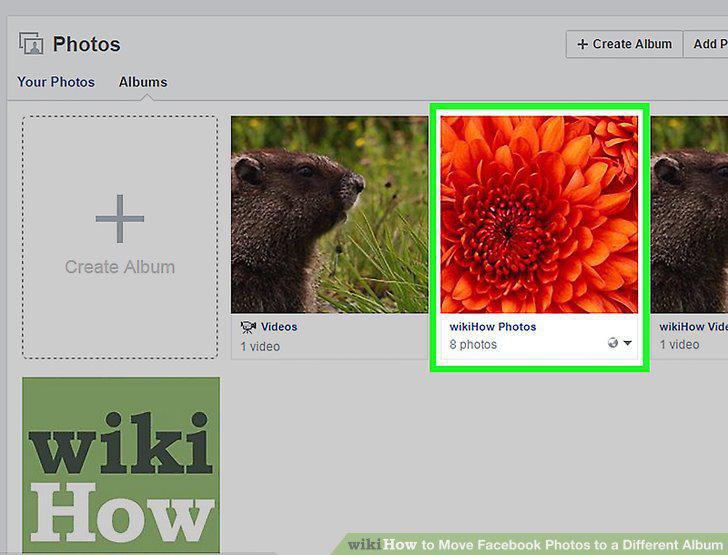
Click on an album.
5
Click Edit.
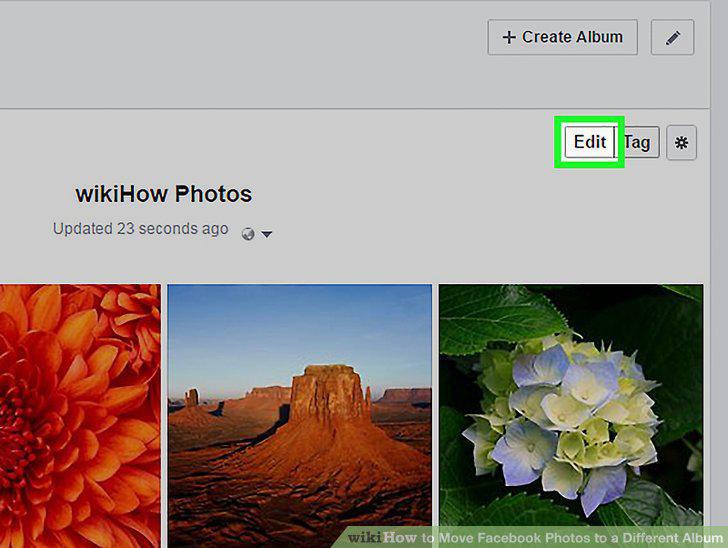
Click Edit.
6
Hover over the image you want to move.
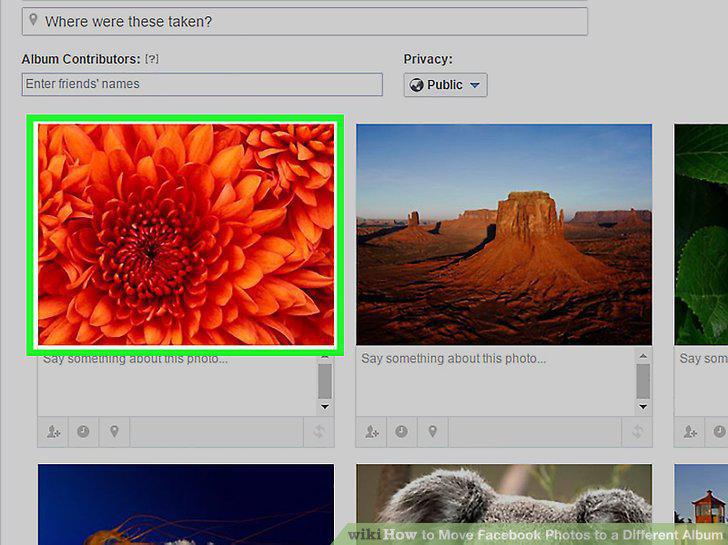
Hover over the image you want to move.
7
Click the pencil icon.
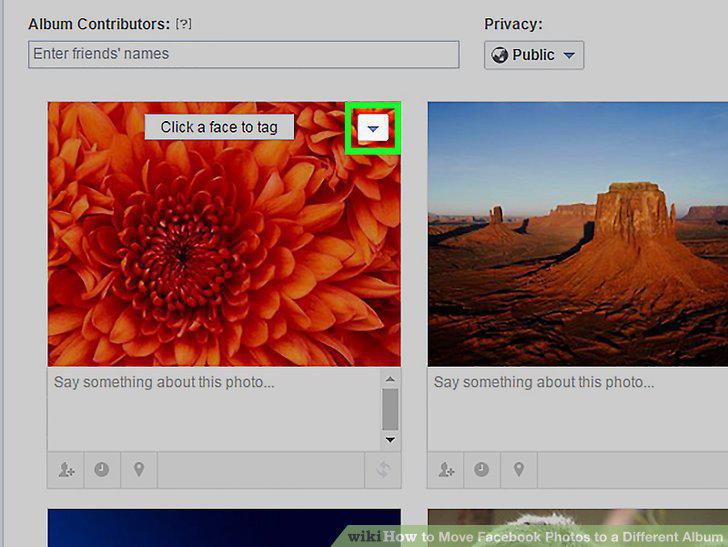
Click the pencil icon.
8
Click Move To Other Album.
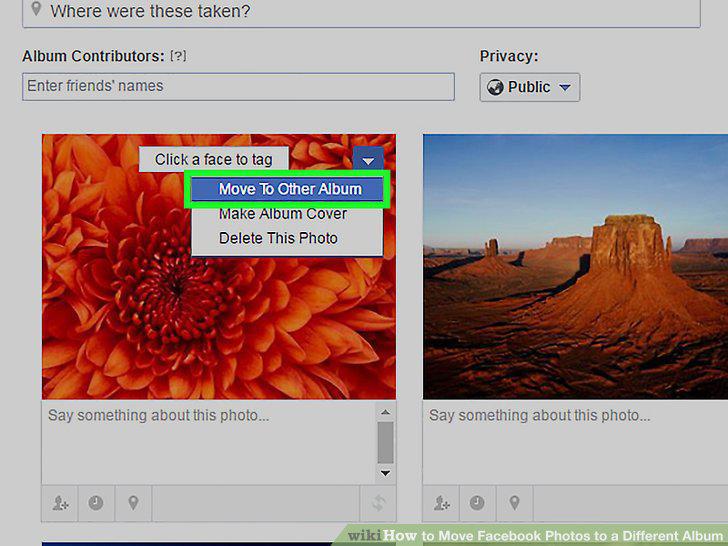
Click Move To Other Album.
9
Click on the drop-down box to select another album.
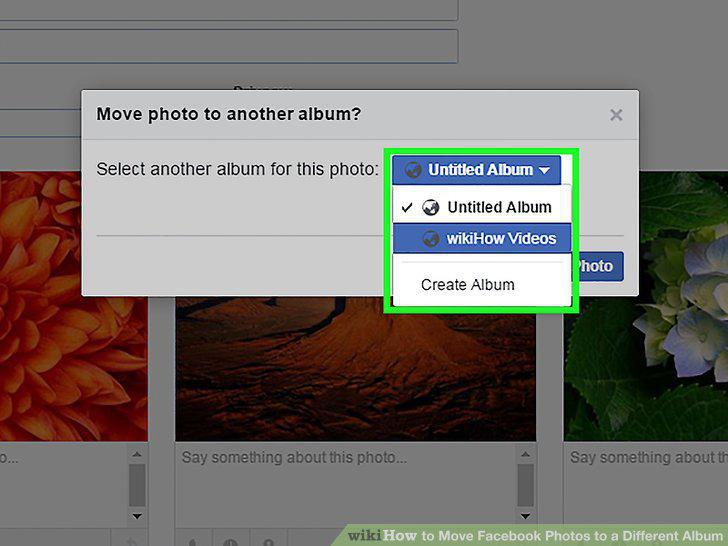
Click on the drop-down box to select another album.
10
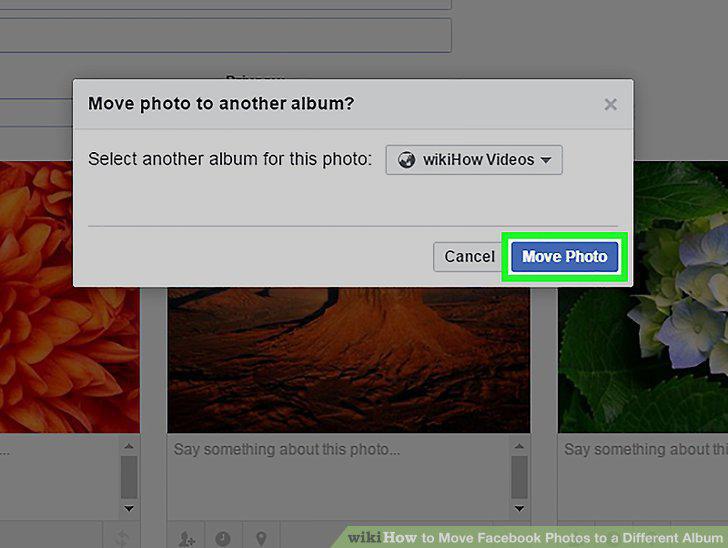
Click Move Photo.
Click Move Photo.
Comments (0)
No comments yet. Be the first to share your thoughts!