How to Celebrate Friendship on Facebook
Navigate to your News Feed on your computer or device.. Click on "On This Day" on the left hand side of your screen.. View your memories from the day and select one to share.
Steps
1
Navigate to your News Feed on your computer or device.
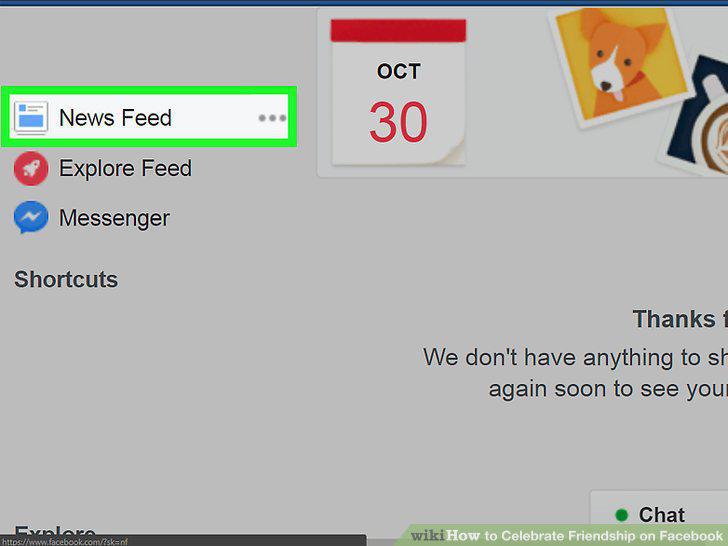
Navigate to your News Feed on your computer or device.
2
Click on "On This Day" on the left hand side of your screen.
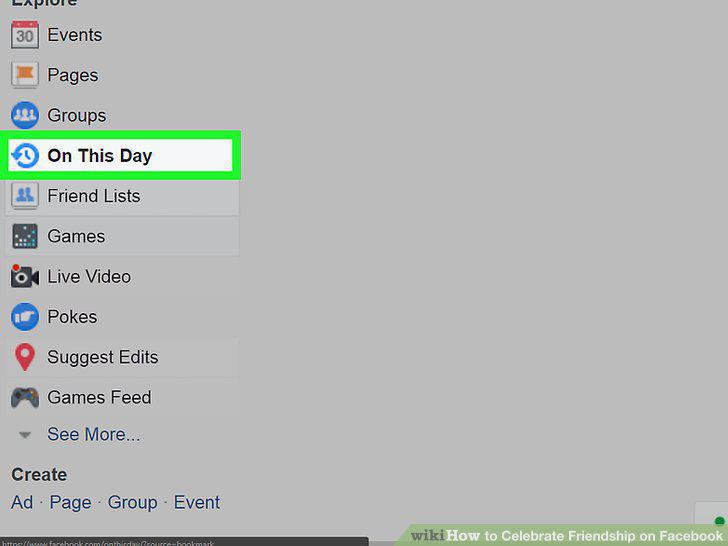
Click on "On This Day" on the left hand side of your screen.
3
View your memories from the day and select one to share.
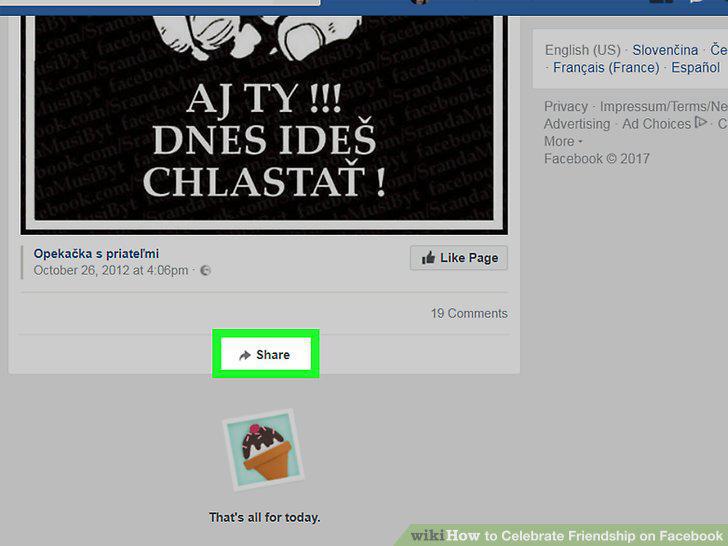
View your memories from the day and select one to share.
4
Share an anniversary video on the day you became Facebook friends.
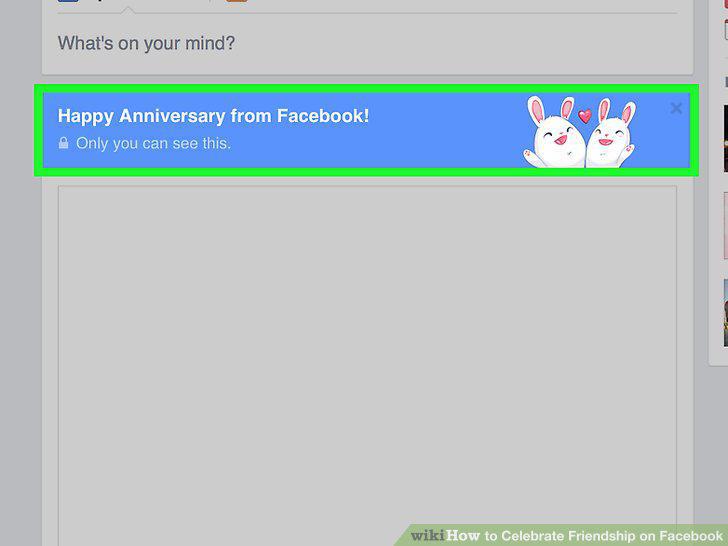
Share an anniversary video on the day you became Facebook friends.
5
Filter your memories if you'd like to.
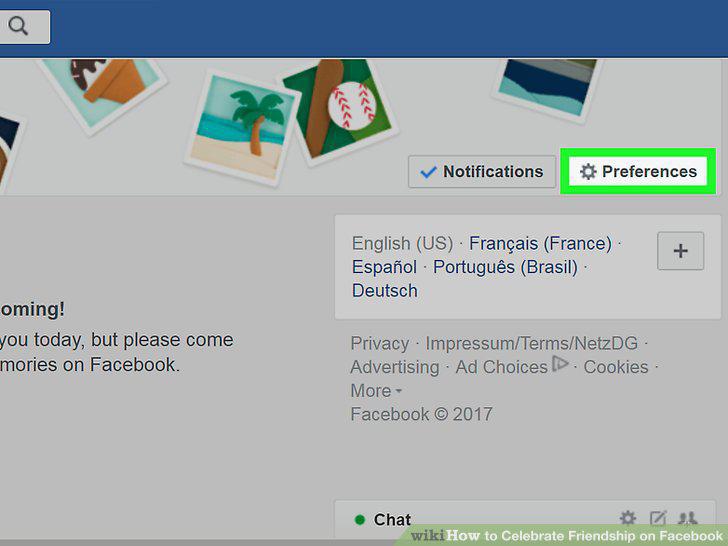
Filter your memories if you'd like to.
6
Refresh your News Feed each day.
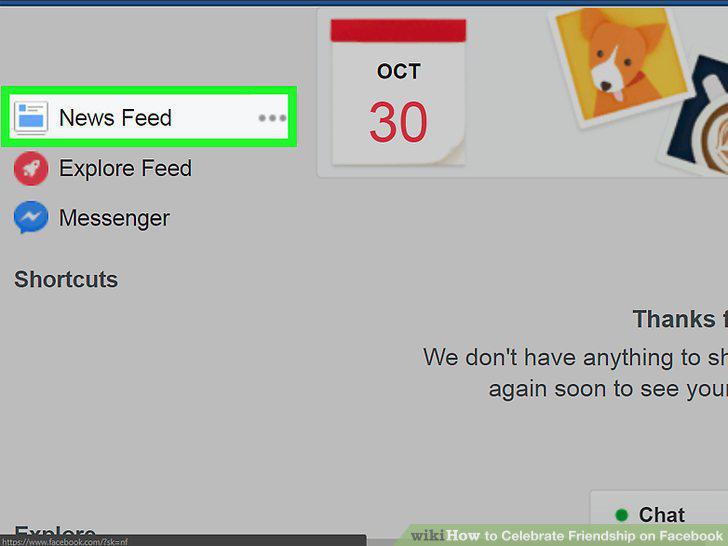
Refresh your News Feed each day.
7
Share a recap of memories compiled by Facebook.
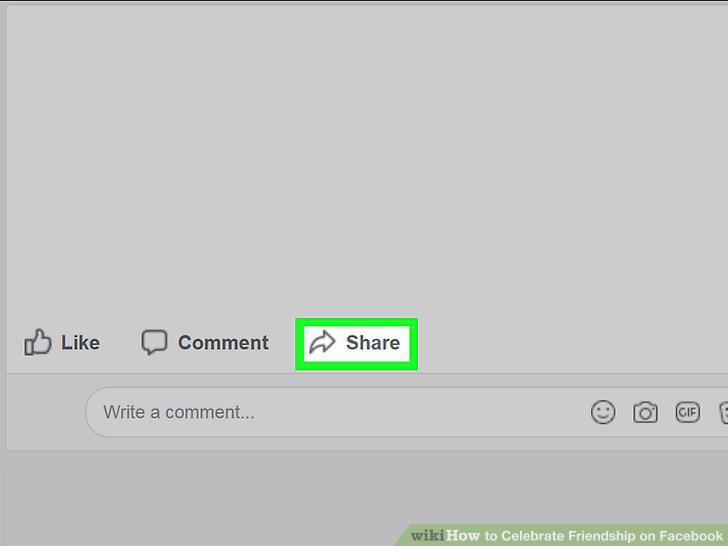
Share a recap of memories compiled by Facebook.
8
Check to see if you have a celebratory message from Facebook.
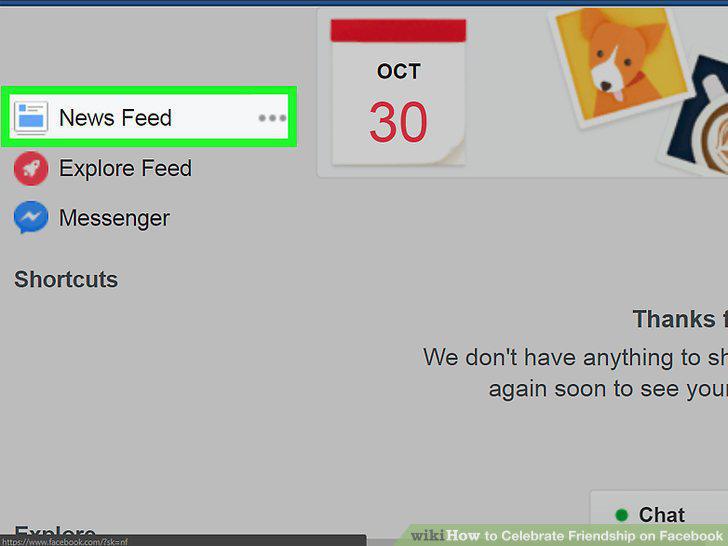
Check to see if you have a celebratory message from Facebook.
9
Stay up to date on Facebook's new features.
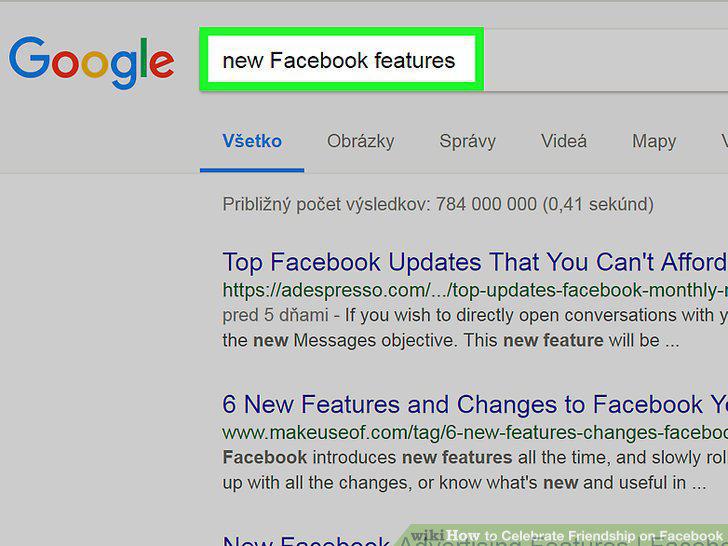
Stay up to date on Facebook's new features.
Comments (0)
No comments yet. Be the first to share your thoughts!