How to Get Your Top 9 on Instagram
Open 2017bestnine.com in your internet browser.. Enter your Instagram username into the "Instagram ID" box.. Click or tap the GET button.
Steps
1
Open 2017bestnine.com in your internet browser.
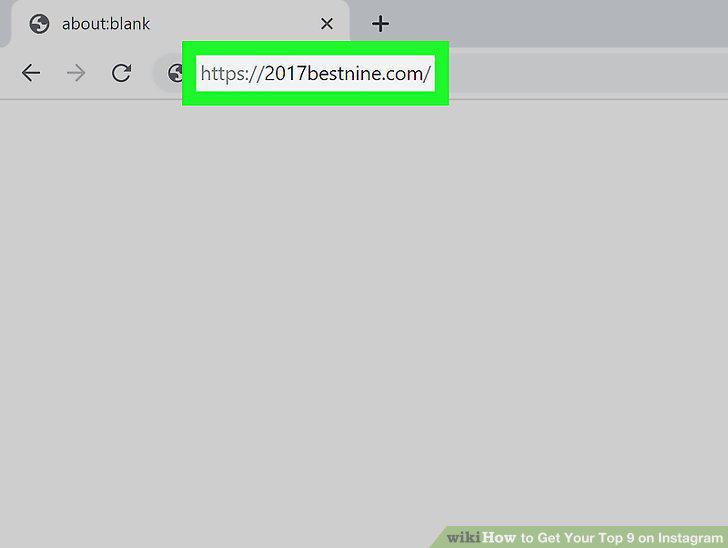
Open 2017bestnine.com in your internet browser.
2
Enter your Instagram username into the "Instagram ID" box.
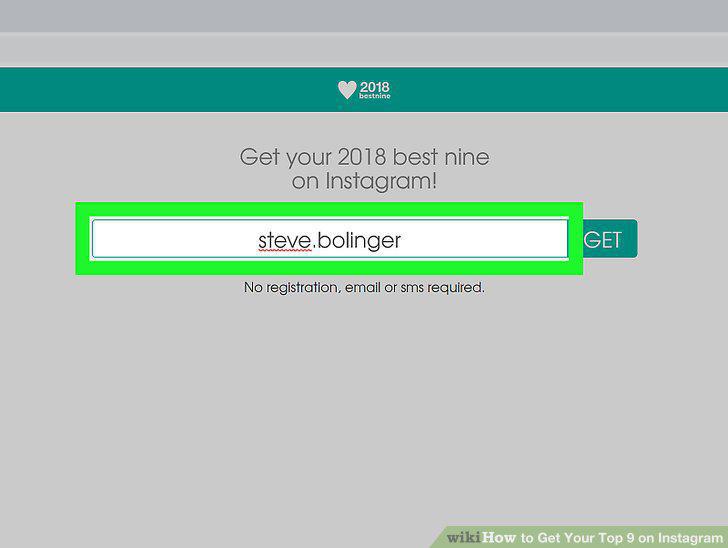
Enter your Instagram username into the "Instagram ID" box.
3
Click or tap the GET button.
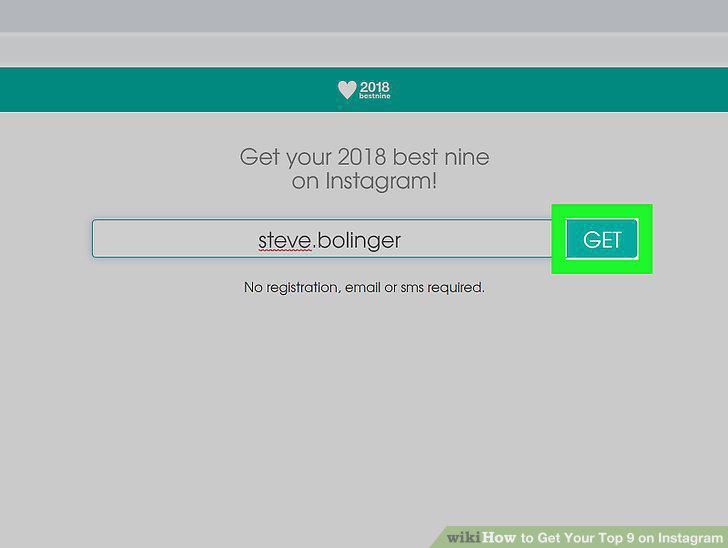
Click or tap the GET button.
4
Save the 3-by-3 grid picture to your computer, phone, or tablet.

Save the 3-by-3 grid picture to your computer, phone, or tablet.
5
Download and install the "Top Nine" app on your phone or tablet.
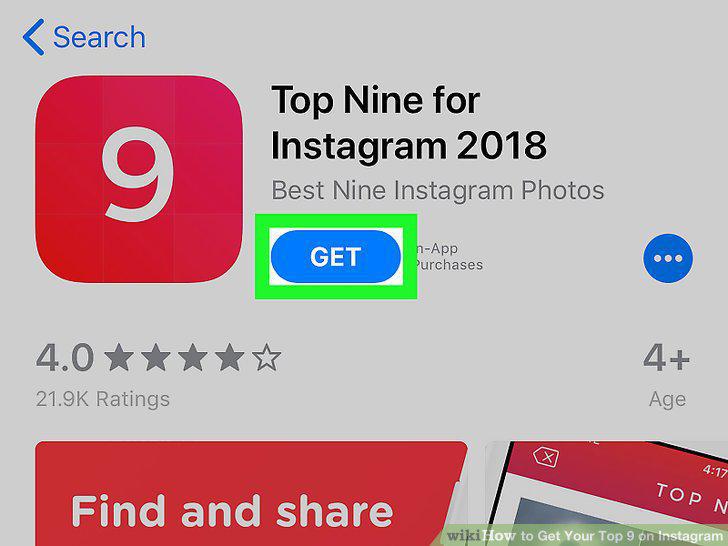
Download and install the "Top Nine" app on your phone or tablet.
6
Open the Top Nine app on your phone or tablet.
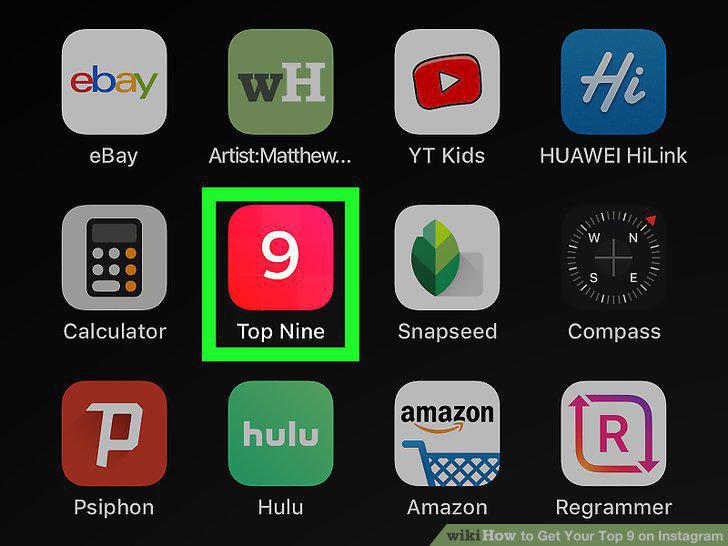
Open the Top Nine app on your phone or tablet.
7
Enter your Instagram username into the "Instagram Username" field.
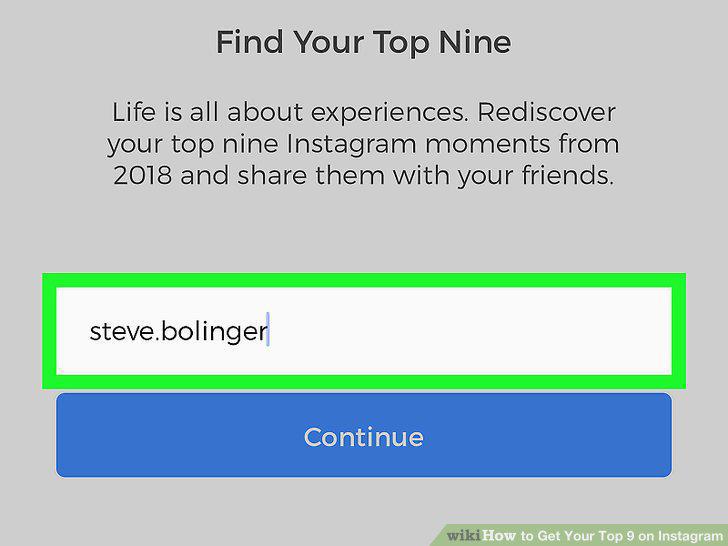
Enter your Instagram username into the "Instagram Username" field.
8
Tap the Continue button.
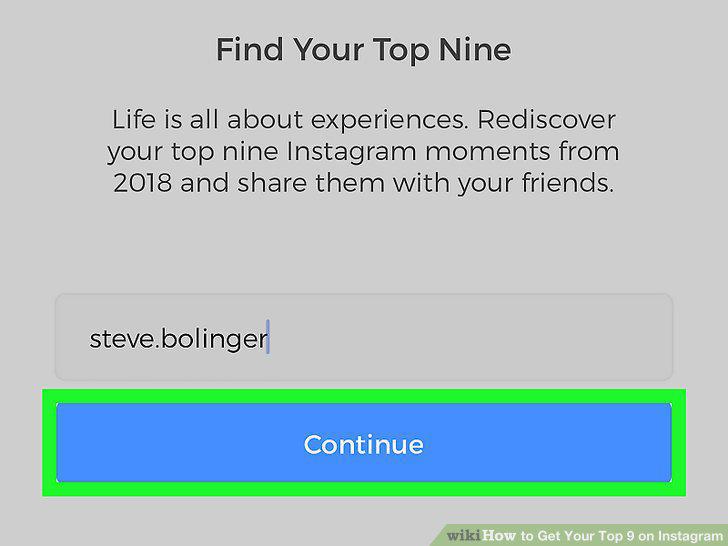
Tap the Continue button.
9
Enter your email address into the "Email" field.
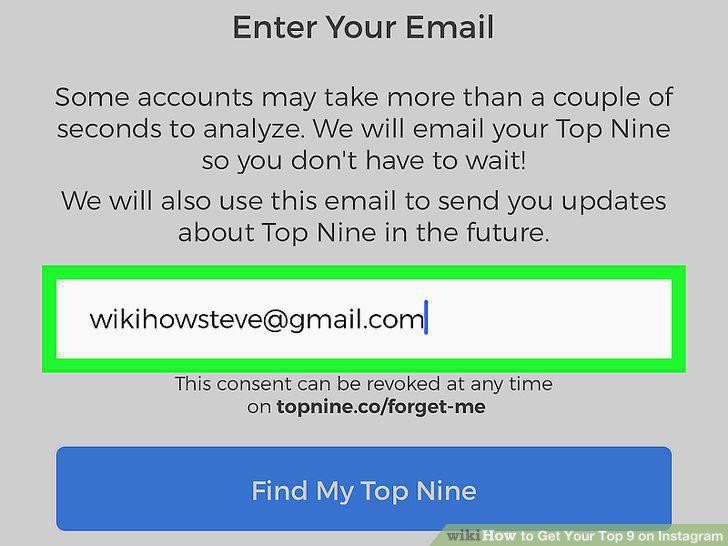
Enter your email address into the "Email" field.
10
Tap the Find My Top Nine button.
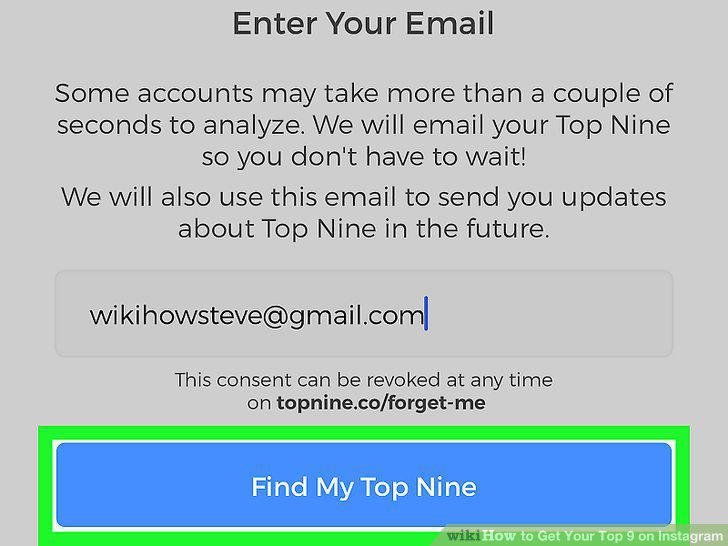
Tap the Find My Top Nine button.
11
Tap the X button on the top-left of the pop-up (optional).
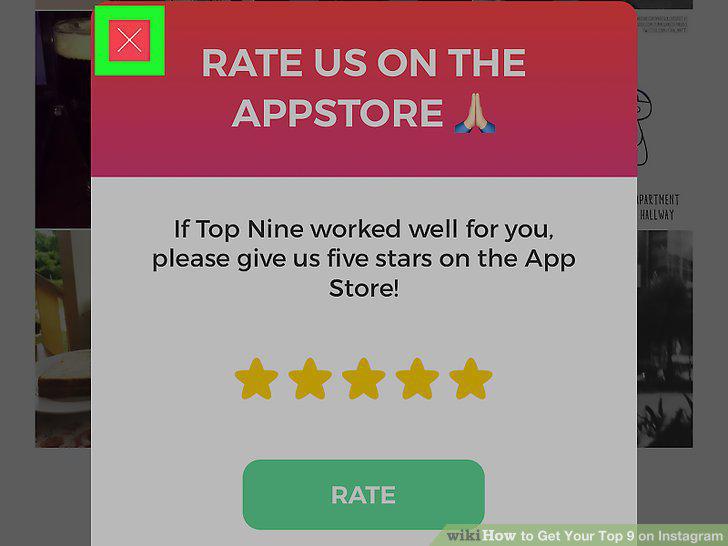
Tap the X button on the top-left of the pop-up (optional).
12
Tap the Save Without Watermark button.
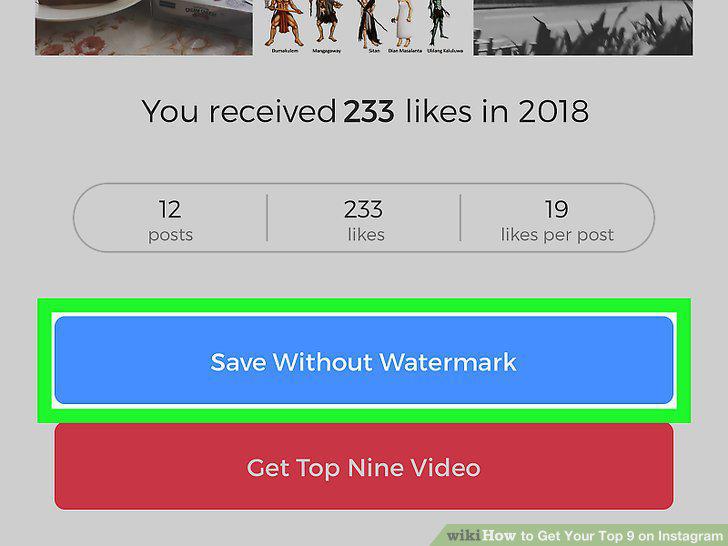
Tap the Save Without Watermark button.
13
Tap the red Save with watermark button.
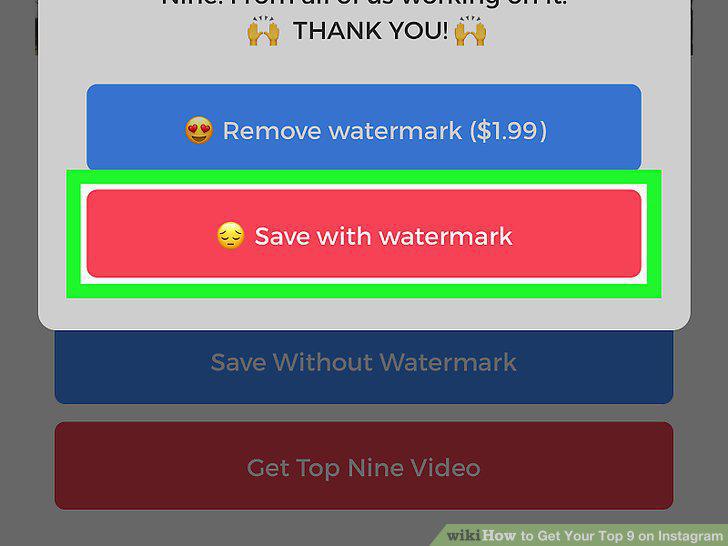
Tap the red Save with watermark button.
Comments (0)
No comments yet. Be the first to share your thoughts!