How to Watch 4k on Netflix on iPhone or iPad
Make sure your Netflix plan includes 4K streaming.. Open the Netflix app on your iPhone or iPad.. Tap the More button on the bottom-right.
Steps
1
Make sure your Netflix plan includes 4K streaming.

Make sure your Netflix plan includes 4K streaming.
2
Open the Netflix app on your iPhone or iPad.
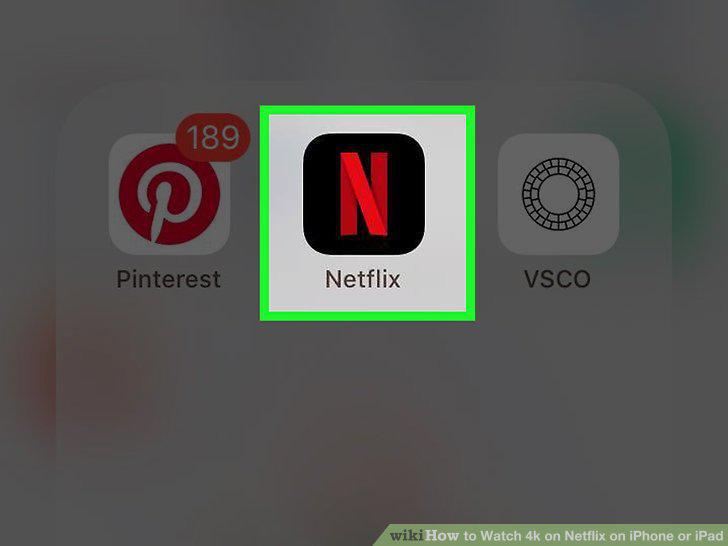
Open the Netflix app on your iPhone or iPad.
3
Tap the More button on the bottom-right.
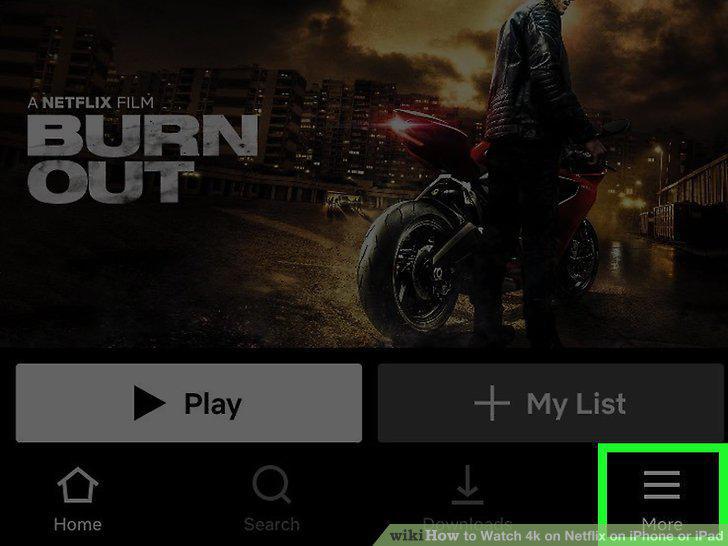
Tap the More button on the bottom-right.
4
Tap App Settings on the menu.
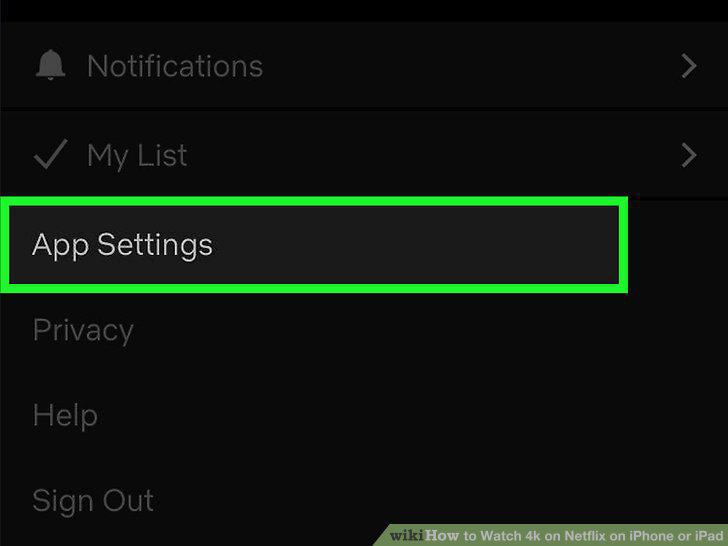
Tap App Settings on the menu.
5
Tap Cellular Data Usage or Mobile Data Usage.
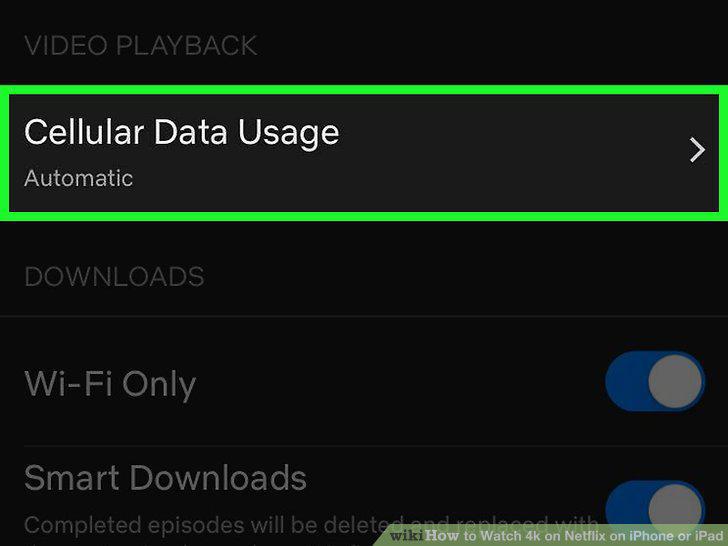
Tap Cellular Data Usage or Mobile Data Usage.
6
Select the highest possible option.
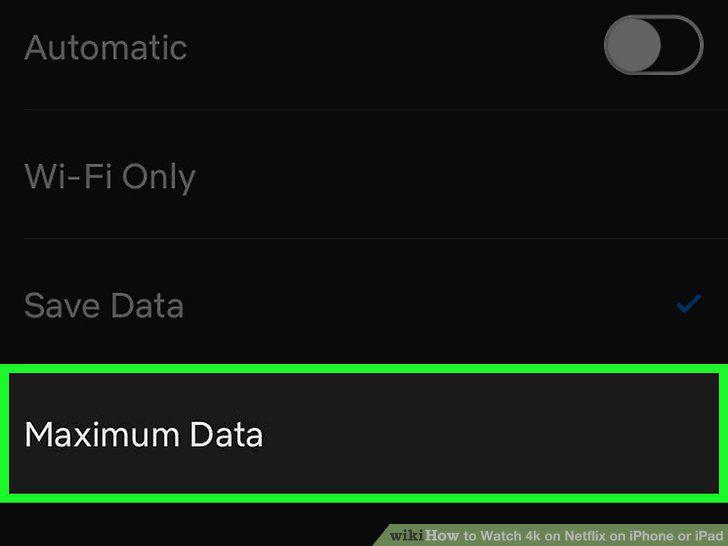
Select the highest possible option.
7
Tap .
Tap .
8
Tap Video Quality or Download Video Quality.
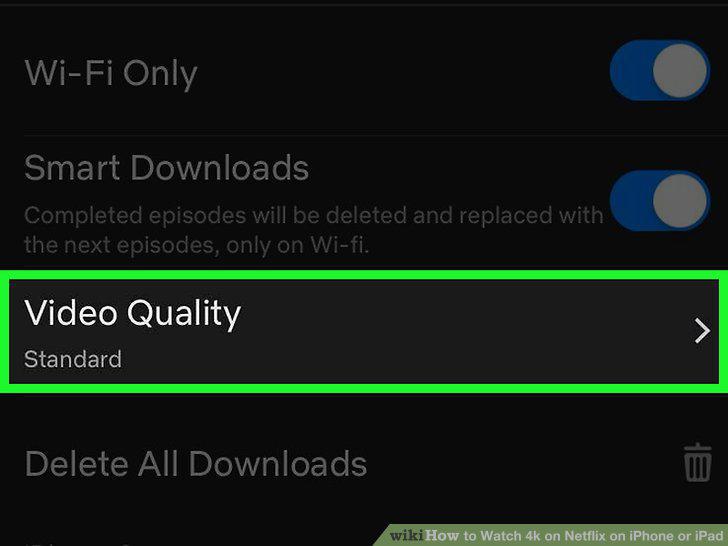
Tap Video Quality or Download Video Quality.
9
Select the highest video quality option available.
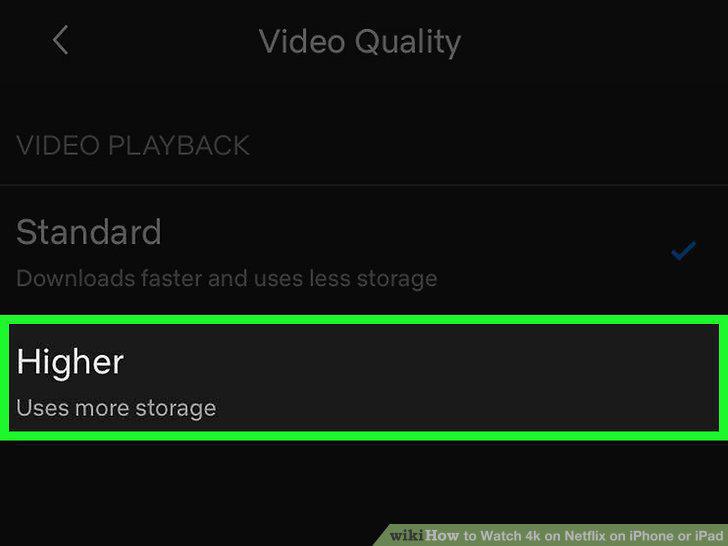
Select the highest video quality option available.
10
Find and open a 4K show or movie.
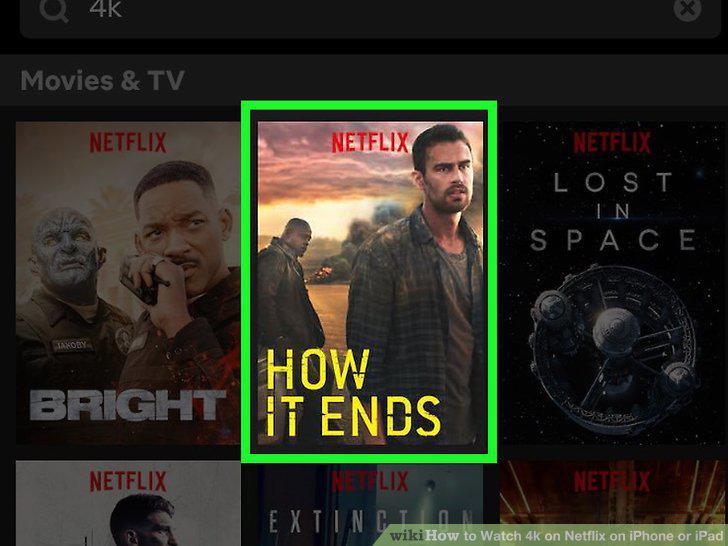
Find and open a 4K show or movie.
Comments (0)
No comments yet. Be the first to share your thoughts!