How to Change the Paper Type of Notes on iPhone or iPad

Intermediate 1 hour 5 steps 29425 views Rating: 4.3/5 Published: 2026-03-24

Open Notes .. Tap .. Tap .

Start Playback
E
Author

Steps

1

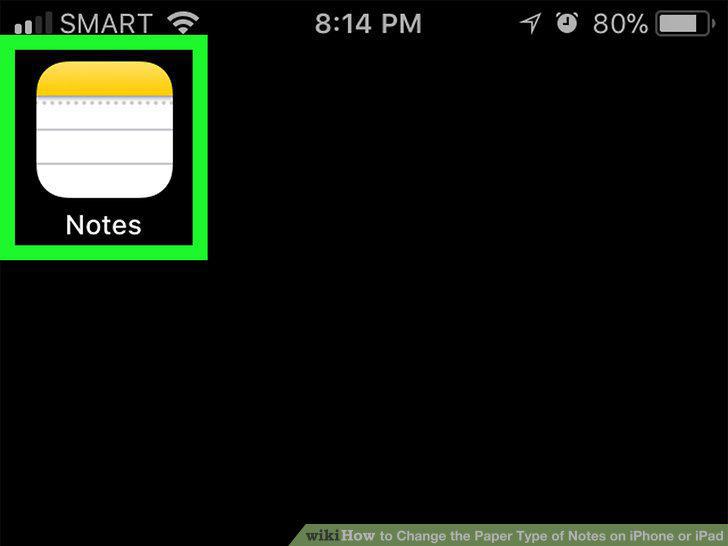
Open Notes .
Step 1

Open Notes .

2

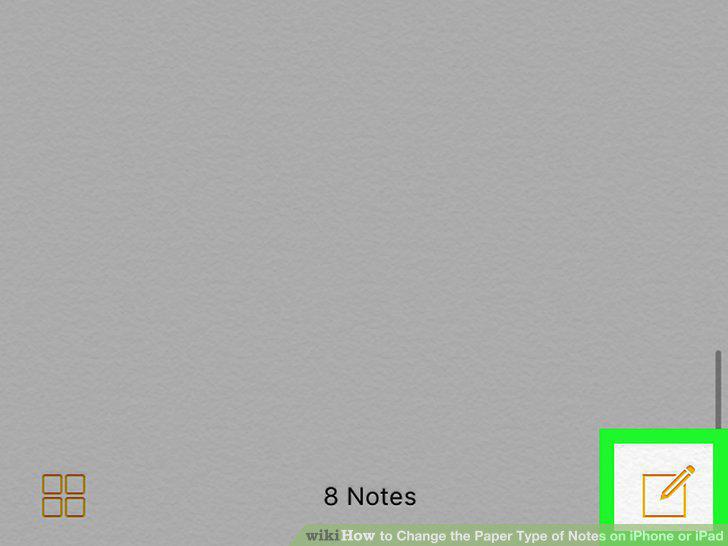
Tap .

Step 2

Tap .

3

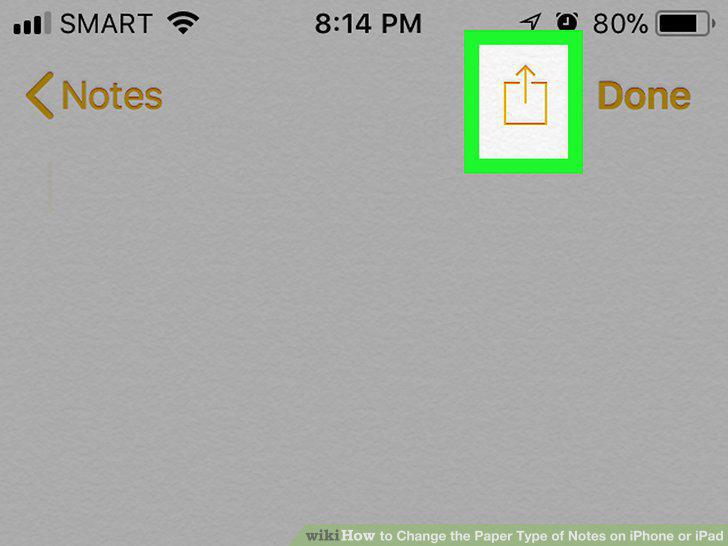
Tap .

Step 3

Tap .

4

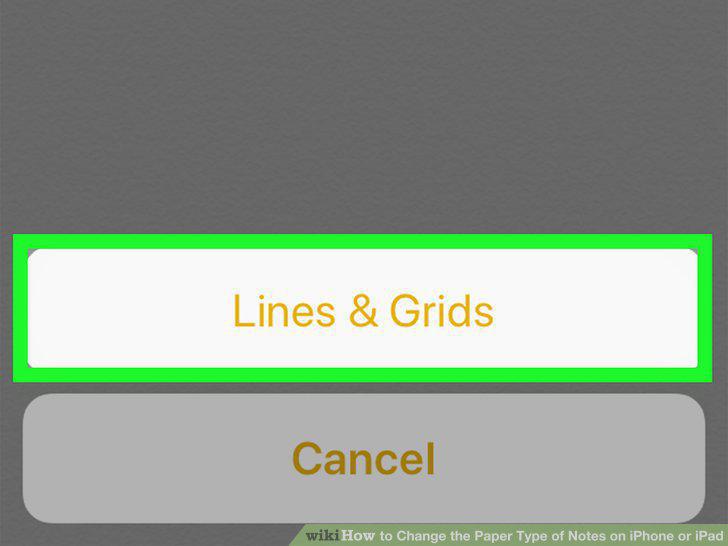
Tap Lines & Grids.

Step 4

Tap Lines & Grids.

5

Tap a line or grid style.
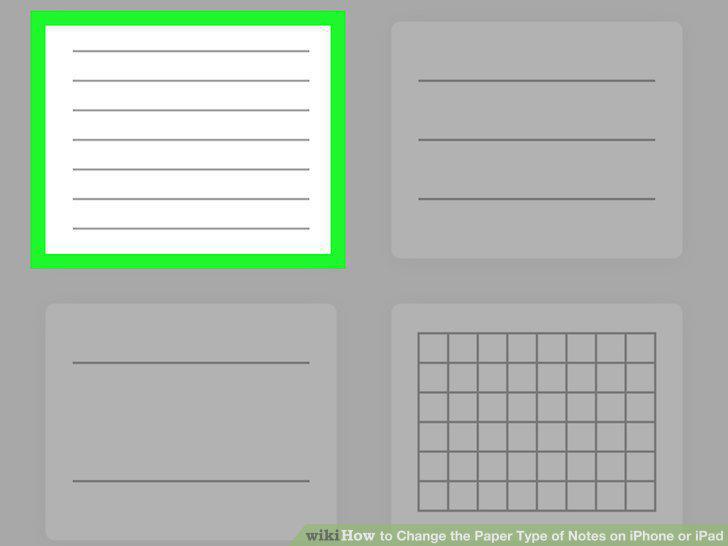
Step 5

Tap a line or grid style.

View as Slideshow

Rate This Guide

★ ★ ★ ★ ☆ 4.3/5
3

Comments (0)

No comments yet. Be the first to share your thoughts!