How to Unhide Multiple Sheets in Excel
Open an Excel spreadsheet file.. Right-click a sheet on the tabs bar.. Select Unhide on the menu.
Steps
1
Open an Excel spreadsheet file.
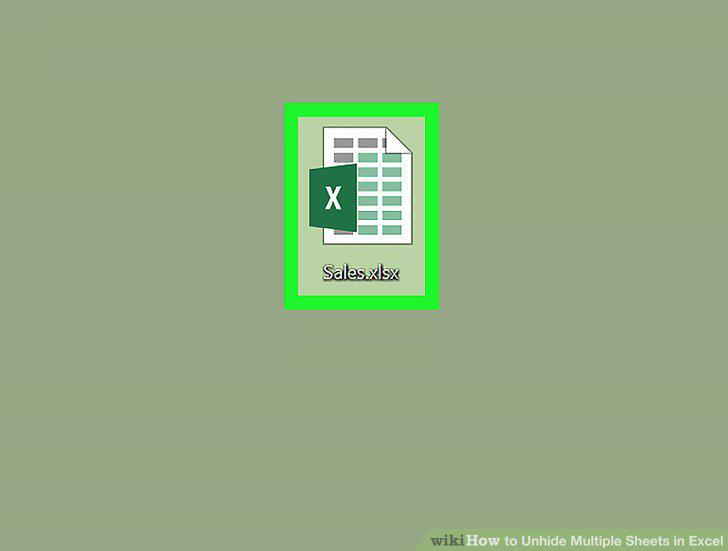
Open an Excel spreadsheet file.
2
Right-click a sheet on the tabs bar.
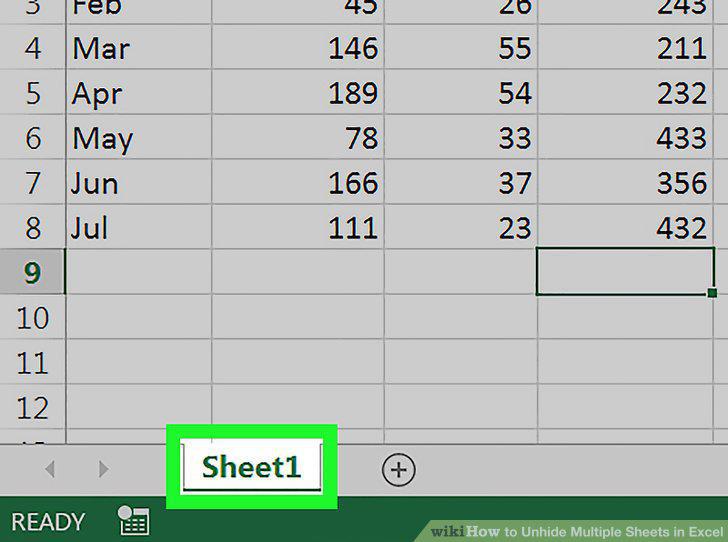
Right-click a sheet on the tabs bar.
3
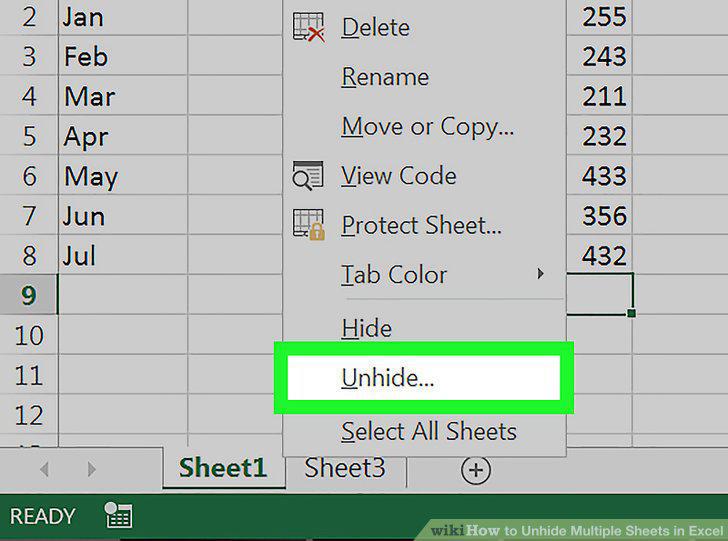
Select Unhide on the menu.
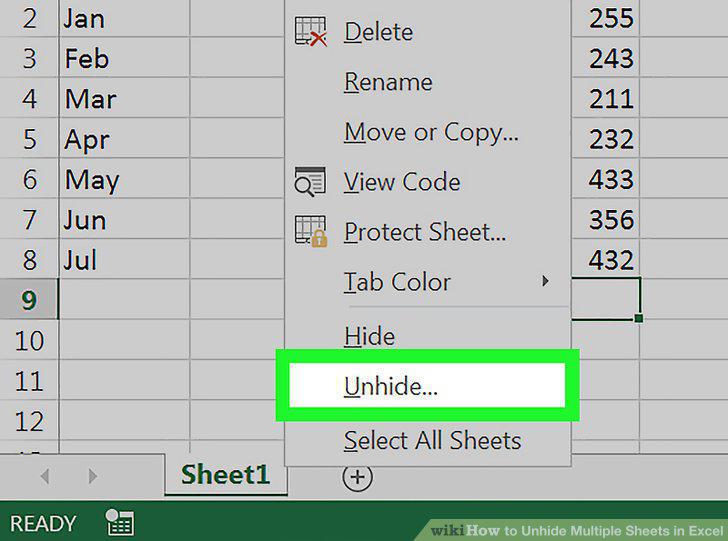
Select Unhide on the menu.
4
Select a sheet on the list.
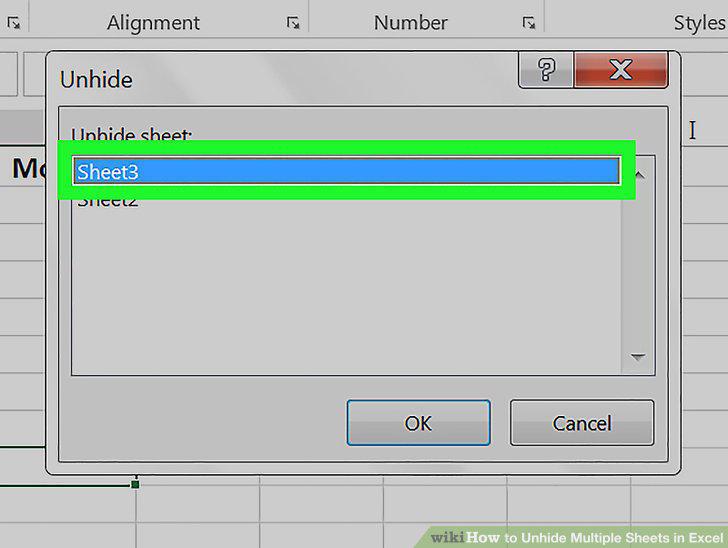
Select a sheet on the list.
5
Click OK in the pop-up.
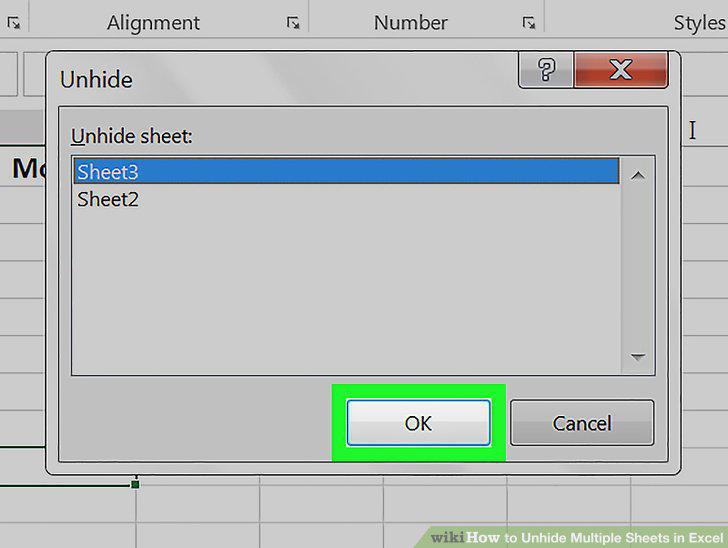
Click OK in the pop-up.
6
Unhide the rest of your hidden sheets one by one.
Unhide the rest of your hidden sheets one by one.
Comments (0)
No comments yet. Be the first to share your thoughts!