How to Change the Alarm Volume on an iPhone
Open your iPhone's Settings .. Tap Sounds.. Drag the "Ringers & Alerts" slider to your desired sound level.
Steps
1
Open your iPhone's Settings .
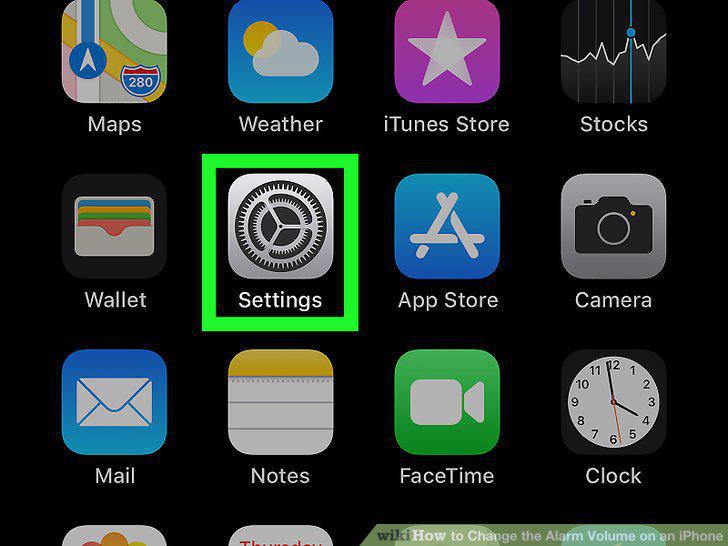
Open your iPhone's Settings .
2
Tap Sounds.
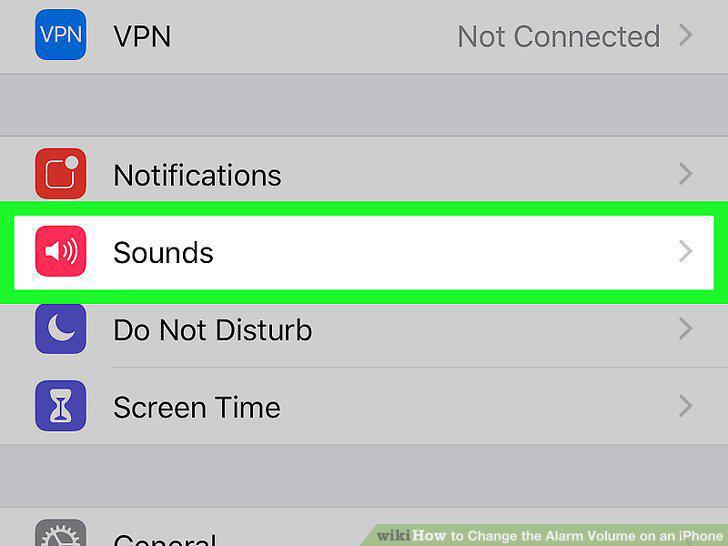
Tap Sounds.
3
Drag the "Ringers & Alerts" slider to your desired sound level.
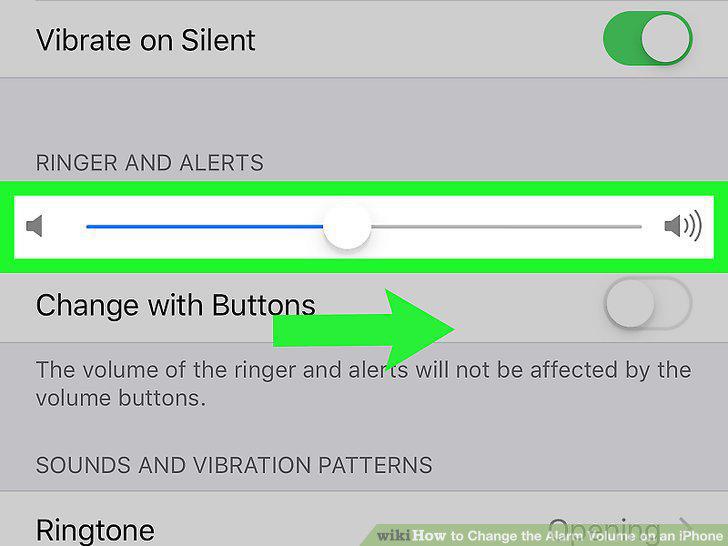
Drag the "Ringers & Alerts" slider to your desired sound level.
4
Turn off the toggle switch next to "Change with Buttons".
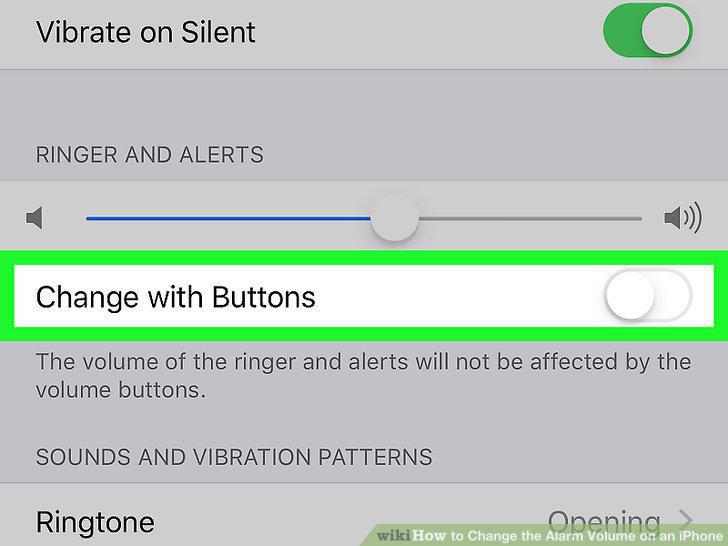
Turn off the toggle switch next to "Change with Buttons".
Comments (0)
No comments yet. Be the first to share your thoughts!