How to Find an iPhone Backup on Mac
Open iTunes on your Mac.. Click the iTunes tab on the menu bar.. Click Preferences on the menu.
Steps
1
Open iTunes on your Mac.
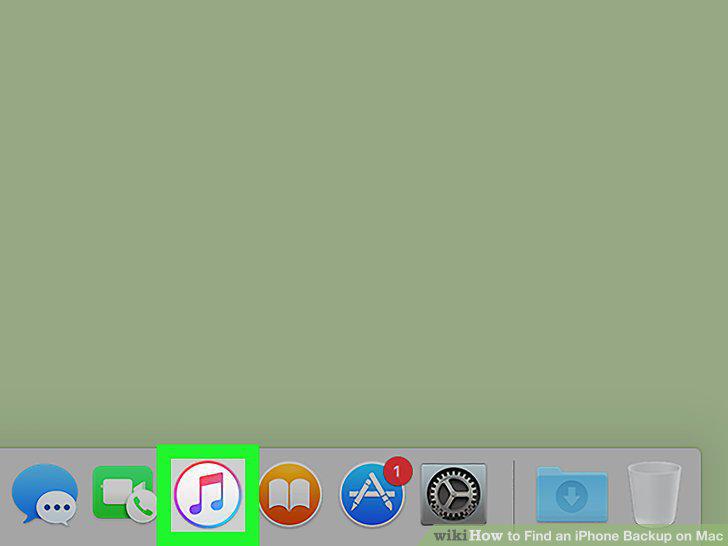
Open iTunes on your Mac.
2
Click the iTunes tab on the menu bar.
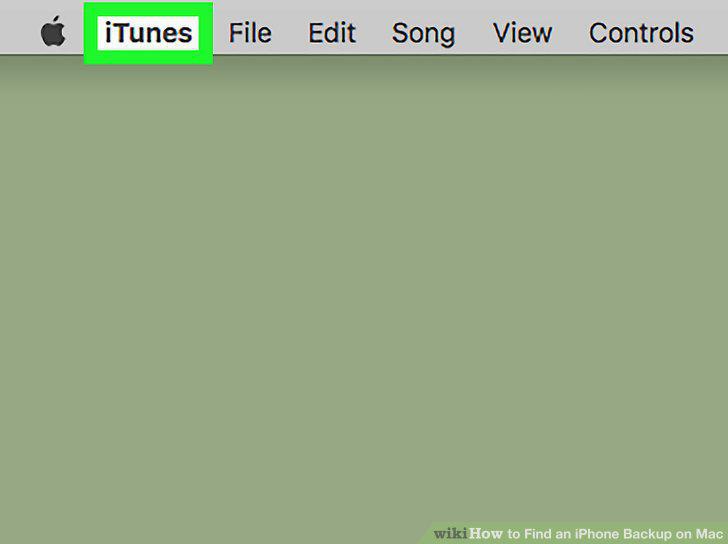
Click the iTunes tab on the menu bar.
3
Click Preferences on the menu.
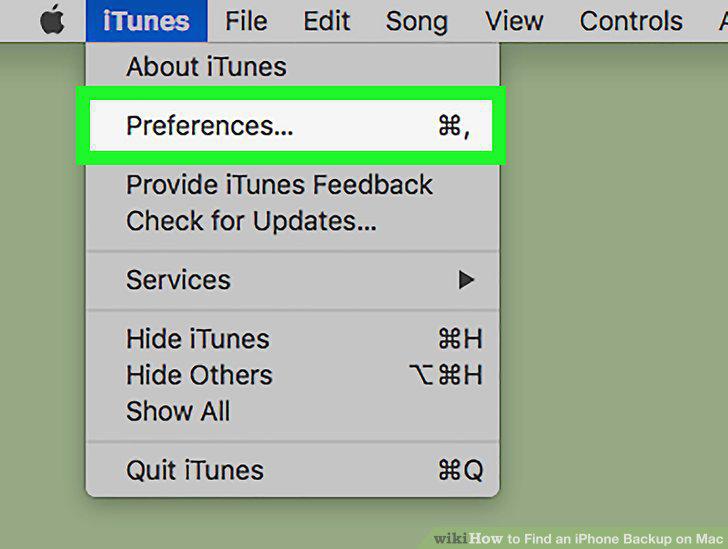
Click Preferences on the menu.
4
Click the Devices tab at the top of Preferences.
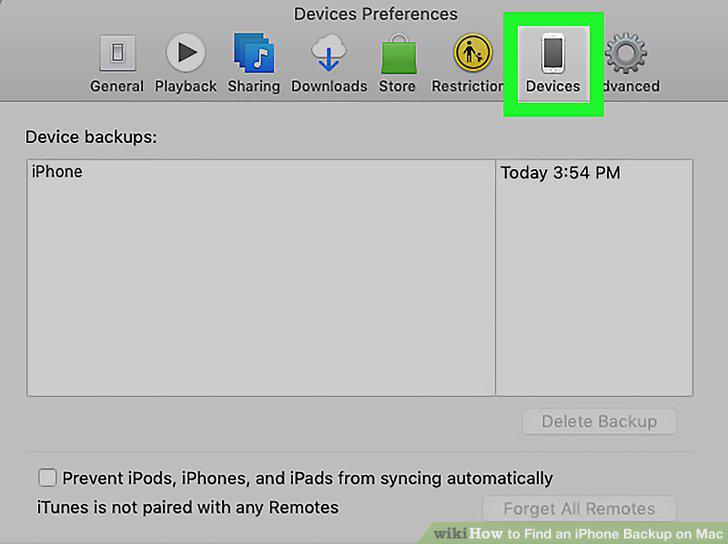
Click the Devices tab at the top of Preferences.
5
Right-click the backup you want on the list.
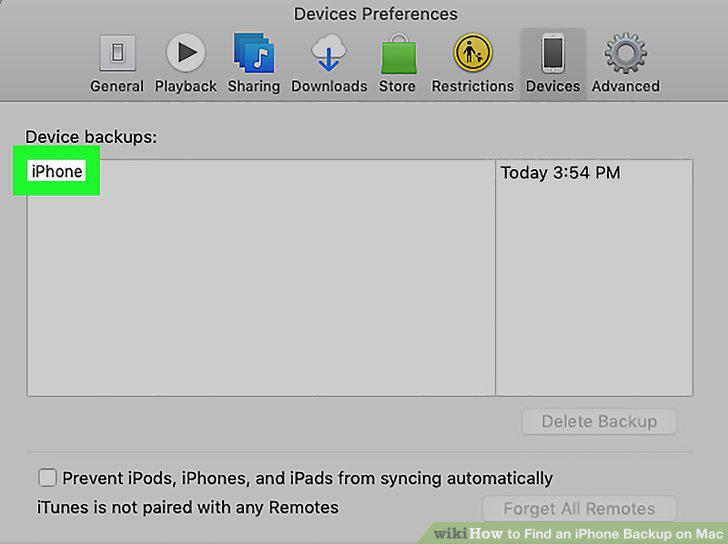
Right-click the backup you want on the list.
6
Click Show in Finder on the right-click menu.
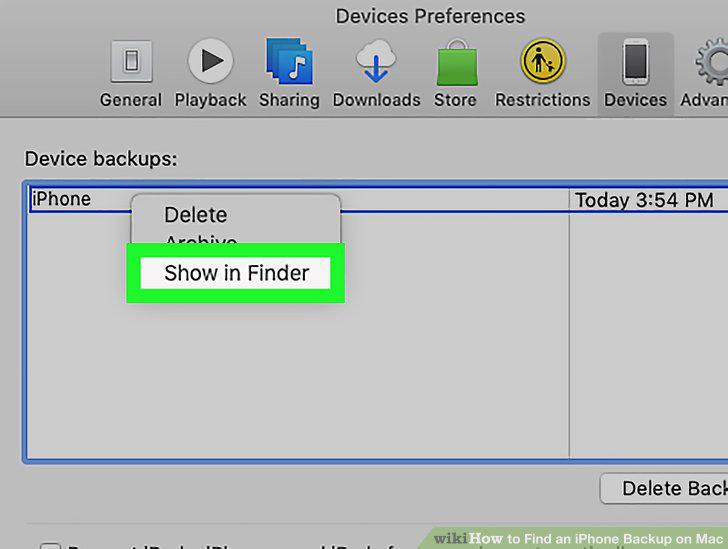
Click Show in Finder on the right-click menu.
7
Find the backup folder in the Finder window.
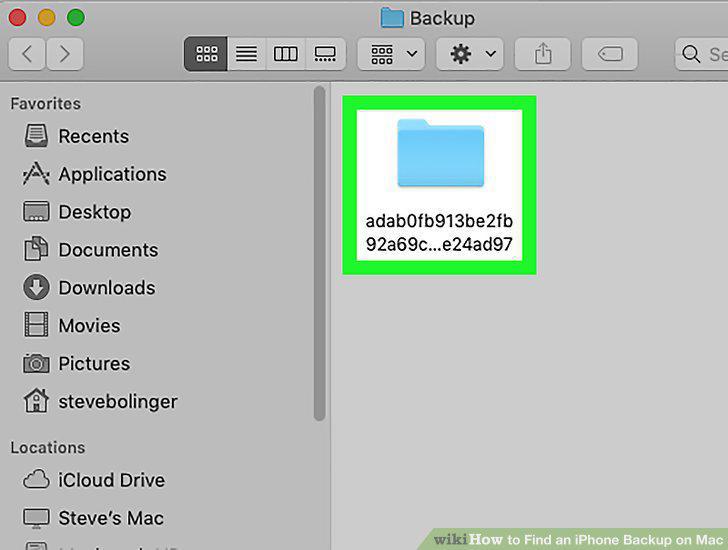
Find the backup folder in the Finder window.
Comments (0)
No comments yet. Be the first to share your thoughts!