How to Install Tweakbox
Go to https://tweakboxapp.ams3.digitaloceanspaces.com/TweakBox.mobileconfig in a web browser on your iPhone, iPad, or iPod.. Tap Allow.. Tap Close.
Steps
1
Go to https://tweakboxapp.ams3.digitaloceanspaces.com/TweakBox.mobileconfig in a
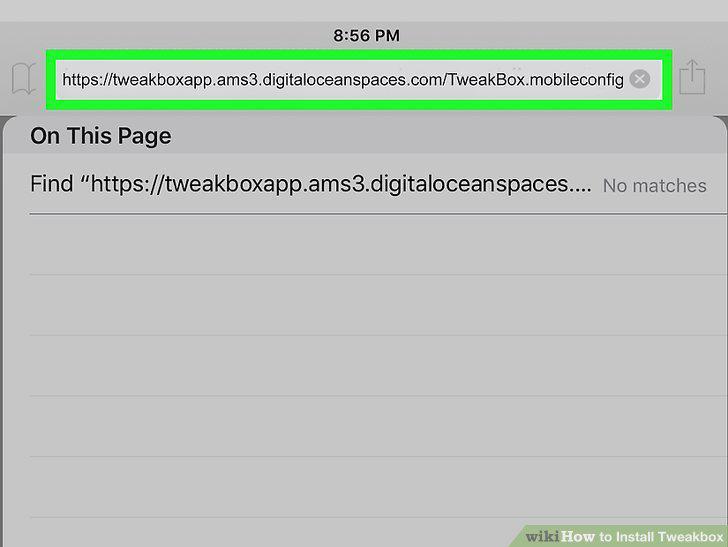
Go to https://tweakboxapp.ams3.digitaloceanspaces.com/TweakBox.mobileconfig in a web browser on your iPhone, iPad, or iPod.
2
Tap Allow.
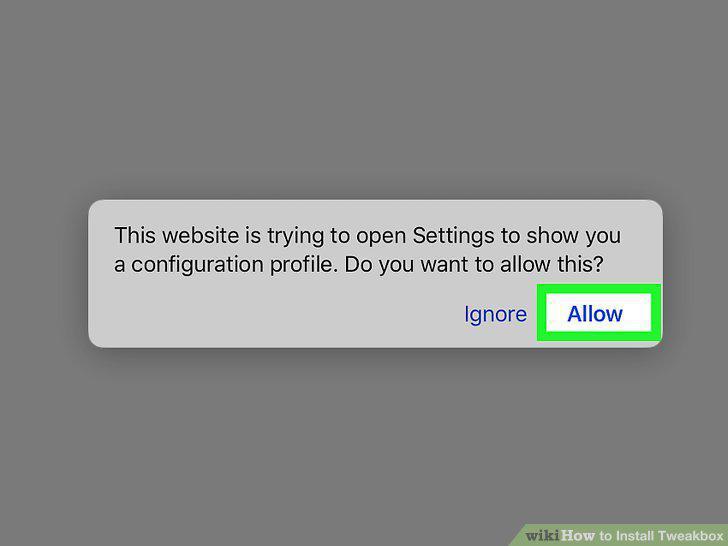
Tap Allow.
3
Tap Close.
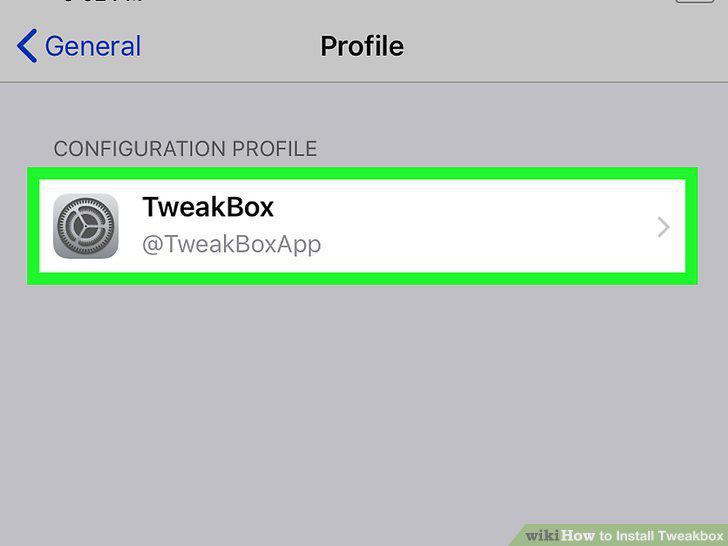
Tap Close.
4
Tap Install.
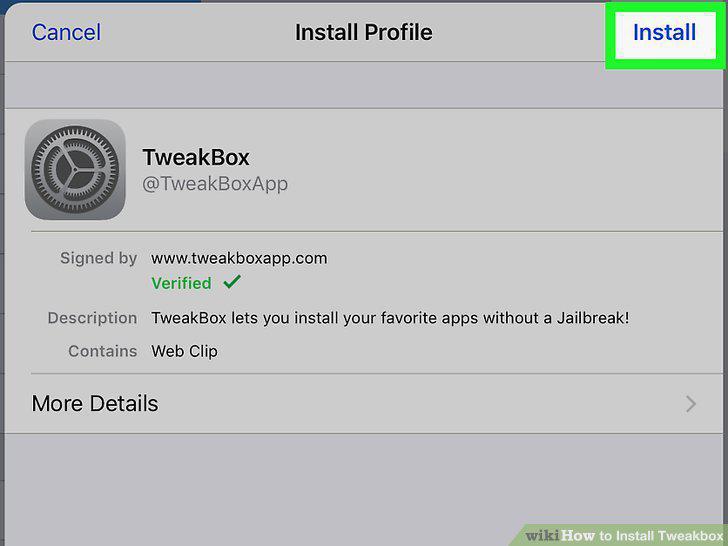
Tap Install.
5
Enter your passcode.
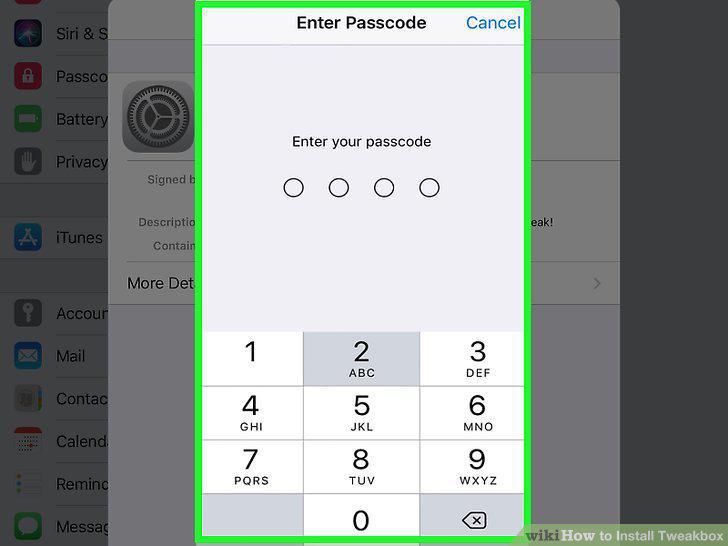
Enter your passcode.
6
Tap Install.
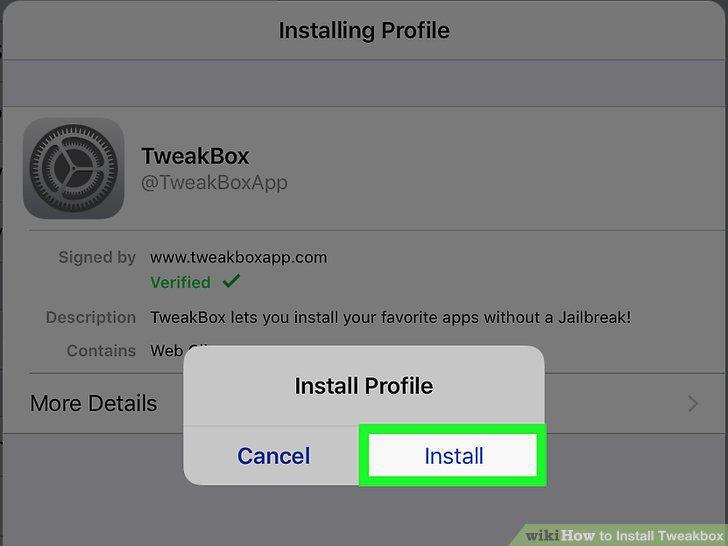
Tap Install.
7
Tap Done.
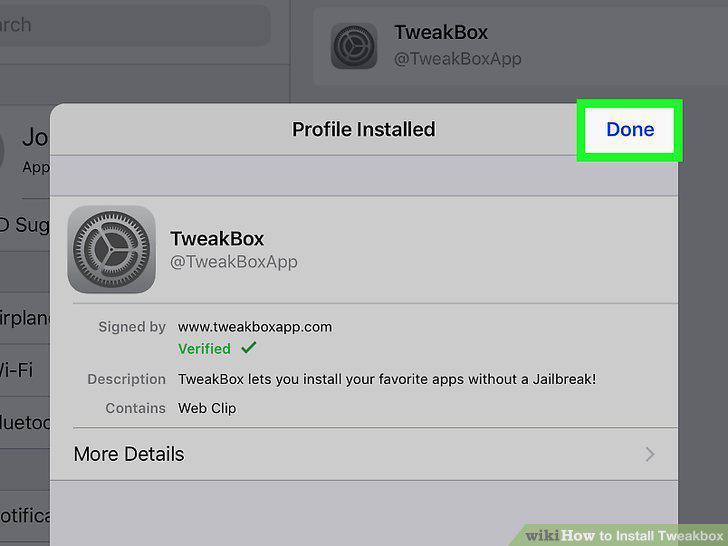
Tap Done.
Comments (0)
No comments yet. Be the first to share your thoughts!