How to Use Voice Control on iPhone or iPad
Open your iPhone or iPad's Settings .. Scroll down and tap Accessibility.. Scroll down and tap Voice Control.
Steps
Open your iPhone or iPad's Settings .
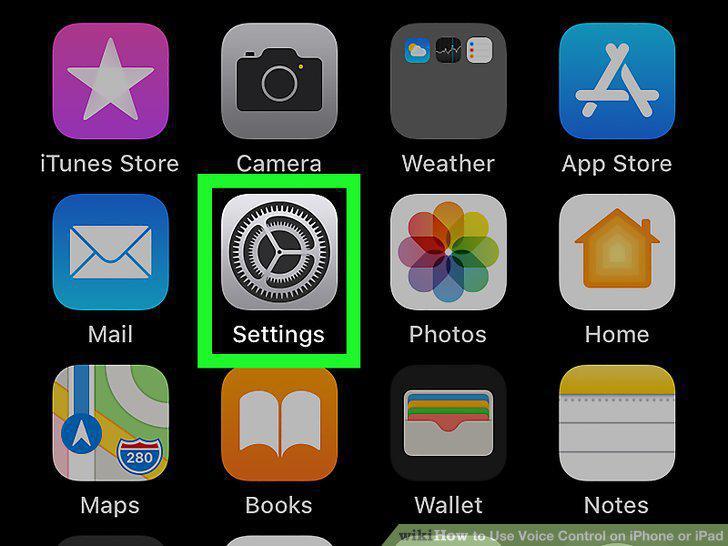
Open your iPhone or iPad's Settings .
Scroll down and tap Accessibility.
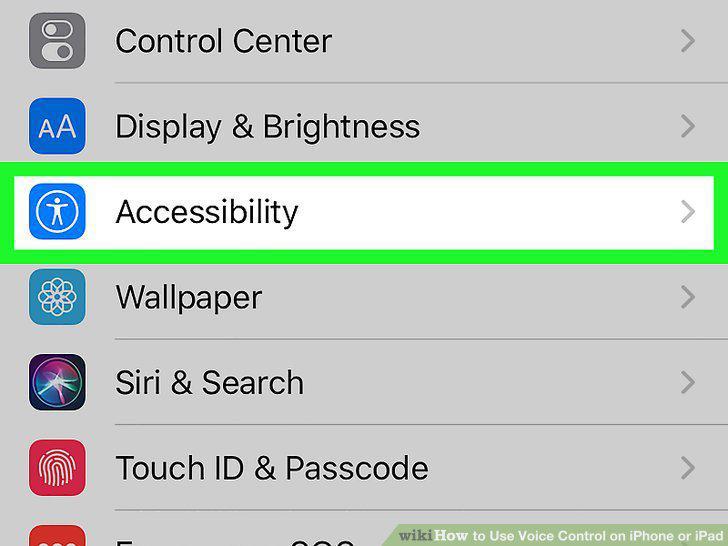
Scroll down and tap Accessibility.
Scroll down and tap Voice Control.
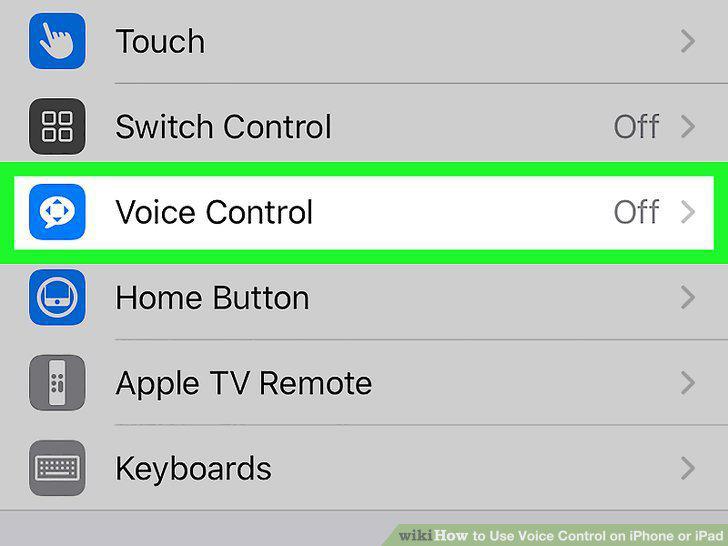
Scroll down and tap Voice Control.
Tap Set Up Voice Control.
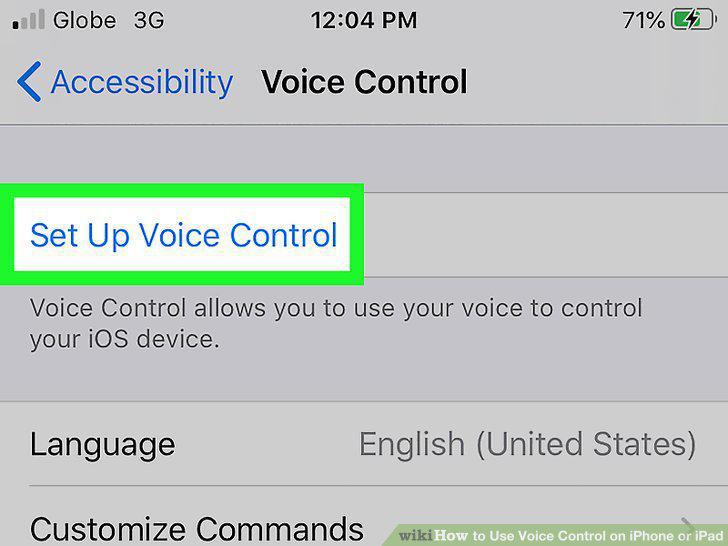
Tap Set Up Voice Control.
Review the "Welcome" screen and tap Continue.
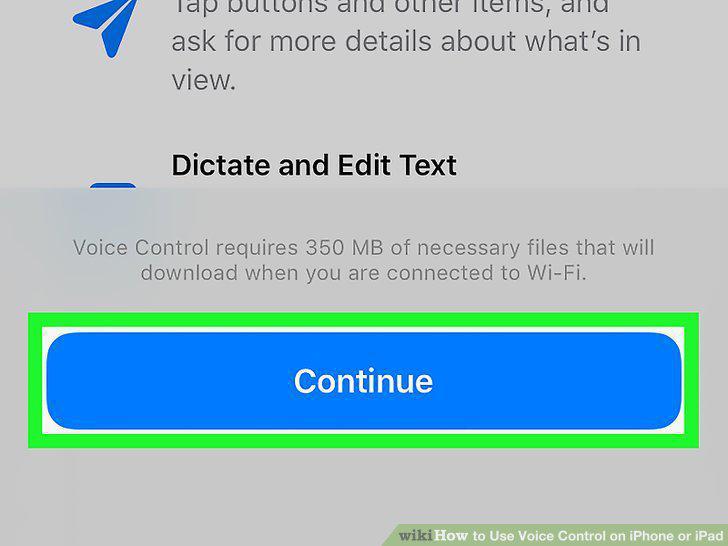
Review the "Welcome" screen and tap Continue.
Review the "What can I say?
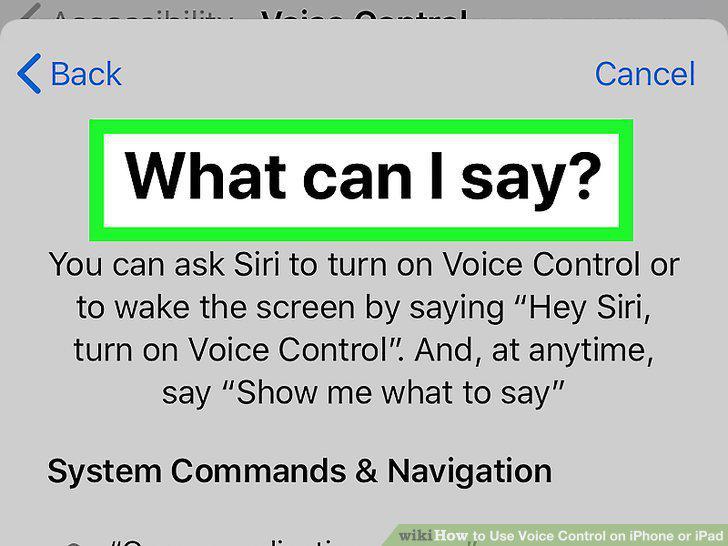
Review the "What can I say?
Choose whether to share Voice Control data.
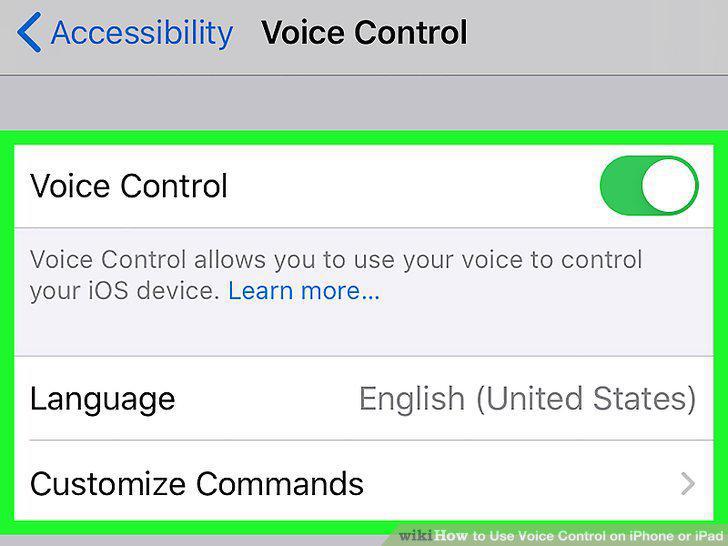
Choose whether to share Voice Control data.
Turn on Voice Control if it isn't on already.
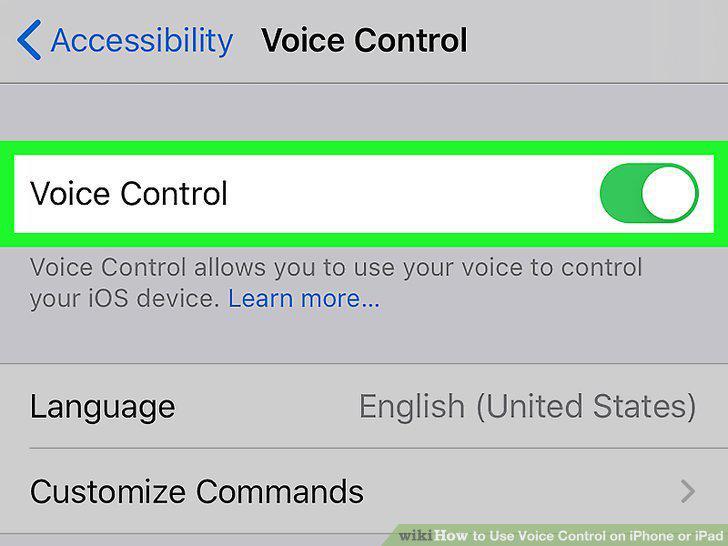
Turn on Voice Control if it isn't on already.
Say "Show me what to say.
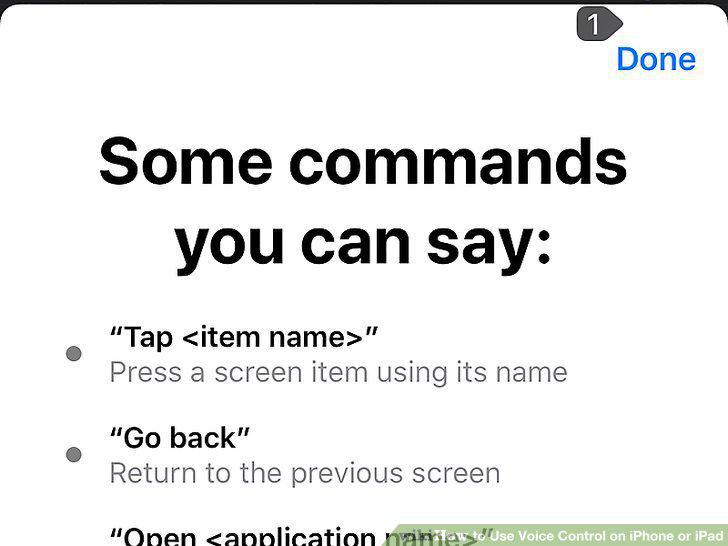
Say "Show me what to say.
Say "Tap Done.
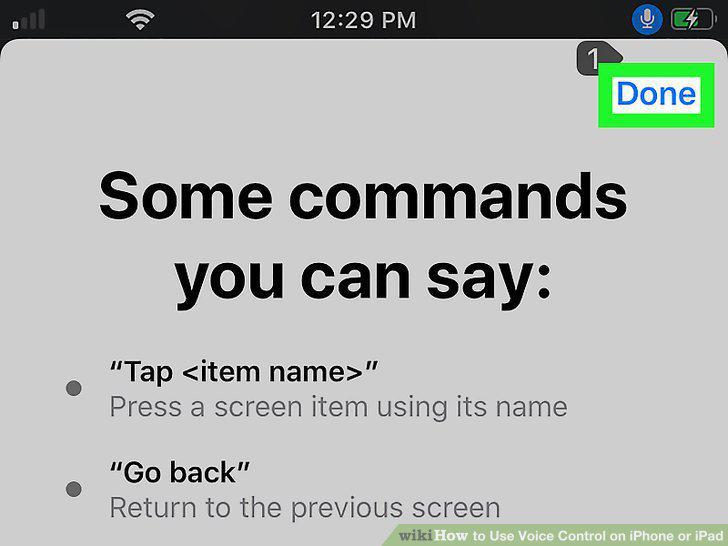
Say "Tap Done.
Enable a Voice Command overlay.
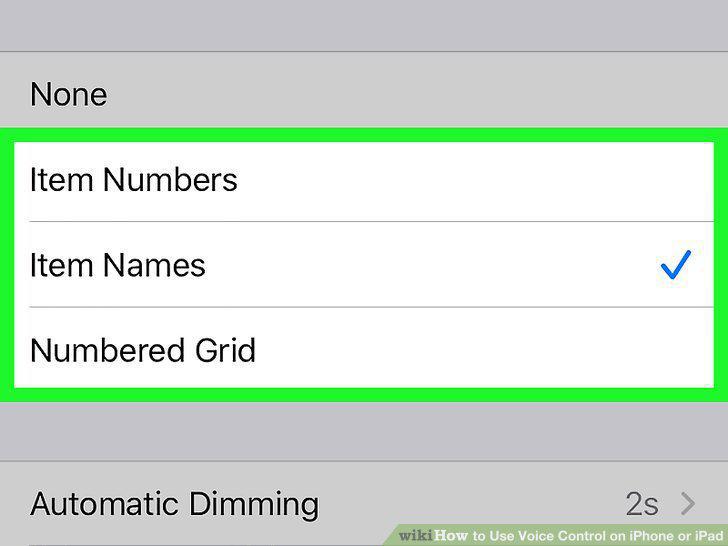
Enable a Voice Command overlay.
Say "Open (app name)" to launch an app.
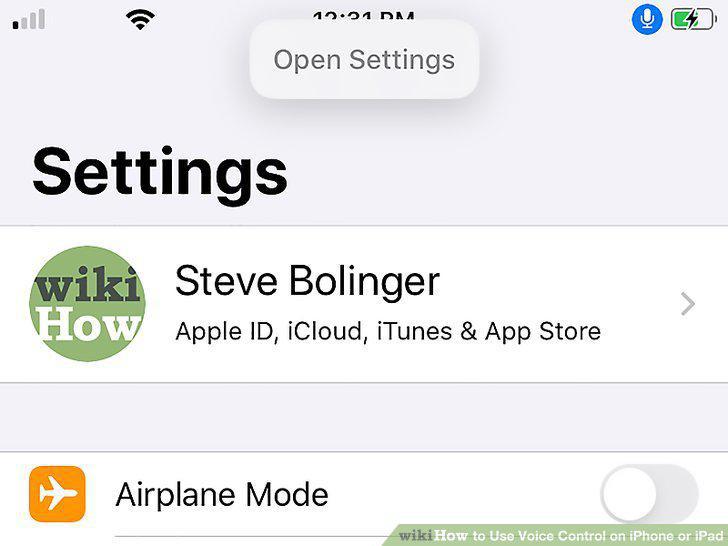
Say "Open (app name)" to launch an app.
Say "Swipe (left/right/up/down)" to use swiping gestures.
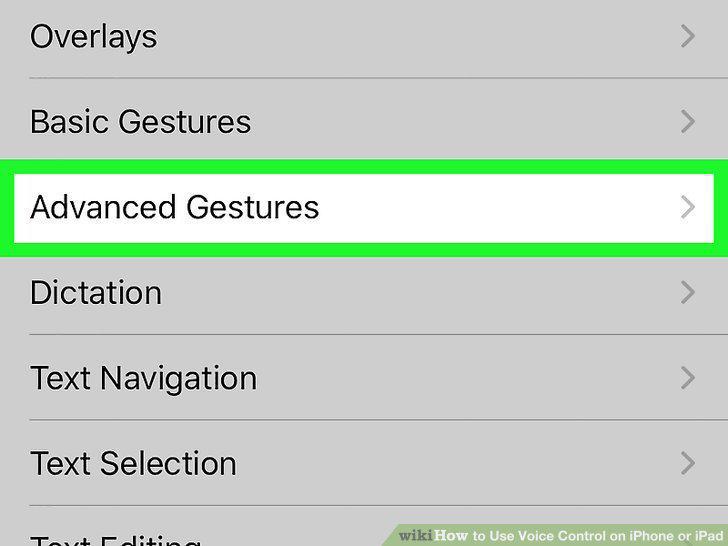
Say "Swipe (left/right/up/down)" to use swiping gestures.
Open your iPhone or iPad's Settings .
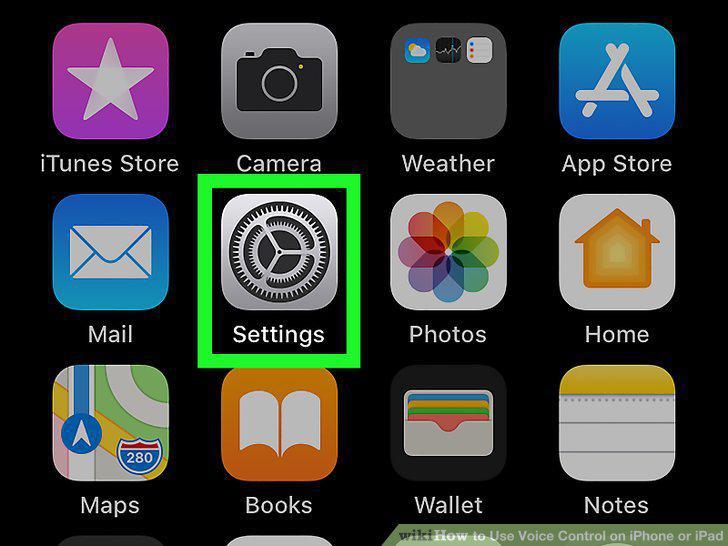
Open your iPhone or iPad's Settings .
Scroll down and tap Accessibility.
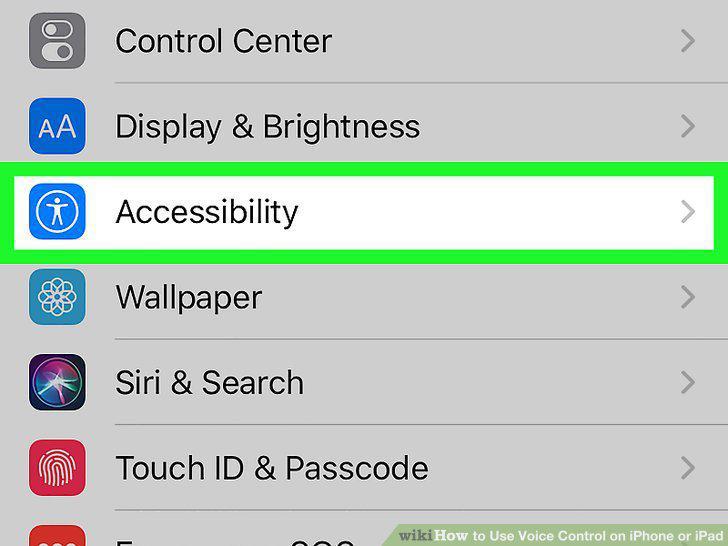
Scroll down and tap Accessibility.
Scroll down and tap Voice Control.
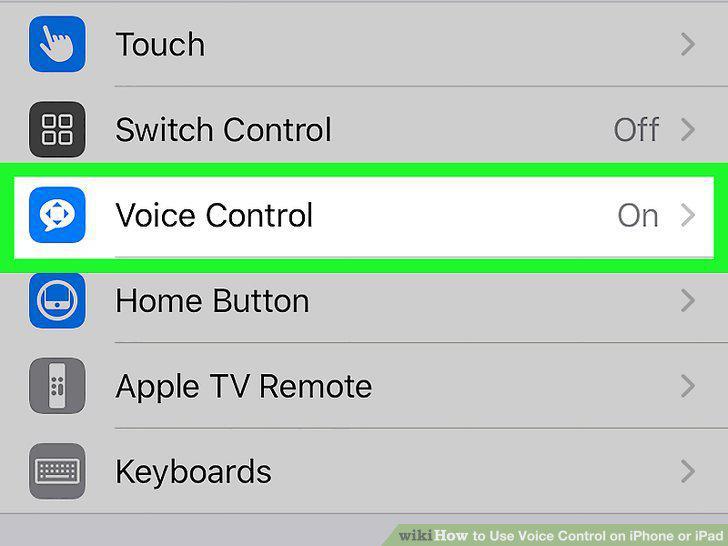
Scroll down and tap Voice Control.
Tap Customize Commands.
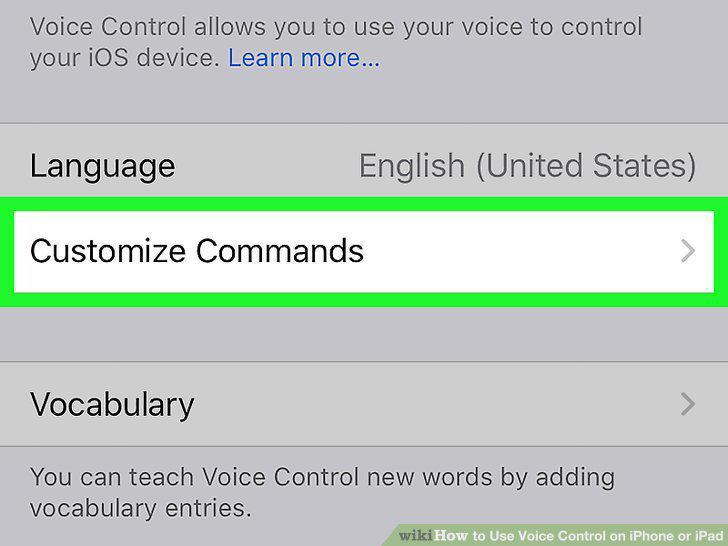
Tap Customize Commands.
Tap Create New Command to make a custom voice command.
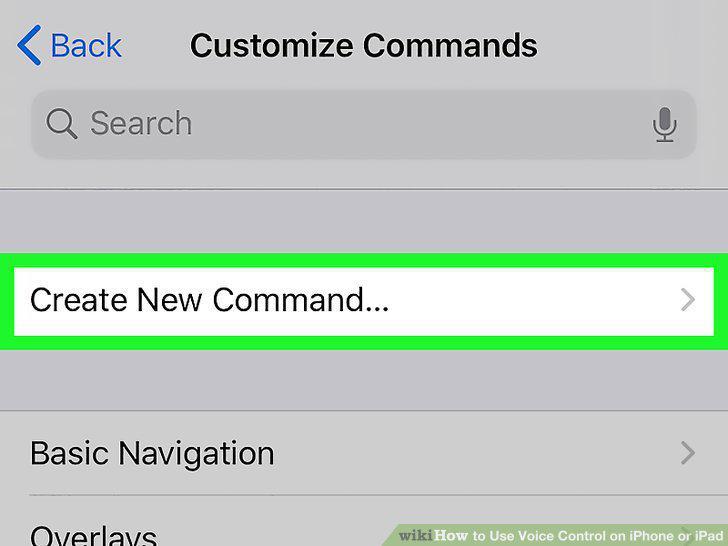
Tap Create New Command to make a custom voice command.
Type the phrase you want to use for this command.
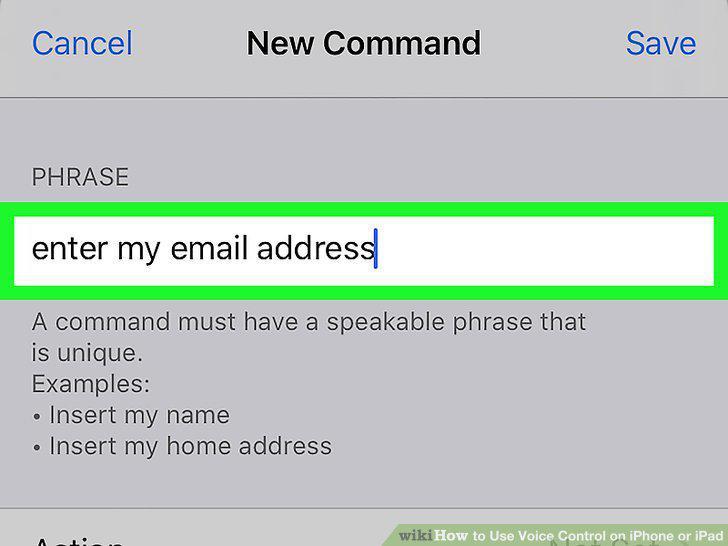
Type the phrase you want to use for this command.
Tap the Action menu.
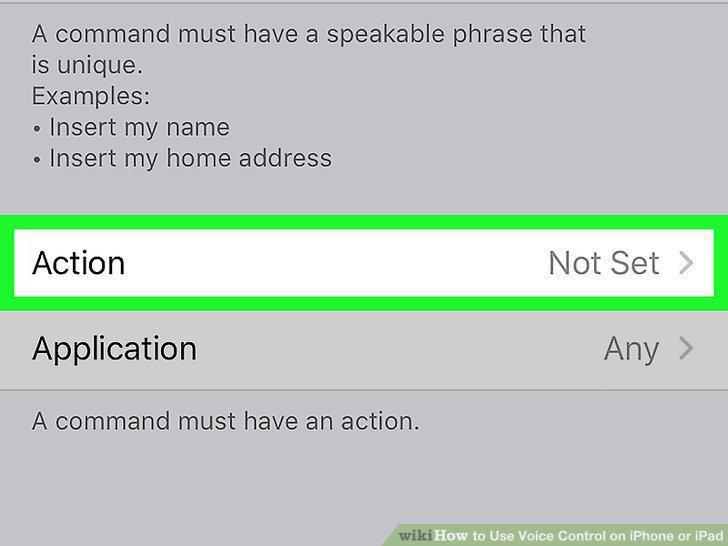
Tap the Action menu.
Create an action for your voice command.
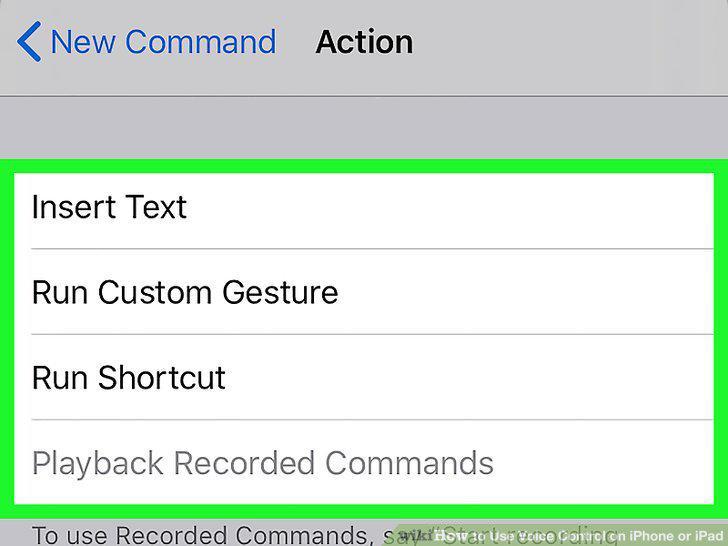
Create an action for your voice command.
Select an existing command.
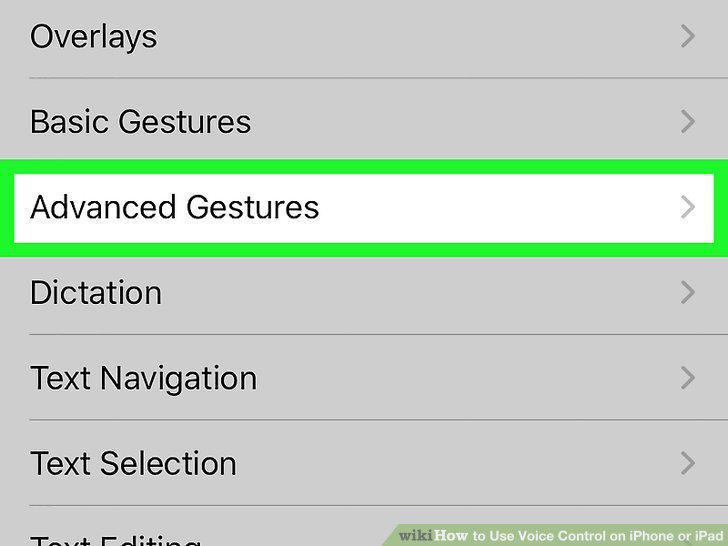
Select an existing command.
Comments (0)
No comments yet. Be the first to share your thoughts!