How to Switch from Hulu to Disney Plus
Log into your account at https://hulu.com and navigate to your account page.. Click Manage Plan.. Click + next to The Disney Bundle.
Steps
1
Log into your account at https://hulu.com and navigate to your account page.
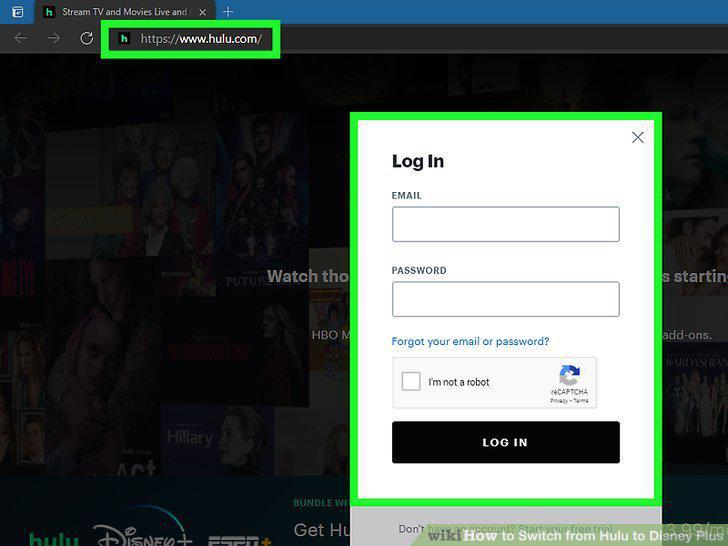
Log into your account at https://hulu.com and navigate to your account page.
2
Click Manage Plan.
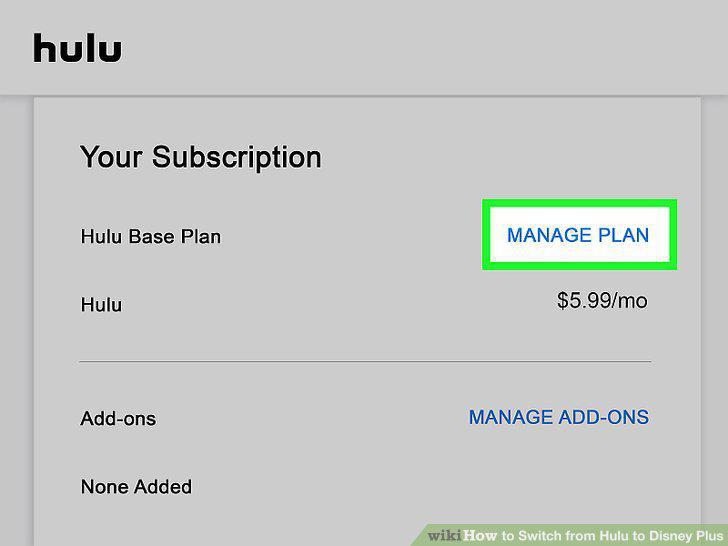
Click Manage Plan.
3
Click + next to The Disney Bundle.
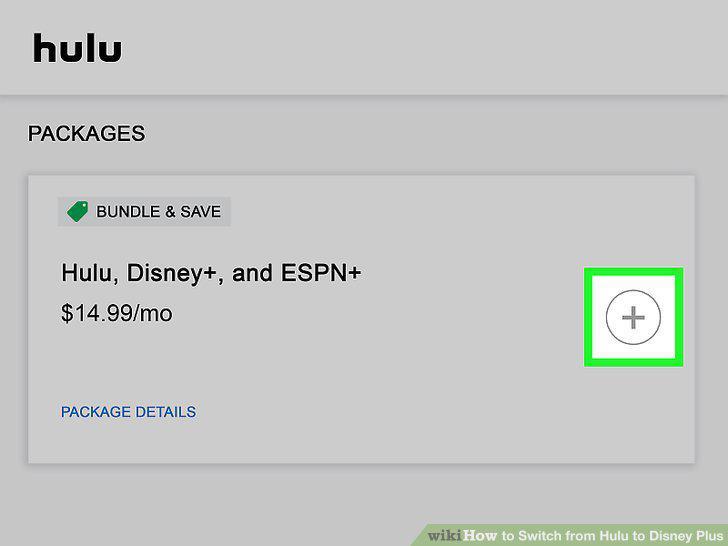
Click + next to The Disney Bundle.
4
Click Review Changes.

Click Review Changes.
5
Activate your Disney+ and ESPN+ accounts.
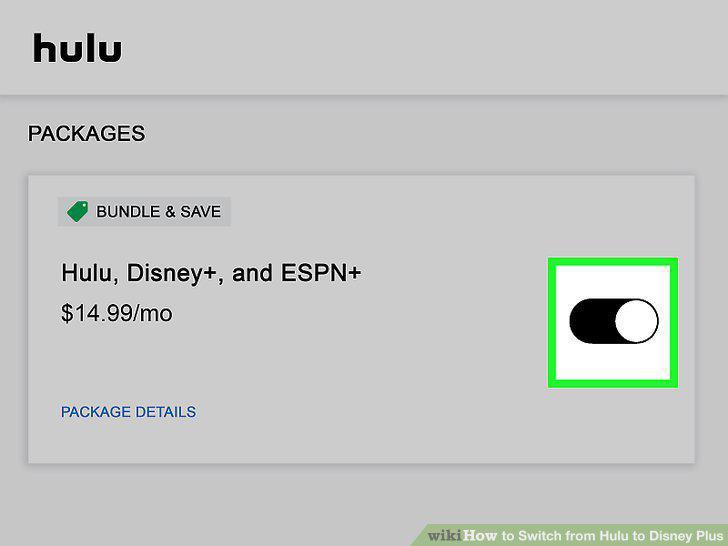
Activate your Disney+ and ESPN+ accounts.
Comments (0)
No comments yet. Be the first to share your thoughts!